Carnalia Retouch — VRChat Photo Editor for Windows (Free)
商品描述
Make your VRChat photos look their best before you post them.
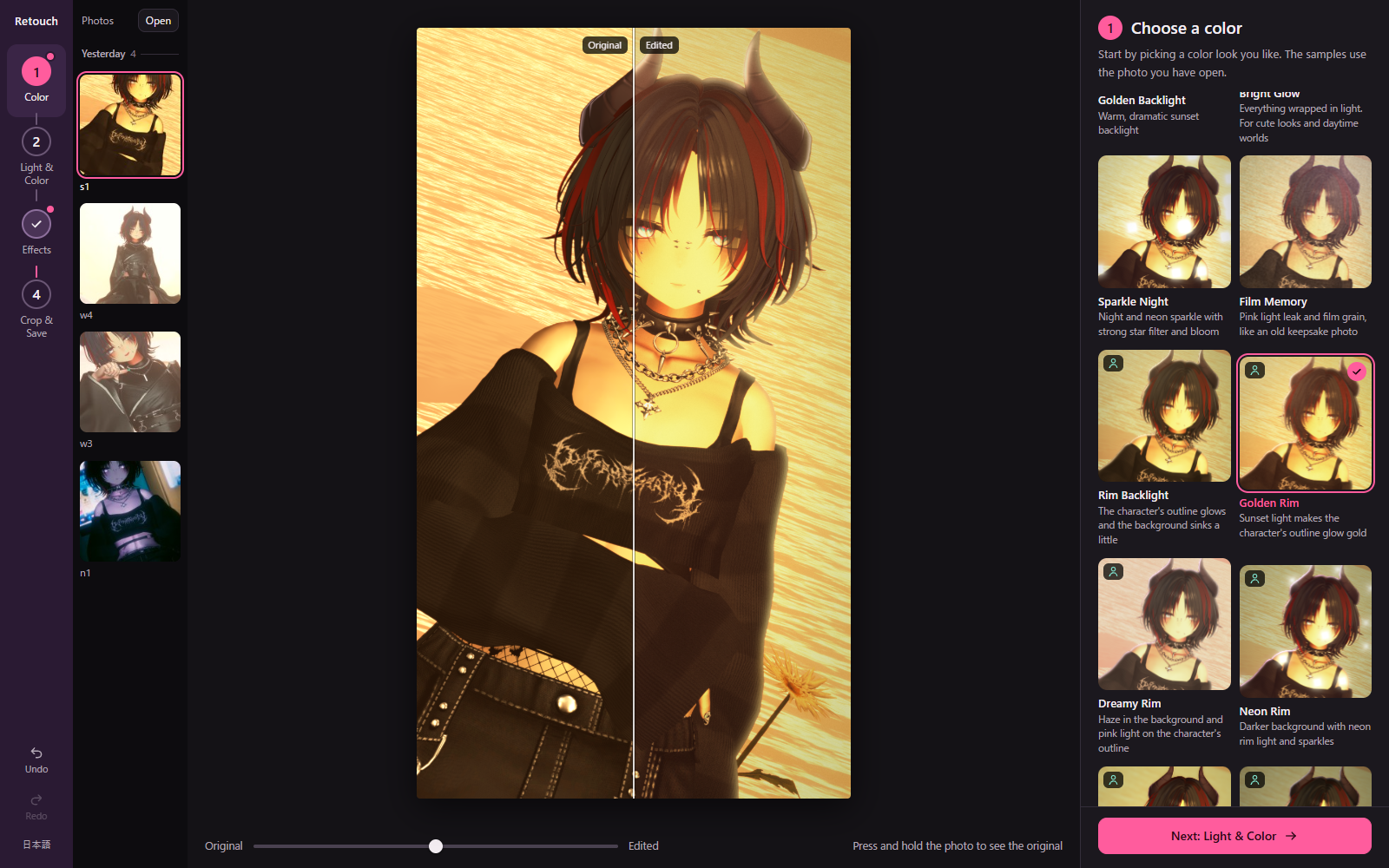
Carnalia Retouch is a free Windows app built just for VRChat screenshots. Pick a color look, adjust the light, add effects, and crop for social media — all in one window, step by step.
Who it's for
- You want your VRChat photos to stand out on X, Bluesky, or Discord
- Lightroom and Photoshop feel like too much — you want something as easy as a phone photo app
- You want to edit your avatar and the background separately (blur, darken, or desaturate just the background)
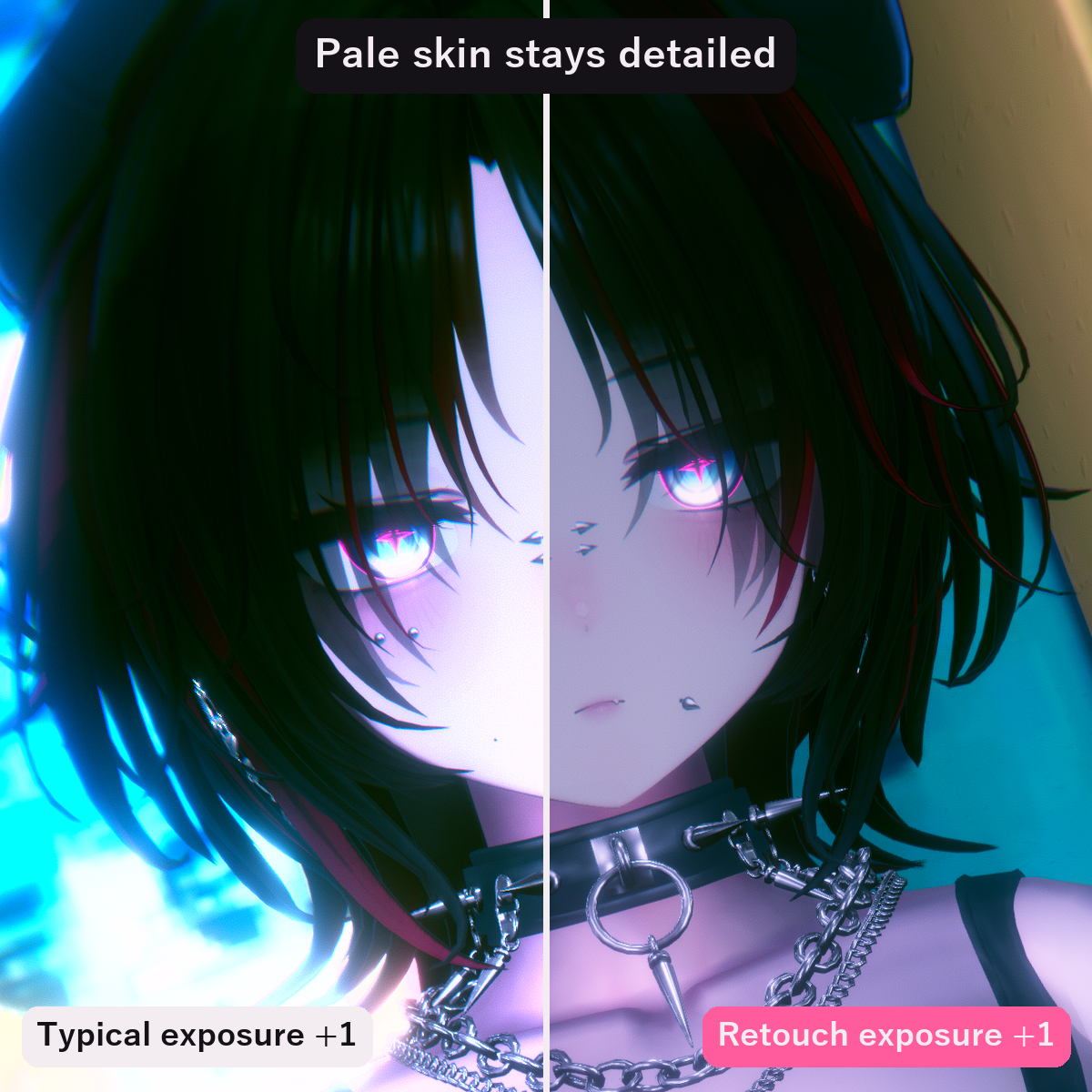
- Your pale-skinned avatar keeps blowing out to white or turning yellow
Features
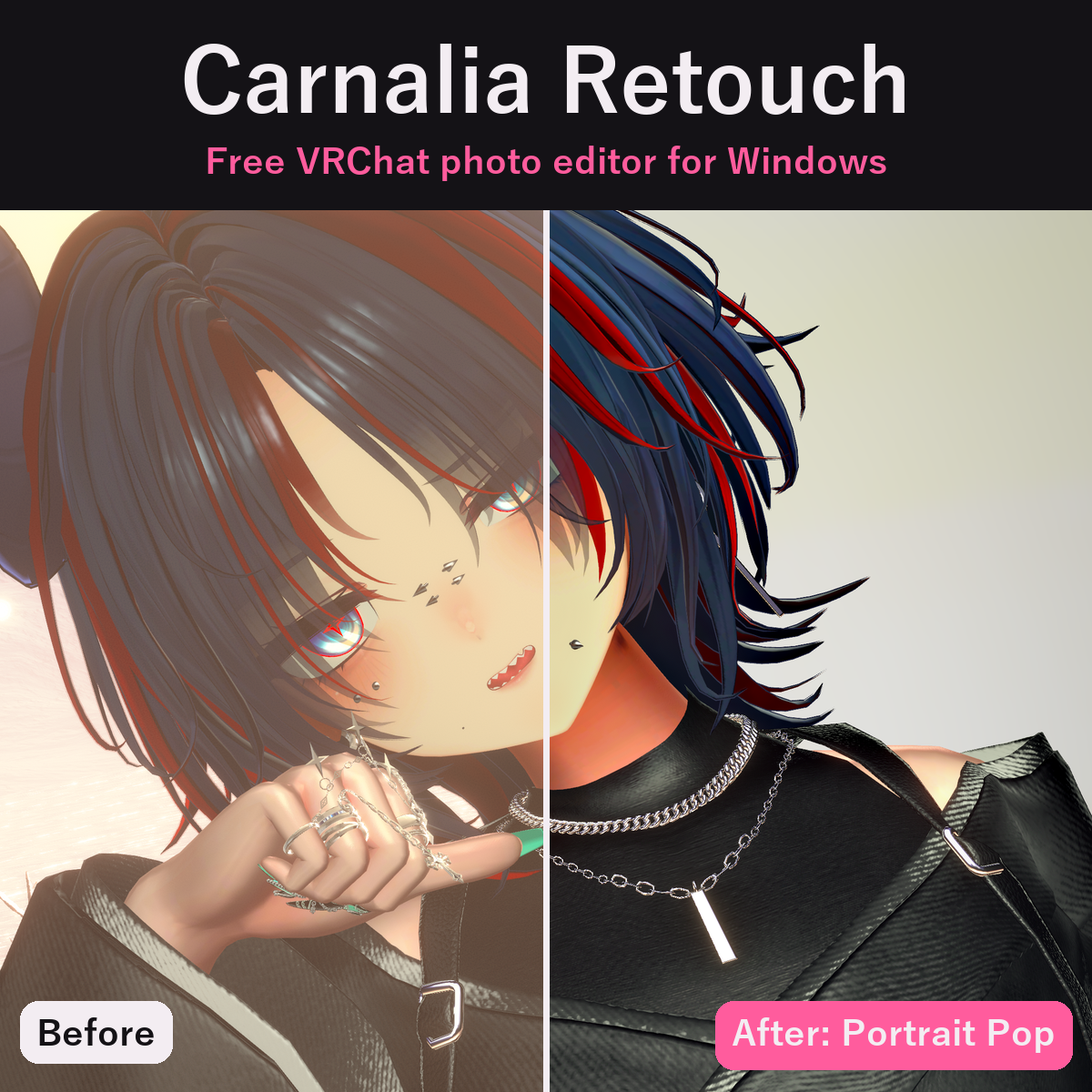
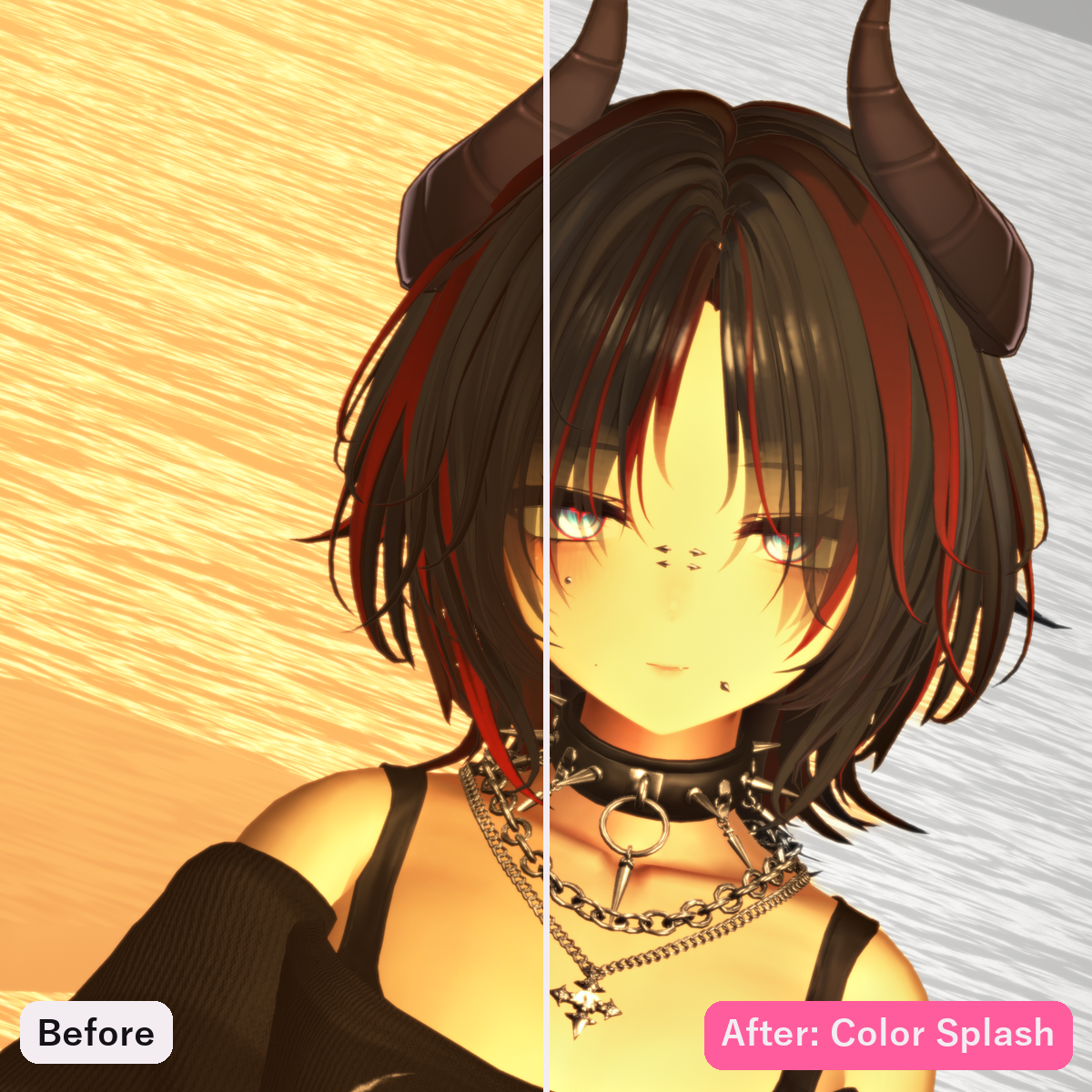
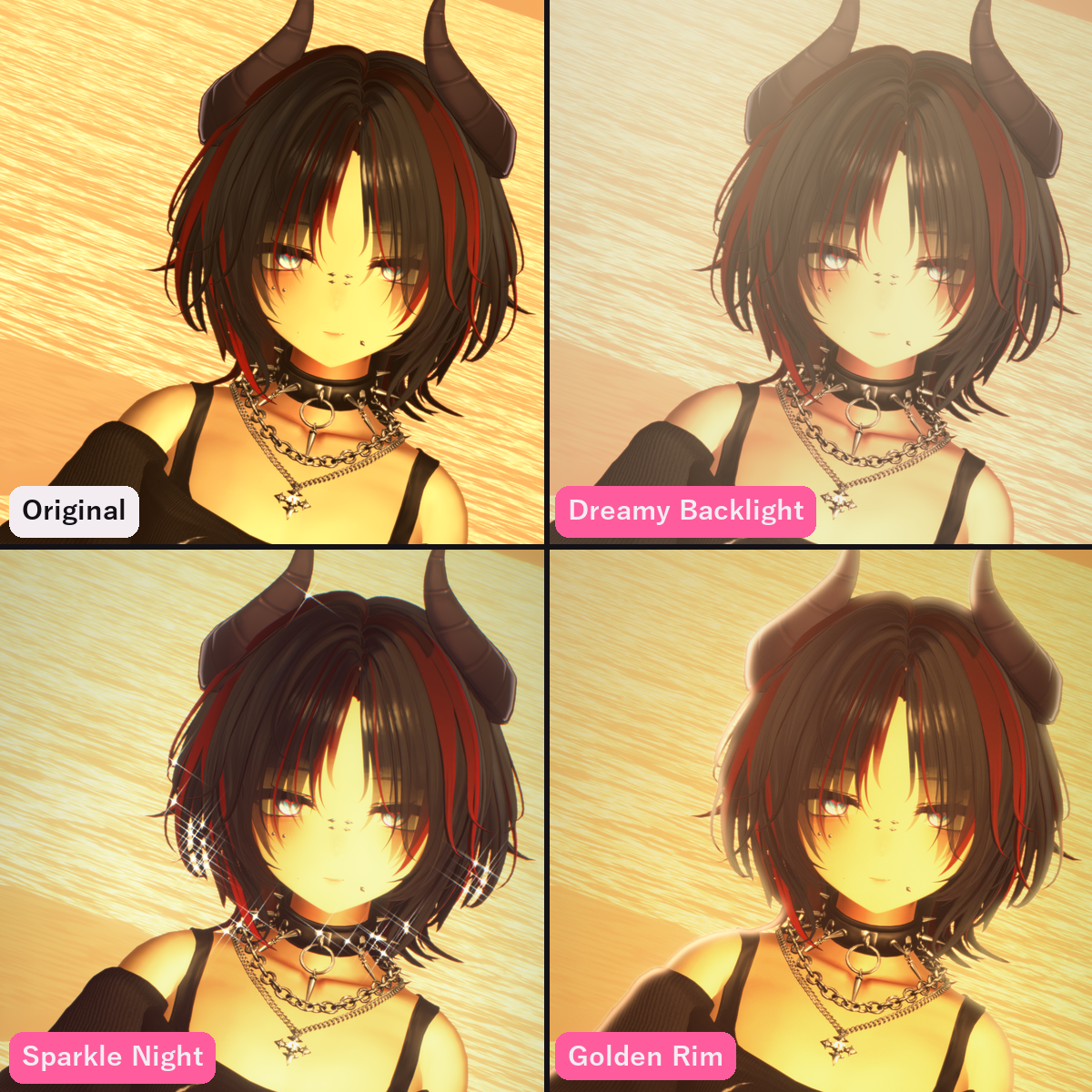
- One-click color looks — 16 color presets and 14 looks (color + effects combined). Previews are rendered from your own photo, so you see the result before you choose. Adjustable strength.
- Avatar and background, separately — Retouch cuts out your avatar automatically, so you can blur, darken, desaturate, or recolor only the background, or brighten only your avatar. Also supports VRChat's layered capture (_Environment / _Player).
- Skin-safe brightness — brightness tools are tuned for VRChat's bright, pale skin tones, so faces don't blow out.
- 13 adjustments — Exposure, Contrast, Highlights, Shadows, Temperature, Dehaze, and more (the same terms as Lightroom). Apply them to the whole photo, the avatar only, or the background only.
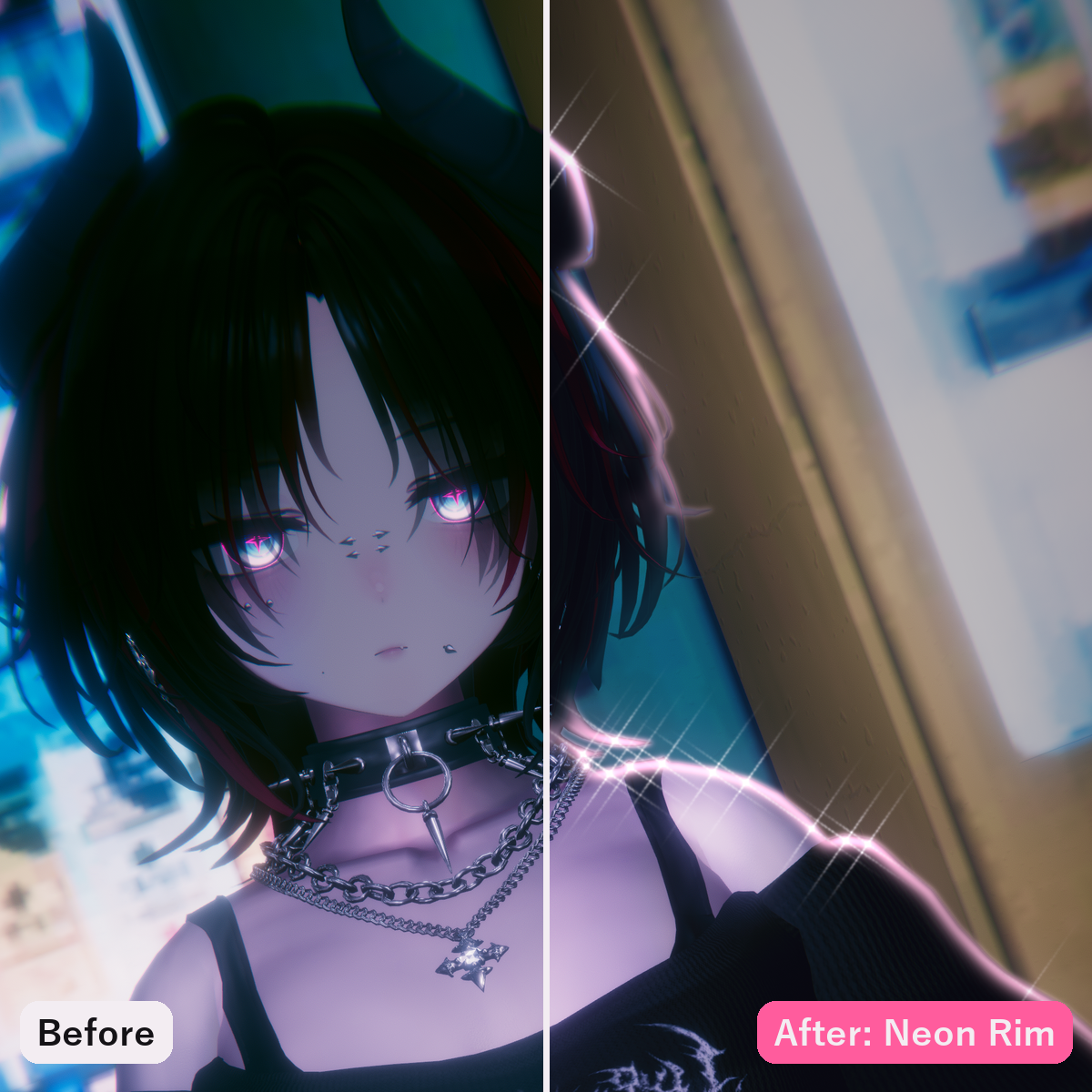
- 17 effects — backlight & light leaks, bloom, horizontal light streaks, rim light, background blur, bokeh, rain, eye highlight, film grain, and more. Choose the light's position and color.
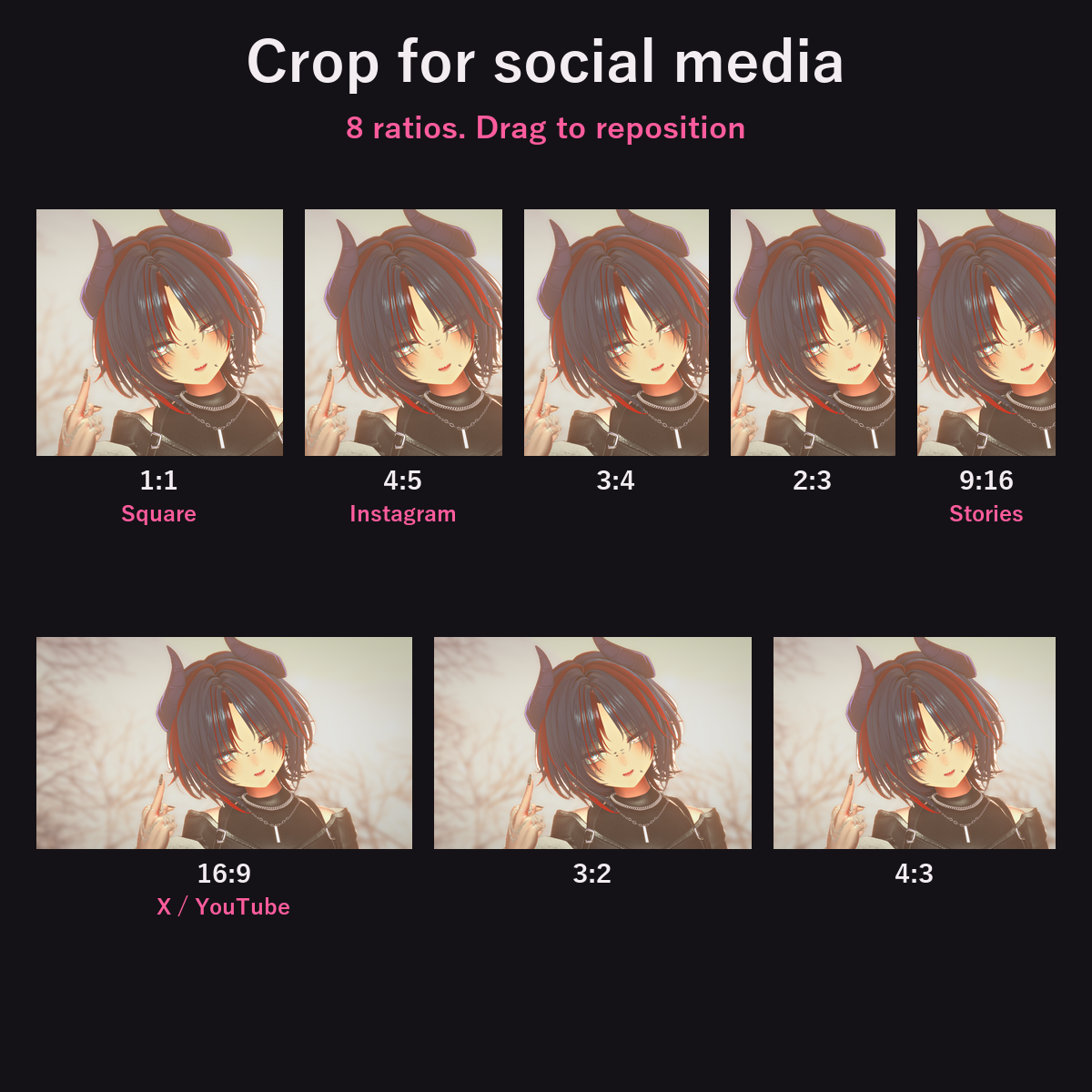
- Crop for social media — 8 ratios including 1:1, 4:5, 9:16, and 16:9. Drag to reposition.
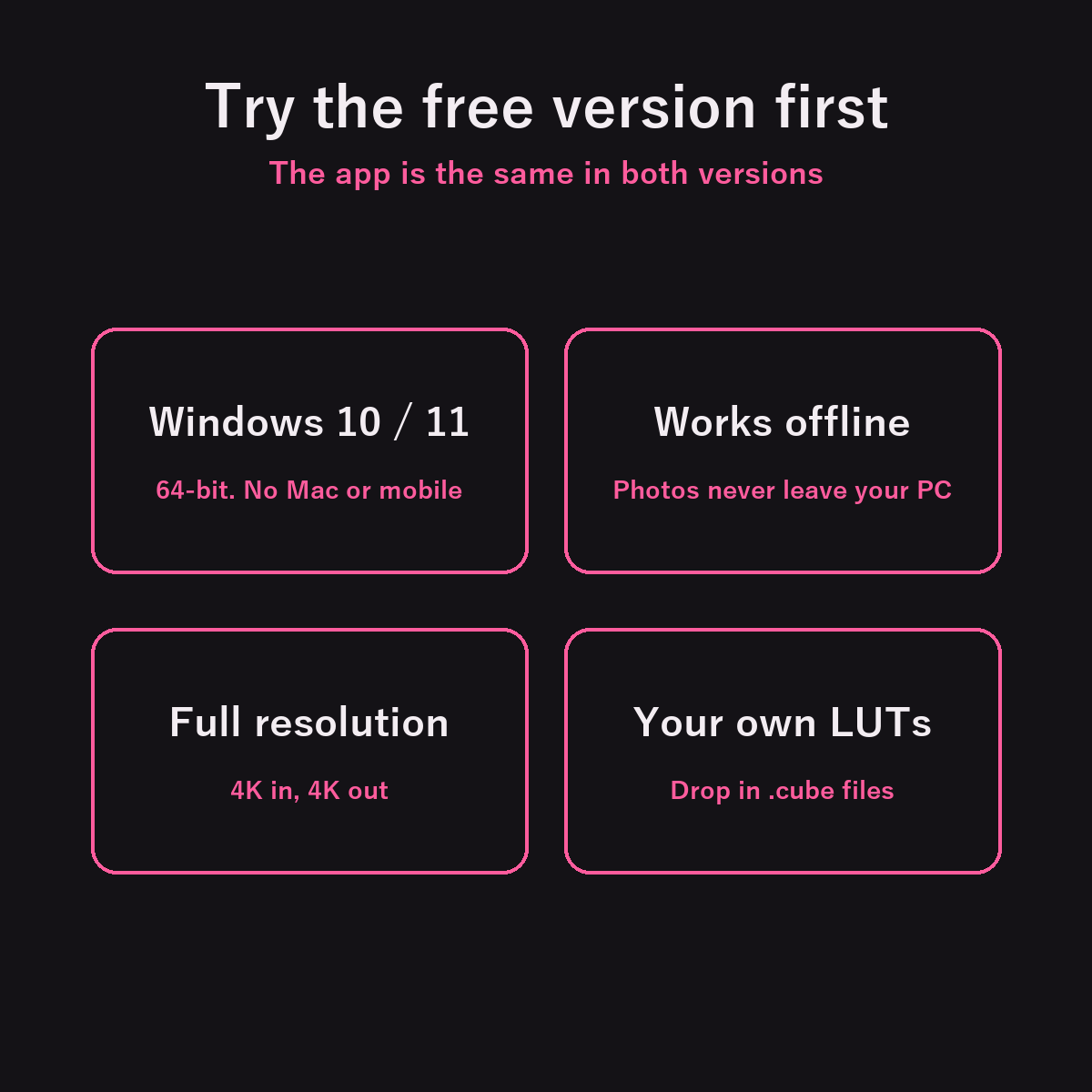
- Also — before/after split view, undo/redo (Ctrl+Z / Ctrl+Y), saves at full resolution, load your own LUTs (.cube).
Everything runs on your PC. Your photos are never uploaded anywhere, and no internet connection is needed.
How to use
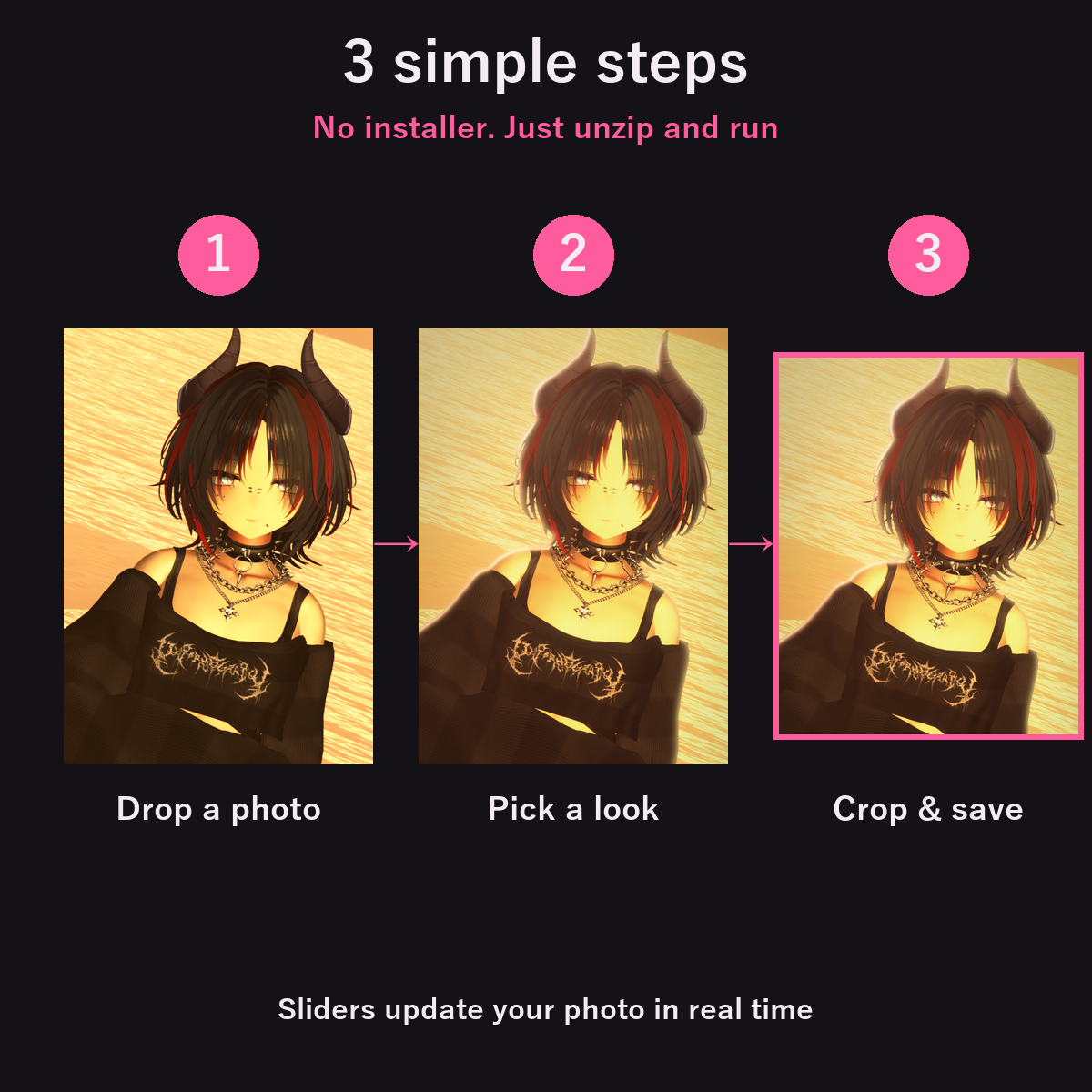
- Run Retouch_Setup_v1.1.1.exe and follow the steps (no admin rights needed)
- Open "Carnalia Retouch" from the Start menu
- Drag a photo into the window
- Go through the steps: (1) Color → (2) Light & Color → (3) Effects → (4) Crop & Save
Sliders update the photo in real time (GPU rendered).
Requirements
- Windows 10 / 11 (64-bit)
- Microsoft Edge WebView2 Runtime (pre-installed on Windows 11)
- A GPU that supports WebGL2
- About 260 MB download (installer), about 600 MB free space after installing
- Not supported: Mac, smartphones, Windows on ARM
Before you start
- Windows may show "Windows protected your PC" when you run the installer. This happens because Retouch is made by an individual and isn't code-signed. Click More info → Run anyway. (Also explained in the included README.)
- Follow the terms of the avatars, outfits, and worlds that appear in your photos.
- The app is in English and Japanese. It follows your Windows language, and you can switch with the button at the bottom left.
- If something doesn't work, email the support address shown on your receipt.
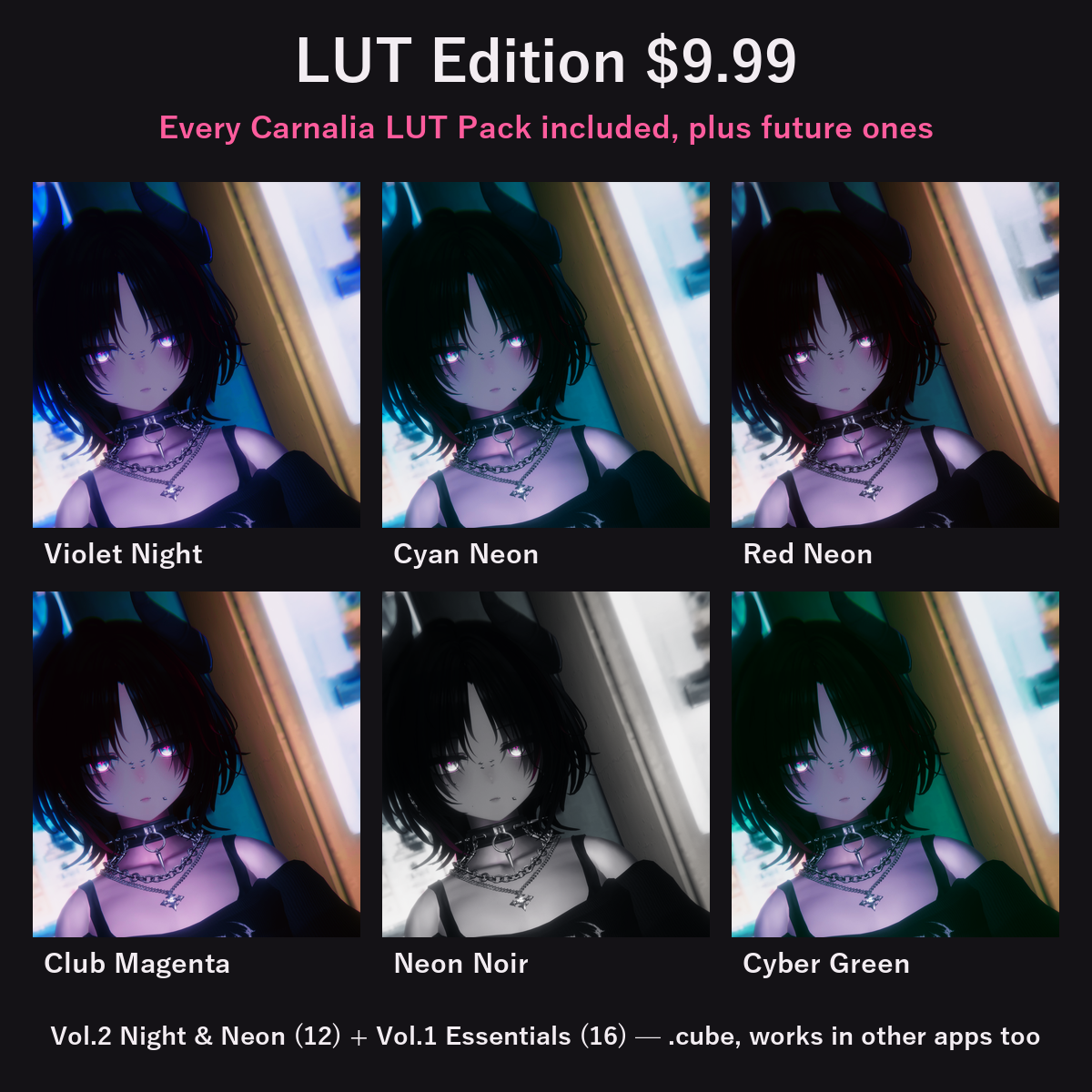
LUT Edition ($9.99)
The app is exactly the same in both versions — try the free one first. The LUT Edition adds every Carnalia LUT Pack as .cube files, and future packs will be added too.
- Carnalia LUT Pack Vol.2 — Night & Neon (12 LUTs). New colors that aren't built into Retouch. Put them in Retouch's "My LUTs" folder and pick them with live previews.
- Carnalia LUT Pack Vol.1 — Essentials (16 LUTs). The same colors as Retouch's built-in presets, as .cube files for Photoshop, DaVinci Resolve, and other apps.
- The LUT file names are in English; the included README files are in Japanese.
FAQ
Windows says "Windows protected your PC" when I run the installer.
Retouch is made by an individual and isn't code-signed, so Windows shows this screen. Click "More info" → "Run anyway". The included README_EN.txt explains it too.
Does it work on Mac or my phone?
No. Windows 10 / 11 (64-bit) only. Windows on ARM isn't supported either.
What can't I do in the free version?
Nothing — the app is the same. The LUT Edition only adds the Carnalia LUT Packs (Vol.1 and Vol.2).
Are my photos uploaded anywhere?
No. Editing and saving all happen on your PC, and it works without an internet connection.
Can I use it in English?
Yes. It opens in English if your Windows display language isn't Japanese, and you can switch with the button at the bottom left.
Avatar, outfit & hair in the product images
Used with thanks for the product images. Not included with this product.
- Avatar: Milltina by DOLOS (@DOLOS_VRChat) — https://booth.pm/ja/items/6538026
- Outfit: KASANE by ANNYON — https://booth.pm/ja/items/8982008
- Hair: まじ鬼ウルフ (Maji Oni Wolf) by muu — https://booth.pm/ja/items/7903171
- Piercings: Maddi Pias by ST4Y CØØL — https://booth.pm/ja/items/5821103
- Ring: †Stellar Bind† Chain Ring by ARCA-WORKS — https://booth.pm/ja/items/6335926
- Nails: Chocolate rice Nail by Chocolate rice — https://booth.pm/ja/items/7416839
- Worlds: NOTHING by 별 보기 / 枯羽に宿る希望 by くろしま / 雪晴の夜明け by mackerel_misogi
What's included
- Retouch_Setup_v1.1.1.exe (installer). It installs Retouch.exe, README_EN.txt / TERMS_EN.txt (English), はじめにお読みください.txt / 利用規約.txt (Japanese) and THIRD_PARTY_LICENSES.txt
- To uninstall: Windows Settings → Apps → Carnalia Retouch
- LUT Edition only: the "Carnalia LUT Pack Vol.1" and "Carnalia LUT Pack Vol.2" folders
Terms (summary)
- Photos you edit with Retouch are yours. Use them for anything, commercial or not. No credit needed.
- Don't redistribute or resell the app (including the free version).
- Full terms: TERMS_EN.txt in the download. If the English and Japanese versions differ, the Japanese version applies.
More from Carnalia
- SplitShot (free) — make side-by-side comparison photos of two avatars in Unity
- Build Report (free) — check your avatar's real performance and menu after NDMF / VRCFury processing
Find them on BOOTH: https://carnalia.booth.pm/
Changelog
2026-11-27 v1.1.1 — First release on Jinxxy (English UI)