商品描述
 PC only. Quest standalone is not supported.
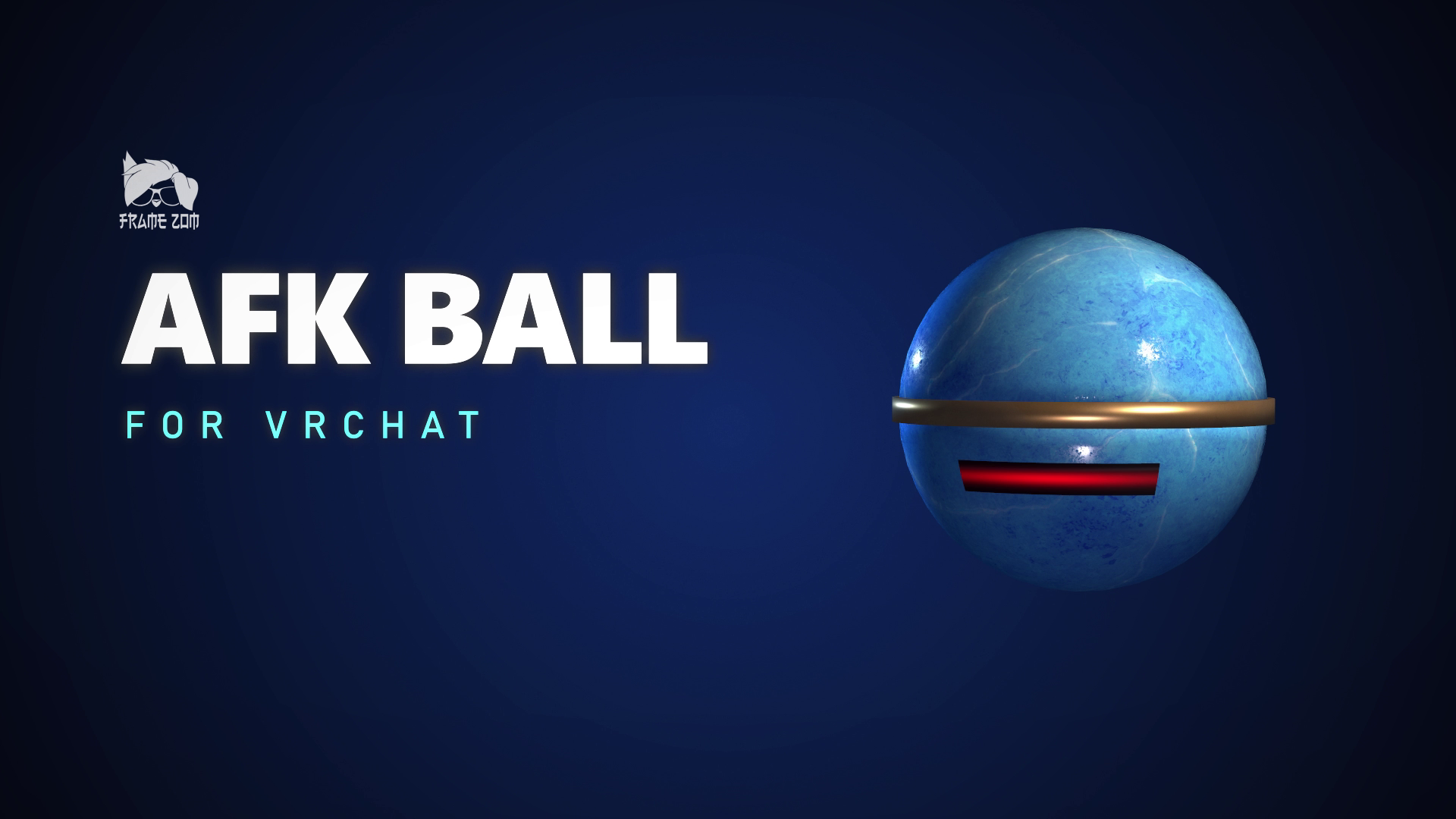
Going AFK? The ball's got you.
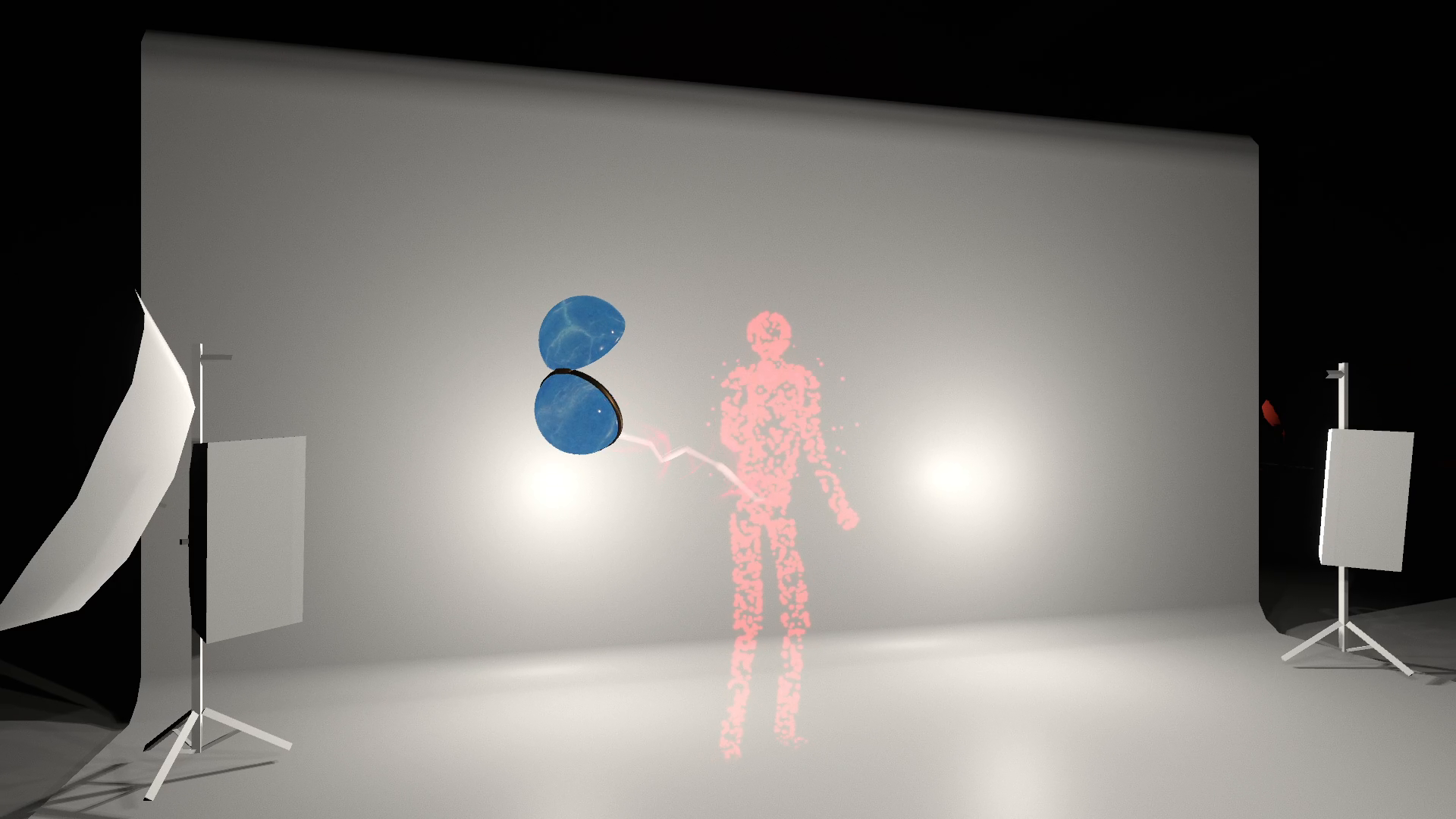
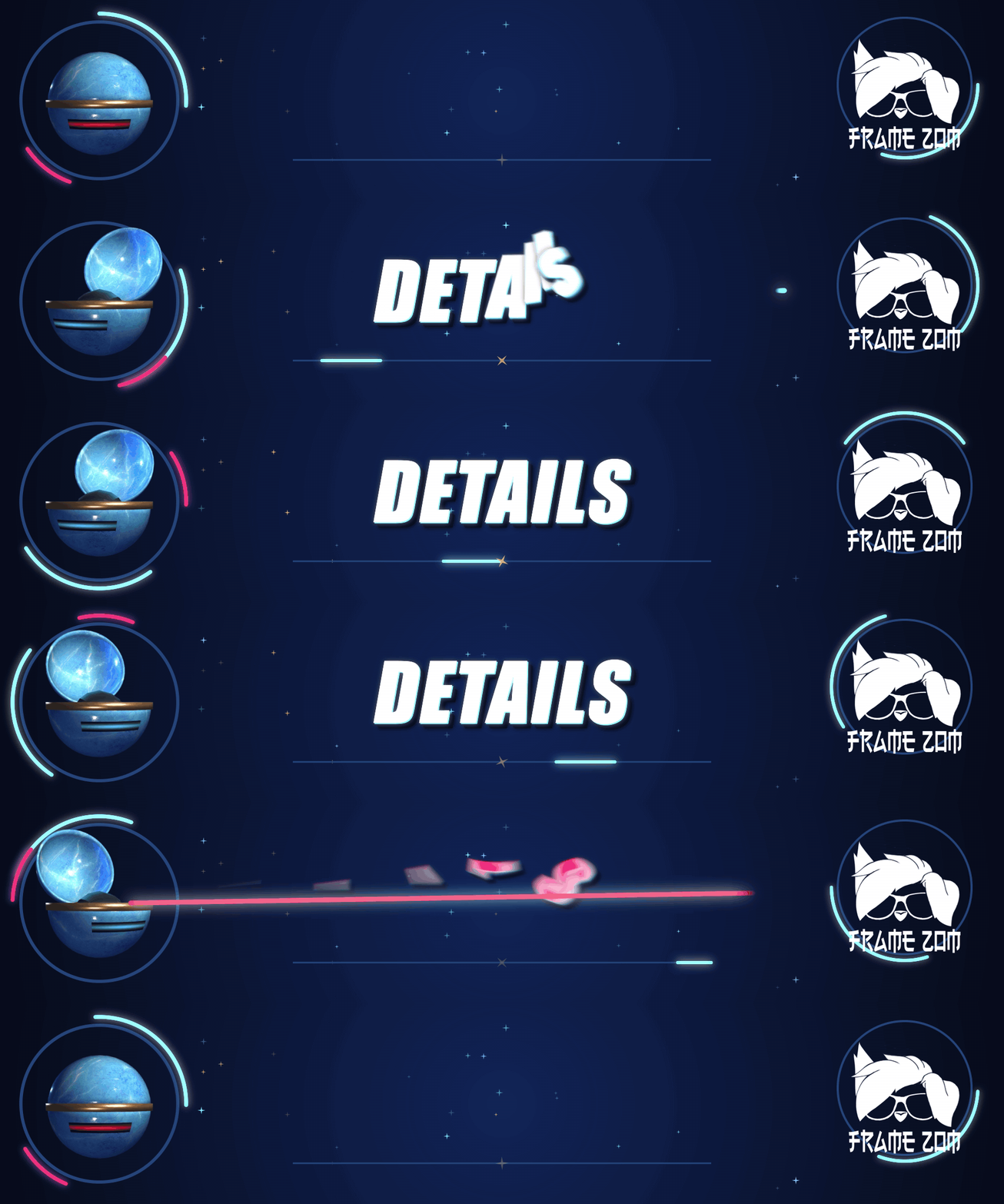
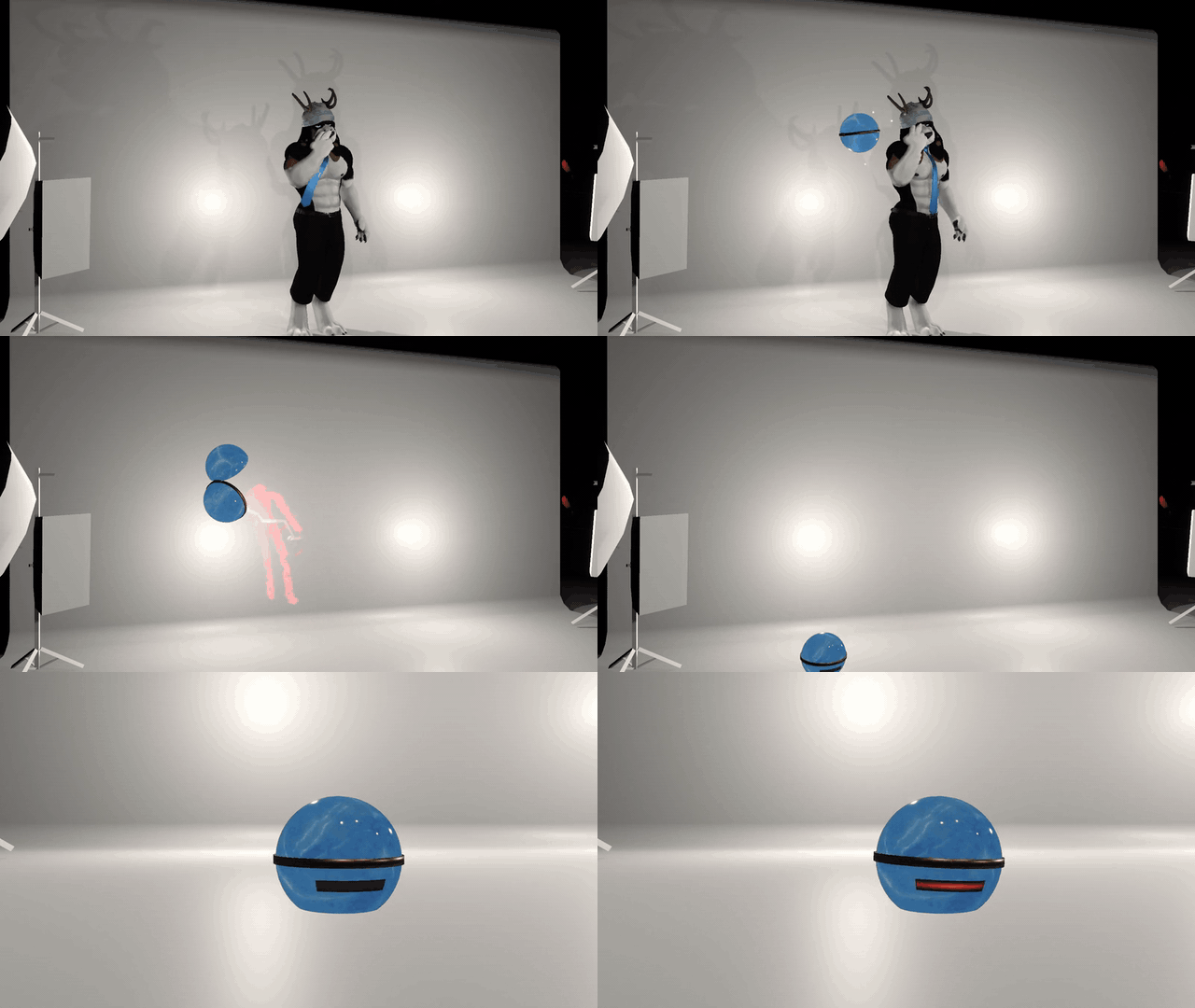
Take a break. When VRChat marks you AFK, a blue ball drops in, opens up and pulls your red silhouette inside with an energy beam. It starts on its own, like when you take off your headset.
Three shakes. Then it waits.
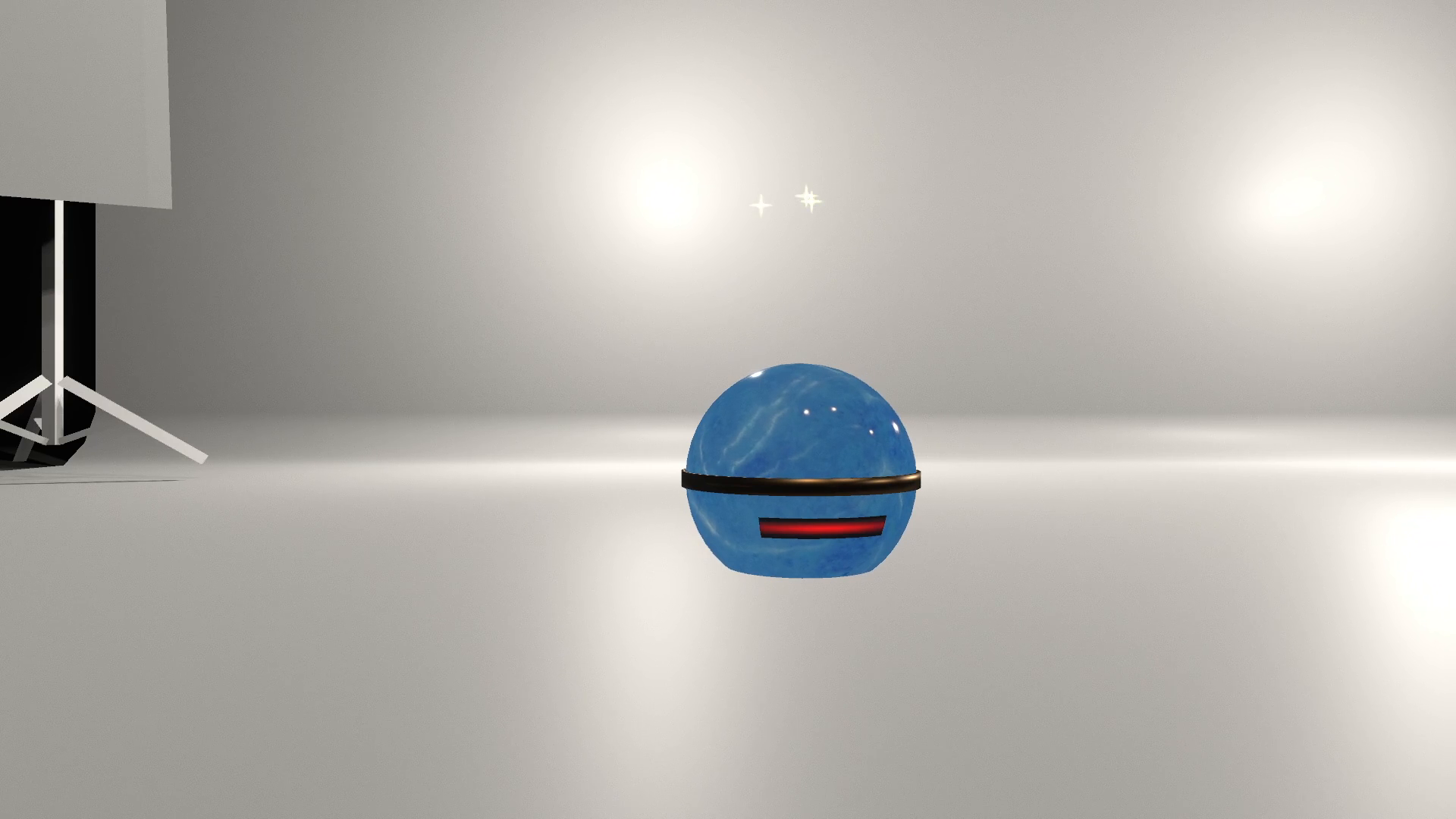
The ball lands, shakes three times and stays there with its light pulsing while you're away. Custom sounds follow the drop, capture, landing, shakes and release.
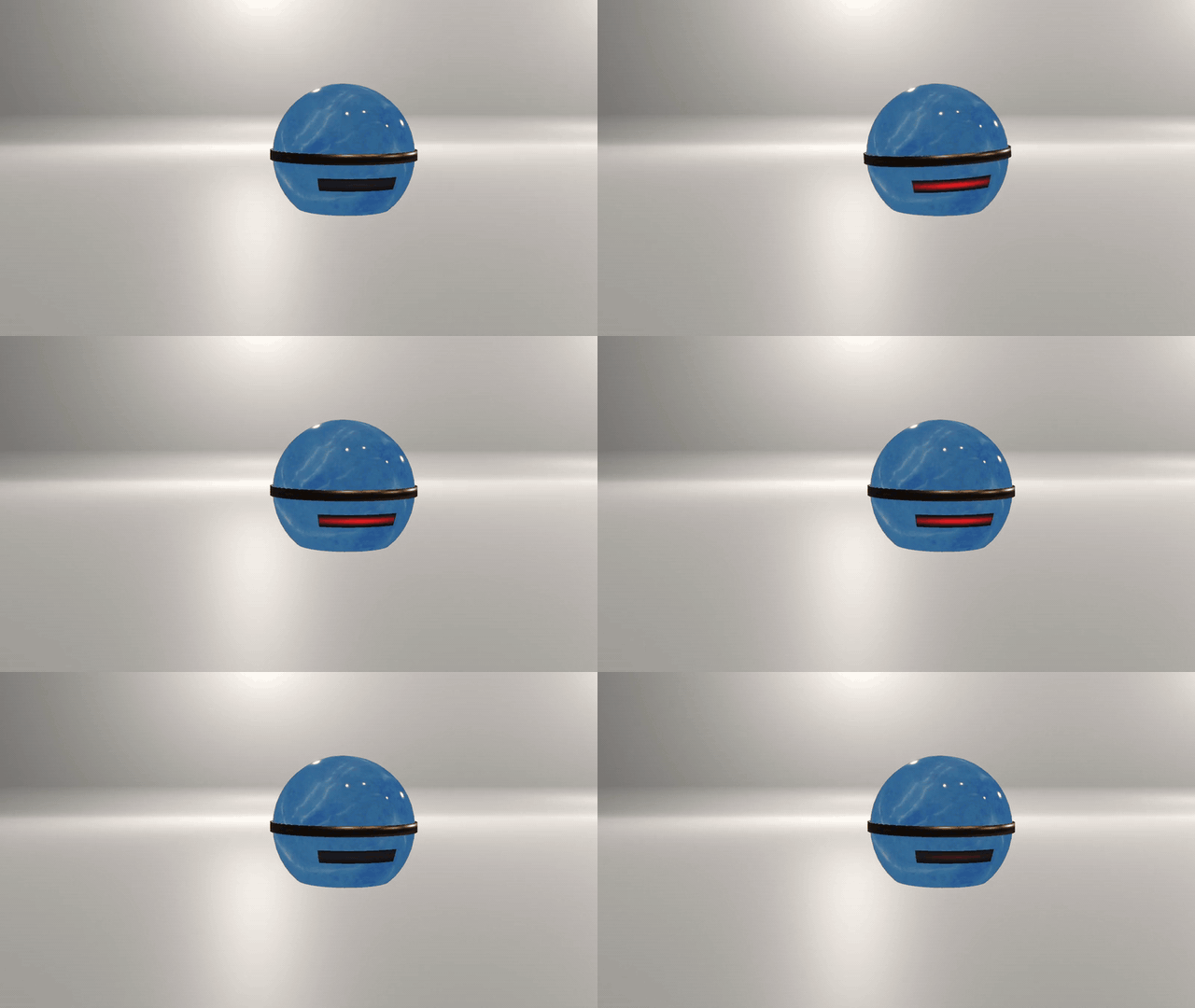
Back? You're out.
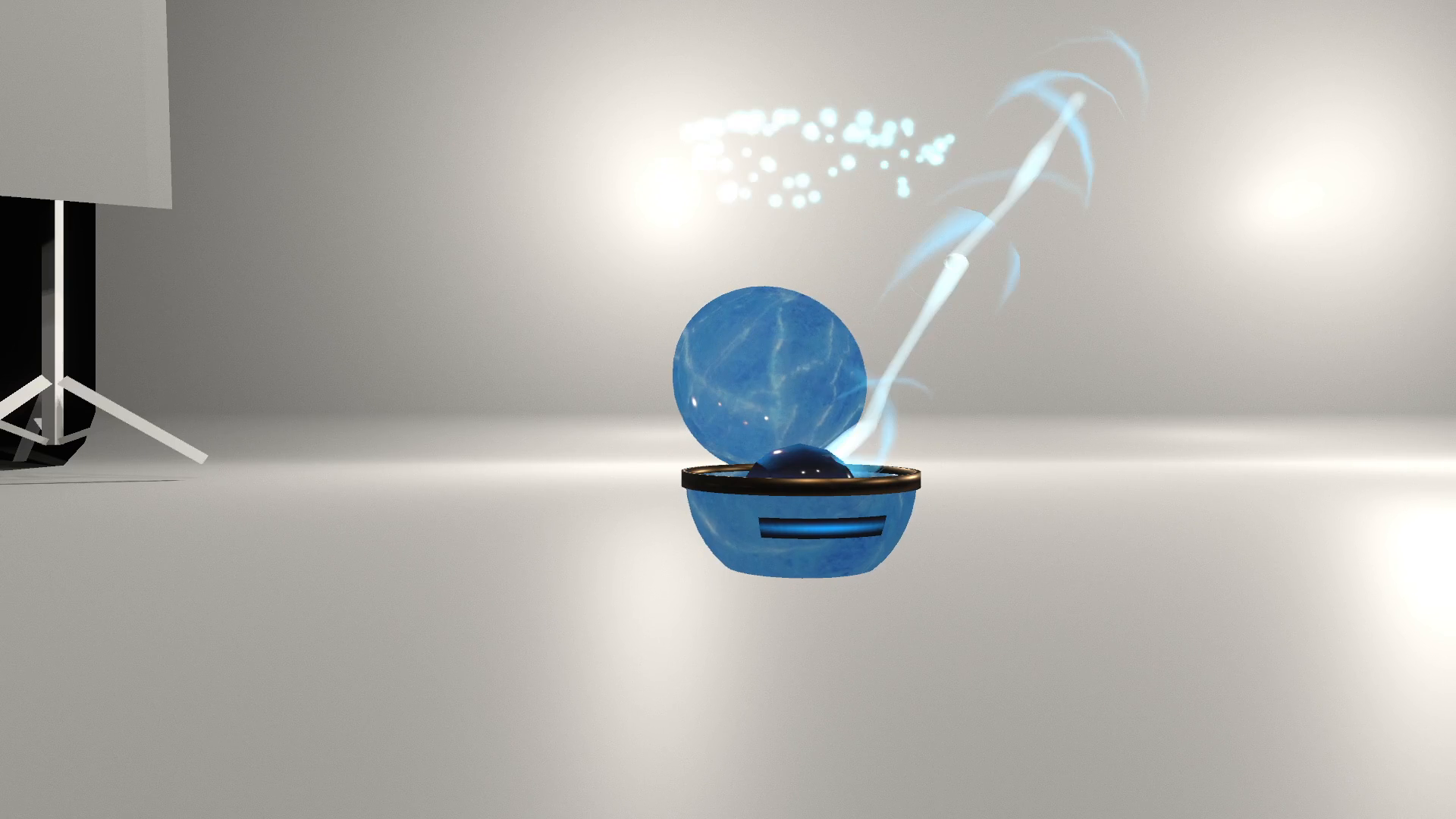
Come back and the lid pops open with a cyan flash. Your avatar returns, and the ball gets out of the way.
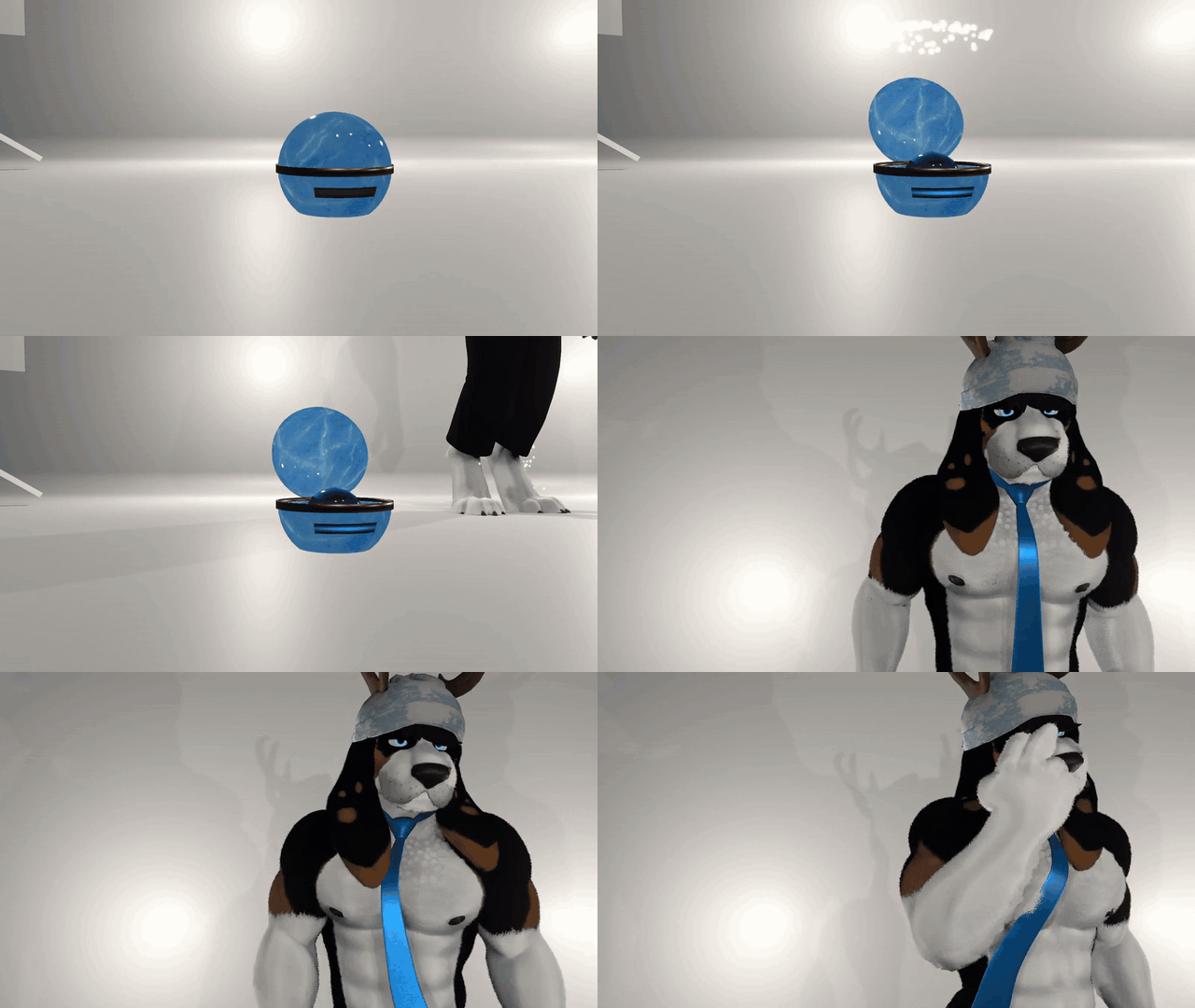
Keep AFK Ball → Enabled on in your menu. The saved Enabled toggle lets you switch it off.
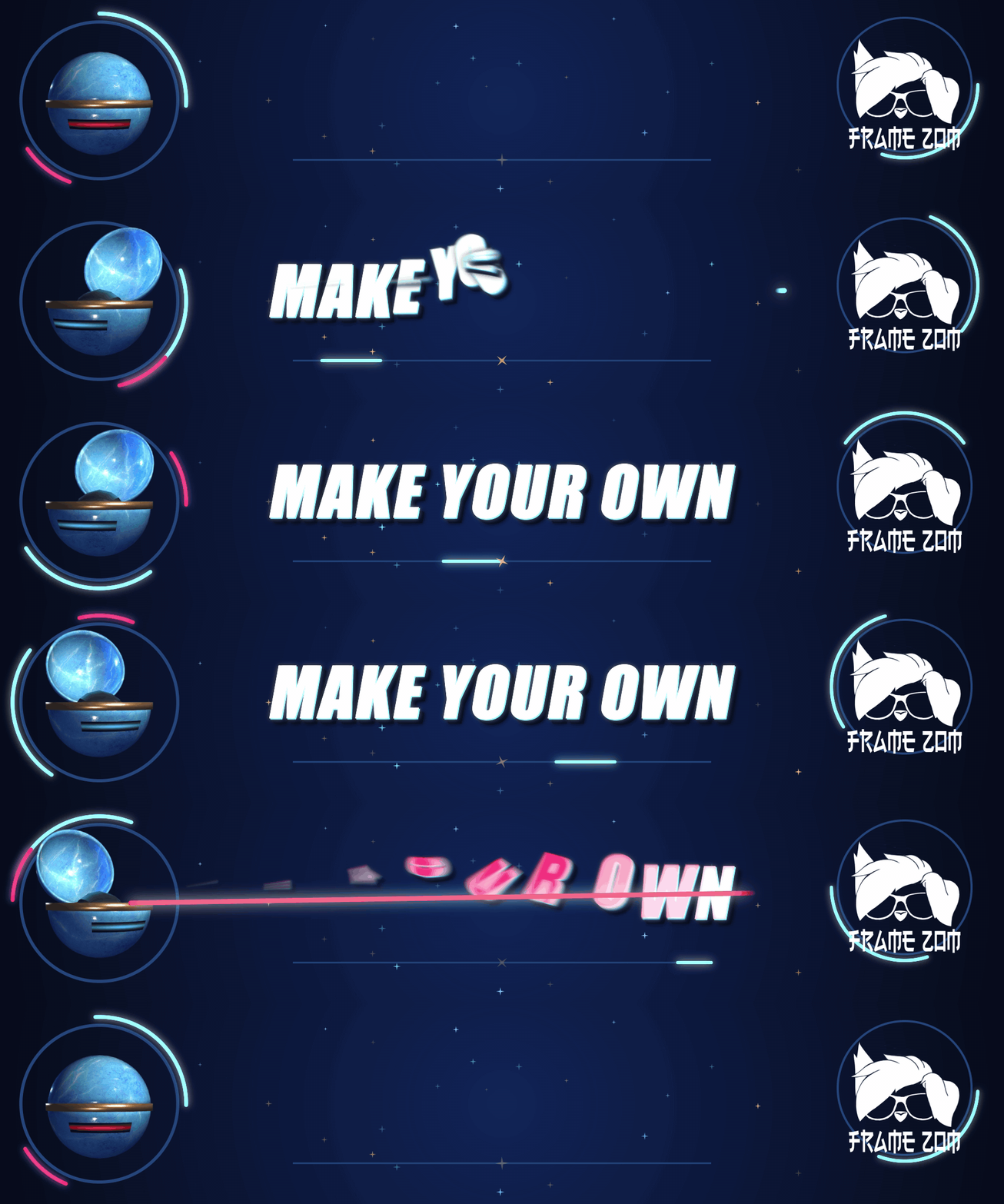
Your model. Same little trick.
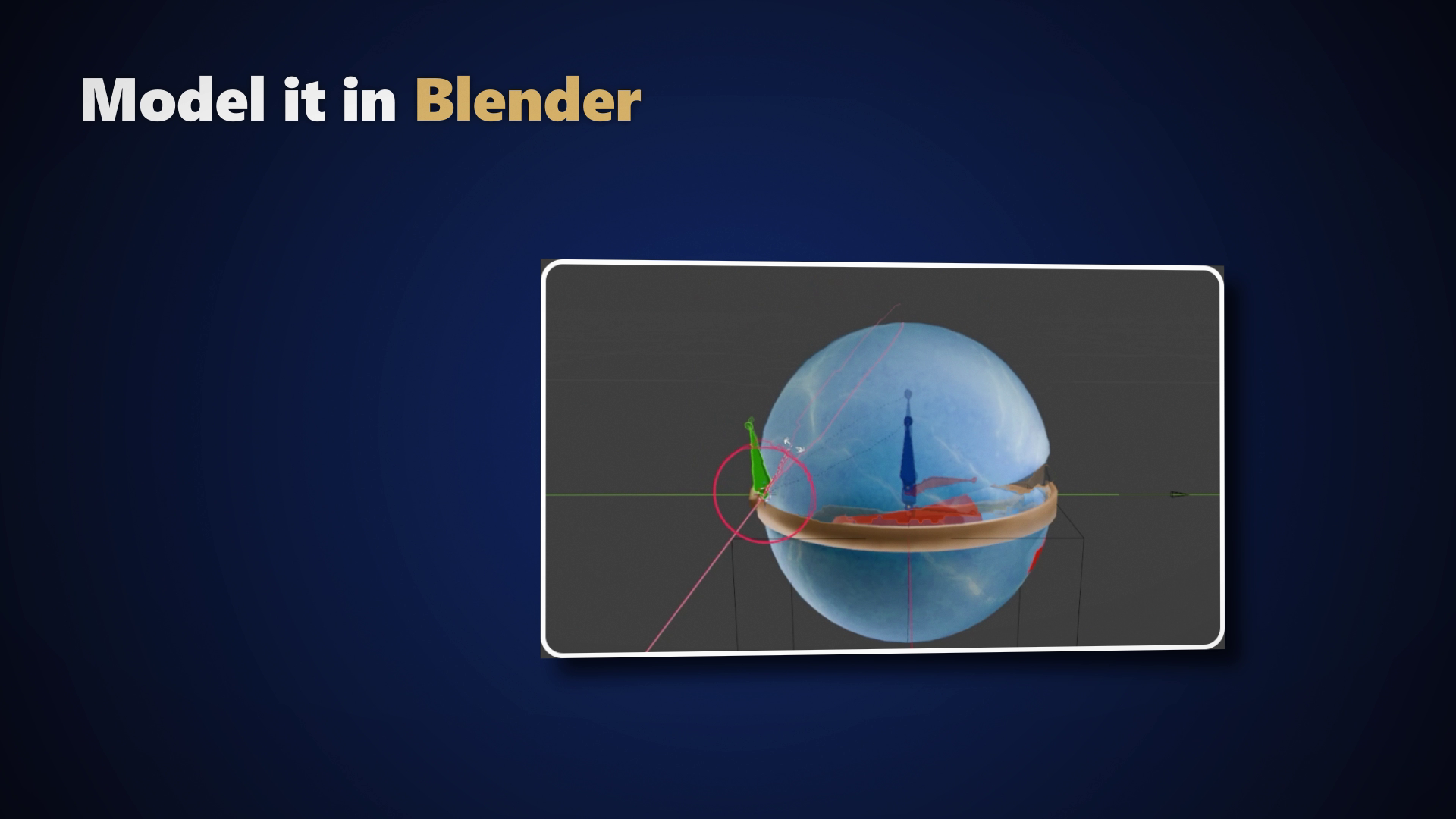
You get the blue AFK Ball and a kit to make your own model. Build around the Blender template, give it a lid, then bring it into Unity. The customizer keeps the animations, beam and light.
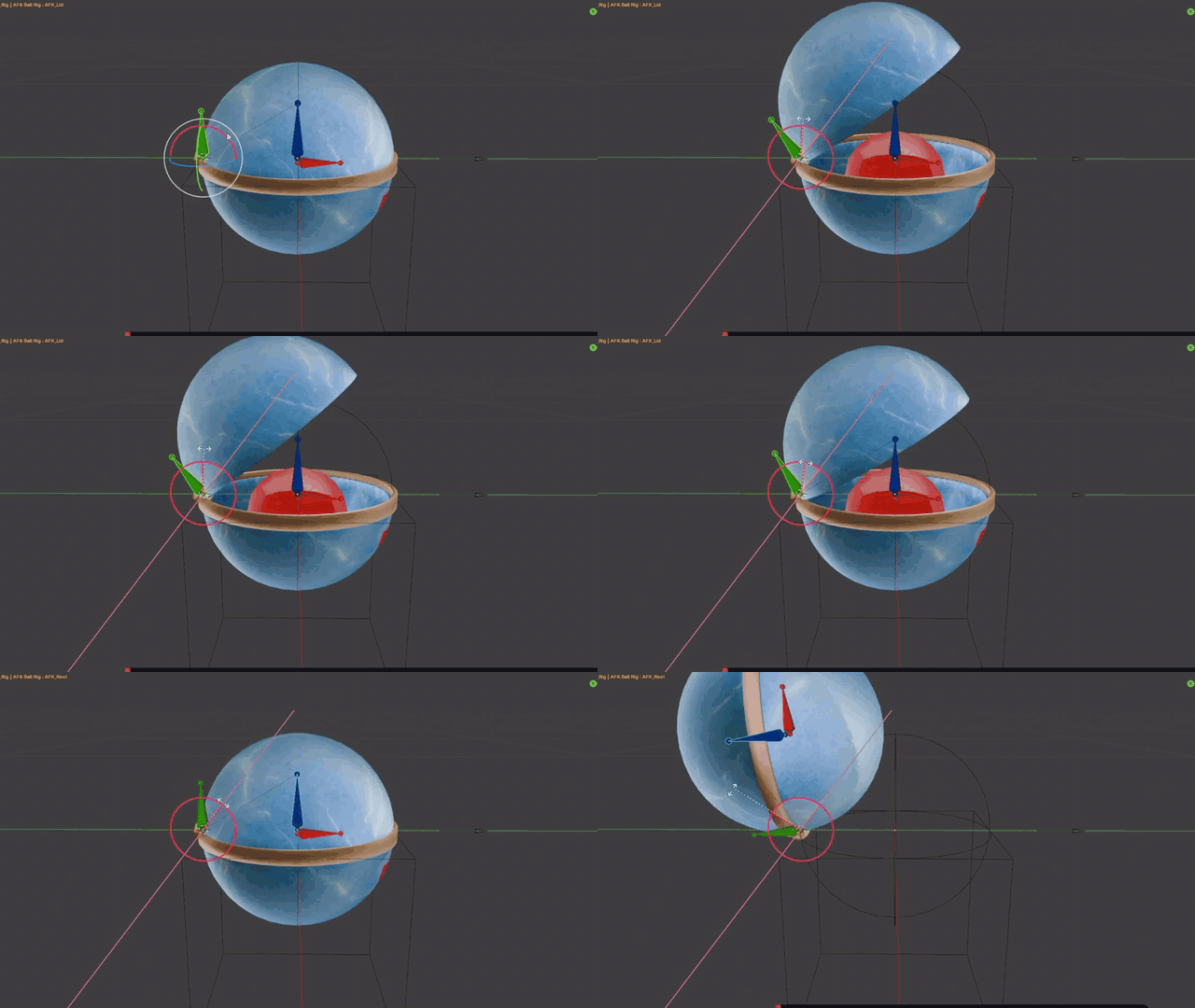
- Keep the three bones: AFK_Root, AFK_Lid and AFK_Emitter.
- Paint the body and lid weights so your model opens properly.
- Follow the included PDF to export an FBX, then open FrameZom → AFK Ball → Customize Your Model in Unity.
The full tutorial is in the gallery. It covers Blender, texturing and Unity; its on-screen instructions are in Spanish.
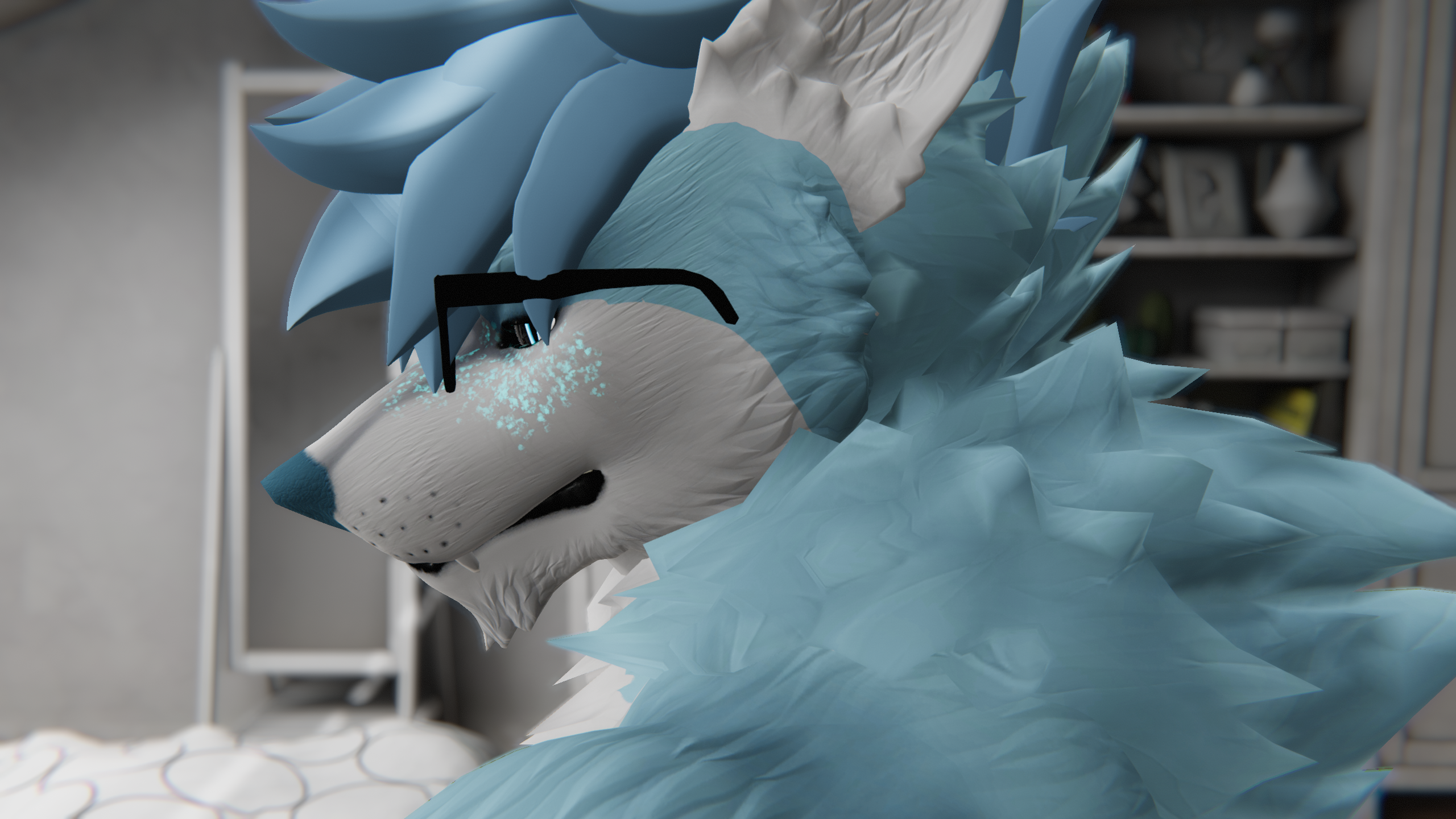
The blue AFK Ball and model kit are included. Other shapes in the promo and tutorial are custom model examples and aren't included. The avatar isn't included either.
- AFK Ball prefab with VRCFury setup that sizes itself to your avatar.
- The blue ball model, Poiyomi material and textures.
- Custom sound effects.
- Blender rig template and a Unity model customizer.
- Illustrated PDF guide with FBX export, Unity setup and terms.
- Substance 3D Painter source (.spp) for the blue AFK Ball.
Drag it in. Upload. Done.
- Import the package into your avatar project with VRChat Avatars SDK, VRCFury and Poiyomi Toon installed.
- Drag AFK Ball.prefab onto the root of your avatar.
- Upload. VRCFury adds the menu and animations. Leave AFK Ball → Enabled on and let VRChat mark you AFK.
Good to know
- PC only.
- Requires VRChat Avatars SDK, VRCFury and Poiyomi Toon.
- Uses 1 synced parameter bit: Enabled.
- Making your own model requires Blender. The template is a .blend file.
- Substance 3D Painter is only needed to edit the optional .spp source.
Use & support
Use AFK Ball on avatars you own and edit it freely. Please don't share, resell or redistribute the files, including edited versions, or include them in other assets or bases. If someone installs it for you, you need your own copy.
Need a hand with setup? Message Framezom here on Jinxxy.
Before you buy
Does it work on Quest?
AFK Ball is PC only. Quest standalone is not supported.
How do I install it?
In a PC avatar project with the VRChat Avatars SDK, VRCFury and Poiyomi Toon installed, import the package and drag AFK Ball.prefab onto your avatar's root. Upload with VRCFury, then leave AFK Ball → Enabled on. Capture starts when VRChat marks you AFK.
Do I need Blender or Substance Painter?
Not to use the included blue ball. Blender is for making your own model; Substance 3D Painter is only needed to edit the optional .spp source.