
商品描述
本商品包含 AI 生成的内容。
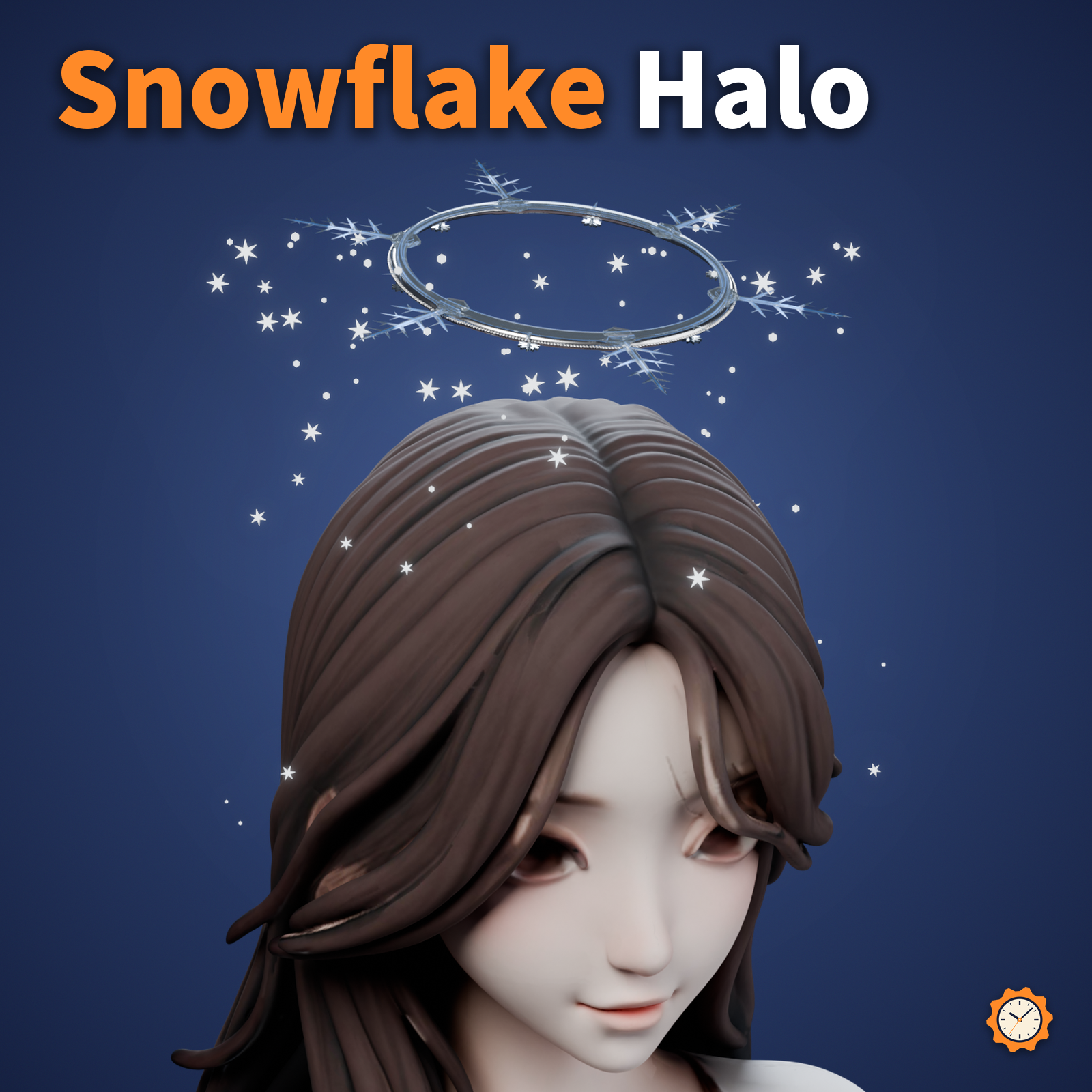
A ring of ice crystals floating above your head. Snow drifts down from under its 6 branches and melts away about 30 cm below the ring.
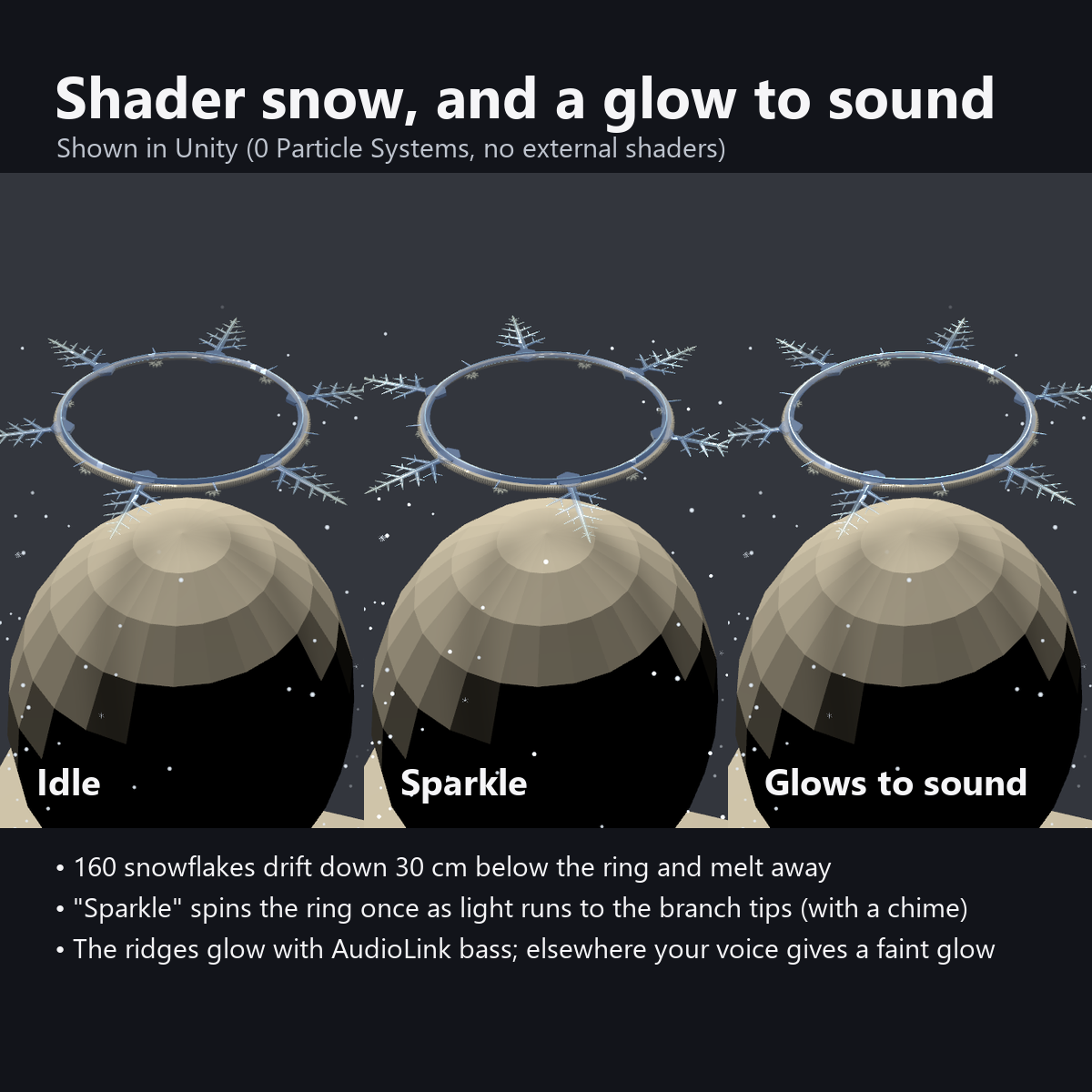
The snow is not made with particles; a custom shader moves it (0 Particle Systems). In AudioLink worlds the ridges of the crystal light up from the ring to the branch tips with the bass. In worlds without AudioLink, they glow faintly while you talk.
Under the ring, 6 small gears turn slowly between the branches. A good first halo for a winter avatar edit.
Features
- Falling snow with 0 particles: 160 flakes moved only by a shader (0 Particle Systems, 0 PhysBones). The snow stays visible even when a viewer turns off particles in their Safety settings
- Glows with sound: in AudioLink worlds the ridges glow from the ring to the branch tips with the bass. In other worlds there is a faint breathing glow and a soft glow while you talk
- "Sparkle" button: the ring spins once, light runs from the ring to the branch tips and the snow twinkles (with a small chime)
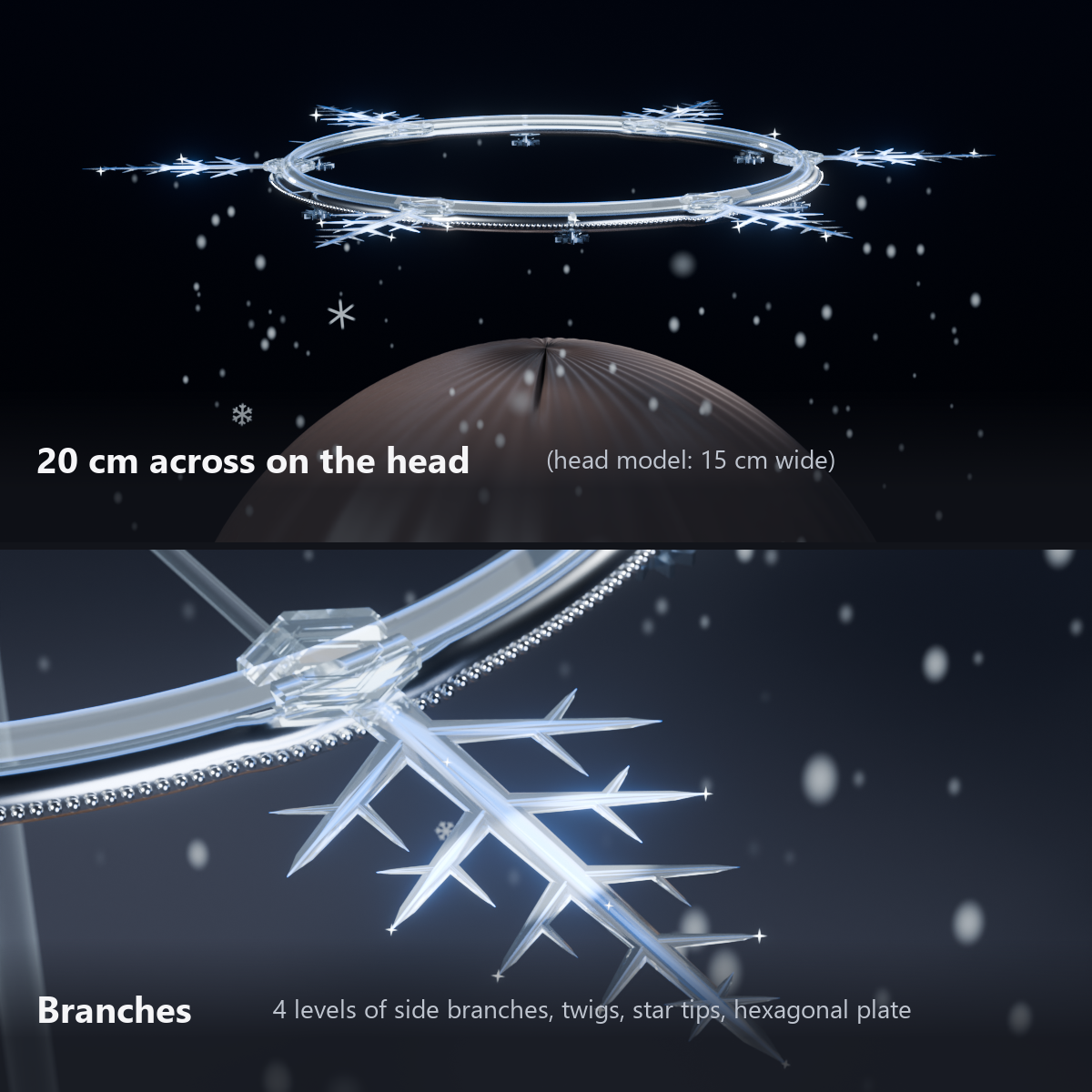
- Dendrite-shaped crystal, about 20 cm across: thin ice-plate branches with beveled edges, 4 levels of side branches at 60 degrees, small twigs from the side branches, and tiny six-pointed stars at the tips. A thin hexagonal plate with concentric carving at the center. Built the same way when seen from below
- 6 small gears under the ring: one between each pair of branches, every other one turning the other way. The silver (or gold) ring, 3.5 mm thick, has a fine beaded edge
- Menu controls: Show, Snow, Spin, Sparkle, Light Color (Ice Blue / Gold / Sakura Pink), Size (0.6x to 1.4x)
- The snow slows down while you are AFK
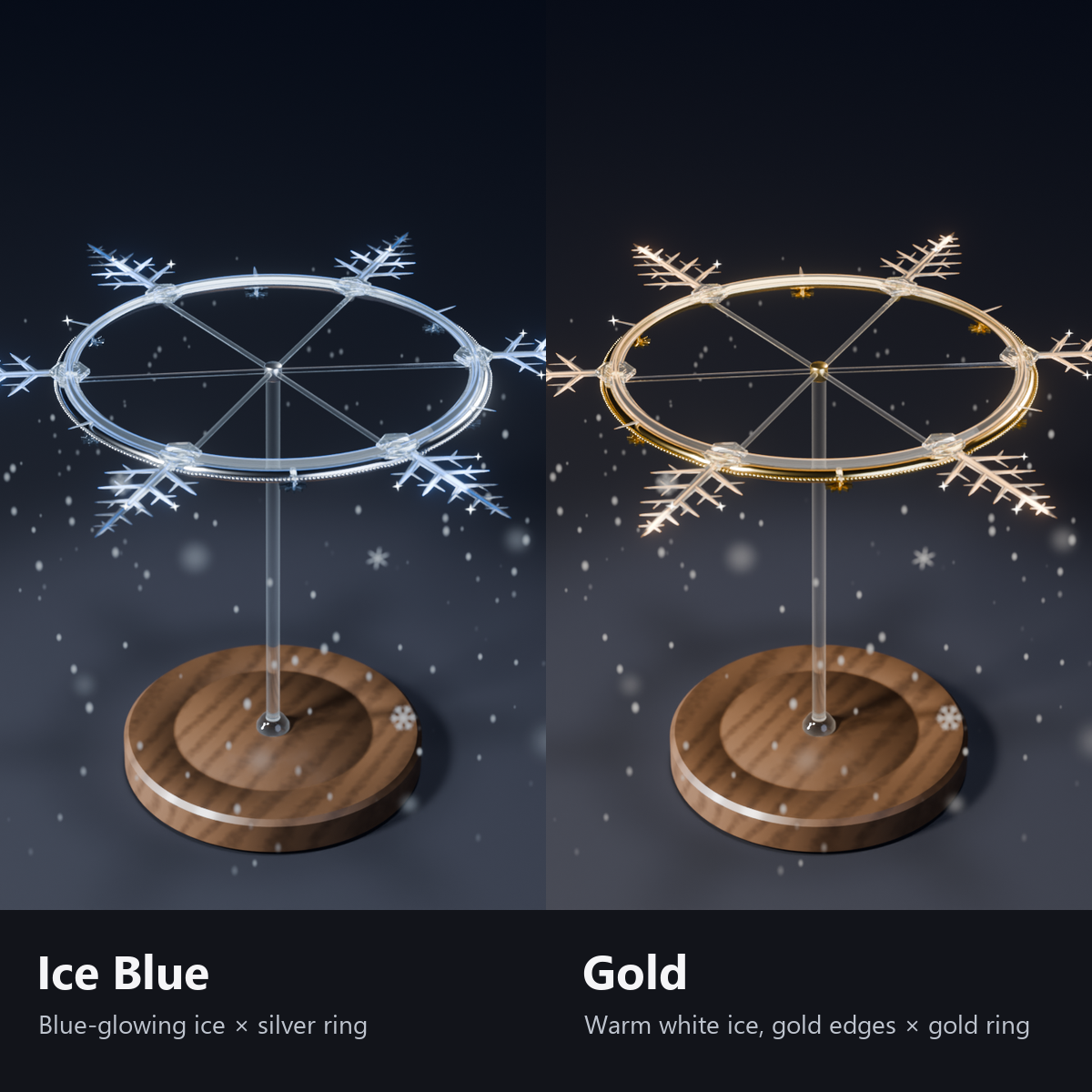
- 2 colors: Ice Blue (blue-glowing ice, silver ring) / Gold (warm white ice with gold edges, gold ring and gears)
- No external shaders needed (custom shaders included; no lilToon needed)
- Modular Avatar ready: put it under your avatar and fit it to your head
Menu (English menu prefab)
- Snowflake Halo > Show: halo on/off
- Snowflake Halo > Snow: falling snow on/off
- Snowflake Halo > Spin: slow spin of the ring (OFF stops it smoothly, ON continues)
- Snowflake Halo > Sparkle: each press spins the ring once and sends light along it (with a chime)
- Snowflake Halo > Light Color: Ice Blue / Gold / Sakura Pink (the gold version starts with Gold)
- Snowflake Halo > Size: dial from 0.6x to 1.4x (the snow fall length changes too)
What's included
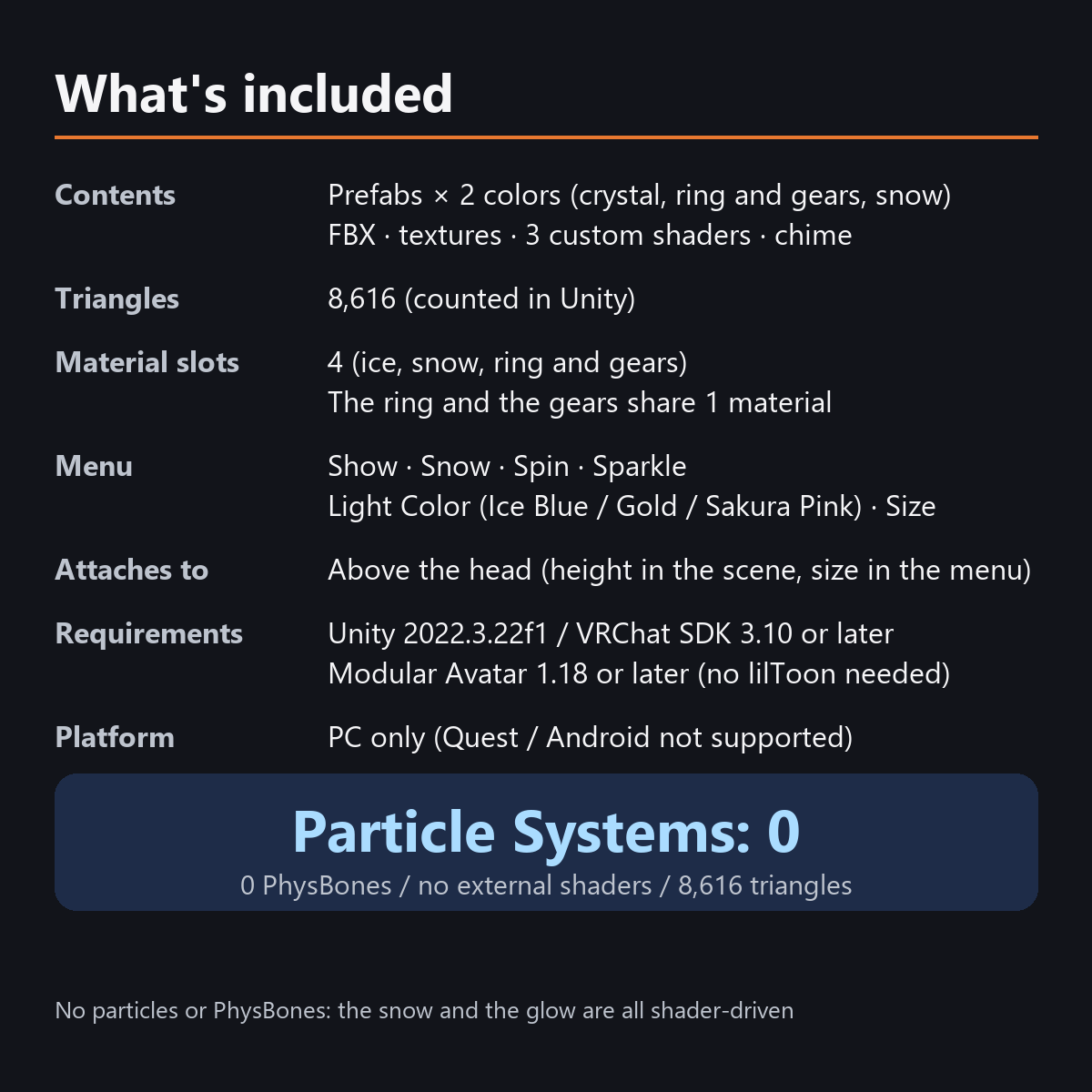
- Prefabs x 2 colors (ice crystal, ring and gears, snow)
- FBX, textures, materials, 3 custom shaders (ice, metal, snow), animations, chime sound
- English-menu prefabs (_EN) next to the Japanese-menu prefabs. Use one or the other on an avatar, not both.
- Instruction manual and Terms of Use in English and Japanese
Specs
- Added to your avatar (counted in Unity): 8,616 triangles, 4 meshes, 4 material slots (ice, snow, frame and gears (sharing one material)), 0 PhysBones, 1 Audio Source
- Synced parameters: 21 bits (Show, Snow, Spin, Sparkle, Light Color, Size, AFK)
- All counts follow VRChat's rules (hidden parts are counted too) and show how much one prefab adds to your avatar.
- The VRChat performance rank depends on the total with your avatar, so this item alone does not decide it.
- Particle Systems: 0 / PhysBones: 0 / AudioSources: 1 (chime)
- No extra skinned mesh
Requirements
- Unity 2022.3.22f1 (an avatar project made with VRChat Creator Companion)
- VRChat SDK (Avatars) 3.10 or later
- Modular Avatar 1.18 or later
- lilToon is not needed (custom shaders included)
Please note
- PC only. Not supported on Quest / Android.
- It glows with AudioLink only in worlds that support AudioLink. In other worlds it glows with a slow breathing light and with your voice.
- The voice glow follows how loud the wearer is talking (VRChat's Voice value). It does not glow while you are muted.
- If a viewer's Safety settings turn off shaders, the snow is hidden, the crystal is a see-through single color, and the ring and gears use a standard material.
- The height cannot be changed in the menu. Adjust it in the Scene (the size can be changed in the menu).
- In the Unity editor the snow and the ring look still (they move in VRChat).
- The snow, the spinning ring, the sparkle and the glow with your voice or AudioLink: they move only inside VRChat (including Build & Test) or with Gesture Manager. If they look still in the Unity Editor, nothing is broken.
Terms of use
- You may upload it to VRChat and similar services on your own avatars, edit it, and use it in streams, videos and photos (commercial or not).
- You may not redistribute, resell or share the data (edited or not), or use it to train AI.
- Full text: TermsOfUse_EN.txt in the download (Japanese original: TermsOfUse_JA.txt).
Update history
- v1.2 (2026-10-13): Uploads without pressing Auto Fix in VRChat SDK 3.10 (fixed mesh Read/Write, Legacy Blendshape Normals). Turned on Load In Background for the sound effects. The shaders support Single Pass Instanced rendering in VR (the look outside VR is unchanged). Renamed the animator files "..._きらめき" to English letters ("..._Spark"; same content and behavior. If you import over the old version, Unity keeps the old file name; it still works the same). Manual and description updated (counts are now what the item adds to your avatar, measured in Unity; how it looks in the Editor). The included documents now have English-only file names. The GUIDs are the same as before, so importing it over the old version replaces it.
- v1.1: English-menu prefabs (_EN) and English documents
- v1.0: First release
Also on BOOTH
This item is also sold on BOOTH, the Japanese marketplace.
How this was made (AI-Assisted)
The 3D shapes, materials, shaders and texts of this item were made with scripts written with AI assistance. The chime was also generated by these scripts (no recorded or third-party sounds). A person checked how it looks and moves in Unity before release.