
商品描述
本商品包含 AI 生成的内容。
AI-Assisted: the 3D shapes, materials, shaders and listing texts were made with scripts written with AI assistance. A person checked how it looks and moves in Unity before release.
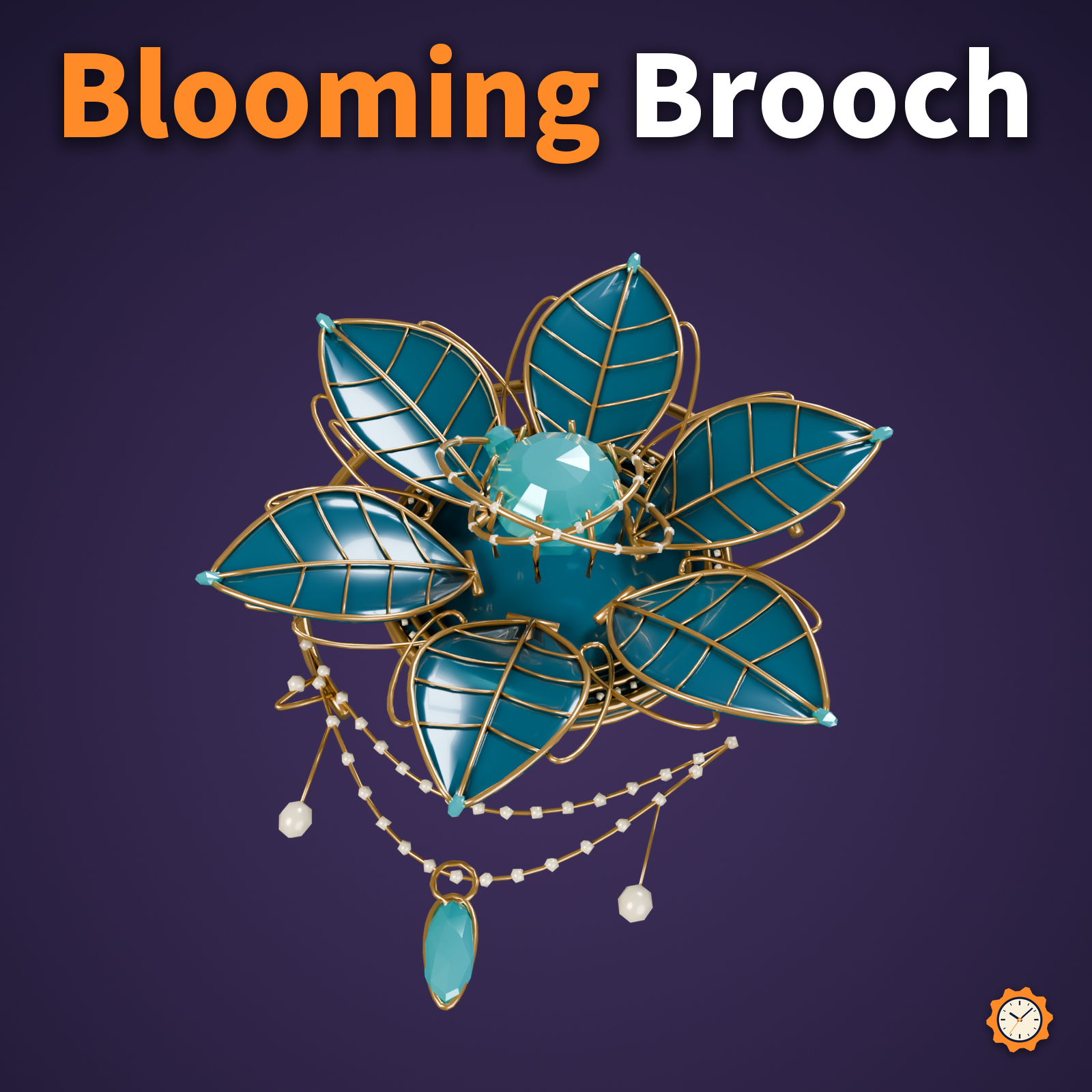
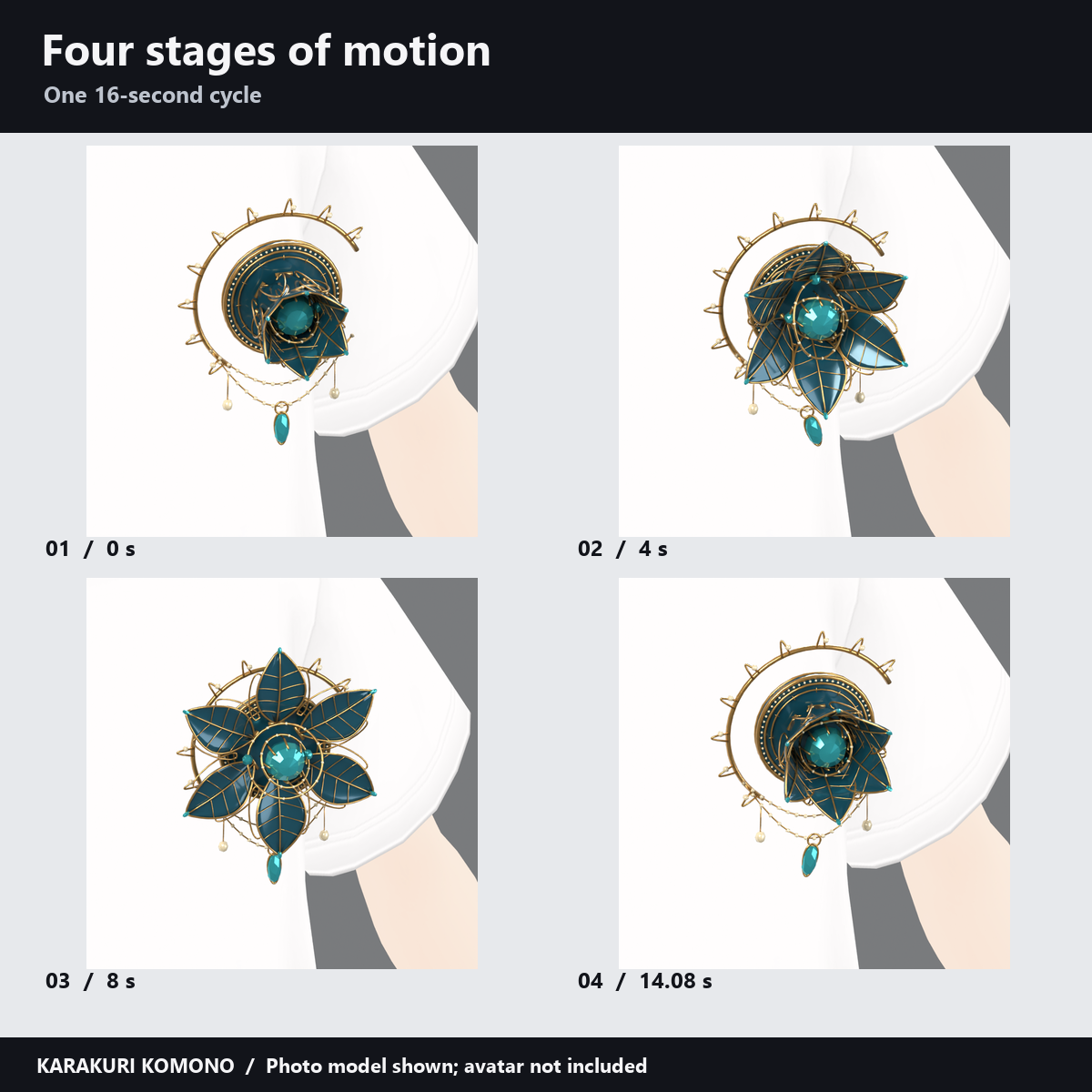
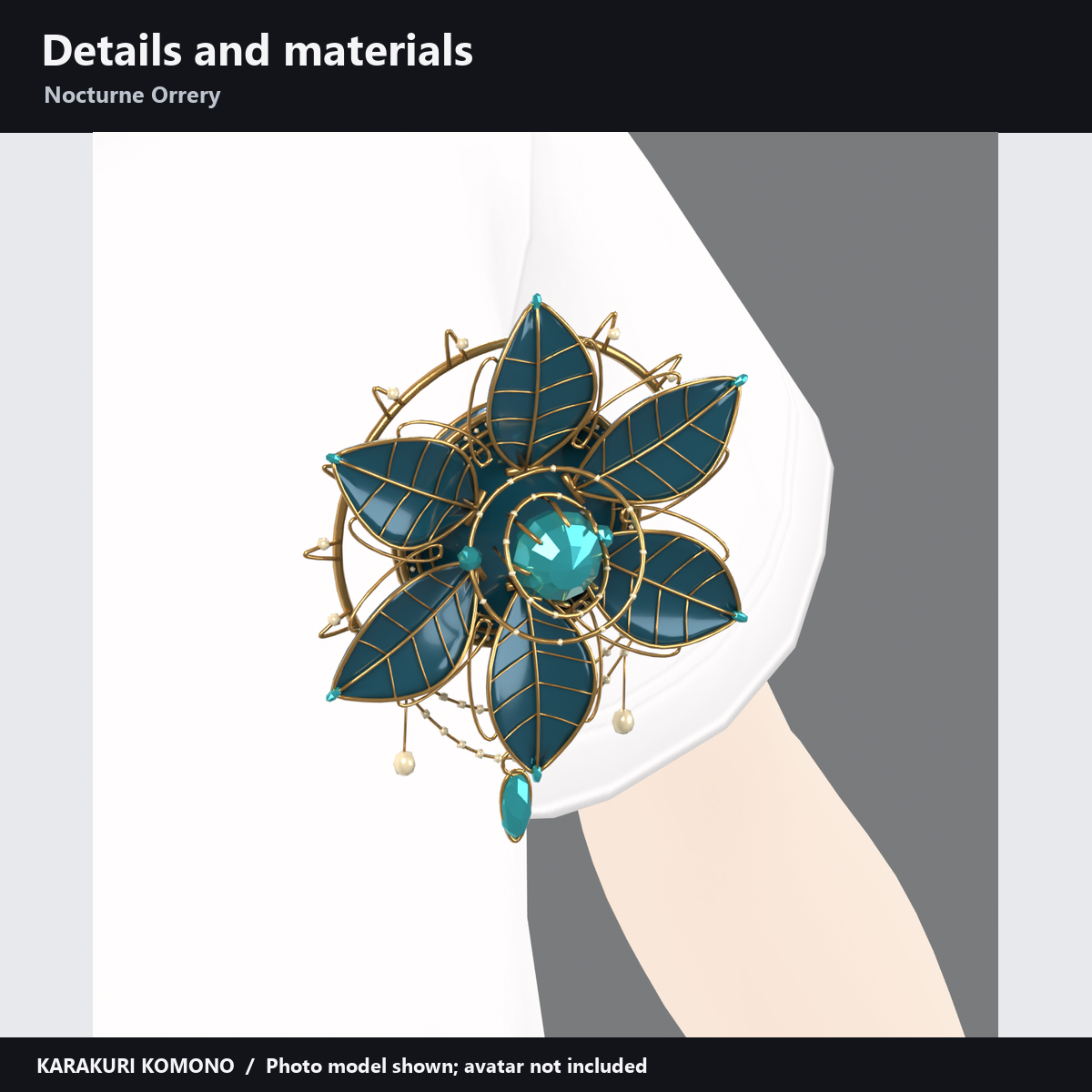
A left-chest ornament with six petals. The petals open and close, the inner rings turn in opposite directions, and the pendant swings in a 16-second cycle.
Attachment and controls
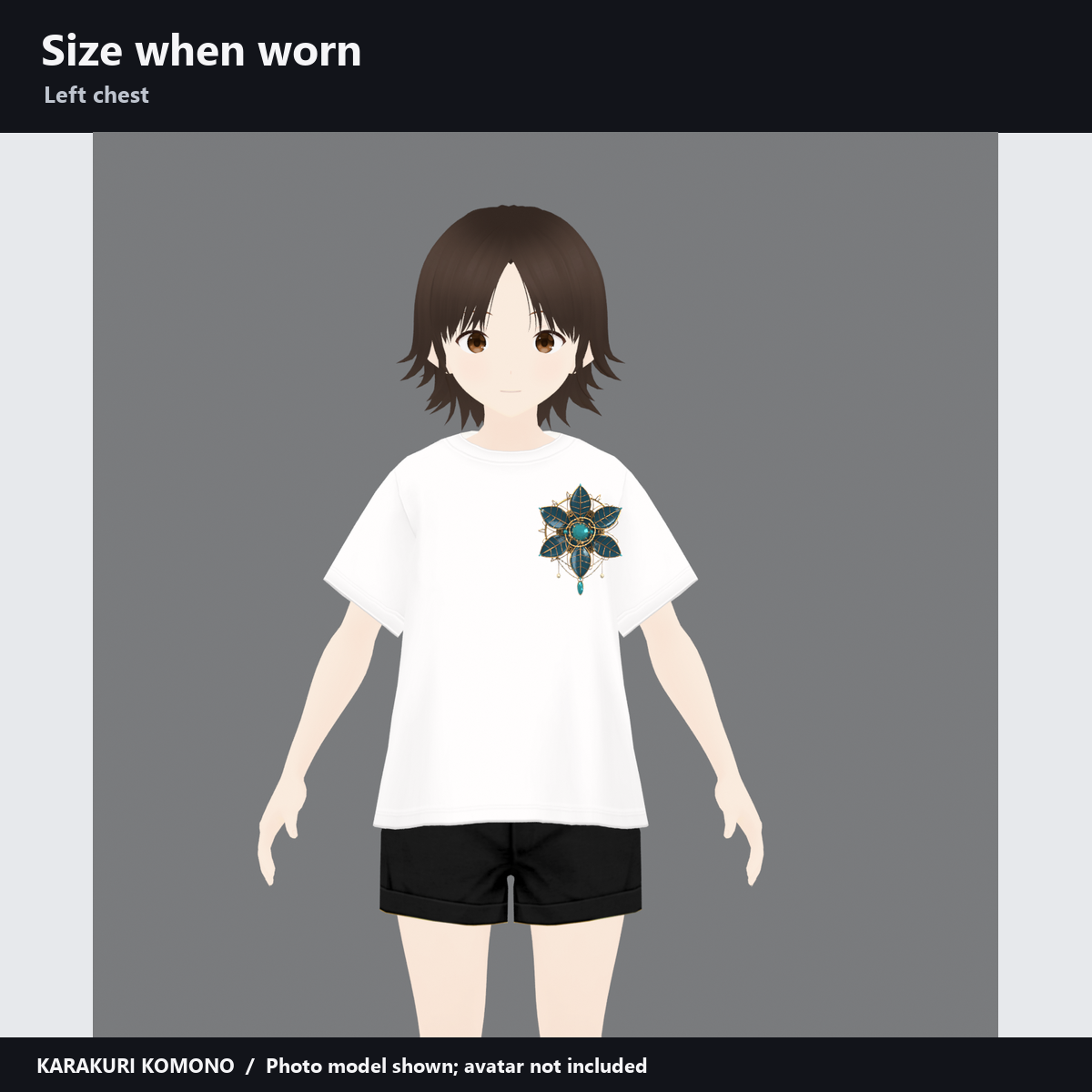
- Attachment: Left chest (Chest). Align the back of the ornament with the clothing surface.
- Controls: "Visible", "Automatic performance" (automatic playback) and "Photo pose (Auto OFF)". Turn automatic playback off before using the dial.
- Overall width (including the flower, rings and hanging chains): 8.7 cm for Chocolat and 9.7 cm for Shinano. Adjust position and scale to fit your avatar and clothing.
Added per avatar (measured in Unity)
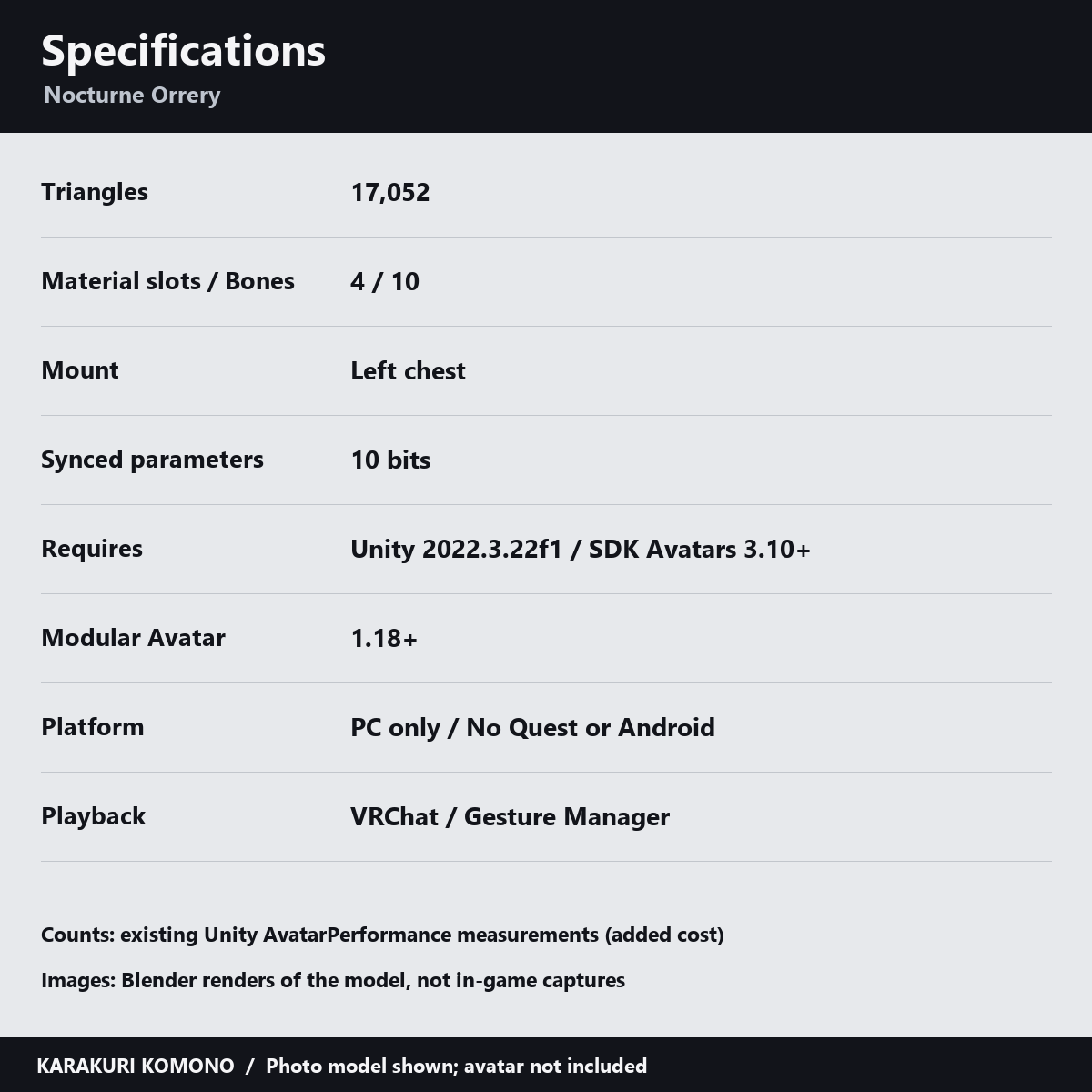
- Added per avatar (measured in Unity): 17,052 triangles, 4 material slots, 10 bones, 1 skinned mesh; synced parameters: 10 bits.
Please note
- Open petals project forward and may overlap collars, ribbons, hair or sleeves when the arms reach forward. Adjust placement with the petals fully open.
- PC only; no Quest/Android support. Use one copy per avatar.
- Placing the prefab in the Unity editor alone does not play the motion. Use VRChat or a tool such as Gesture Manager to run the menu and motion.
- The included manual records Unity testing; in-client appearance, both eyes in VR and synchronization on other players' screens have not been checked. The automatic loop advances separately for each viewer, so motion can be out of step.
Requirements
- Requirements: Unity 2022.3.22f1, VRChat Avatars SDK 3.10 or later and Modular Avatar 1.18 or later. A custom shader is included; lilToon is not required. See the included Manual_Nocturne_EN.txt for installation. Avatars and clothing are not included.
How this was made
AI was used for geometry, material, animation and shader code and text. Product images and demo videos render the actual model in Blender. Wear examples use photo models, not the supported avatars. These are not in-game captures; lighting and material appearance may differ in VRChat.
Terms of use
TermsOfUse_EN.txt. Editing and use on your own avatar are permitted; redistribution of the data is not.
Version history
v1.0 (2026-11-02): initial release.