
商品描述
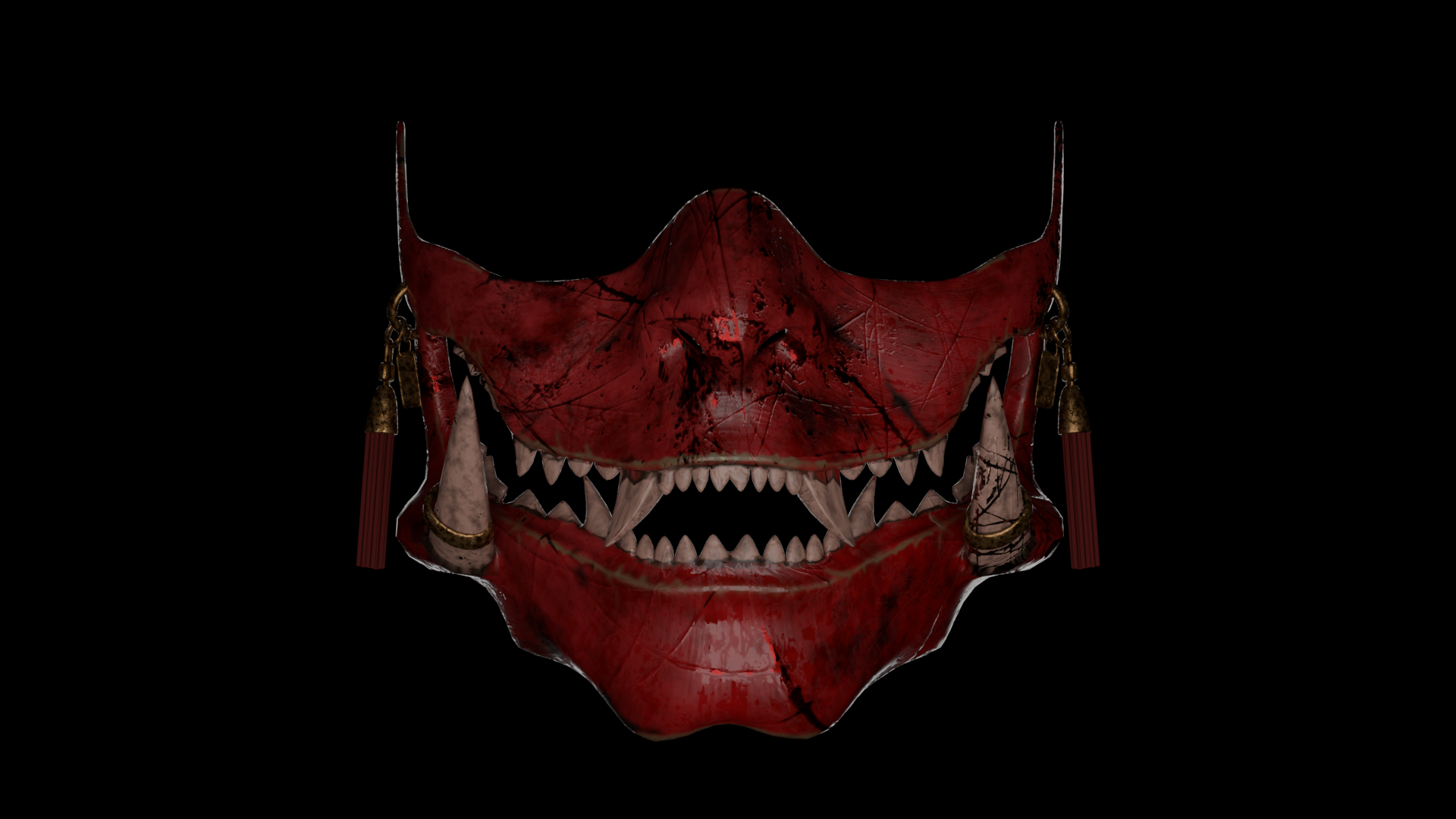
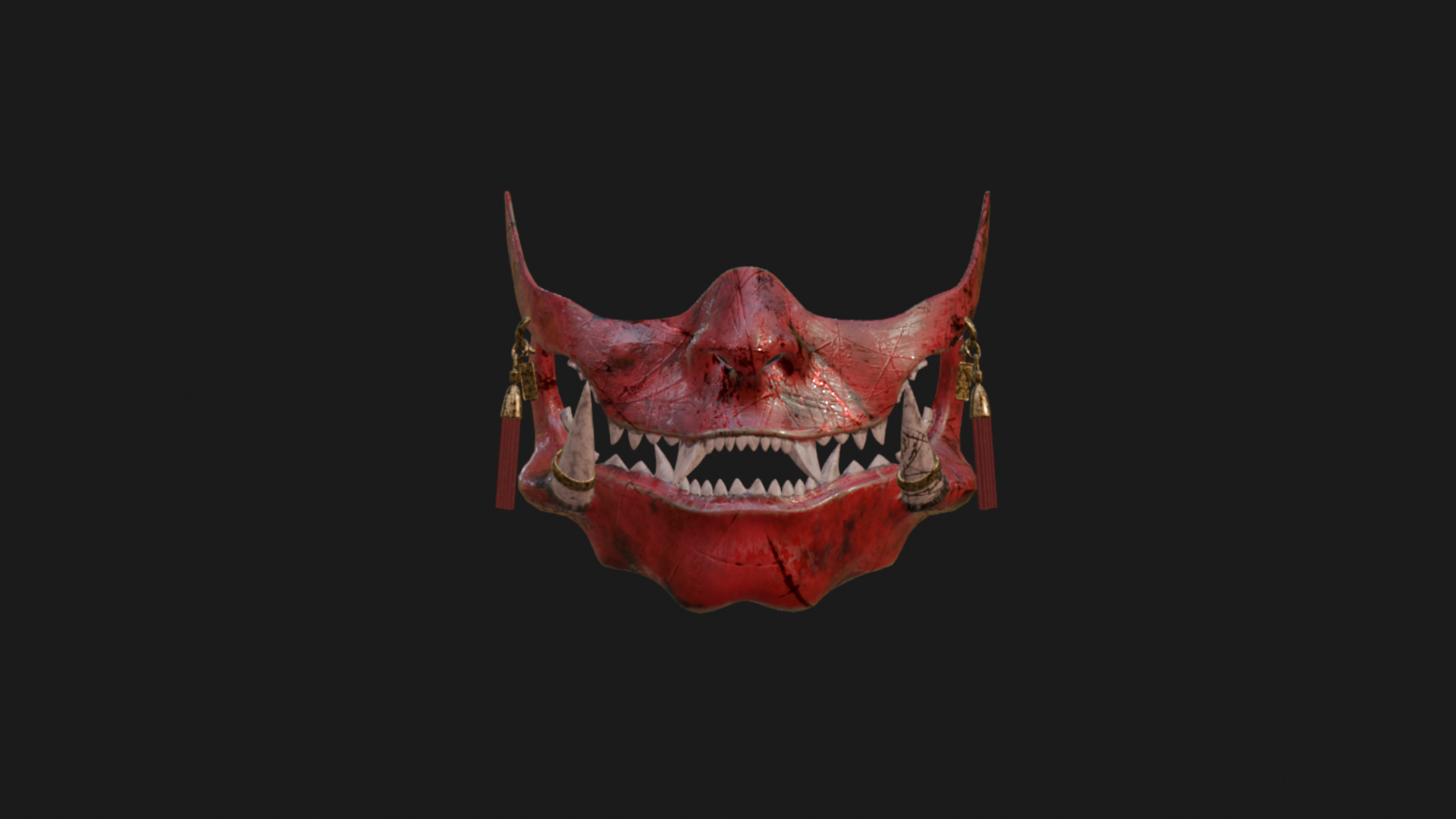
ONI MASK — VRChat Asset
Personal License
- You may use the purchased asset on your personal avatars and in private projects.
- You may modify the asset for your own personal use.
- You may not use the asset under this license in commercial projects or sell avatars containing it.
- Redistribution, resale, and sharing of the original files are prohibited.
Commercial License
- Includes all permissions granted under the Personal License.
- You may incorporate the asset into finished commercial avatars.
- You may use the asset in paid avatar commissions.
- You may sell finished avatars containing the asset, provided the original asset files cannot be independently extracted and reused.
- You may not resell, share, leak, or redistribute the original asset files, whether modified or unmodified.
- The Commercial License does not grant ownership or copyright of the original asset.
FEATURES
- Detailed Oni mask 3D model.
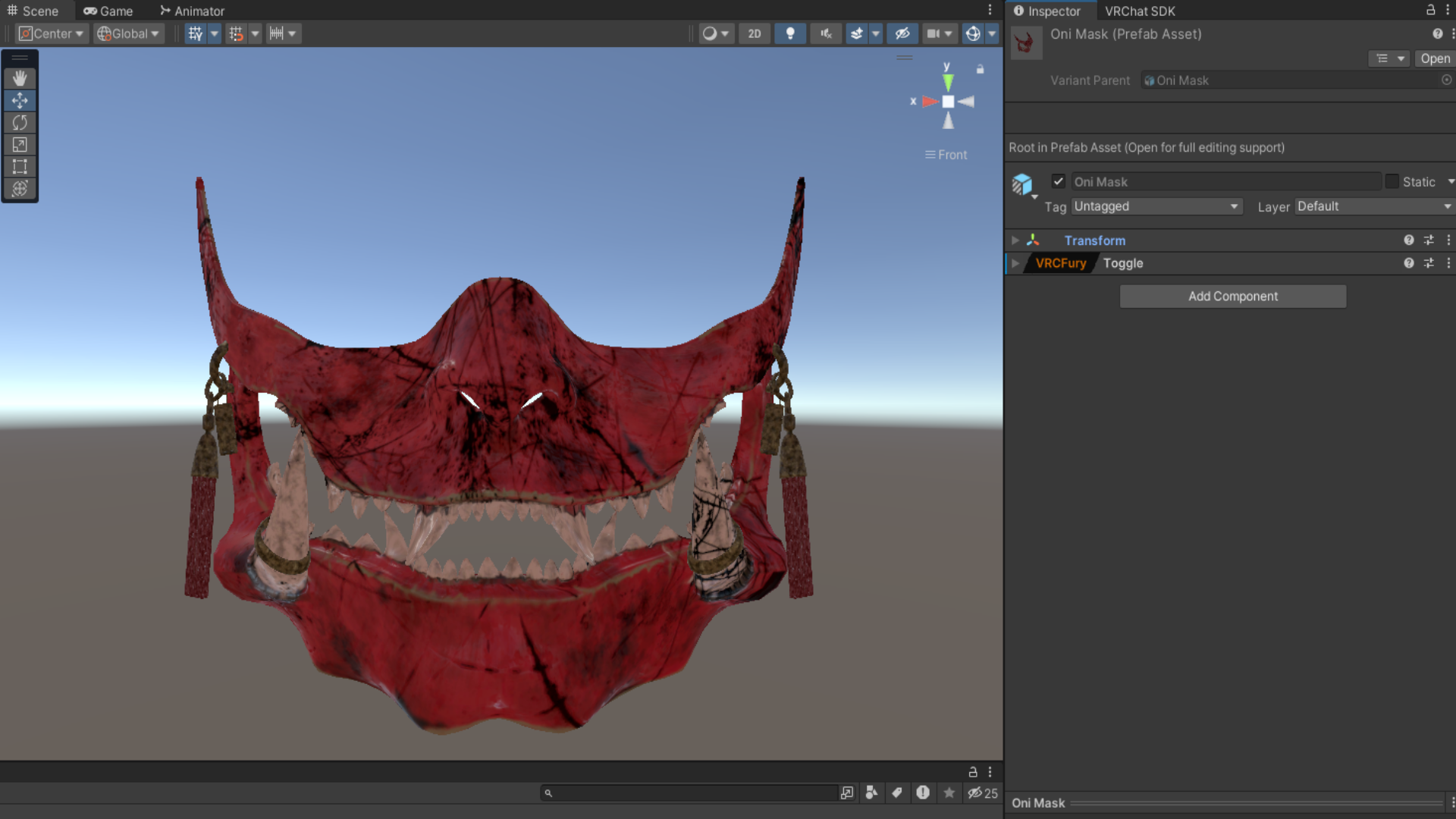
- Unity-compatible asset.
- Poiyomi Toon shader compatibility.
- VRCFury setup included.
- Original 3D.fbx model included.
TECHNICAL SPECIFICATIONS
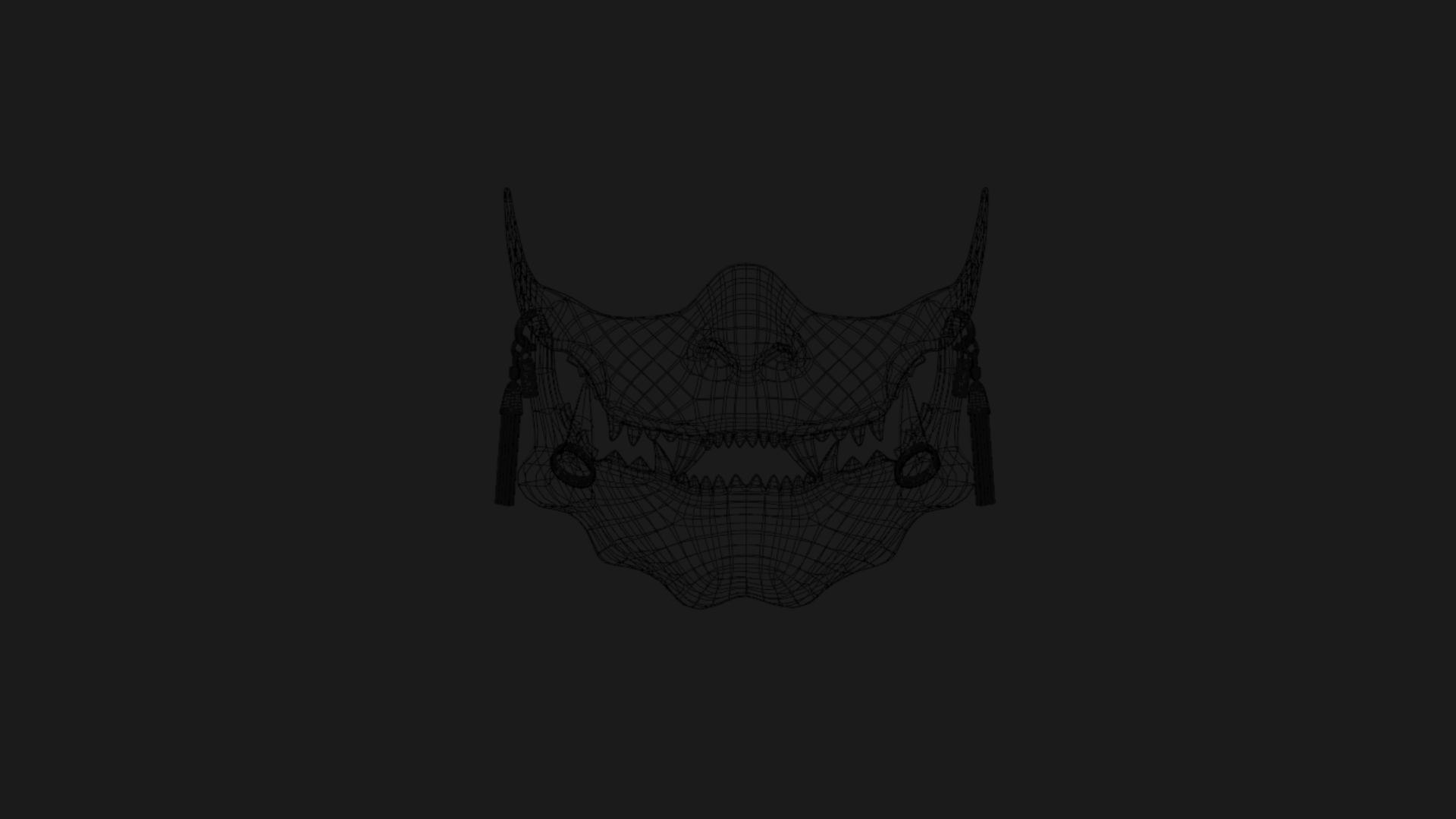
- Vertices: 20.749
- Edges: 40.415
- Faces: 19.743
- Triangles: 41.374
REQUIREMENTS
- Basic knowledge of Unity and VRChat avatar customization.
- A compatible Unity project configured for VRChat.
- Poiyomi Toon Shader must be installed separately if it is not already available in your project.
- VRCFury must be installed separately if it is not already available in your project.
INSTALLATION & COMPATIBILITY
- Import the provided Unity package into your compatible VRChat Unity project.
- Locate the Oni Mask prefab asset in the imported files.
- Drag and drop the prefab into your avatar's hierarchy, placing it as a child of the Head bone.
- Adjust the position, rotation, and scale to fit your avatar correctly.
- Check the materials and shader settings to ensure everything is displayed correctly.
- Test the included VRCFury functionality before uploading your avatar.
Manual adjustments may be required depending on your avatar's head proportions, armature, and hierarchy.
Compatibility with all avatars is not guaranteed. Basic knowledge of Unity and VRChat avatar customization is recommended.
REDISTRIBUTION & RESALE
Unless explicitly authorized by the applicable product license, you may not:
- Resell, share, leak, or redistribute the original files.
- Redistribute the asset as a standalone product, whether modified or unmodified.
- Claim the original asset as your own creation.
- Include the asset in downloadable files in a way that allows others to extract and reuse it independently.
- Share purchased files with individuals who have not obtained the appropriate license.
In the event of a violation, the creator reserves the right to take appropriate action, including requesting the removal of infringing content, reporting violations to relevant platforms, revoking the applicable usage license where legally permitted, and pursuing legal remedies or legal action when appropriate.
MODIFICATIONS
Modifications are permitted within the scope of the purchased license.
Modifying an asset does not transfer ownership or copyright, nor does it grant permission to redistribute or resell the original asset.
REFUNDS
Due to the digital nature of the products, purchases are generally final once files have been accessed or downloaded, except where refunds are required by applicable law or Jinxxy's policies.
If a product is missing files, corrupted, or does not function as advertised, please contact me so the issue can be reviewed.
SUPPORT
If you encounter a technical issue with the included files or a feature does not work as advertised, please contact me through my Jinxxy store support contact.
Support does not automatically include custom modifications, avatar-specific fitting, or additional features.
Thank you for supporting my work!