
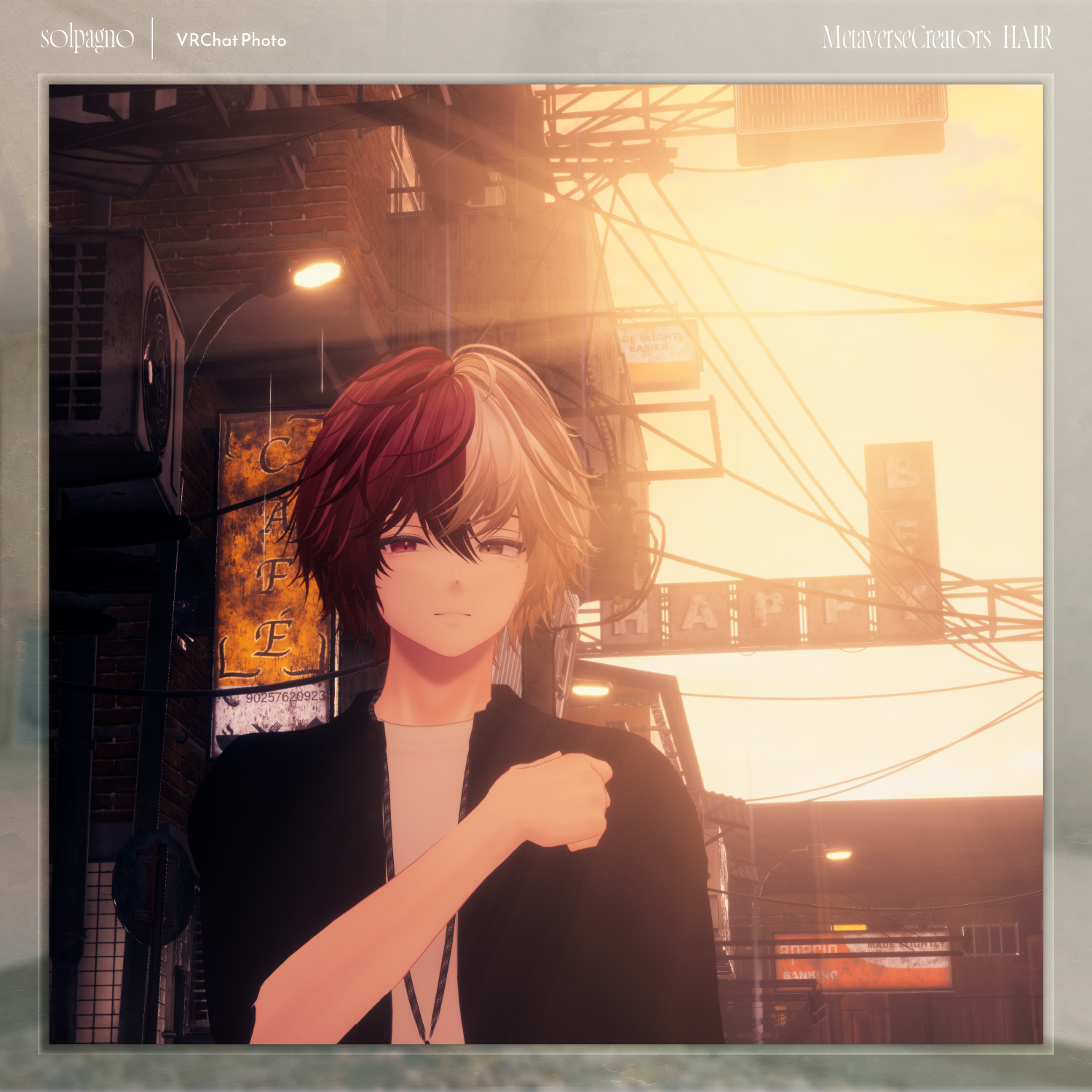
solpagno - VRChat Hair / CP18
标签
商品描述
Solpagno Hair — English Translation (Condensed)
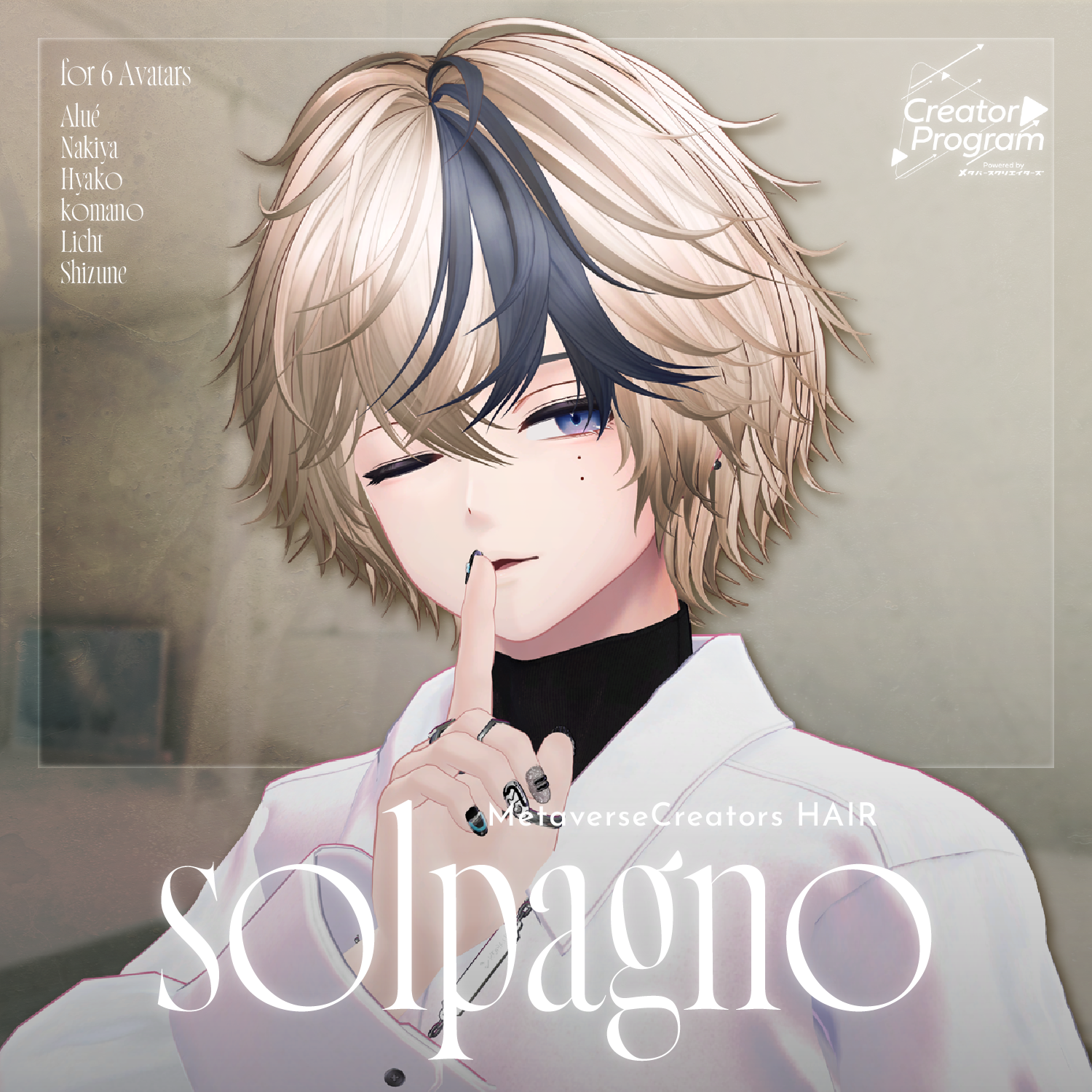
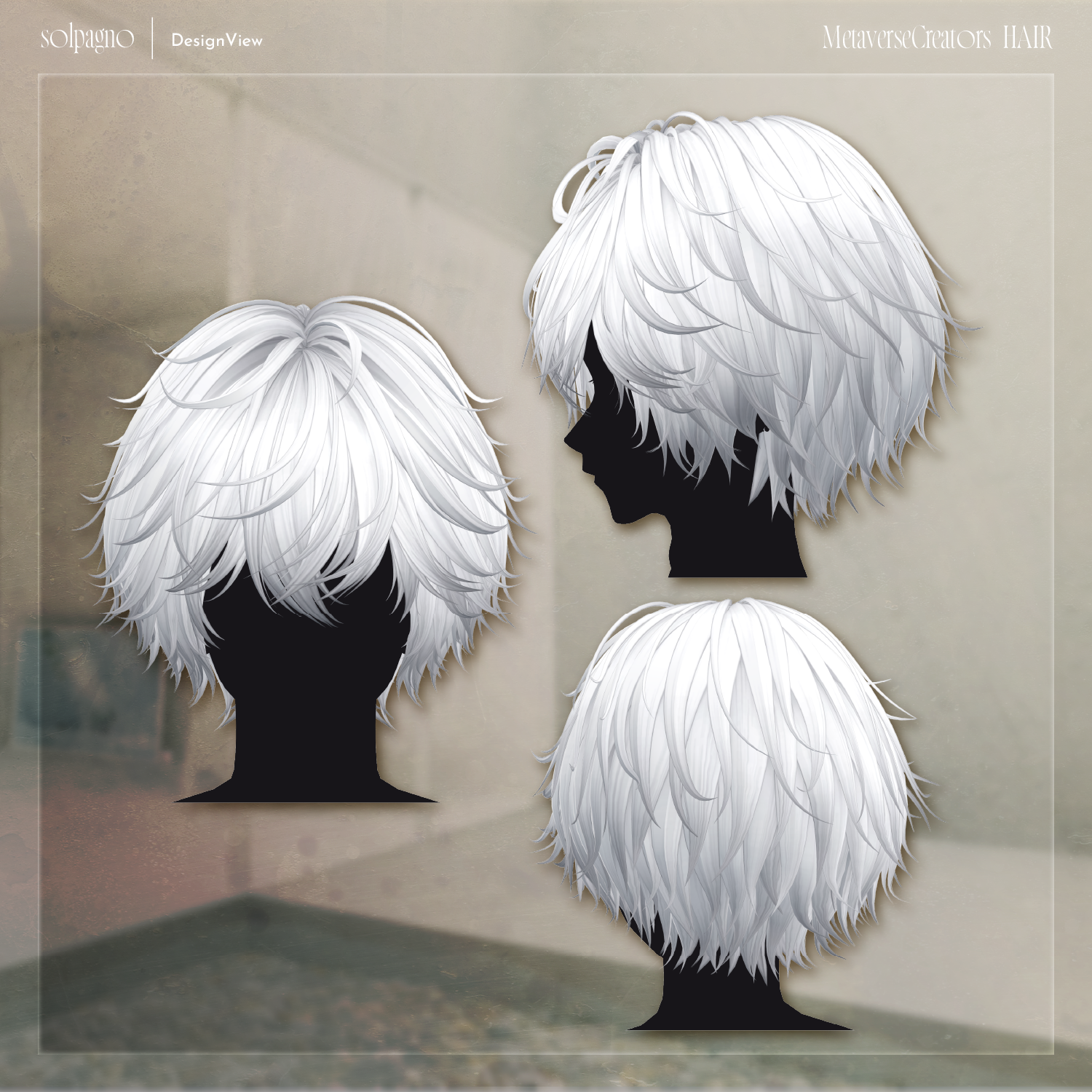
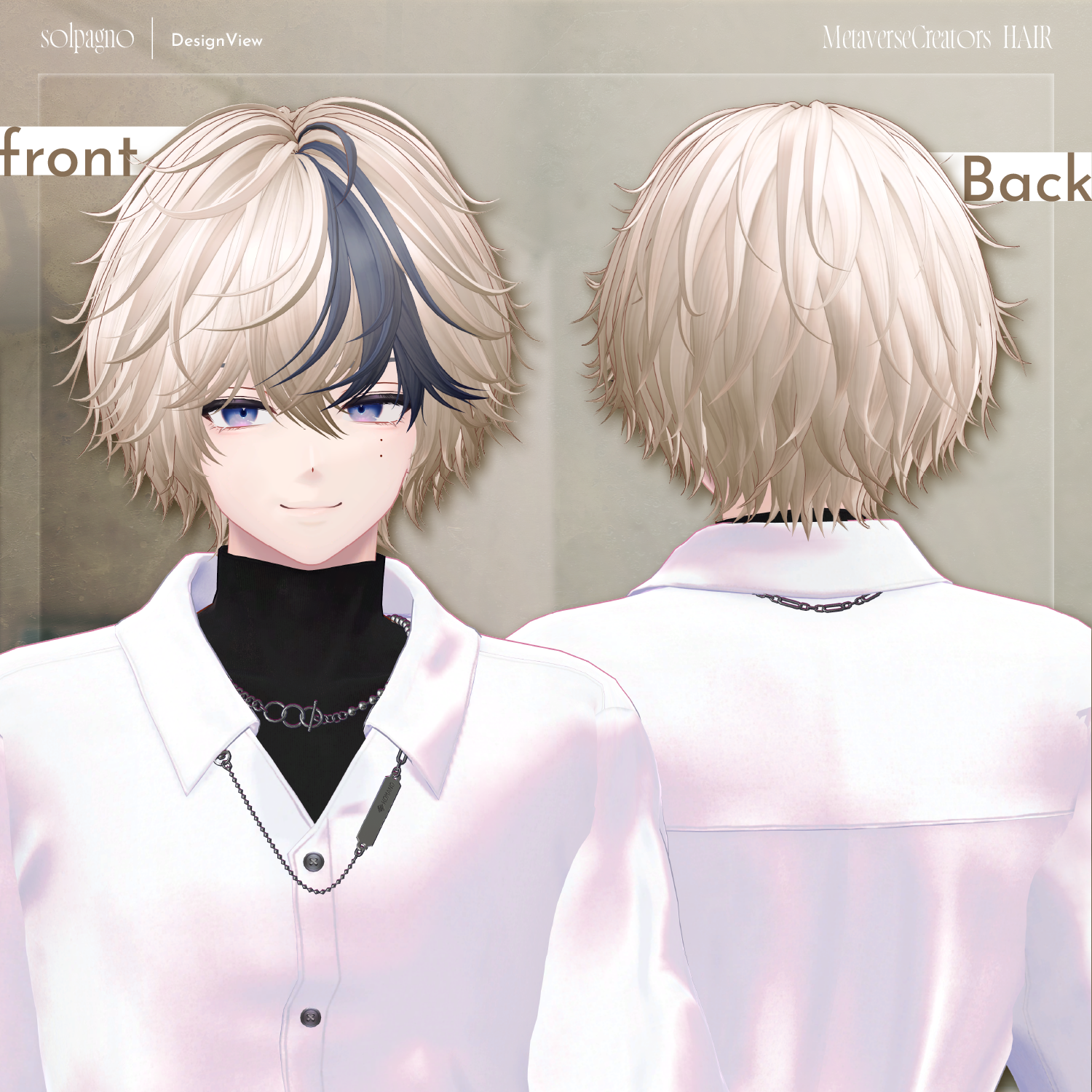
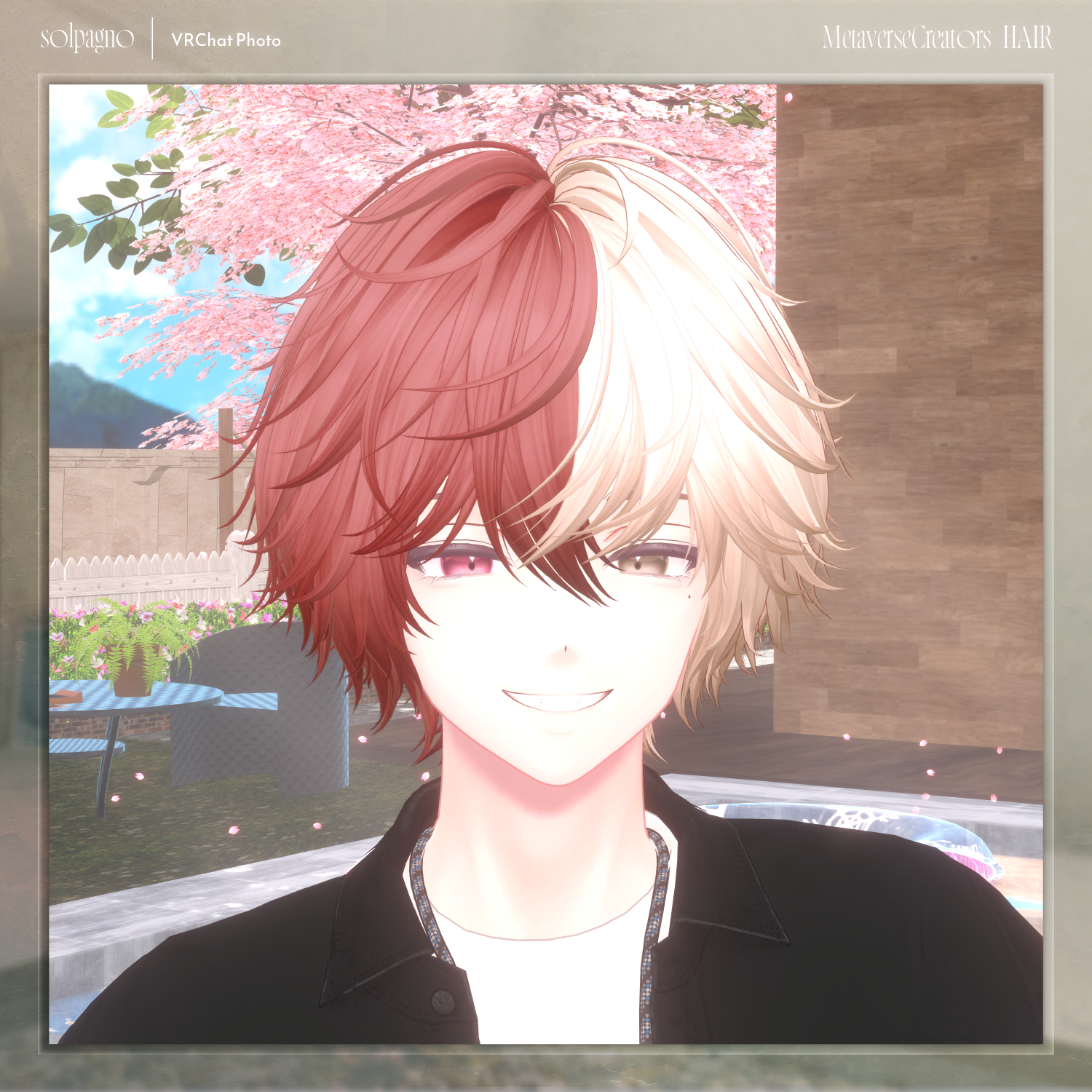
A hair model featuring natural curls and a rich, voluminous style.
Important Notes
This product is a hair model for avatars. The avatar body data is not included.
Digital products cannot be returned or refunded. Please review the product description and terms of use before purchasing.
Item Contents
Included files:
solpagno_1.0.0.Unitypackage
FBX
PSD file for modifications
ReadMe.txt
Required Shader
liltoon
https://lilxyzw.booth.pm/items/3087170
Required Asset
Modular Avatar
https://modular-avatar.nadena.dev/ja/docs/intro
Model Information
Total polygons: 19,640
Mesh breakdown:
Front Hair: 3,782 polygons
Side Hair: 5,556 polygons
Back Hair: 10,302 polygons
Other:
Meshes: 3
Materials: 2
PhysBone components: 3
Import location:
Assets > MetaverseCreators_CP > Maori > solpagno
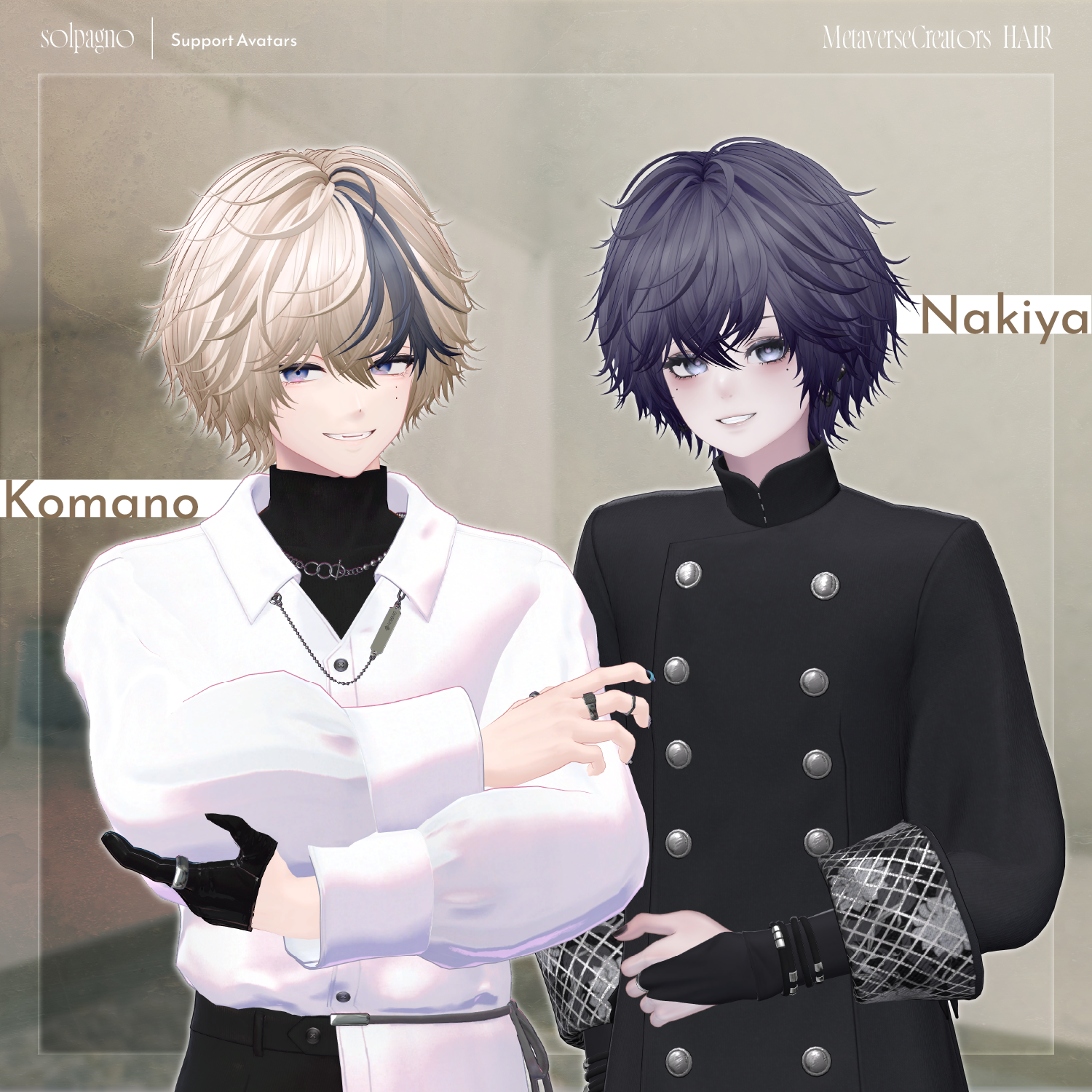
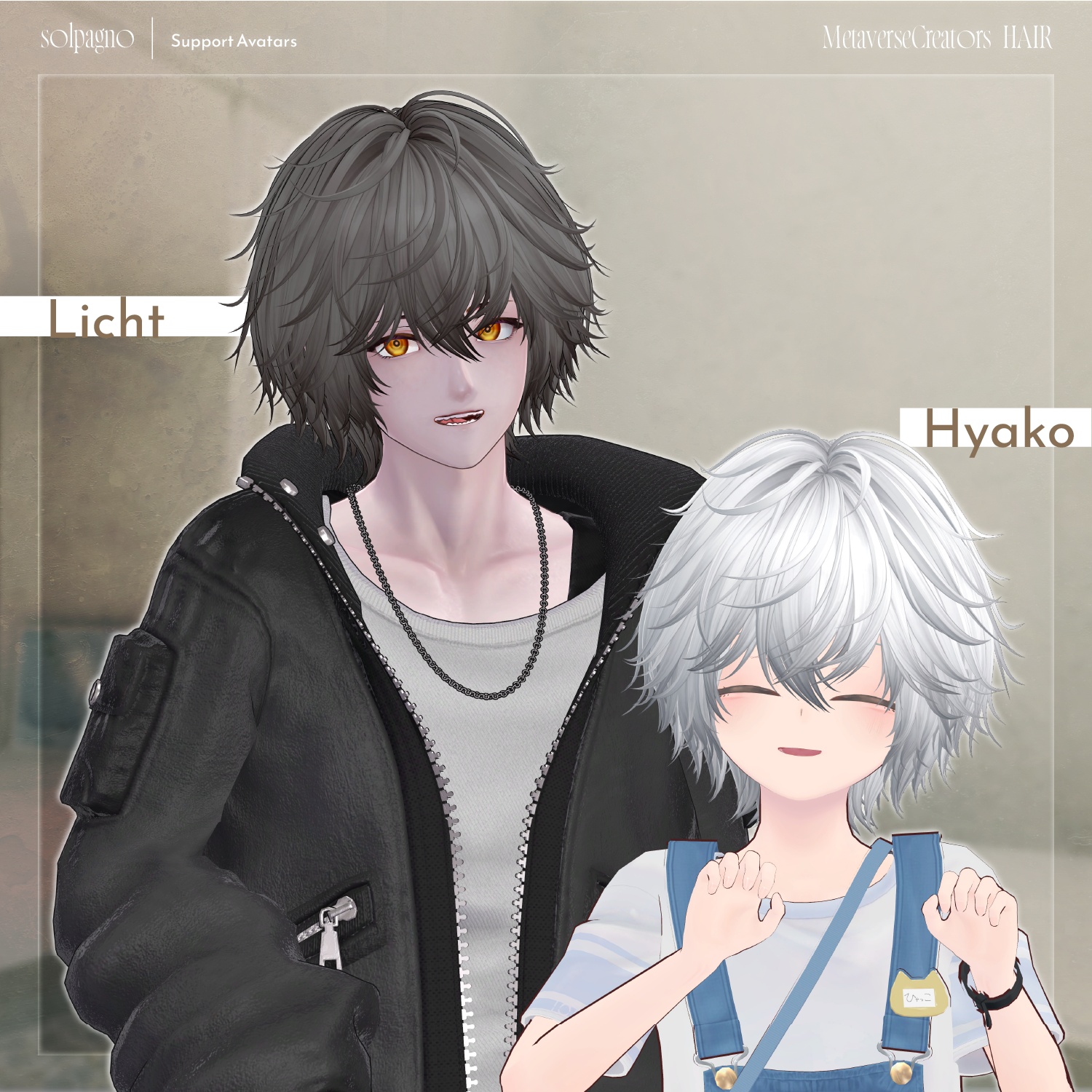
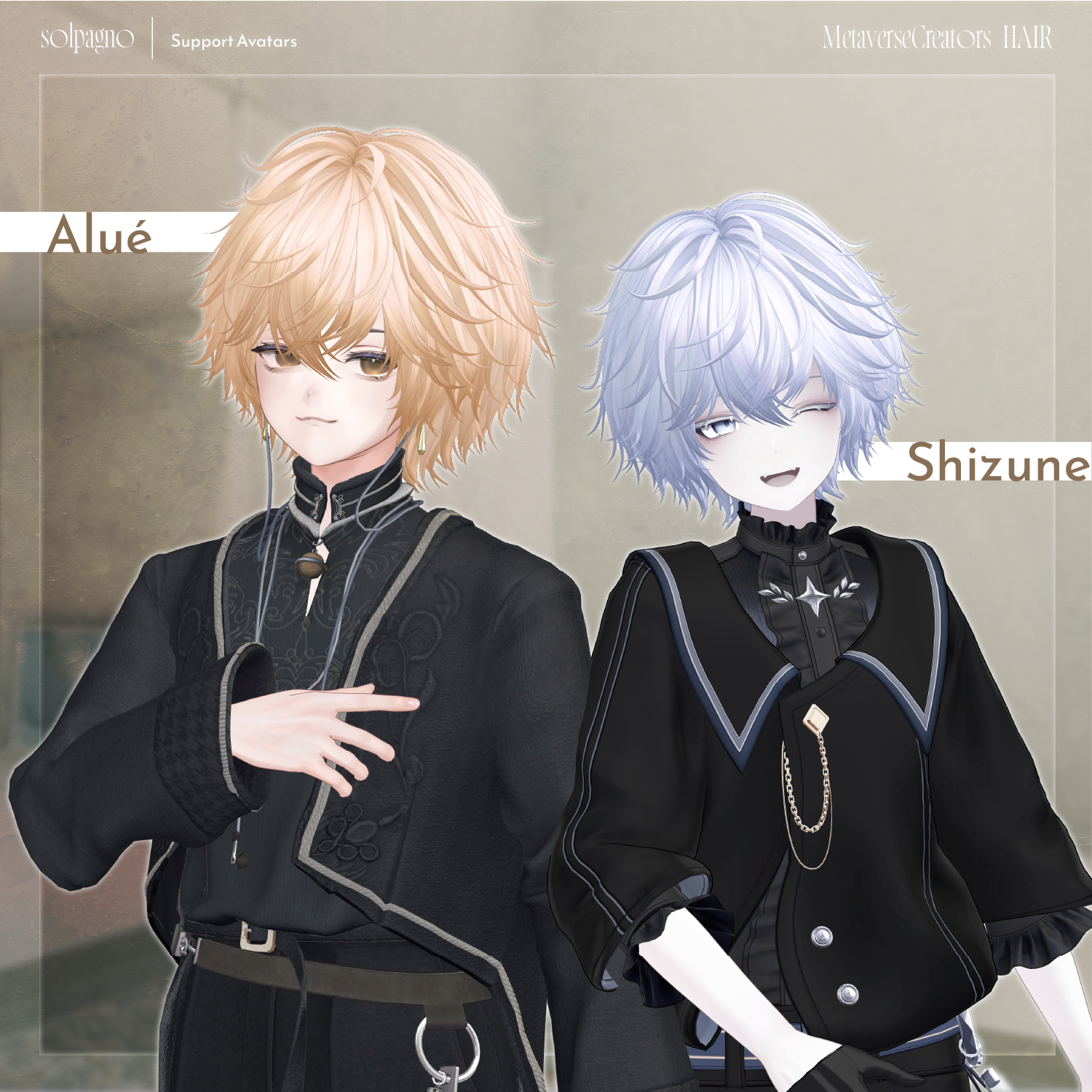
Supported Avatars
Officially supported:
Komano (狛乃) — Original 3D Model
https://booth.pm/ja/items/5260363
Semi-compatible avatars (adjusted in Unity from the base model):
Alué (アルエ)
https://booth.pm/ja/items/6957623
Nakiya (泣夜)
https://booth.pm/ja/items/7924603
Hyakko (ひゃっこ) by Niyami
https://booth.pm/ja/items/6328134
Richt (凛仁 / Licht3D)
https://metacreatorstyo.booth.pm/items/7430852
Shizune (雫峰 / Shizune3D)
https://metacreatorstyo.booth.pm/items/7684873
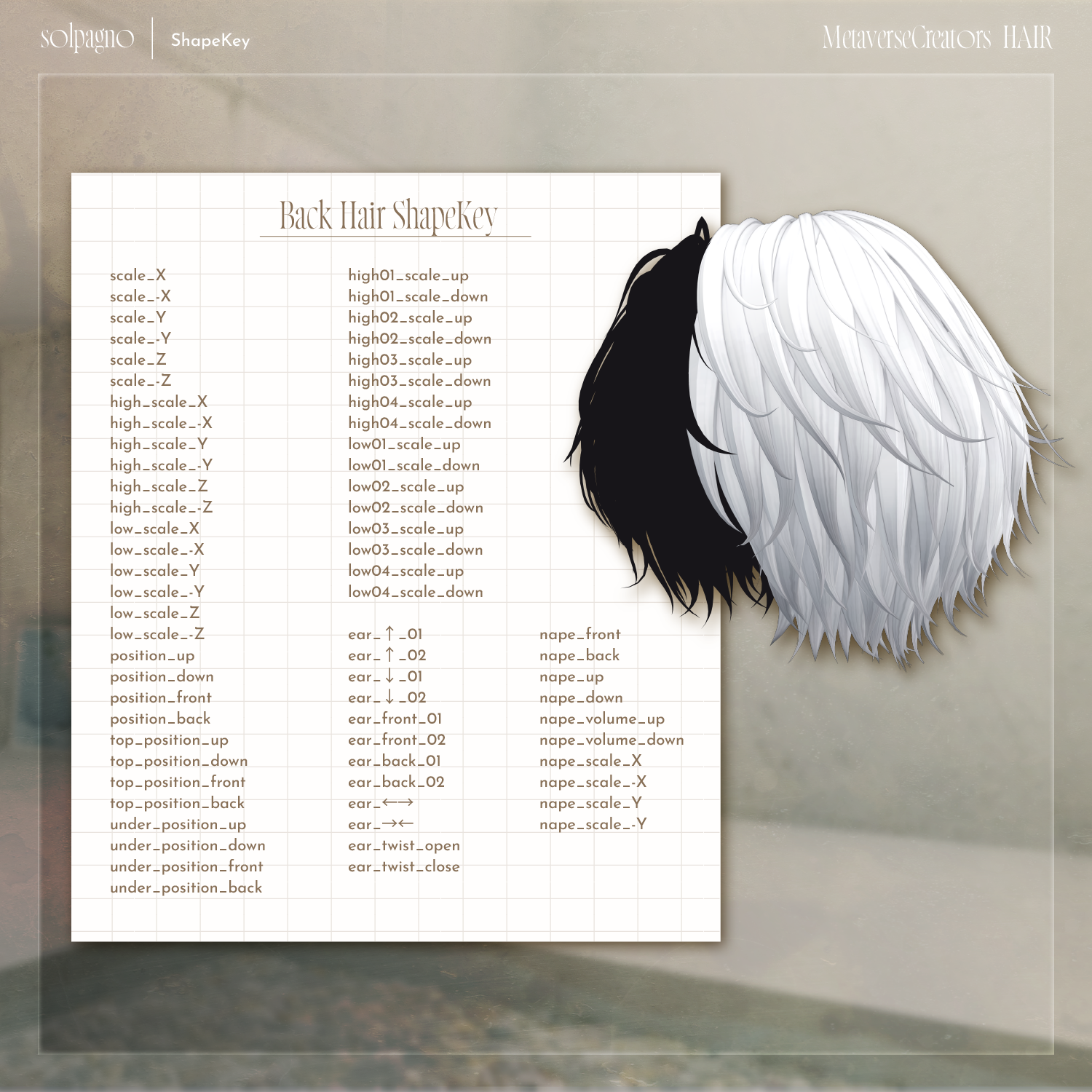
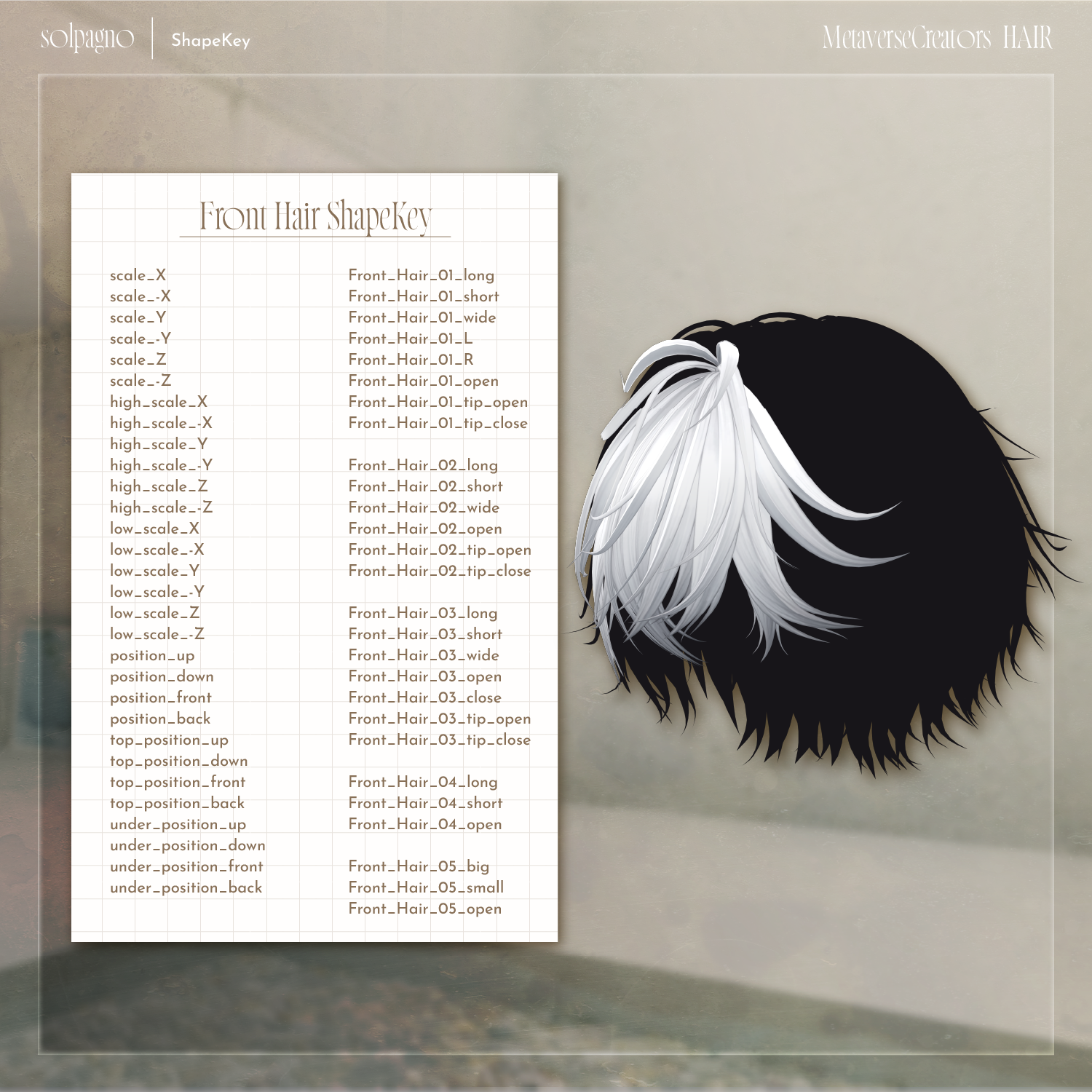
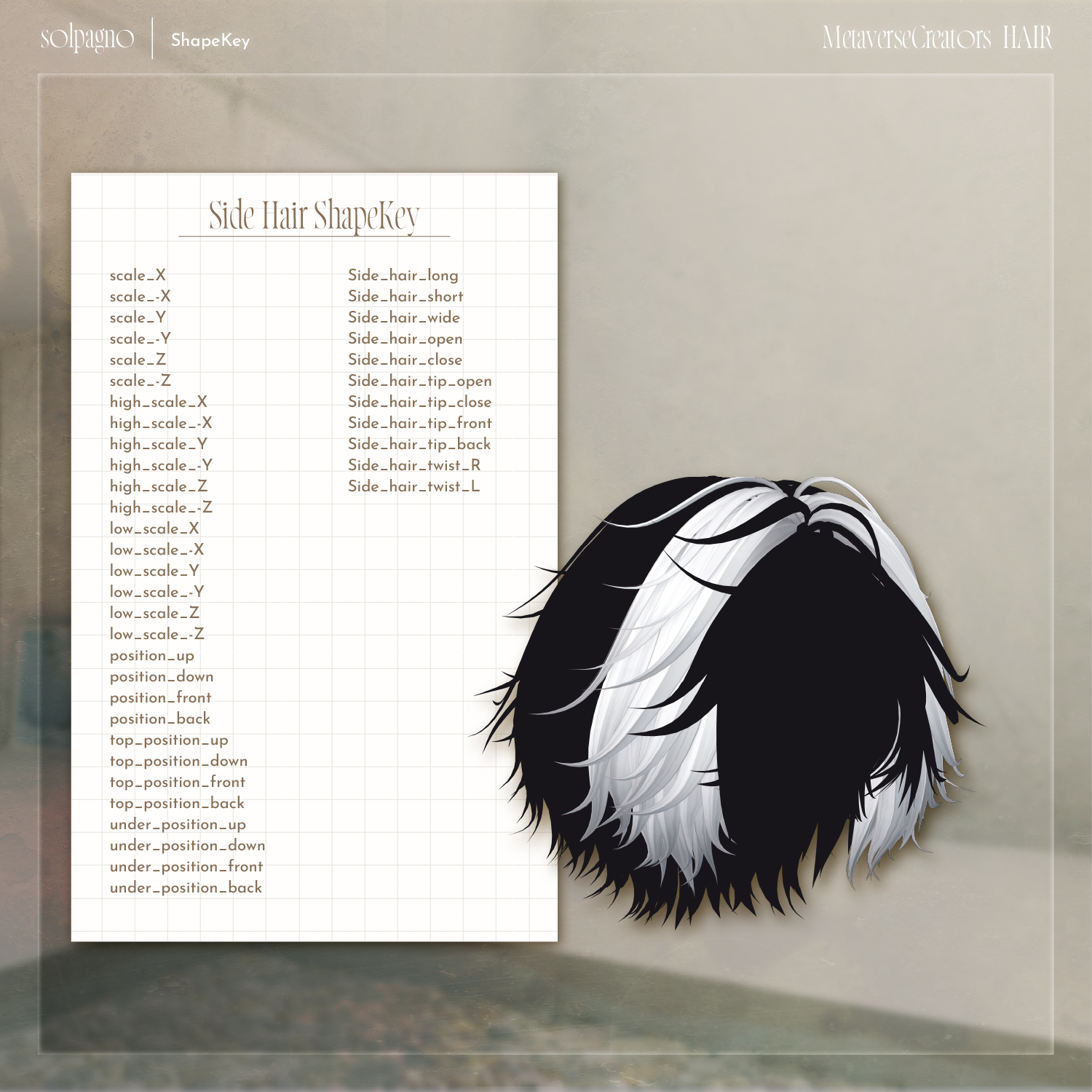
Many shape keys are included for each hair part to adjust size, position, and fitting.
You may also try using this hair with avatars not listed above.
If different objects share the same shape key names, setting them to the same values will allow for cleaner adjustments.
Due to the large number of shape keys, please refer to the product page images for the full list.
Installation
Set up the latest VRChat SDK through VCC.
Install required assets:
liltoon
Modular Avatar
Import the latest avatar package.
Import this product package.
Place the avatar (or customization prefab if applicable) into the Scene Hierarchy.
Hide unnecessary avatar parts such as existing hair or ears if needed.
Drag and drop:
solpagno_[Avatar Name].Prefab
directly under the avatar.
Adjust scale, position, and shape keys to fit the avatar.
(Not required if an adjusted prefab is included.)
Upload the avatar through VRChat SDK.
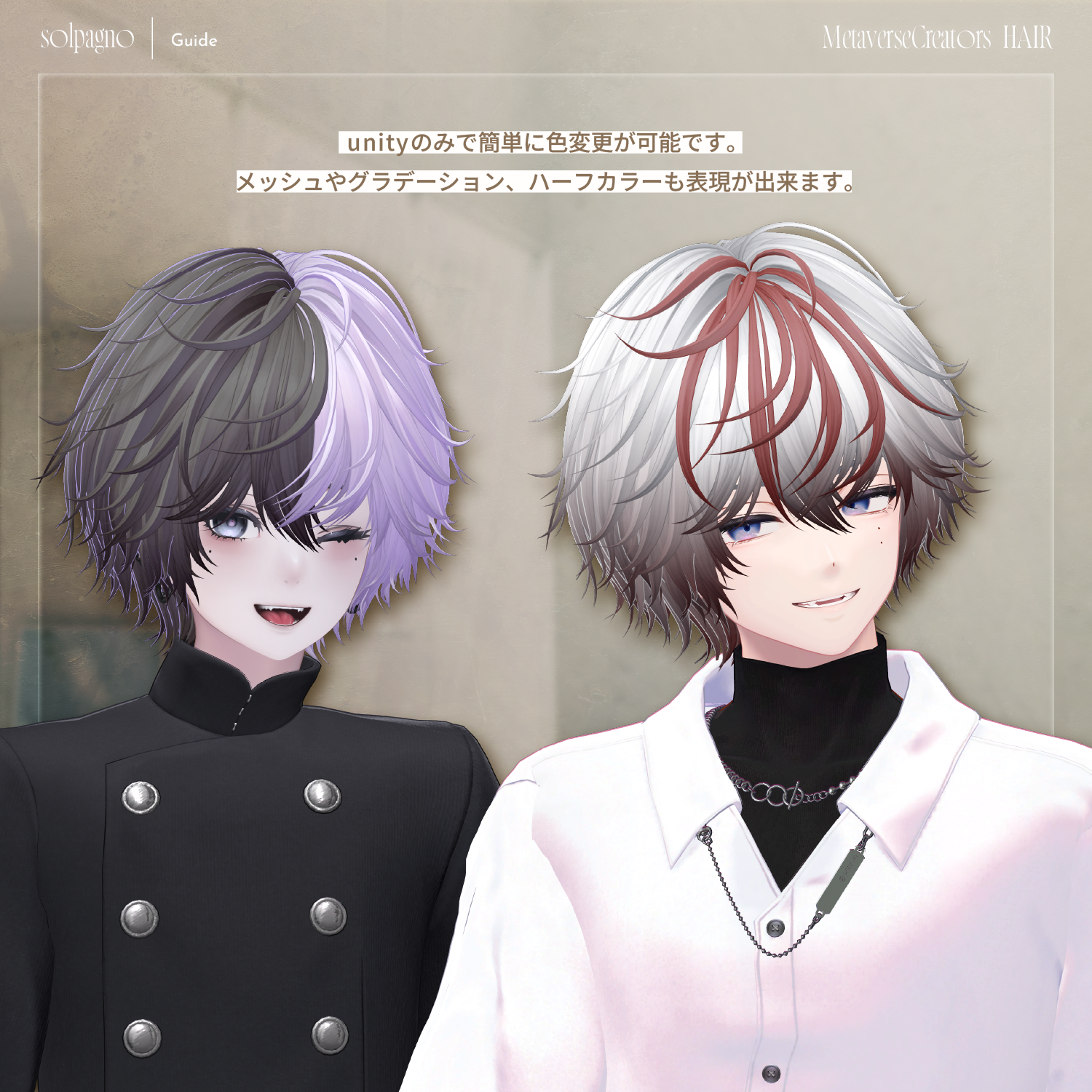
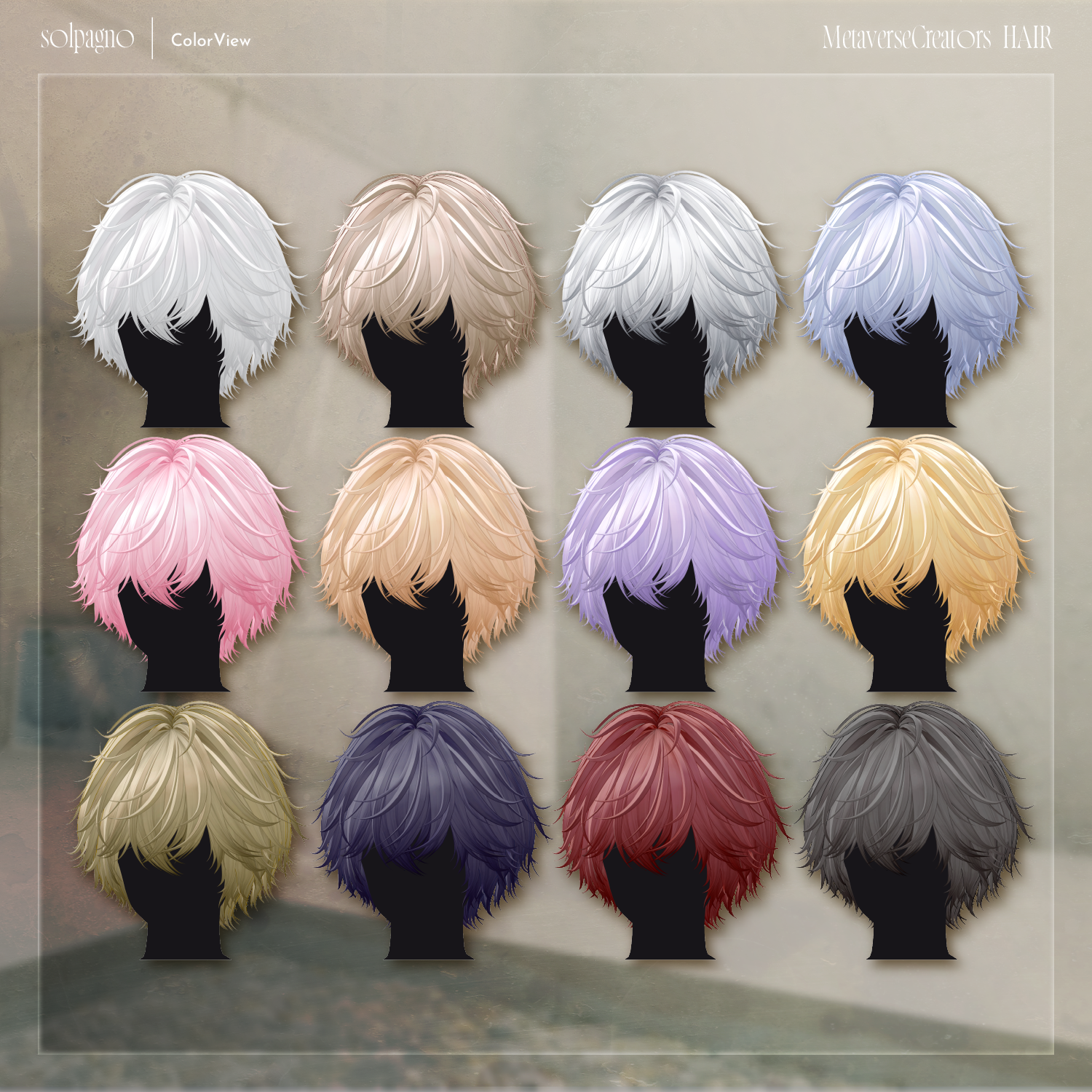
Color Customization
Color variation materials are included in the Mat folder.
Replace the default materials with your preferred variation.
Note: Materials are separated into:
Front and side hair
Back hair
A general-purpose material called kaihen is also included.
Features:
The Main Color is assigned to "gray", allowing you to select any HDR color.
You can replace "gray" with another texture for more customization.
Main Color 2nd and Main Color 3rd use gradient and mesh masks.
By changing HDR colors, you can create custom mesh and gradient combinations directly in Unity.
Additional mask variations are available in:
Tex > option
Replace the Main Color 2nd / Main Color 3rd masks with these options as desired.
For more detailed edits, use the included PSD file.
Terms of Use
https://drive.google.com/drive/folders/1qRMXoIxM1ZgacBPfwOigQRtXP1vCbNMn?usp=sharing
Please follow the original avatar’s terms of use when using this product.
Development Environment
Modeling: Blender 3.2.0
Texturing: CLIP STUDIO PAINT
Unity: 2022.3.22f1
VRChat SDK - Avatars 3.10.1 (VCC)
liltoon 2.3.2
Modular Avatar 1.15.1
Creator
Creator: Maori Toy Shop (マオリ玩具店)
BOOTH: https://maorigangu.booth.pm/
For inquiries and support, please contact the creator through BOOTH messages.