商品描述
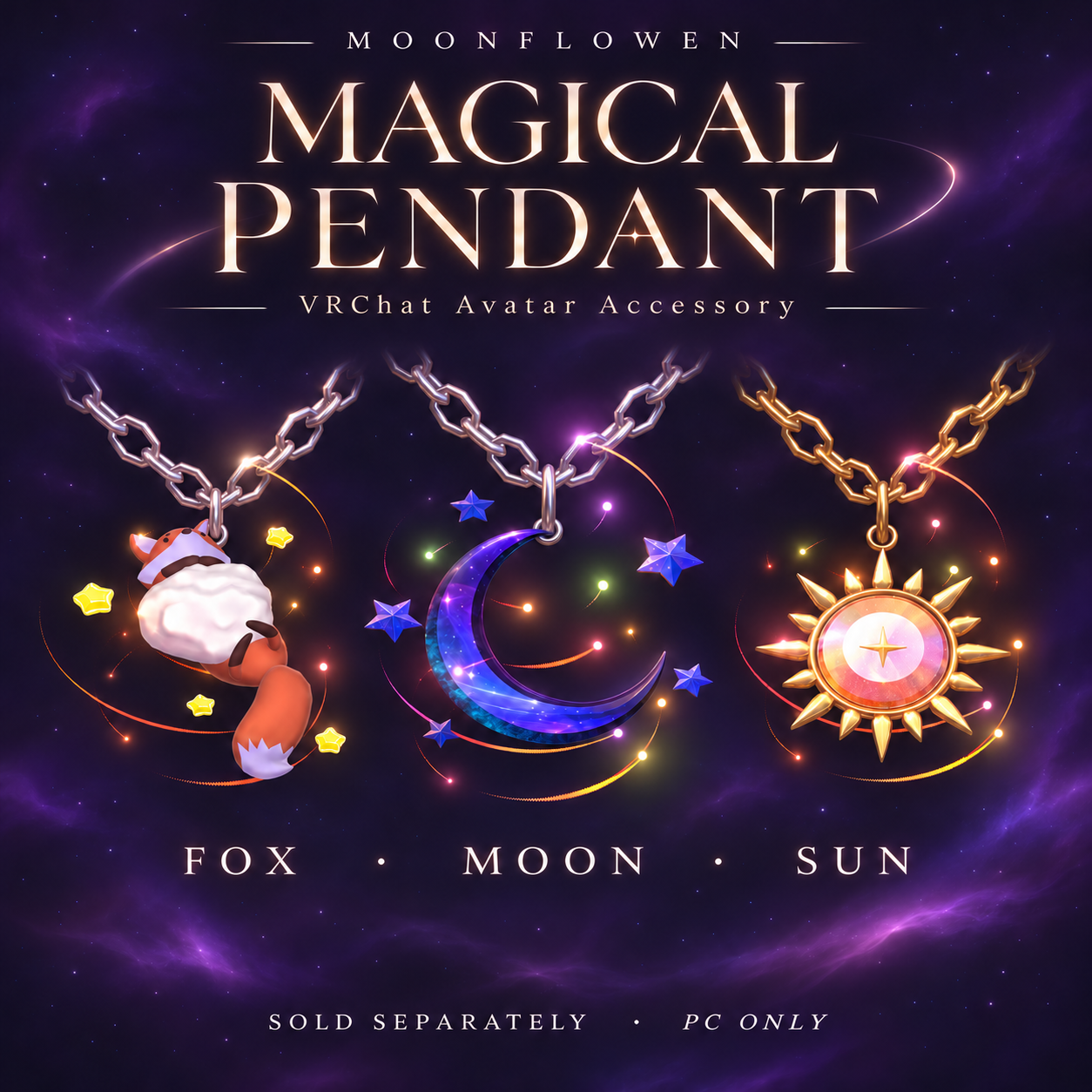
[VRChat PC] Magical Pendant — Fox / Moon / Sun
by MoonFlowen
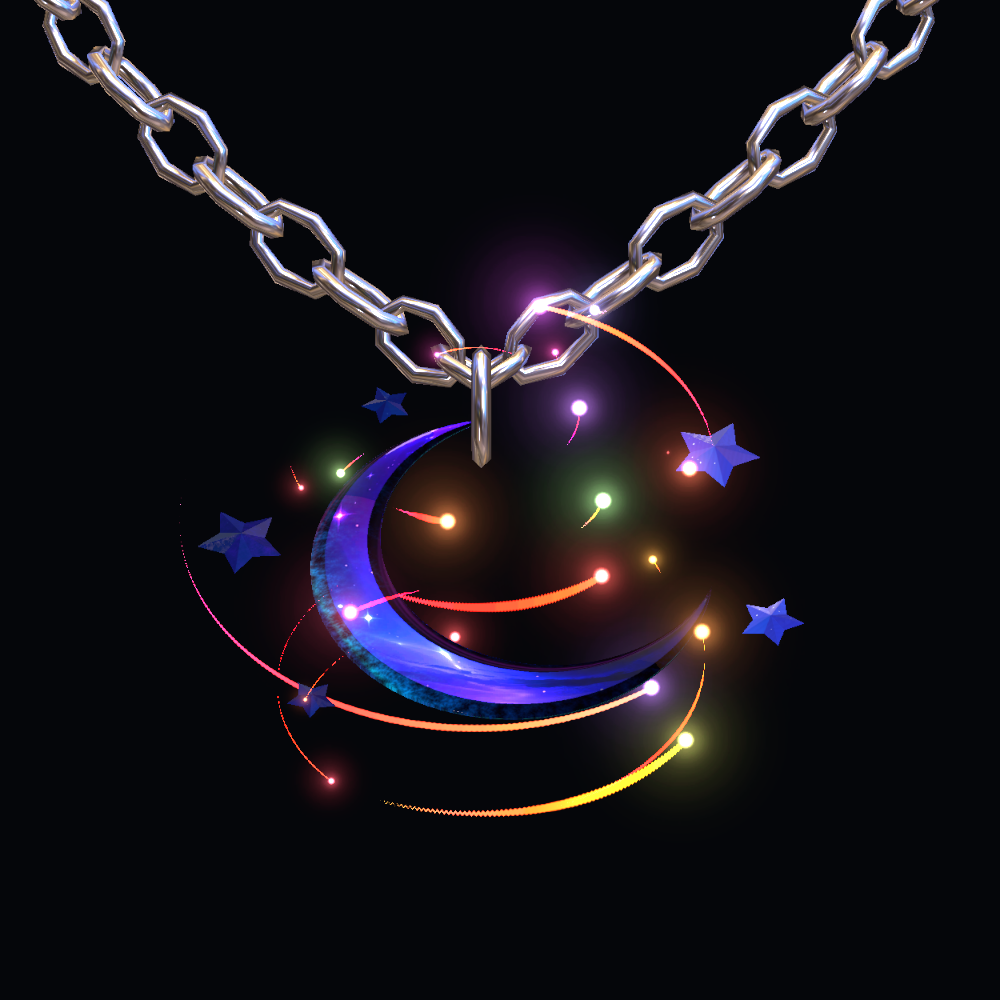
Choose a fox with a cloud, a crescent filled with a purple-to-indigo galaxy, or a warm amber sun. Meet another wearer from the series and the pendants respond with particles and trails of light.
FEATURES
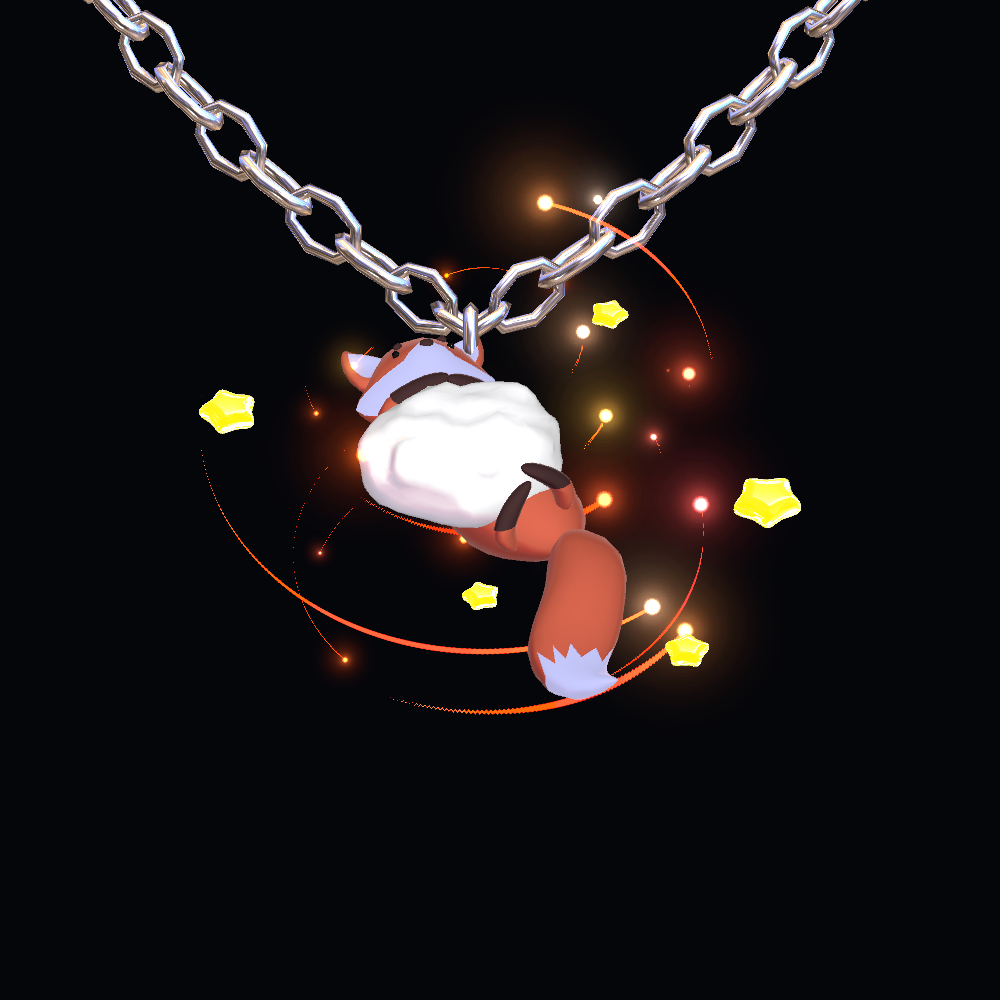
• Fox has an orange-and-white fox with a cloud, star charms and a silver chain.
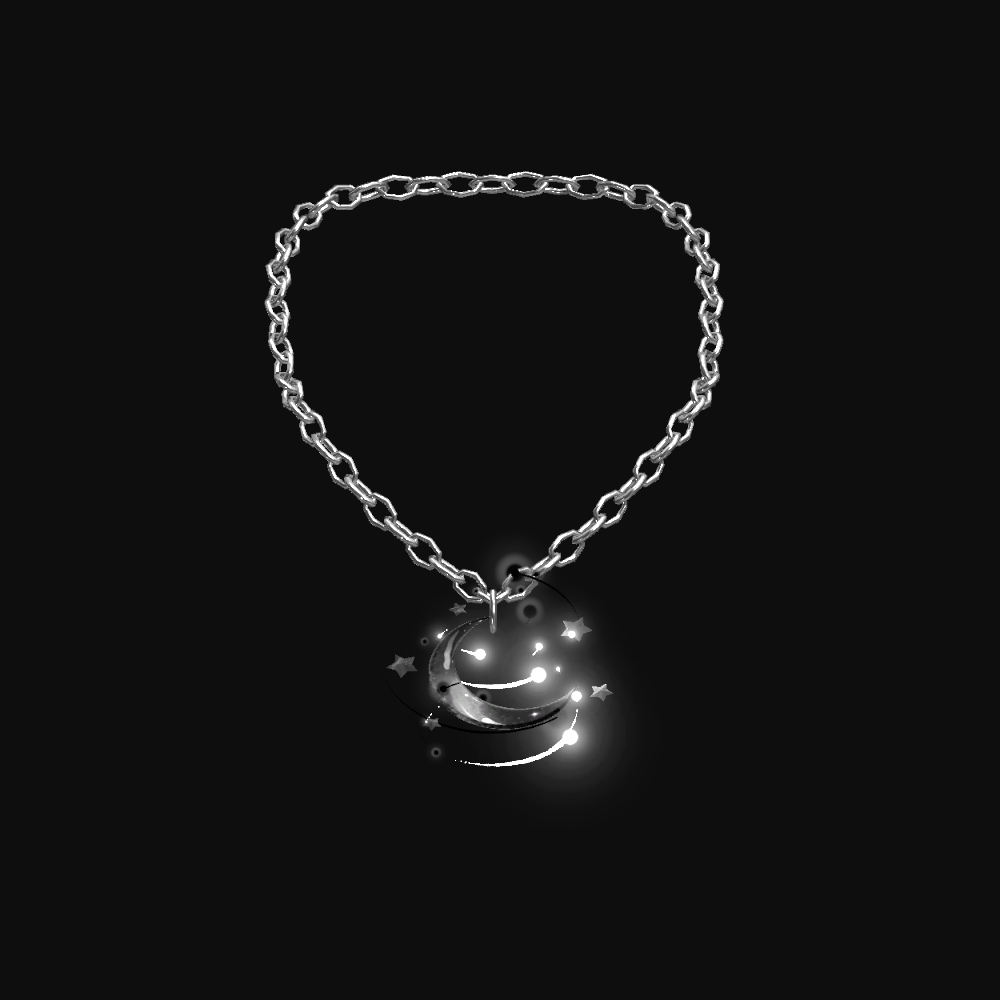
• Moon pairs a galaxy crescent and five faceted stars with a silver chain.
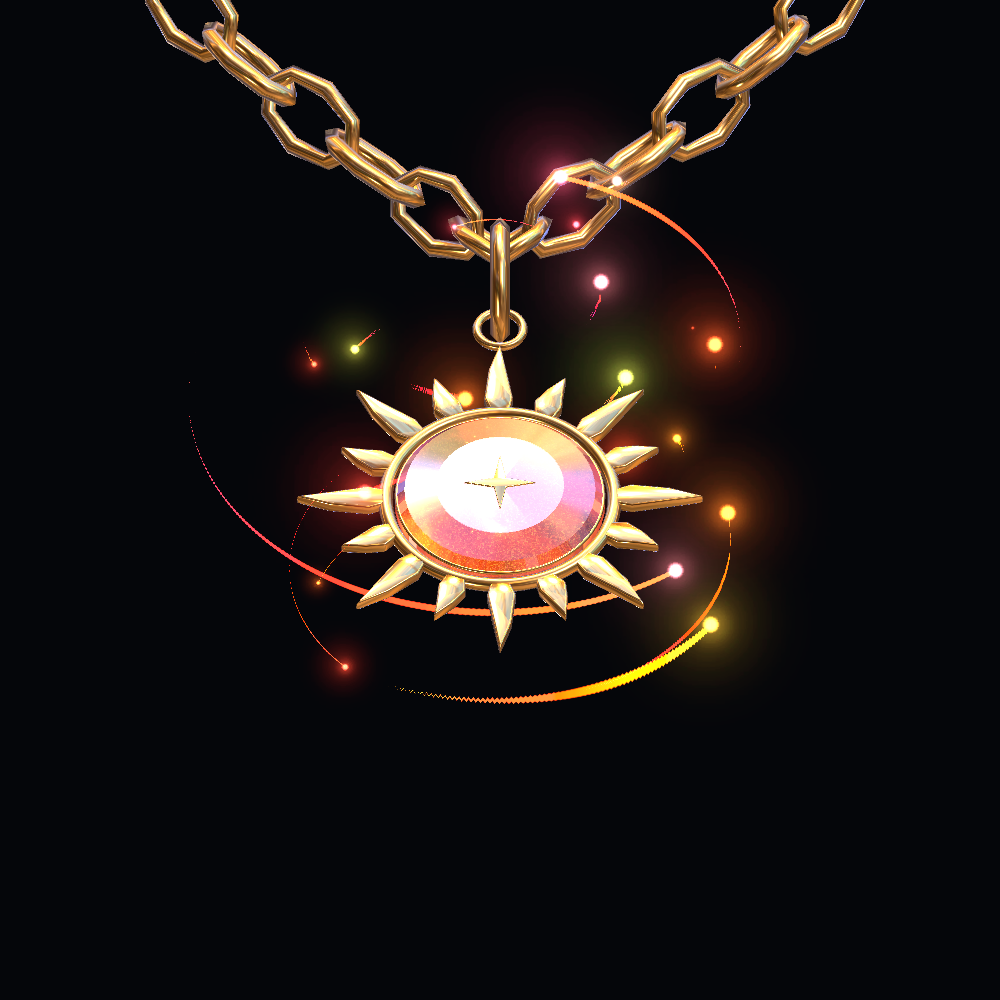
• Sun has 16 rays, a central four-pointed star and a golden chain.
• Fox, Moon and Sun react to any of the three designs nearby through VRC Contacts.
• Toggle On shows or hides the pendant. Toggle Force Active plays the effects while the pendant is visible, even when you are alone.
• Size scales the chain, charm, decorative stars where present and effects together. It ranges from 70% to 130% of your fitted size. The 50% menu setting returns to the fitted size.
• PhysBones give the chain and charm movement.
INCLUDED
Each download contains one design's UnityPackage and FBX, with a Modular Avatar prefab, meshes, textures, materials, particles shader, animations, menu and parameters. Installation guides are supplied in English, Russian, Japanese, Korean and Simplified Chinese.
Install the dependencies separately. Choose your design before downloading. The in-game menu controls the pendant you installed.
REQUIREMENTS
VRChat for Windows PC. The release was checked in Unity 2022.3.22f1. Install VRChat Avatars SDK, Modular Avatar and lilToon in your avatar project.
VRChat Avatars SDK — https://creators.vrchat.com/sdk/
Modular Avatar — https://modular-avatar.nadena.dev/
lilToon — https://booth.pm/ja/items/3087170
INSTALLATION
Open START_HERE.html from your archive. Install the dependencies, import the UnityPackage and place the prefab directly under your avatar root. Adjust its position, rotation and uniform scale around the neck or chest, then rebuild and upload with the SDK. Modular Avatar applies the attachment, menu, Animator and parameters at build time.
For an update, import the complete package for your design, replace the old pendant prefab and check the fit before rebuilding.
PERFORMANCE AND COMPATIBILITY
Use a PC build of VRChat. With a compatible pendant nearby, the reaction depends on Avatar Dynamics permissions, visibility and contact overlap. Use one design from this series per avatar because the designs share menu and parameter names.
LICENSE AND SUPPORT
You may modify the pendant for personal avatar use. Public credit is optional. Redistribution, resale and transfer of the product files are prohibited. See the license inside your archive for the complete terms.
For help, message MoonFlowen through the store where you purchased. Include your Unity, SDK, Modular Avatar and lilToon versions, the steps to reproduce the problem and any error text.
REFUNDS
Digital sales are final except where a refund is required by applicable law or the mandatory rules of the purchase platform. For download or technical problems, contact the seller through the purchase platform.
HeavenlyFoxy / MoonFlowen
https://x.com/HeavenlyFoxy
https://moonflowen.booth.pm/