商品描述
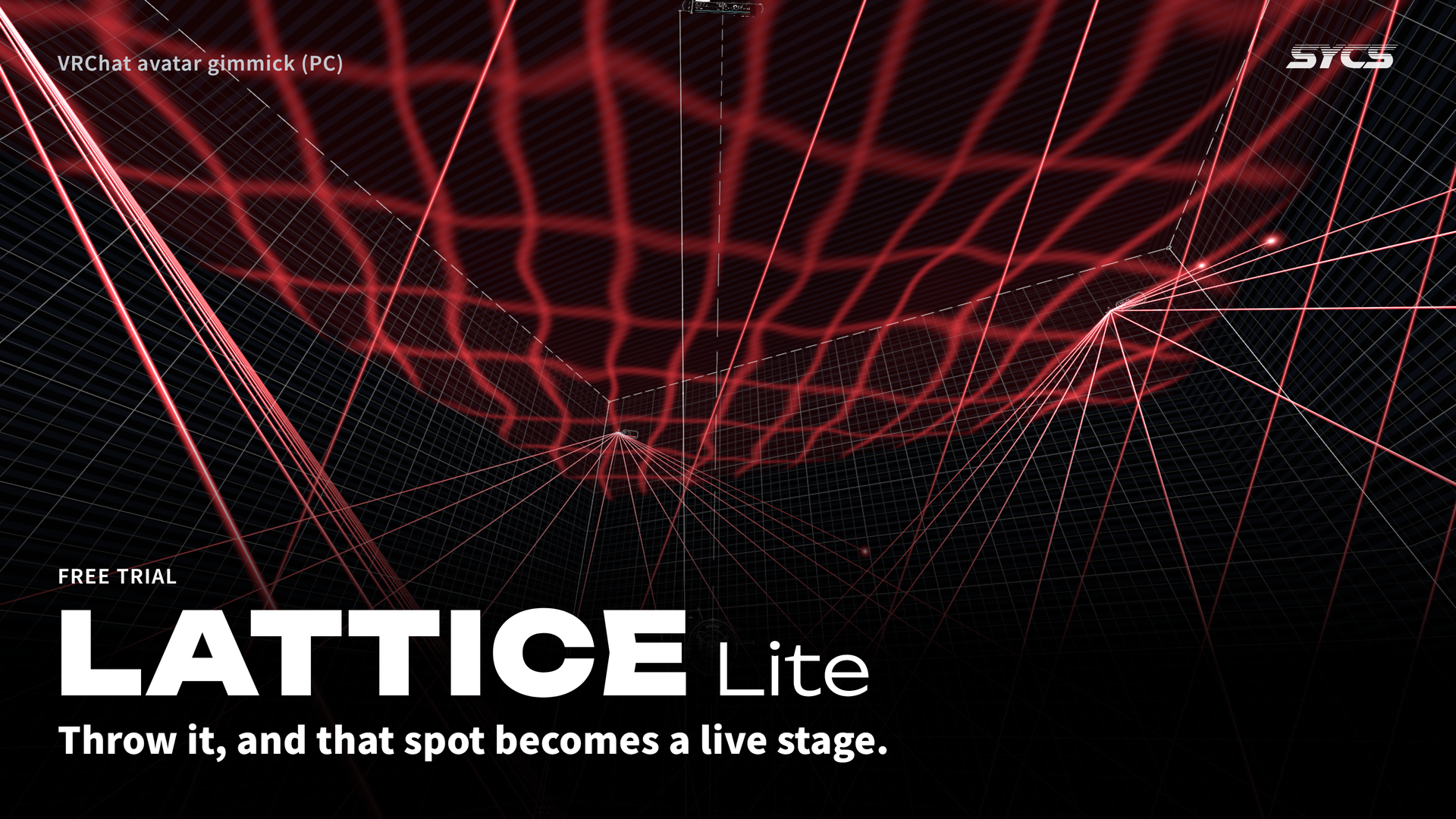
Throw it, and that spot becomes a live stage.
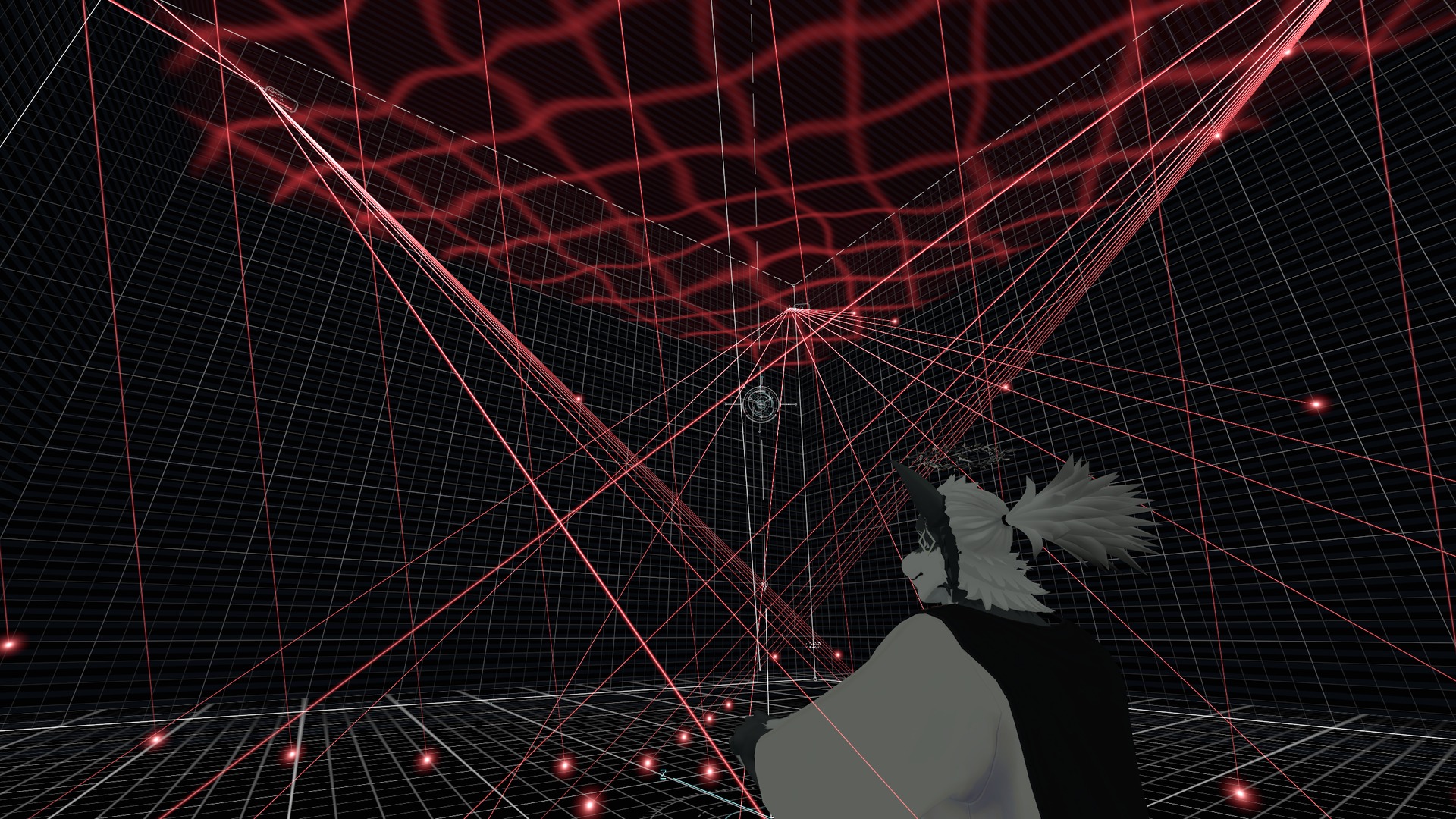
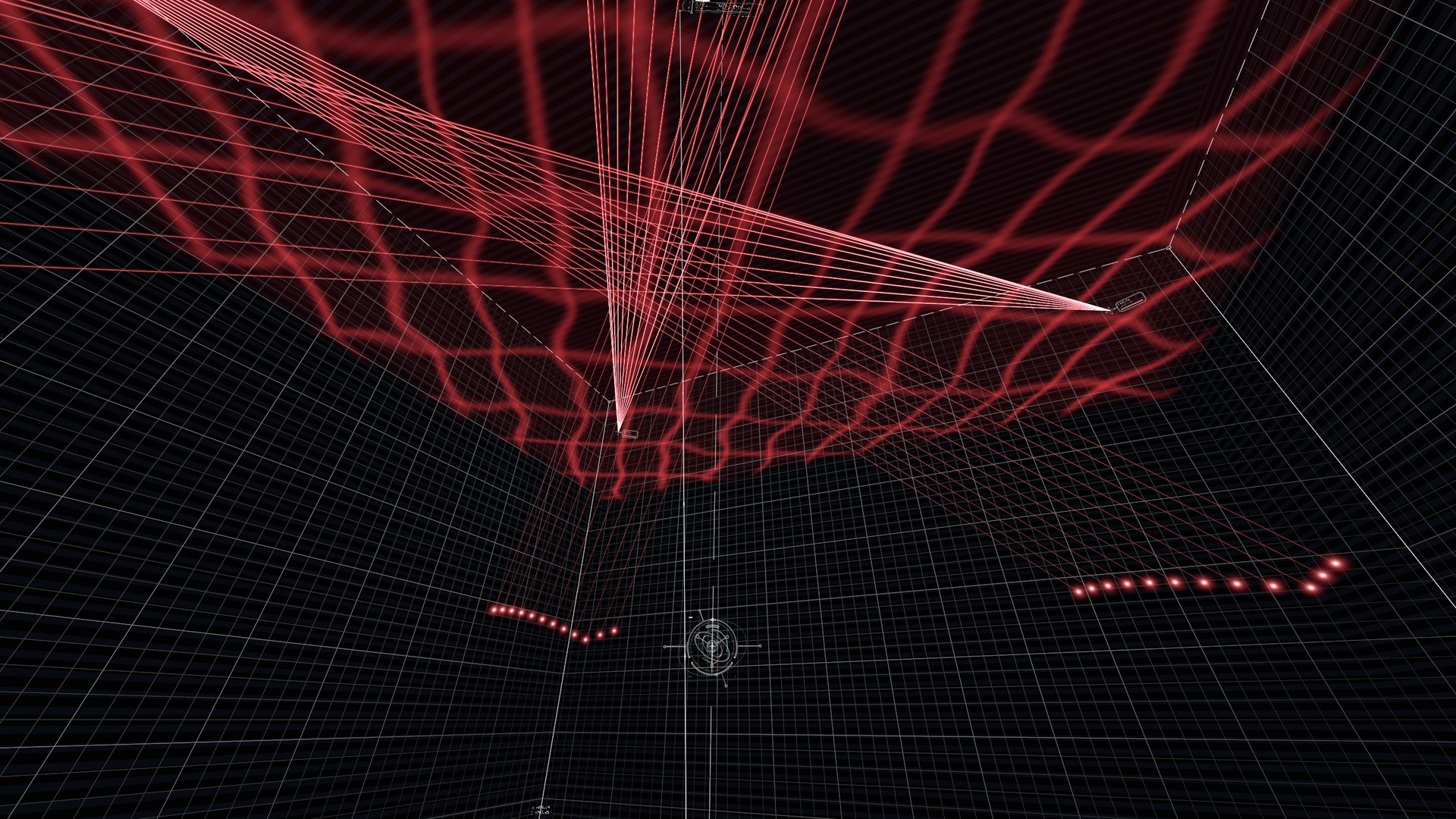
Throw the core from your palm and a room of light walls opens where it lands, with lasers running from the four top corners. This is the free trial of LATTICE.
VRChat (PC) only. Not shown on Quest / Android.
What it does
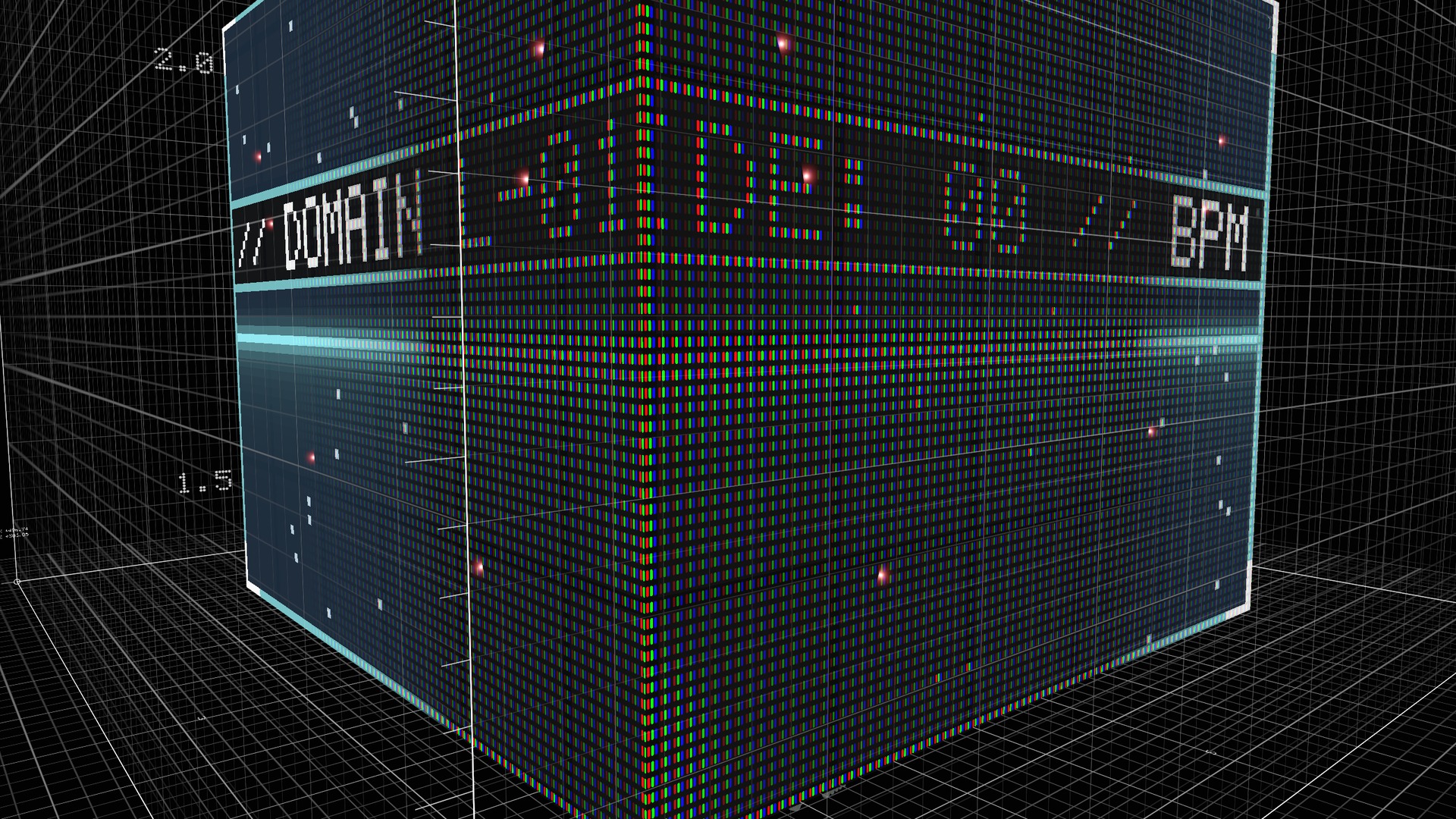
- A room where you throw it — Grab the core floating over your left palm with your right hand, swing and let go: it flies on an arc, and an LED-walled room, the DOMAIN, opens where it lands. Let go gently to place it right there.
- Lasers — Thin lasers fan out from the four top corners, and a sheet of light ripples overhead. The formation changes every bar.
- Moves with the music — In worlds with AudioLink, it moves with the sound and the tempo.
- Everyone sees the same — People who join the world later see it in the same place, at the same size.
Controls are just three switches in the Expression Menu: CORE, DOMAIN and LASER.
What the full version adds
Lite is the most basic part of LATTICE. The full version also has:
- Keys on your palm (switch things with a finger, no menu)
- 12 effects to stack freely (rain, lattice, glass shards, gears, wall-sized type, a contour-map floor and more)
- AURA, a floor and instruments around your body (for MMD and dancing)
- Resize the room with both hands, draw it like a bow to throw it far
- LINK: owners' cores connect with lines of light
- Five palettes, brightness and music reaction you can change live
- LATTICE Link (PC software): keep time with music in worlds without AudioLink, play it from a MIDI controller
Full version: LATTICE on Jinxxy
Setup
- Add Modular Avatar
- Import the unitypackage
- Put the prefab (Assets/LATTICE_Lite/LATTICE_Lite.prefab) directly under your avatar
- Upload
Hand size and head height are measured and fitted at upload.
Requirements
- VRChat (PC). Not shown on Quest / Android (removed automatically at upload)
- Unity 2022.3, VRChat SDK - Avatars 3.x, Modular Avatar 1.18 or later
- A Humanoid avatar
Performance (difference from your avatar without it)
- Synced parameters +21 bits
- Materials +4, AudioSources +7 (operation sounds; can be turned off), lights 0
- Draws nothing while put away
Notes
- Contains bright light and fast flashing. Please mind the place and the people around you.
- Everything is drawn with shaders. People who block your shaders won't see it.
- Do not put Lite and the full LATTICE on the same avatar.
What's included
- LATTICE_Lite_v1.0.0.unitypackage
- README (English / Japanese)
- Terms of use (VN3 license PDF, English / Japanese)
Terms of use
The same as the full LATTICE (VN3 license). It is free, but redistributing or reselling the data and using it in other products are not allowed.