Snow Footprint - Snowflake Footprint Effect for VRChat | 4 colors
商品描述
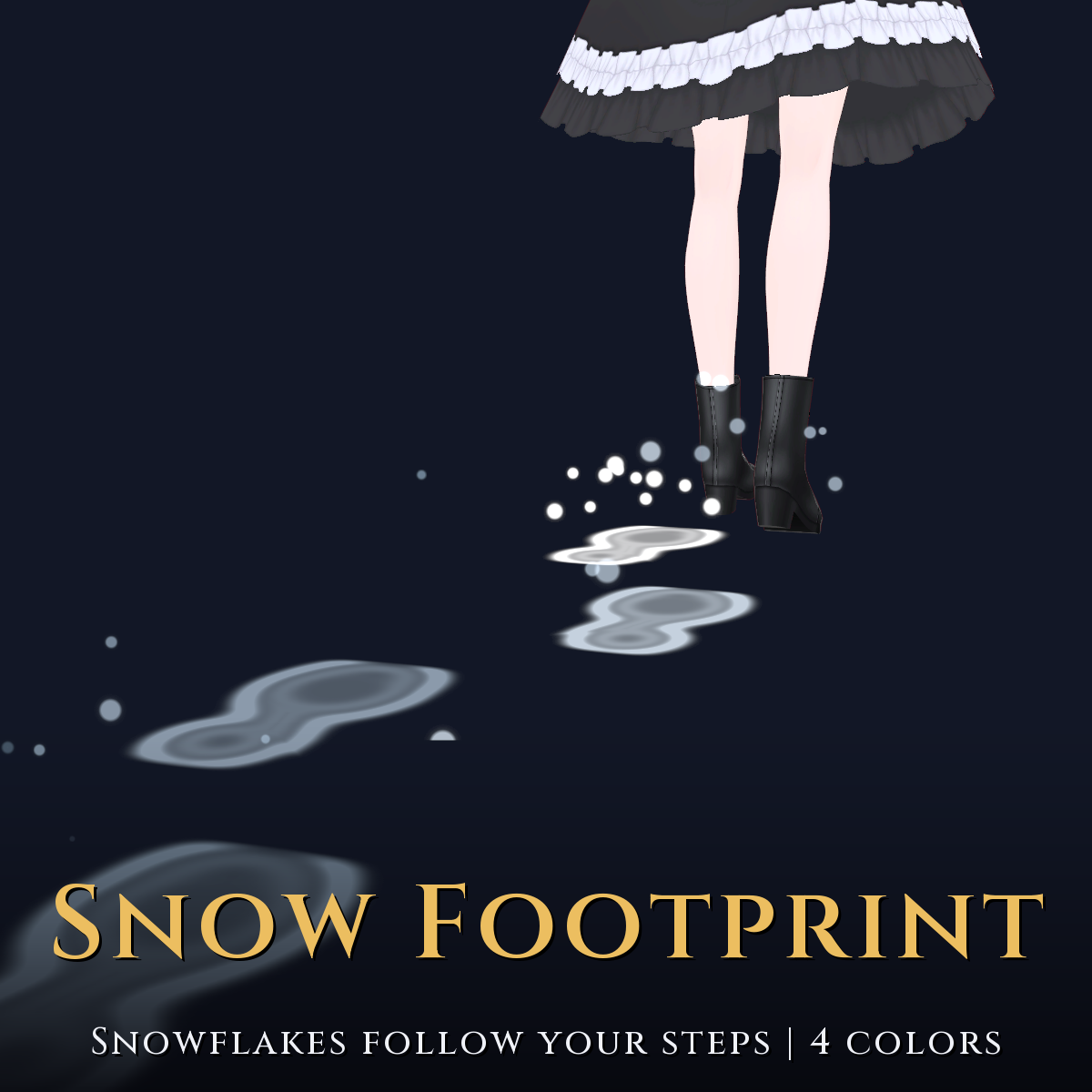
Snow Footprint for VRChat: walk and snow crystals and snowy footprints stay on the floor, then fade. 4 colors (Snow White / Ice Blue / Aurora / Gold White).
* The mannequin and floor in the images are for the shots and are not included.
A VRChat effect that leaves snow marks where you walk. It supports Modular Avatar: just drop the prefab directly under your avatar.
What it does
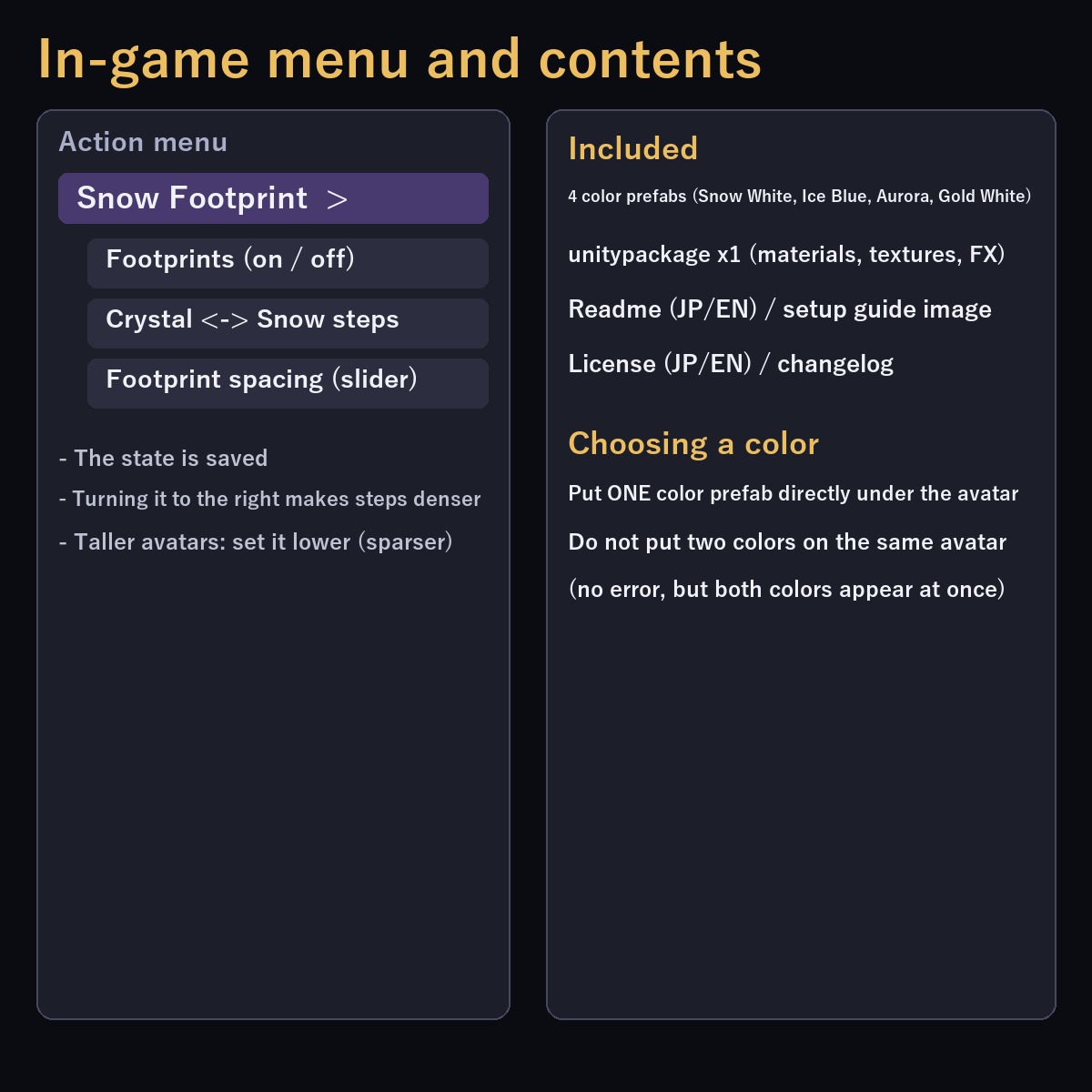
- Two footprint styles, switched from the menu
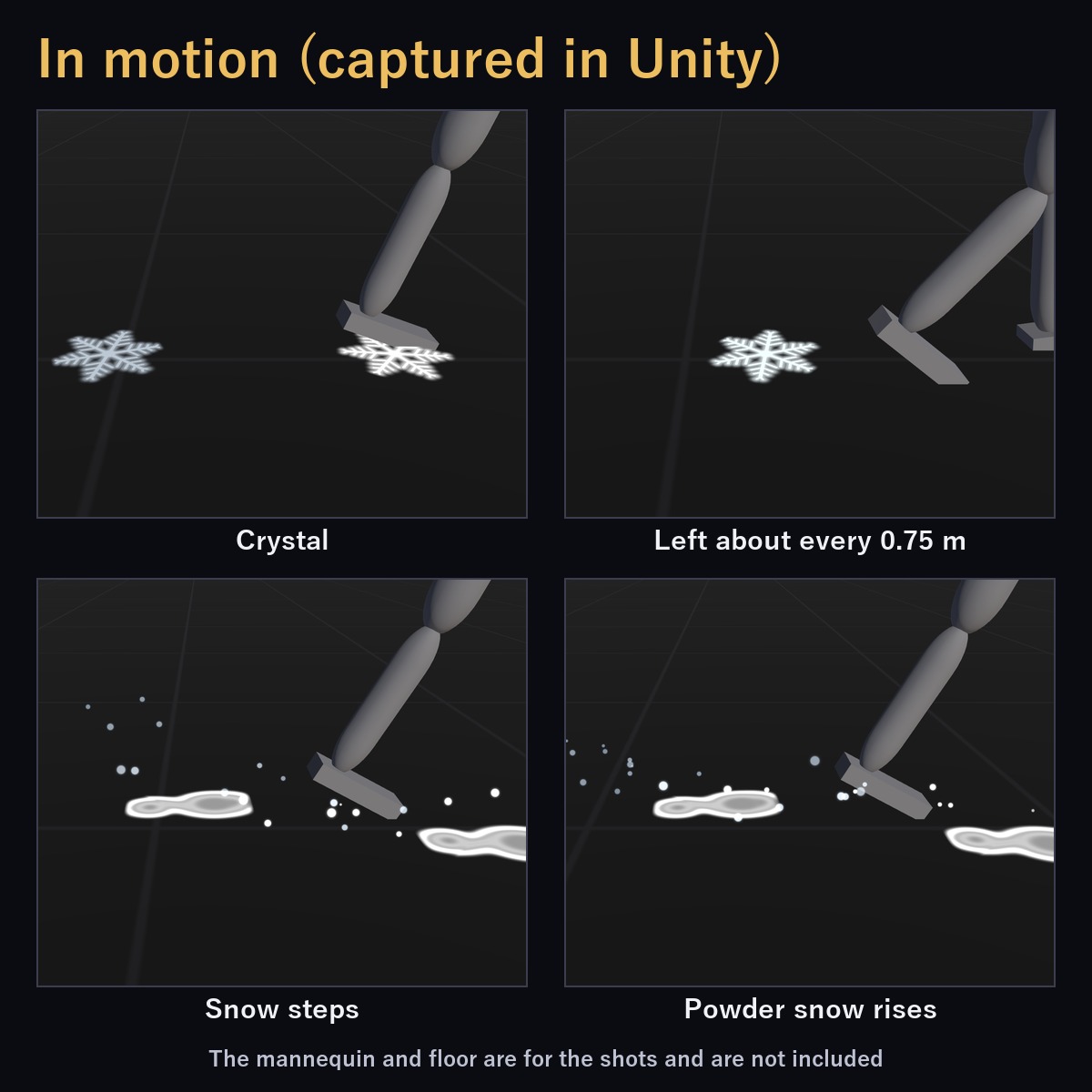
- Crystal: a 6-fold symmetric snowflake (about 30 cm wide) is stamped on the floor about every 0.75 m along your path and fades in about 3 seconds
- Snow steps: a sole-shaped dent per foot, with powder snow rising from your feet, then fading
- Footprints are made by distance walked: none while you stand still, none while airborne
- Menu: on/off and a footprint spacing slider (the state is saved)
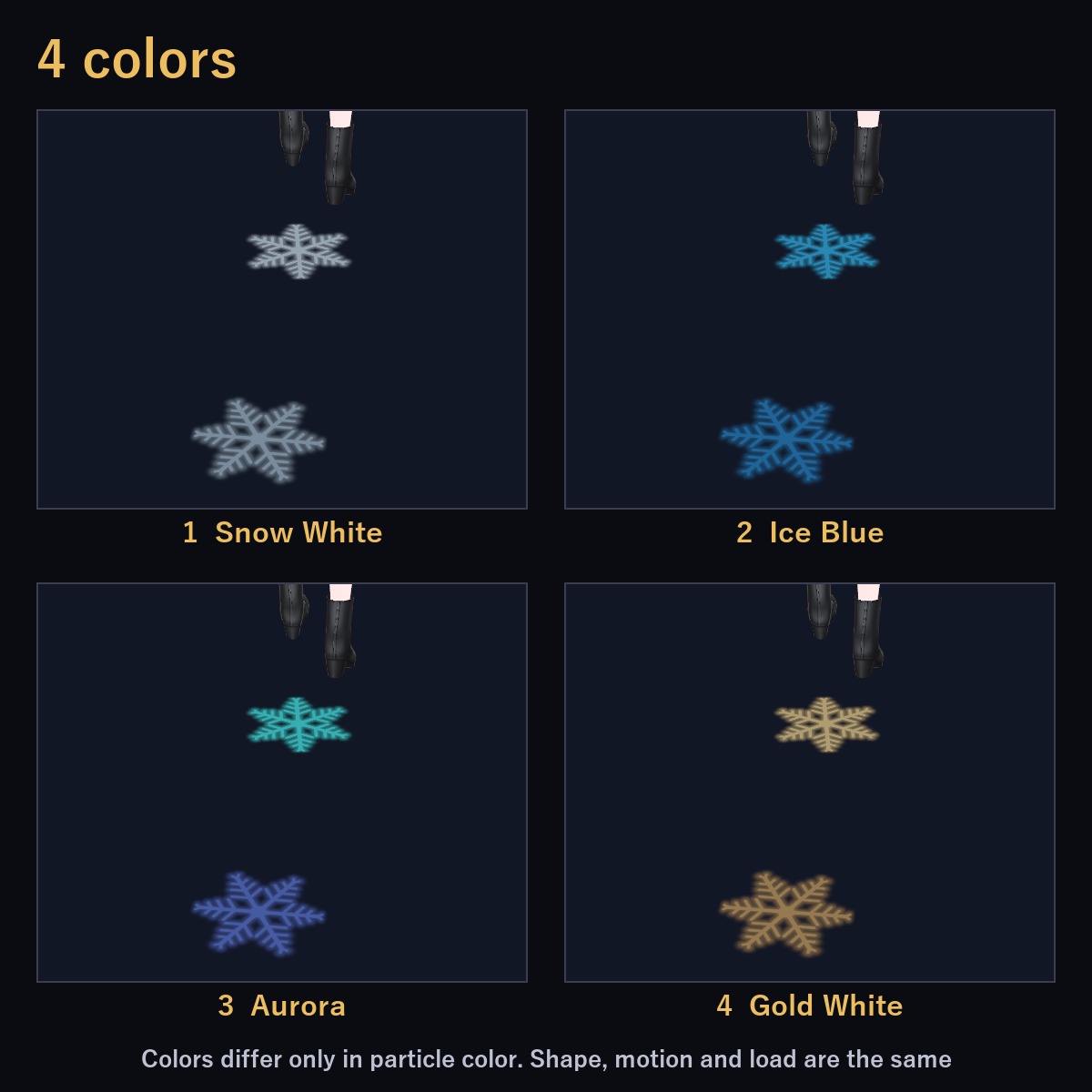
- 4 colors: Snow White / Ice Blue / Aurora / Gold White. Colors differ only in particle color; shape, size, motion and load are identical
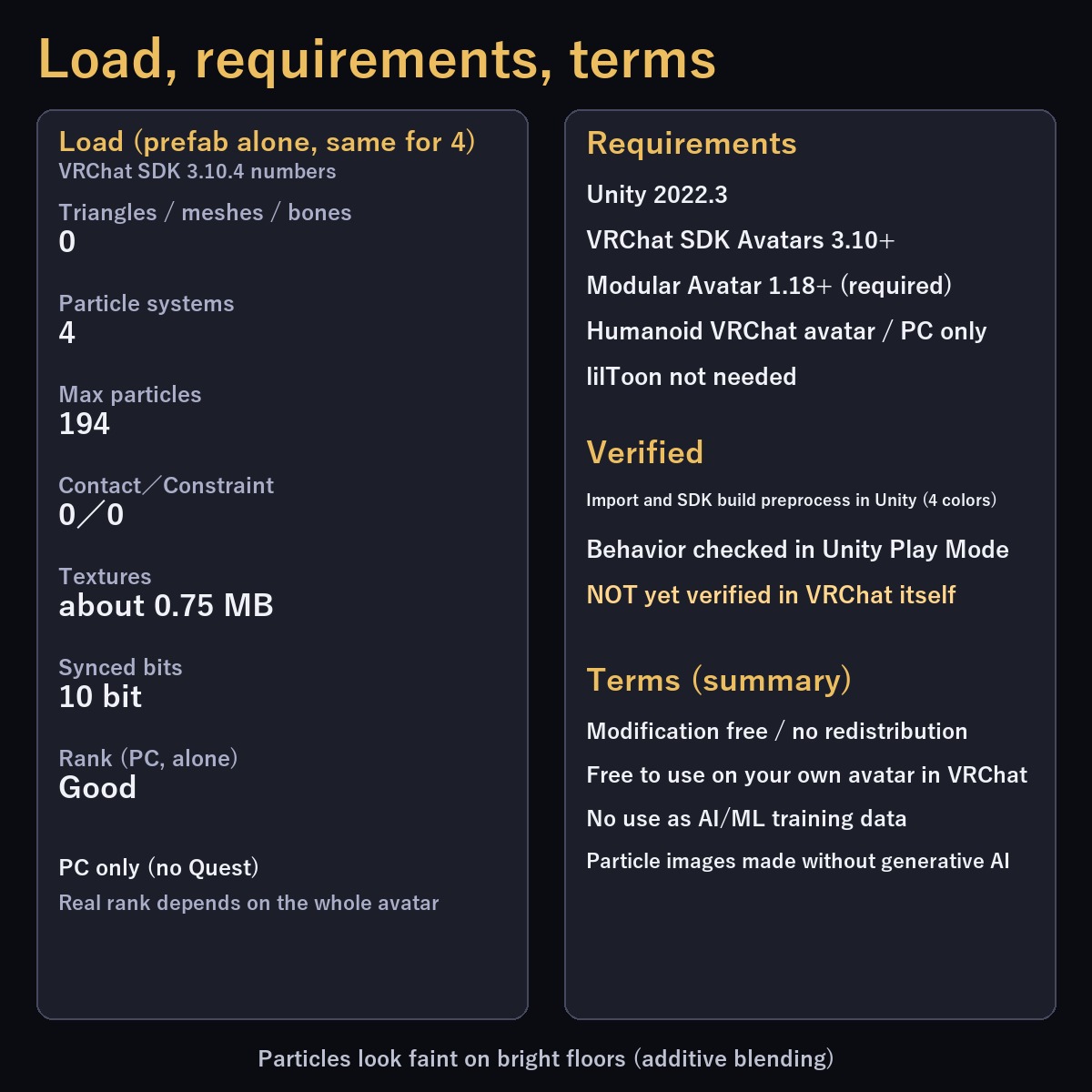
- No meshes: triangles, bones and PhysBones are all 0
* Load (VRChat SDK in Unity; prefab alone; same for all colors)
- Particle systems 4 / max particles 194 / Contact 0 / Constraint 0 / 10 synced bits
- Standalone Performance rank: Good (PC only; Quest/Android not supported). The real rank depends on the whole avatar
Included
- snow_footprint.unitypackage (4 color prefabs + materials, textures, FX), Readme (JP/EN), setup guide image, license (JP/EN), changelog
Requirements
- Unity 2022.3 / VRChat SDK Avatars 3.10+ / Modular Avatar 1.18+ (required)
- A humanoid avatar set up for VRChat. PC only. lilToon is not needed
- Tested with Unity 2022.3.22f1, VRChat SDK Avatars 3.10.4, Modular Avatar 1.18.7
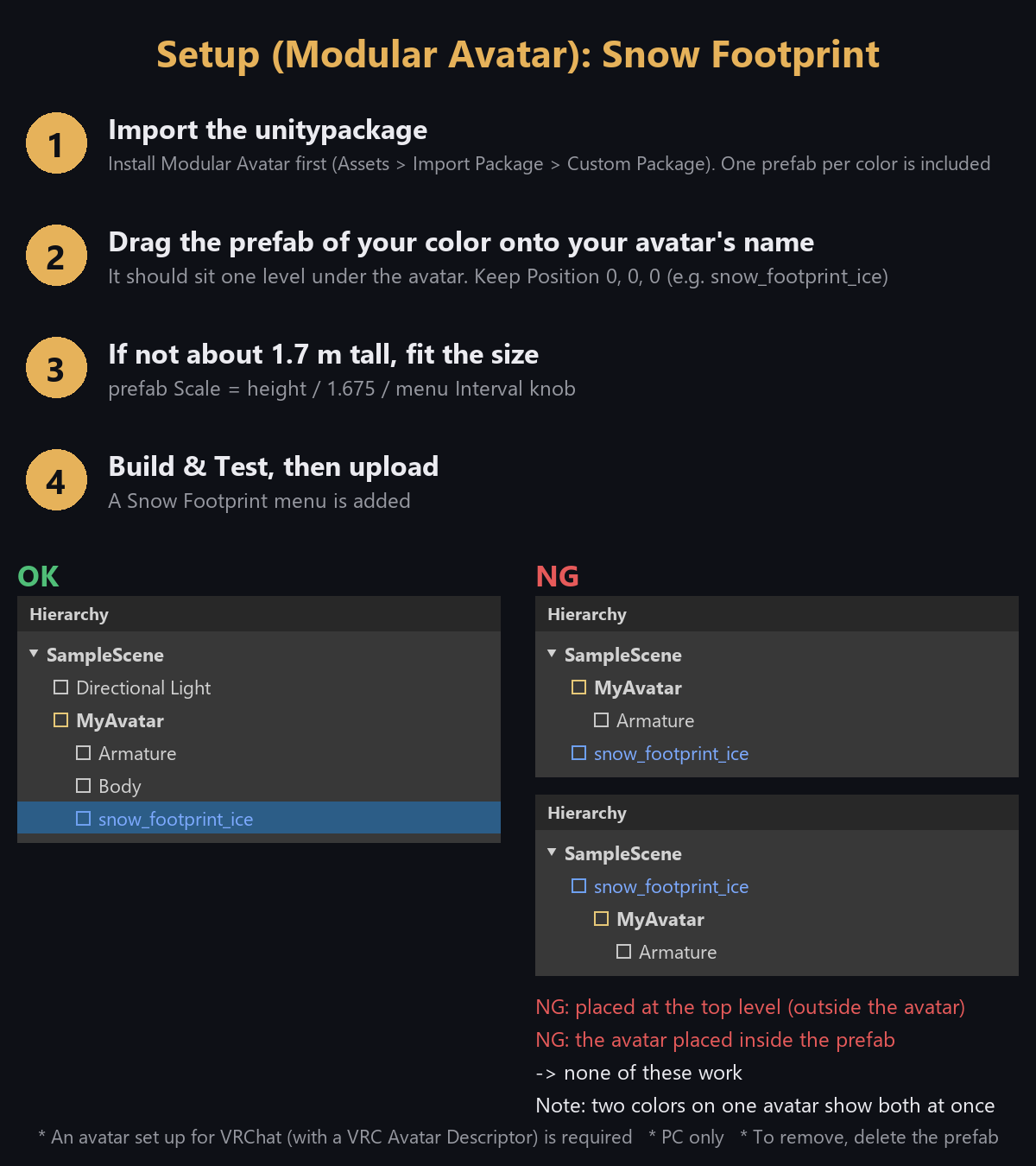
Setup
1. Install Modular Avatar, then import snow_footprint.unitypackage
2. Drag ONE color prefab directly under your avatar in the Hierarchy
3. Check with VRChat SDK Build & Test, then upload
- Do not put two colors on the same avatar (no error, but both colors appear at once)
What was verified (facts only)
- In Unity: imported into a buyer-like project; 0 compile errors, 0 NDMF errors, SDK build preprocess passes (all 4 colors)
- Walk / stop / airborne behavior and menu operation were checked in Unity Play Mode (Snow White prototype)
- NOT yet verified in VRChat itself (how other players see it, steps/stairs, different avatar sizes)
- On bright floors or white snowy worlds the particles look faint (additive blending; designed against a dark floor)
Terms (summary)
- Modification is free / Redistribution is prohibited (as-is or modified) / Using it on your own avatar uploaded to VRChat is free
- Use as AI/ML training data is prohibited. See License_EN.txt
- The particle images were created without generative AI