商品描述
本商品包含 AI 生成的内容。
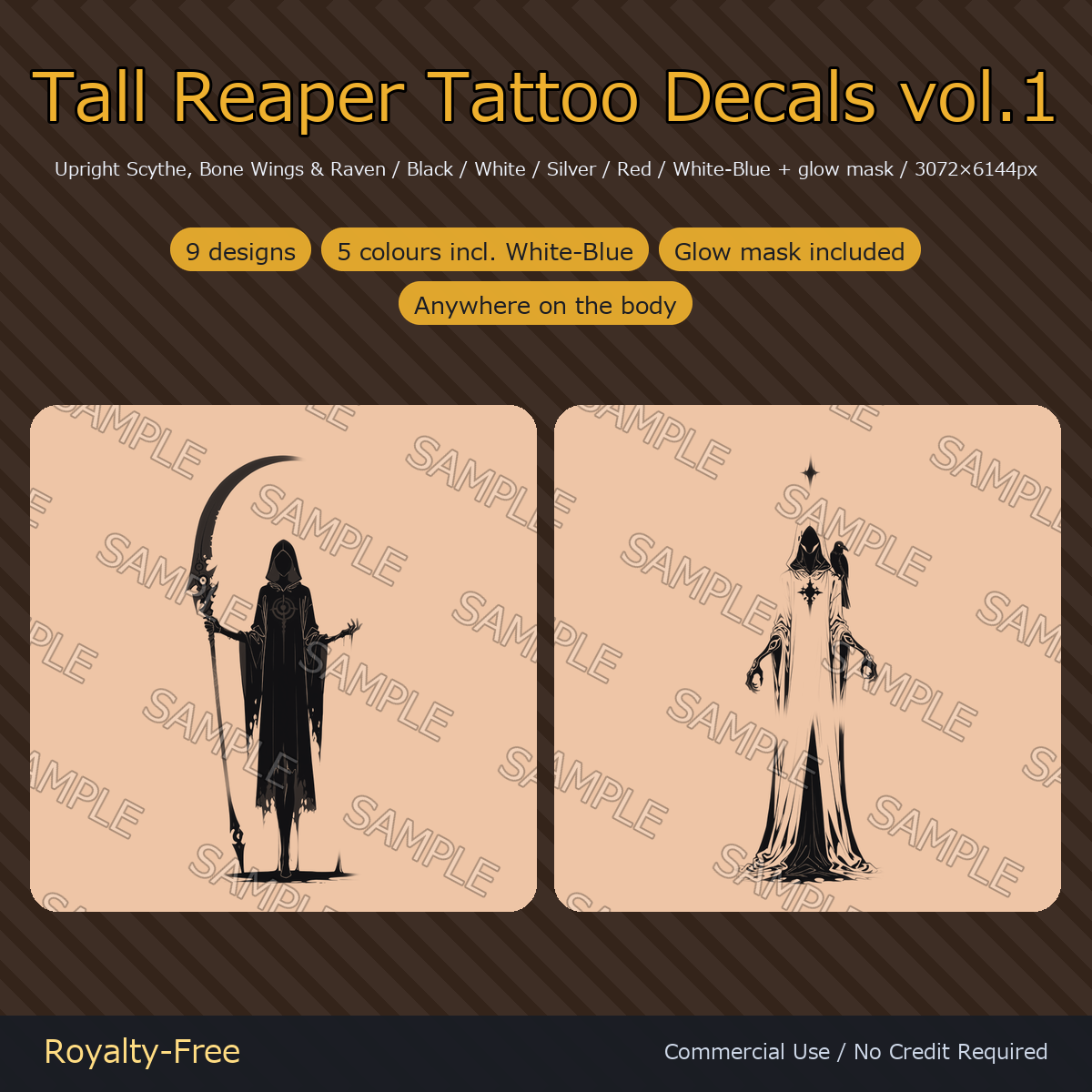
9 grim reaper tattoo decals drawn tall on purpose - 3072 x 6144, a 1:2 canvas, so the figure runs the full length of the back, an arm or a leg instead of sitting in a square patch. A reaper standing with an upright scythe, bone wings against clouds and a dead tree, a raven perched on the shoulder. This volume collects the designs with the strongest standing silhouette. Every design comes in five colours - black, white, silver, red and a two-tone white-blue for deep skin and black clothing - plus a glow mask: 54 transparent PNGs in total.
Note: The 'SAMPLE' watermark seen on the product images is not included in the delivered files.
Made with AI. The artwork in this pack was drawn with an image-generation model (Stable Diffusion family, commercially licensed), then upscaled, cut out, recoloured and split into the black, white, silver, red, white-blue and glow-mask variants by hand.
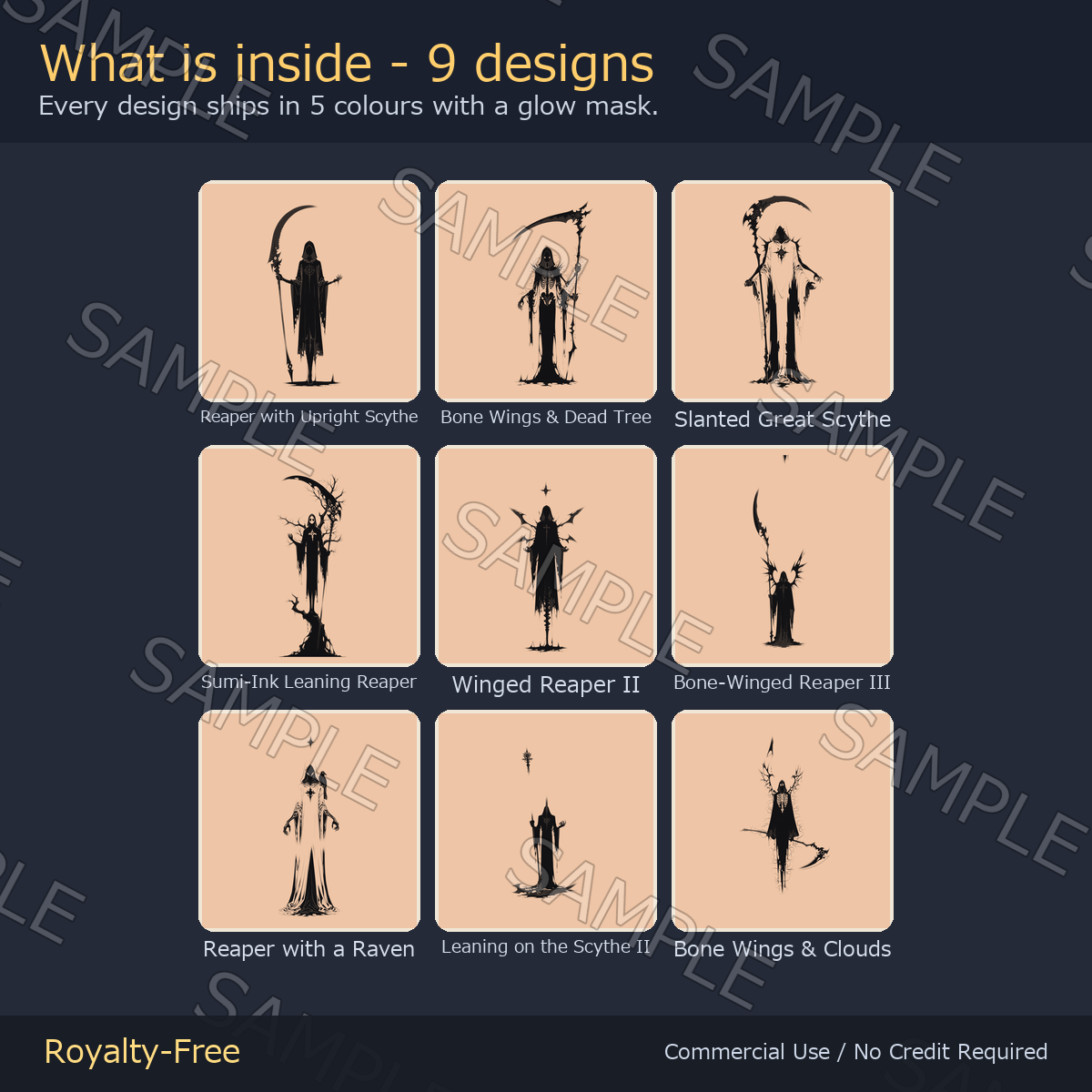
What's inside
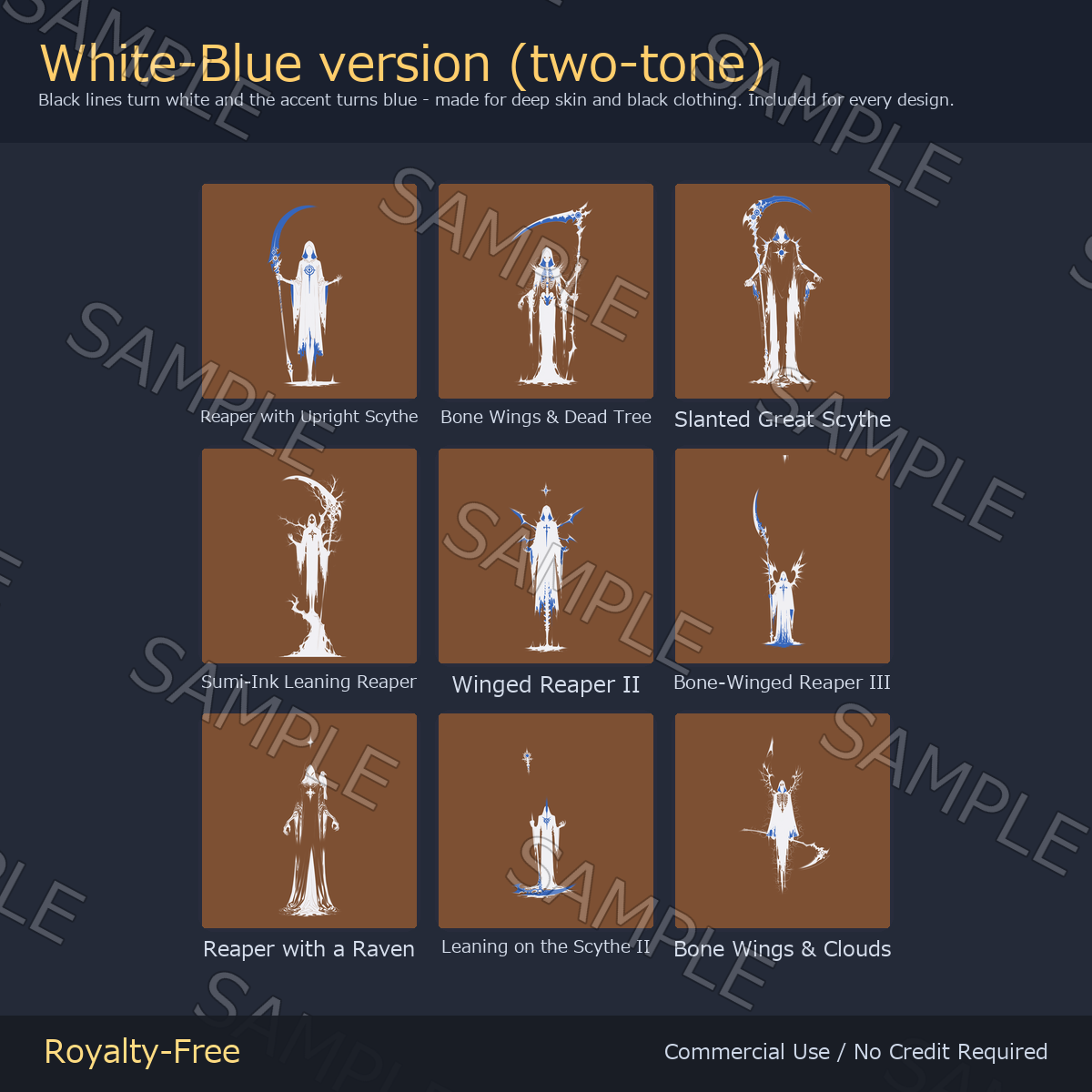
- Reaper with Upright Scythe - a hooded reaper standing with the scythe held upright beside it
- Bone Wings & Dead Tree - a reaper with bone wings rising out of a bare dead tree
- Slanted Great Scythe - a great scythe cutting across the figure on a diagonal
- Sumi-Ink Leaning Reaper - a reaper leaning on the scythe, drawn in one sumi-ink mass
- Winged Reaper II - a narrow winged figure with a star above its hood
- Bone-Winged Reaper III - bone wings spread wide under a crescent-shaped blade
- Reaper with a Raven - a raven perched on the shoulder of a robed reaper
- Leaning on the Scythe II - a small hooded figure leaning on a long scythe
- Bone Wings & Clouds - bone wings against a bank of Japanese cloud forms
- 6 files per design: _black, _white, _silver, _red, _white_blue and _emission (glow mask)
- 54 transparent PNGs in total
- READ_ME_FIRST.txt - license and setup
Specs
- Transparent PNG, 3072 x 6144 px (1:2, long side 6144). Built tall on purpose so the design runs down the back, the arm or the leg
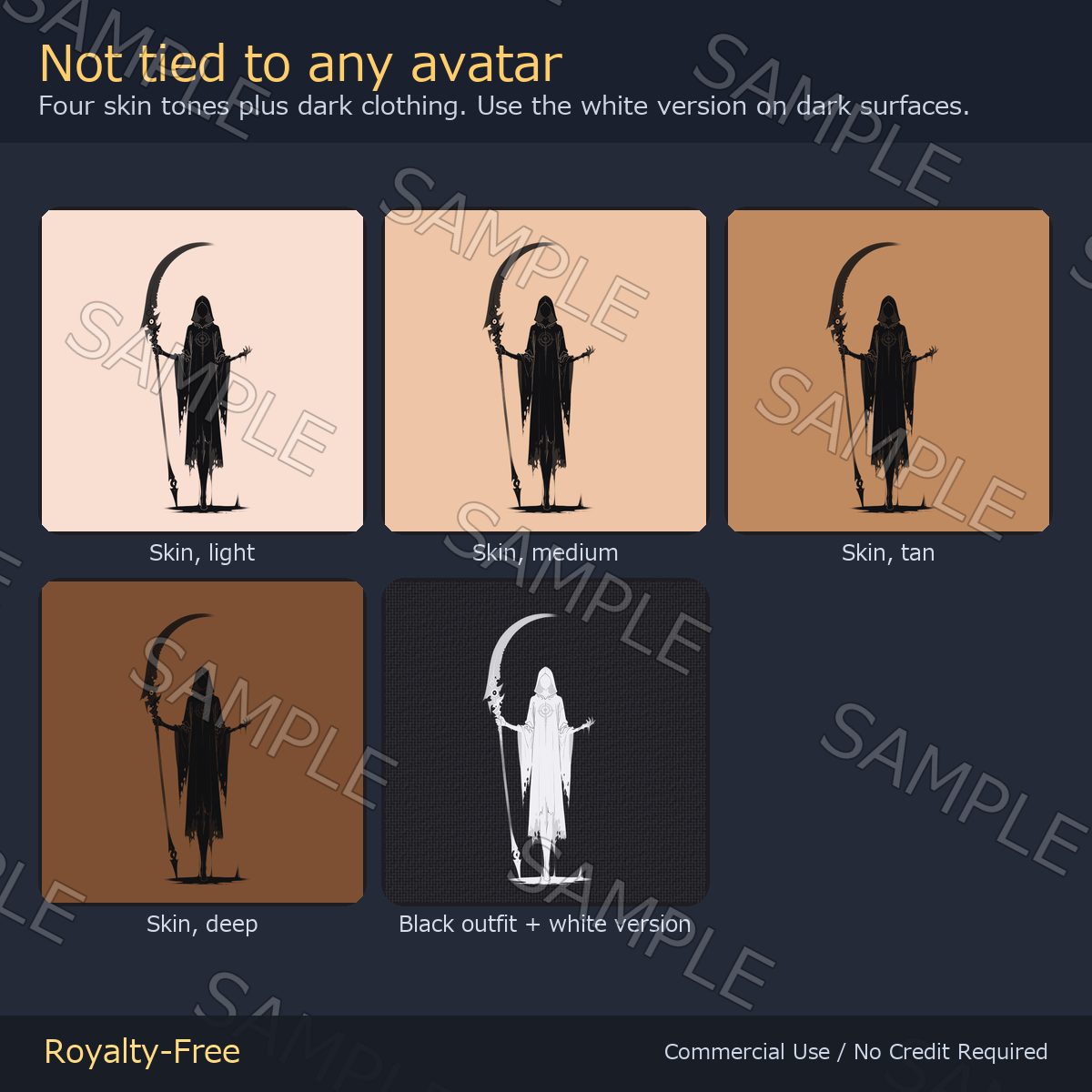
- Not tied to any avatar - you place these yourself, so they work on any model, PC or Quest, and on VRoid skin textures too
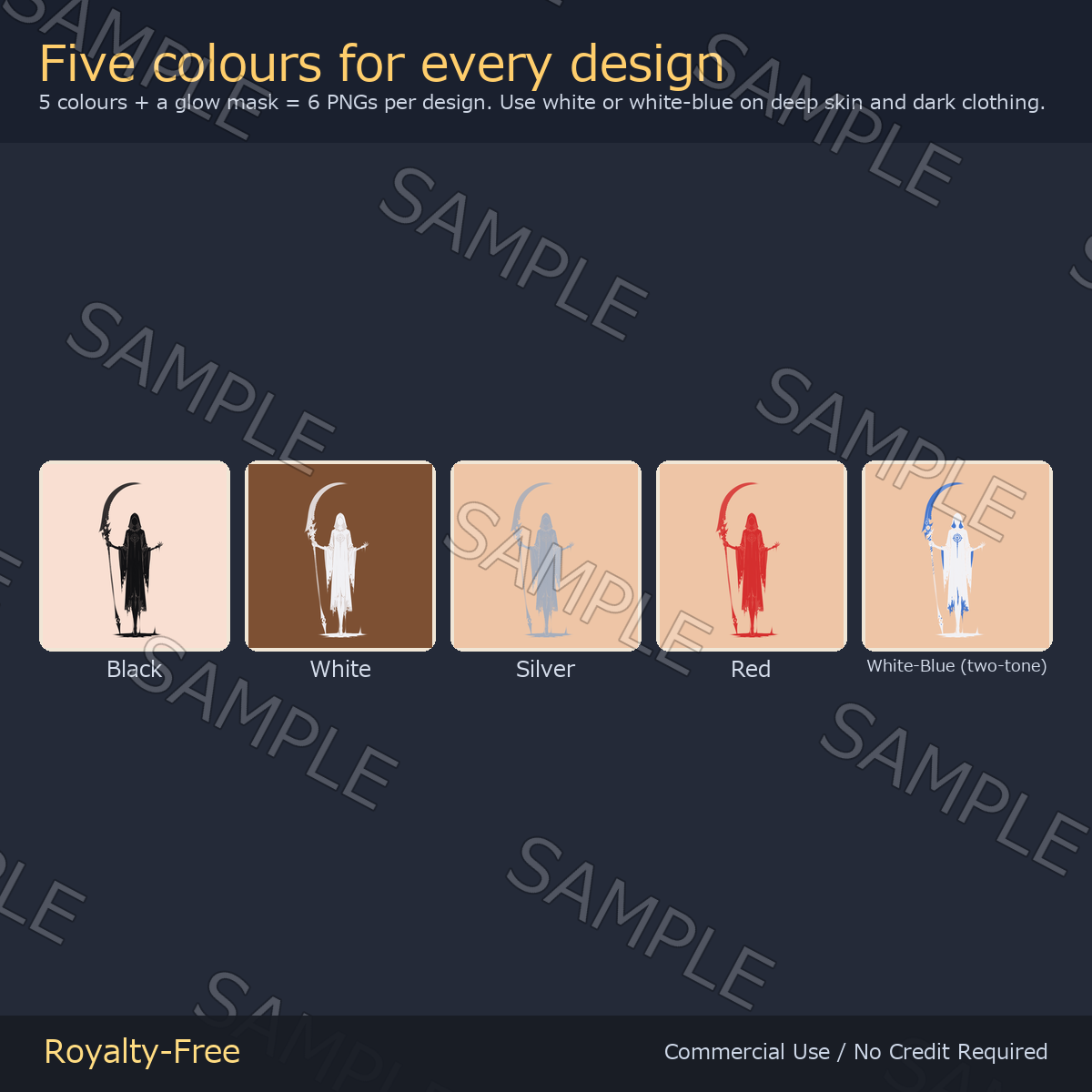
- Five colours for every design: black, white, silver, red and white-blue. Silver (166,174,188) is a cool metallic grey that reads on both pale and deep skin
- The white-blue version is the only two-tone one: the black line work becomes white and the red accent becomes blue (40,106,214). It is made for deep skin tones and black clothing, where a plain black decal disappears
- How much blue you see depends on the design. On designs whose original art carries little or no red accent, the white-blue sheet is close to a plain white sheet - please treat the sample image as the guide
- The glow mask lights only the core of the design, so it never turns into a white blob
- File names are plain ASCII: _black, _white, _silver, _red, _white_blue, _emission
How to use
- lilToon: enable Main Color 2nd, load a _black PNG, tick Decal, then set position and scale
- Dark clothing or deep skin: load the _white or the _white_blue PNG instead
- Silver and red live in the colors folder of each design
- Glow: put the matching _emission PNG into the emission mask slot and raise the intensity
- Any paint tool: stack the PNG over the body or clothing texture
Update 2026-09-08 - download file replaced
The emission-mask instructions were corrected and Unity setup files (.mat / .meta) were added.
- Put the emission mask into lilToon’s [Color / Mask] slot, at the TOP of Emission Settings.
- Do not use the [Mask] slot just below it: it borrows the skin texture’s sampler, so when the skin texture is set to Repeat (Unity’s default) the glow can be tiled outside the decal area.
- The included .mat is already set up this way. The .meta files set Wrap Mode per texture: Clamp for decals, Repeat for full-surface tiling patterns.
- The artwork PNGs are unchanged. If you already own this pack you do not need to re-download - simply move the emission mask to the [Color / Mask] slot.
Note - design 4 "Sumi-Ink Leaning Reaper": keep the emission Tiling at 1
On this one design the artwork runs all the way to the bottom edge of the image (about 2/3 of the bottom row of the emission mask is lit). It is a tall full-body tattoo, so leave the emission mask at Tiling 1 on both axes and Offset 0 and lay it over the whole UV as a single sheet. Used that way nothing happens.
If you set Tiling to anything other than 1, shift the Offset, or shrink it into a small decal, the UV goes outside 0-1. Wrap Mode = Clamp fills the outside with the bottom row of pixels, so a glowing band appears below where you placed it. If you want to use it small, use only the transparent PNGs (_black / _white / _white_blue) for this design and leave the emission off. The other 8 designs are not affected.
License
Royalty-free. Use them in commercial and non-commercial work — games, TRPG sessions, videos, streams, VTuber overlays, print. No credit required. You may edit, crop, recolor and combine the files freely.
Not allowed: redistributing or reselling the assets themselves, claiming authorship, or using them as training data for AI / machine learning models.
This is volume 1 of two. vol.1 and vol.2 contain completely different artwork - no design is repeated between the packs. These are the tall 1:2 versions; the square Grim Reaper packs in this shop are a different set of designs. More decals and textures from ys-room: https://jinxxy.com/Ys_room