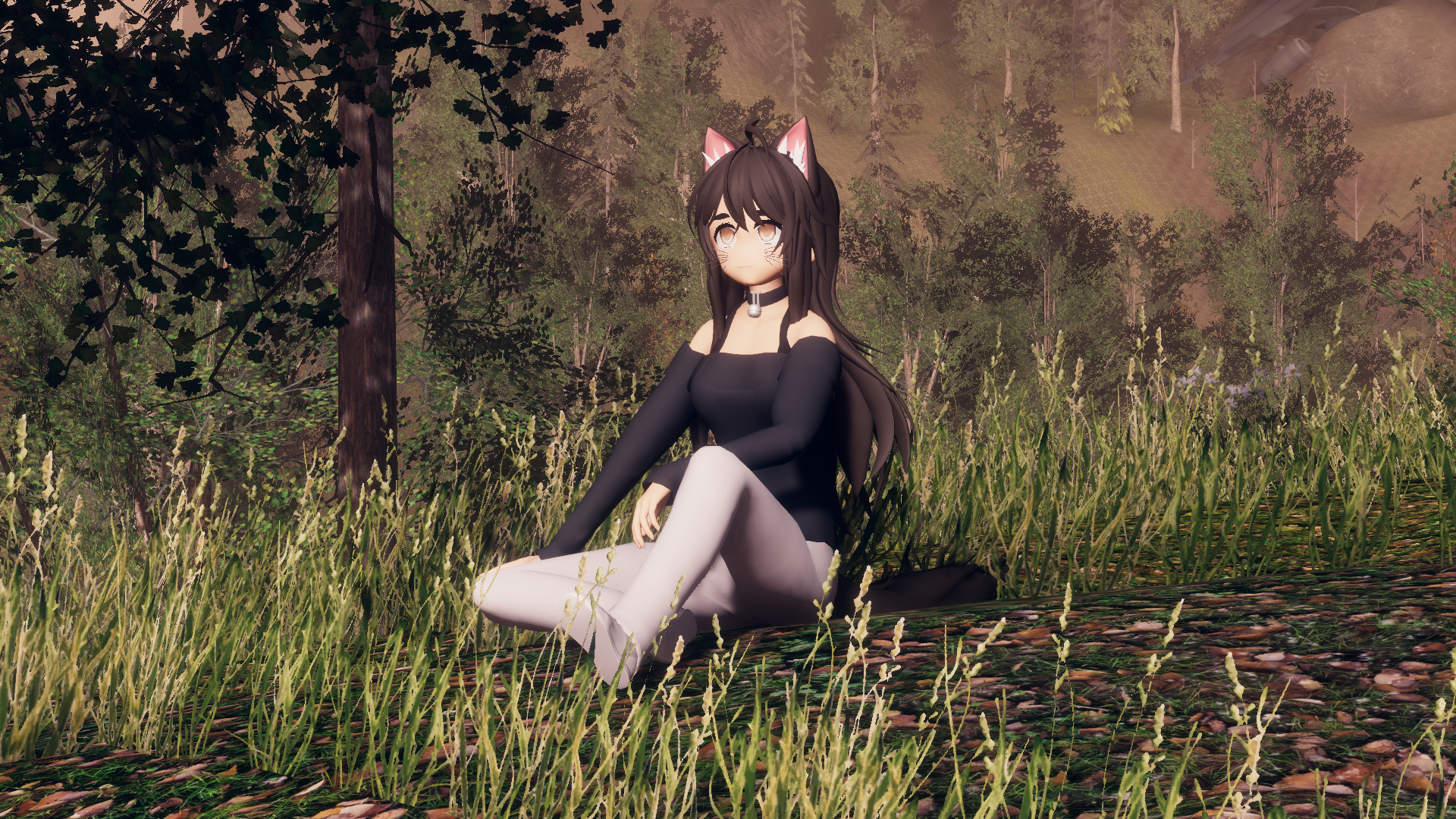
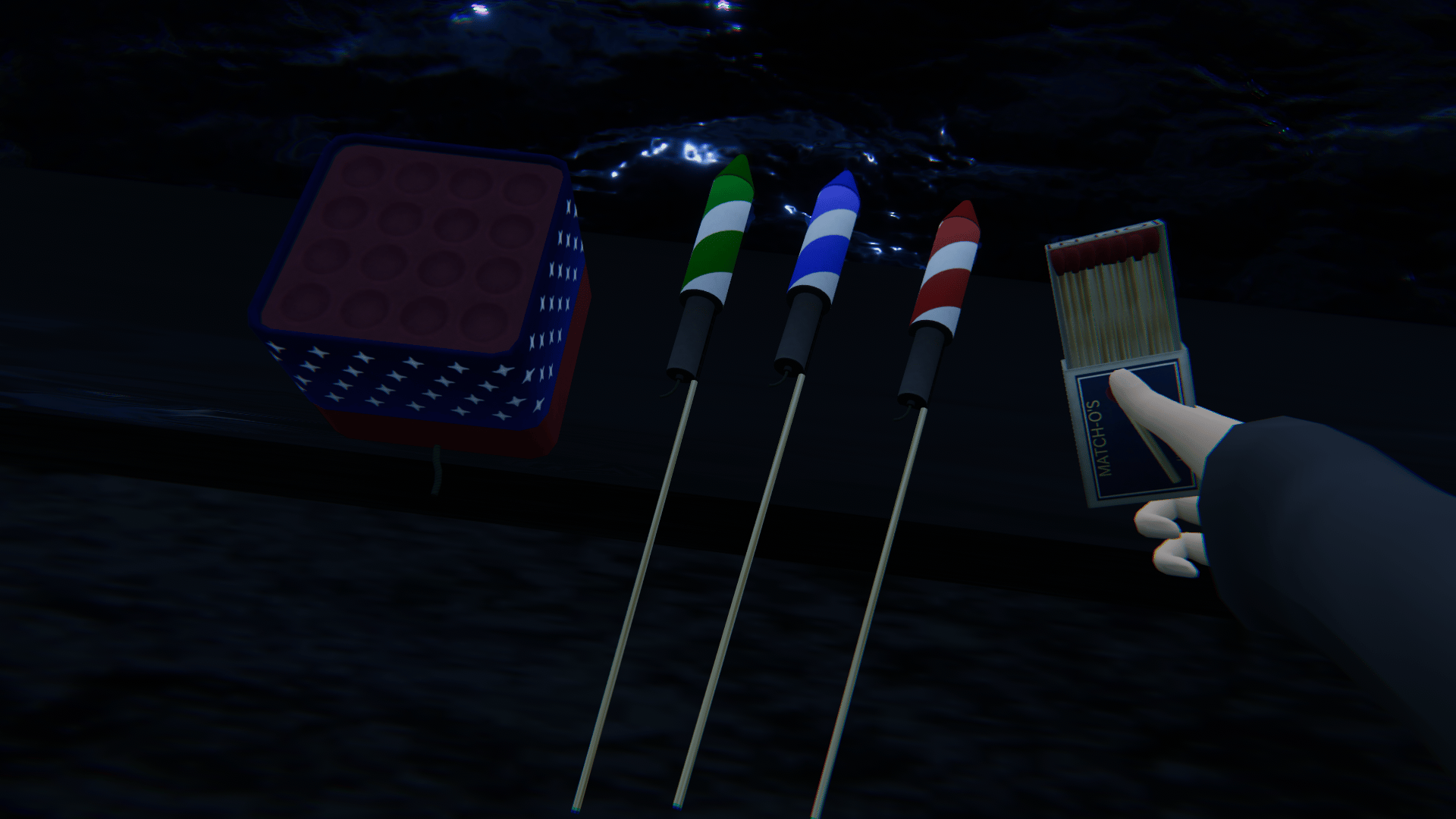
Customizable Fireworks
商品描述
A set of 3 customizable rockets, 1 endless rocket battery that cycles between them, a matchbox, a match, and some belt extensions to merge into your potentially present belt.
See below for elaboration on customizability.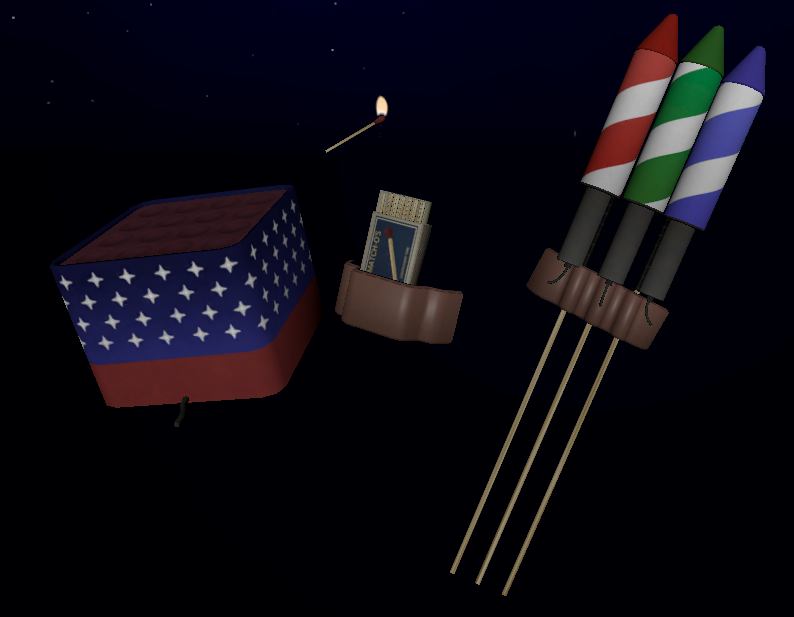 All put tidy in a single menu, the fireworks can be controlled as seen below:
Enable is the toggle that places them on you and lets you grab them.
The battery stop/pickup stops the battery from firing and returns it to your hip.
The three rocket menus let you control each rocket's properties.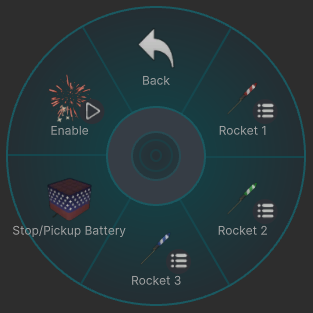
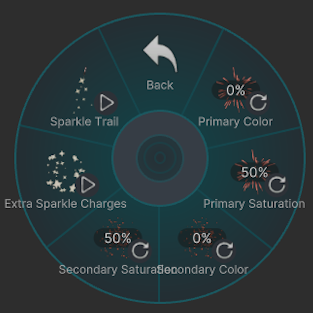
"Primary" refers to the big, proper standard firework burst.: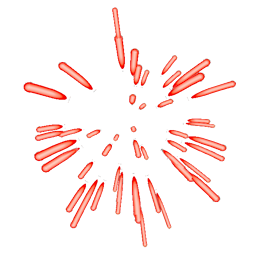 Of note should be that this also changes the rockets themselves, indicating their primary color and saturation.
"Secondary" refers to the additional sparkles that are part of the main explosion: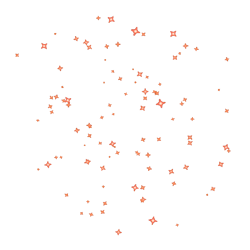 "Extra Sparkle Charges" enables the additional explosions at the end of the lifetime of a given primary burst's particle, along with their sound:
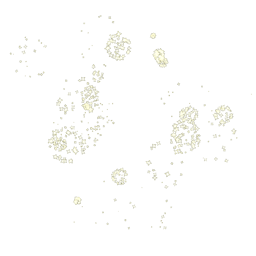 And lastly, the trail option toggles the rocket's trail on and off.
In order to use the rockets, a rocket must be grabbed with the right hand, firmly planted onto the desired position, then the matchbox must be grabbed with the right hand, and opened with the left hand. A match must be struck sufficiently fast against the side of the matchbox, and then used to light the fuse. The rocket's attributes can be changed at any point during this process.
Once the fuse is lit, the rocket can not be picked up and moved, and will fly away in 3 seconds. The rockets do have gravity and a little bit of spread, so be mindful of how you place them.
Lastly, the battery works similarly to the rockets, however, instead of disappearing once launched and reappearing in your belt once finished, it will fire rockets 1, 2, and 3 on a loop until stopped with the "Stop/Pickup Battery" option. Its settings can be changed at any point.
In short, this provides you with both single shot rockets you can fire at once, and a battery that can be used to fire endlessly for ambience.
REQUIREMENTS:
- Poyiomi Toon
- VRCFury
- Unity 2022.3.22f1
INSTALLATION INSTRUCTIONS:
- Drag and drop into your avatar's rootbone.
- Adjust rocketholder, matchboxholder, hipbattery to your convenience. Keep in mind these dictate where you'll be grabbing your fireworks from.
- Wtihin HandRockets, HandBox, HandMatch, and HandBattery, set your Right Hand bone as constrain source for Rockets 1 through 3, matchbox, Battery, and Left Hand bone for Match.
- If anything isn't properly aligning with your hands, unlock the parent constraint of that object, move it to the correct position for your hands, and re-lock. This shouldn't be needed.
- Upload.
THE TERMS (scary)
- please don't share the files i use the money from these products to buy food
- you have a license to use the assets, not ownership over the assets
- if you break something by installing it incorrectly not my fault
- if someone asks where you got it please tell them, i like "having food"