
商品描述
✦ 30% OFF Launch Sale — Until August 11 ✦
Celebrate the release with a special launch discount!
Regular Price: $9.00
Launch Sale: $6.30 (30% OFF)
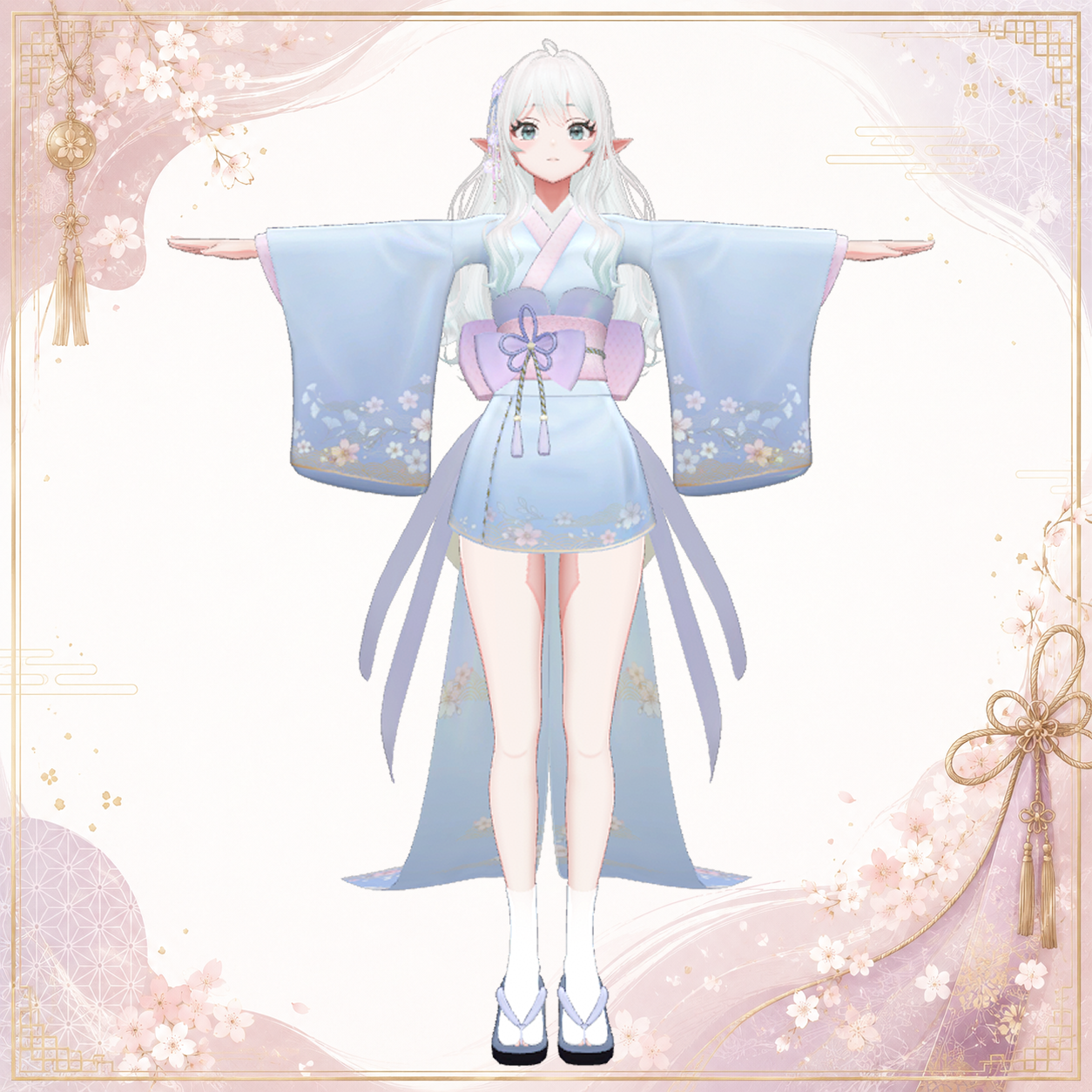
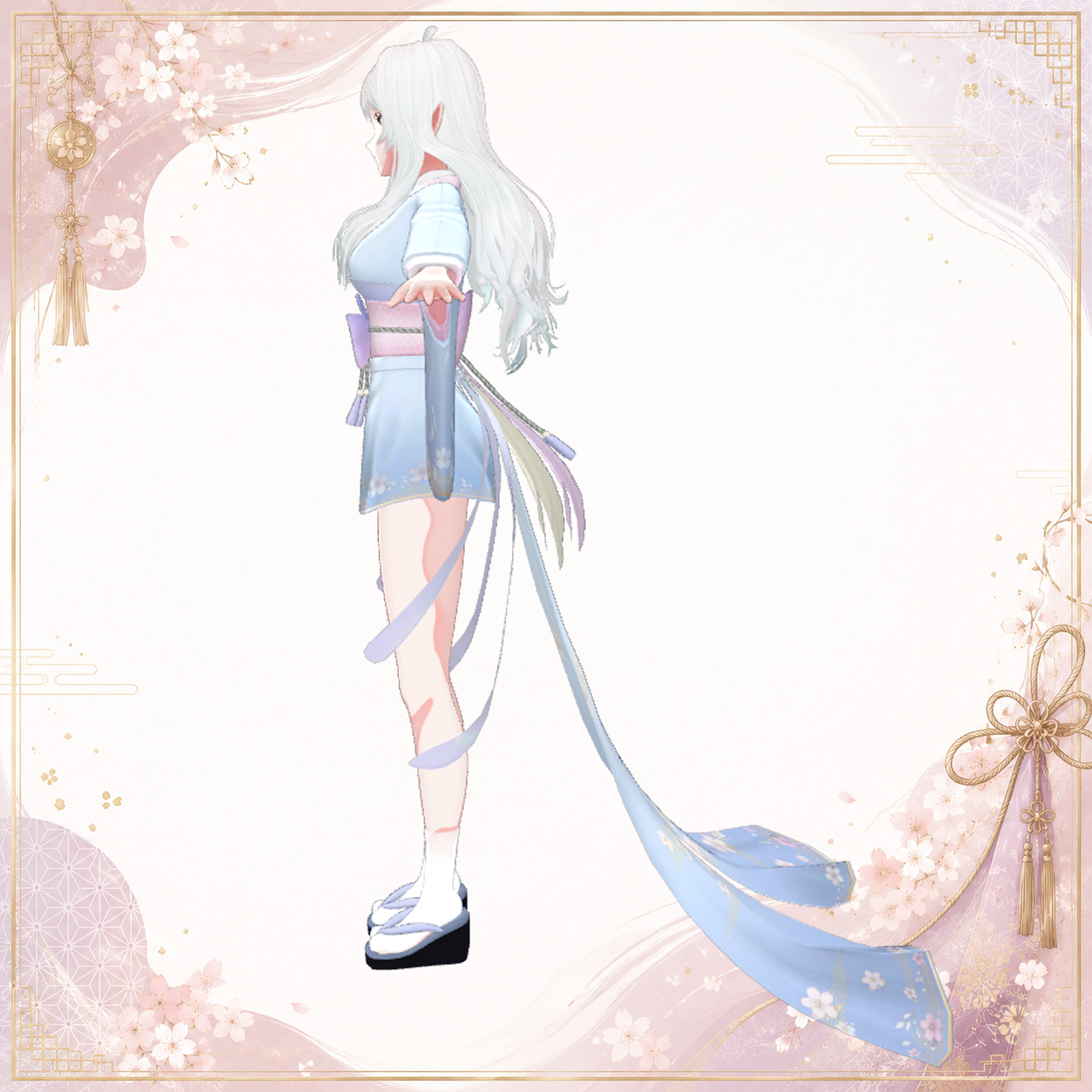
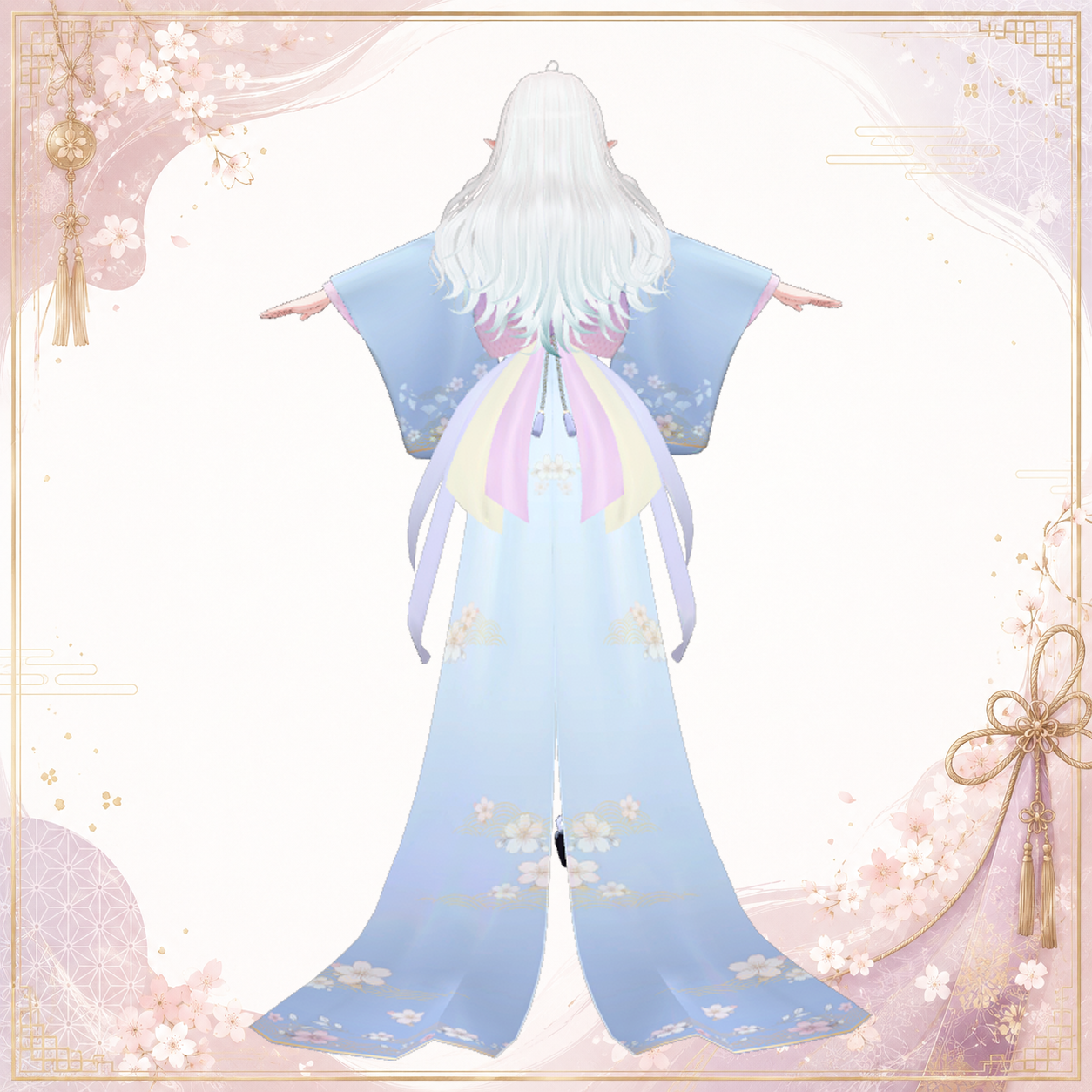
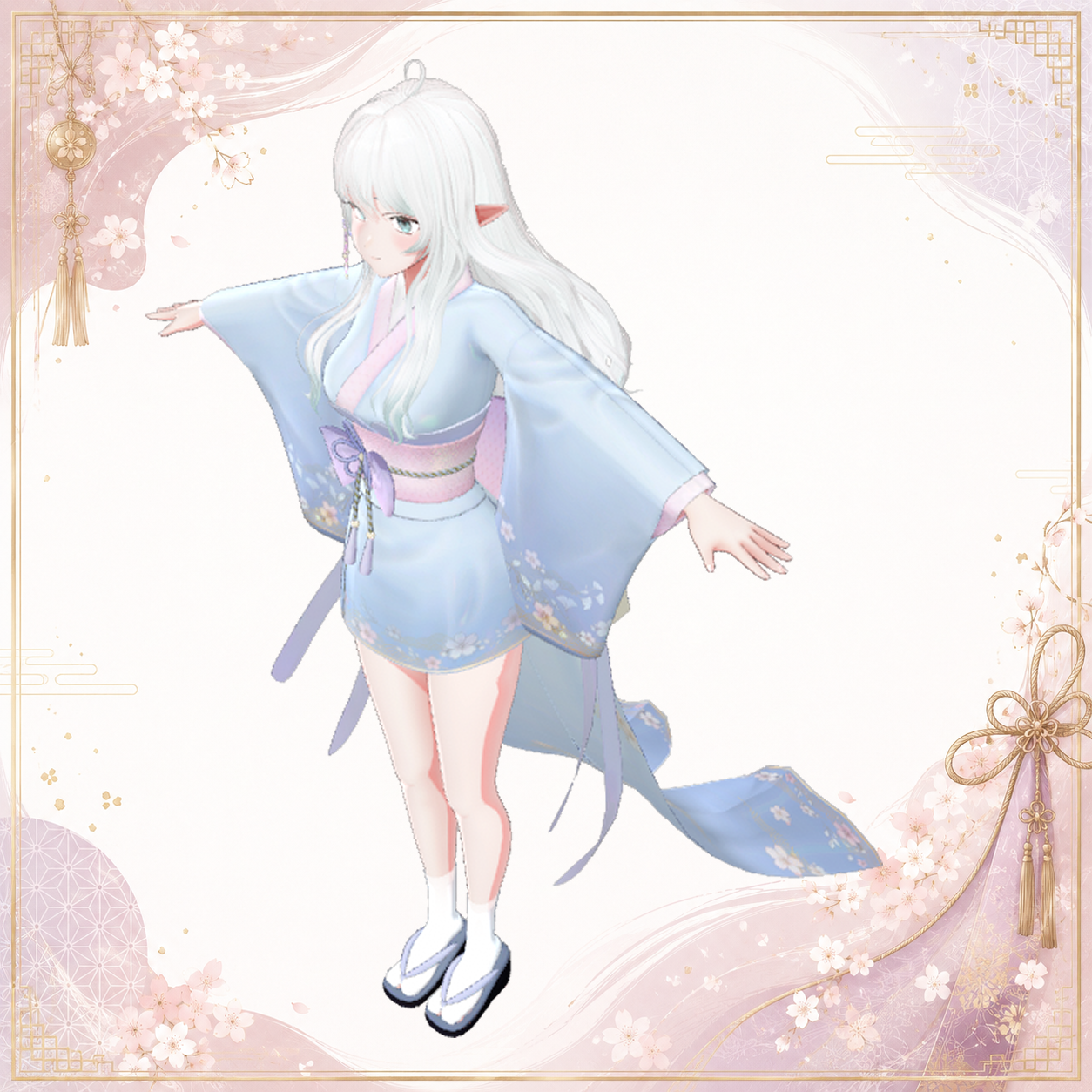
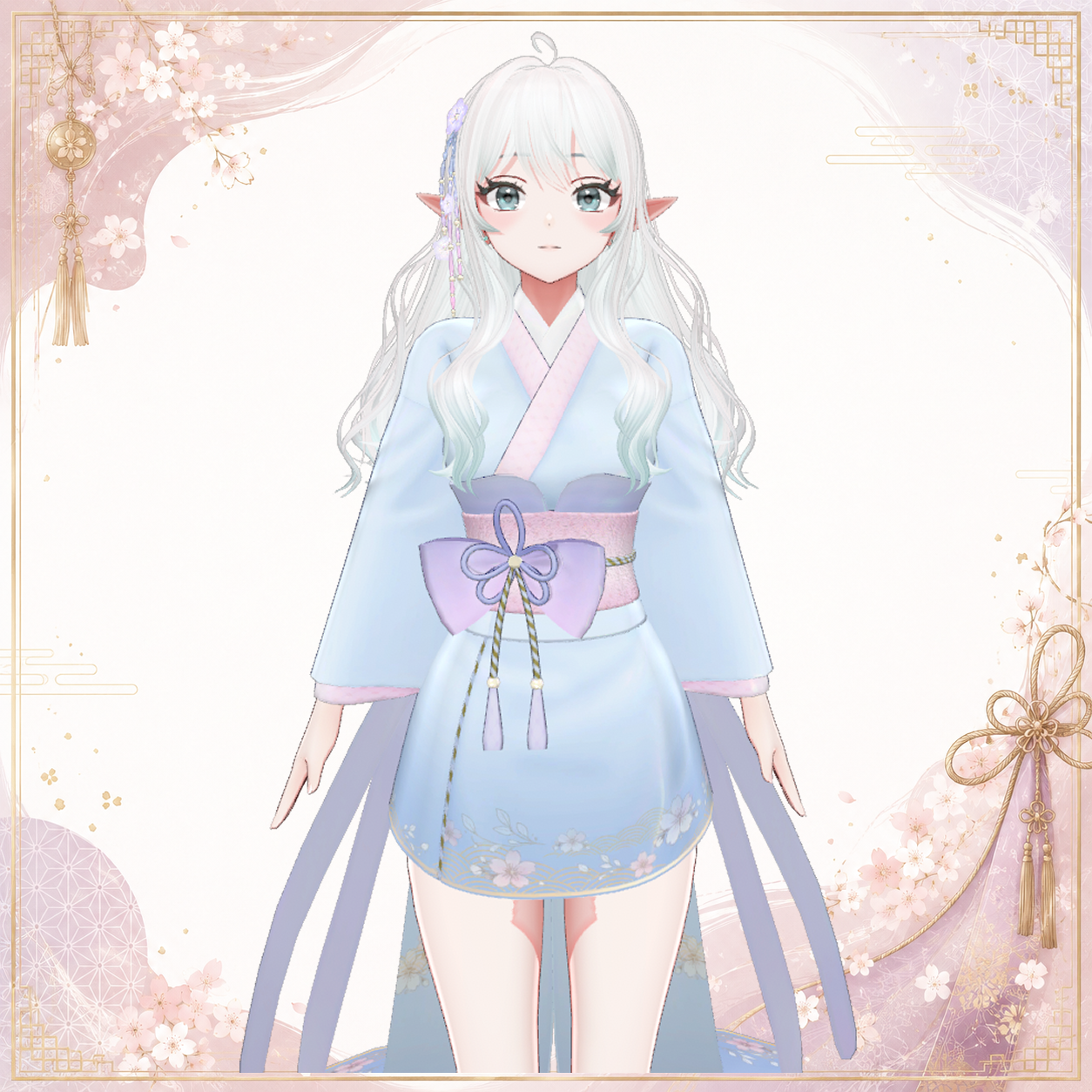
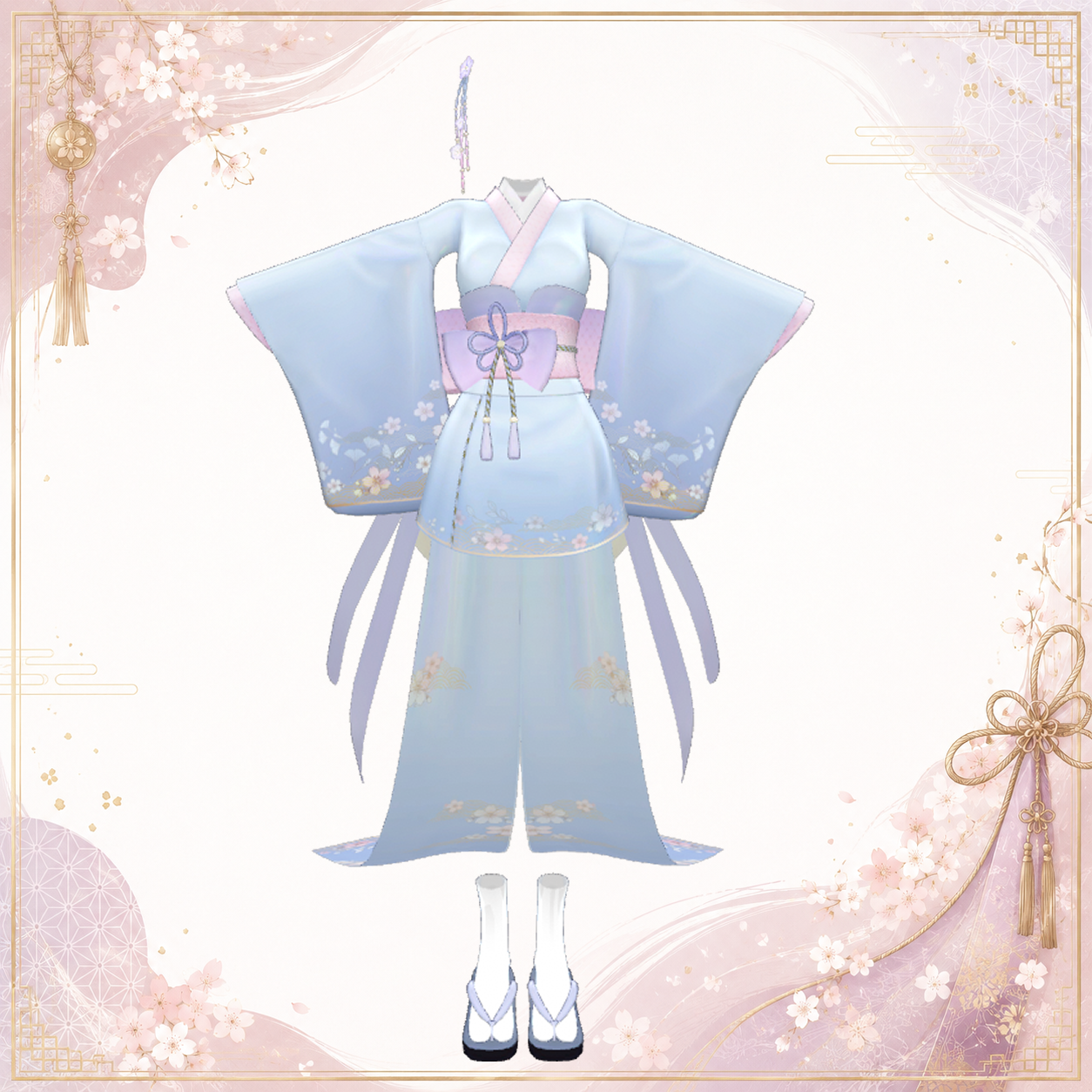
A colorful and elegant Japanese-inspired kimono outfit made exclusively for Arduinna.
The sleeves and obi accessories feature PhysBone movement, creating soft and graceful motion as your avatar moves.
✦ Preview Video
Watch the outfit in motion on YouTube:
https://youtu.be/3yMRYHRzpTQ
⚠ Requirements
This product does NOT include the Arduinna avatar.
The original Arduinna avatar is required to use this outfit.
Arduinna Avatar:
https://jinxxy.com/duchess_rh/Arduinna
✦ Included Items
Arduinna_Kimono.unitypackage
Package Contents:
• Arduinna_Kimono.FBX
• Materials
• Textures
• Arduinna_Kimono.prefab
• Created with Blender 4.3.2
✦ Model Information
Total Polygons: 20,439
• Geta — 1,768
• Hair Accessory — 2,112
• Kimono — 9,229
• Obi Bow — 1,658
• Obi Ribbon Long — 2,184
• Tabi — 3,488
Materials: 3
Shader: lilToon 2.3.4
Modular Avatar: 1.17.1
Unity: 2022.3.22f1
Performance Rank: Very Poor*
*Approximate rank when the outfit is installed on the Arduinna avatar.
✦ Recommended Environment
• Designed for VRChat PC
• Quest is not supported
• Full-body tracking tested
✦ Installation
1. Create a New VRChat Project
Create a new project using VRChat Creator Companion (VCC).
2. Install the Required Packages
Install the following through Manage Packages:
• Modular Avatar 1.17.1
• lilToon 2.3.4
3. Import the Packages
Import both:
• Arduinna_v1.2.unitypackage
• Arduinna_Kimono.unitypackage
via:
Assets → Import Package → Custom Package
4. Add the Prefabs
Drag Arduinna_v1.2 from the Assets/Arduinna folder into the Hierarchy.
Then drag Arduinna_Kimono directly under Arduinna_v1.2 in the Hierarchy.
5. Disable the Original Clothing
Under "Clothes and ACC" inside Arduinna_v1.2, disable all objects except "Underwear_Bottom".
6. Set the Body_All Shape Keys
Set the following shape keys:
• heel_High → 70
• toe → 100
The outfit is now ready.
Please refer to the official VRChat documentation for instructions on uploading avatars to VRChat.
✦ Terms of Use
You may:
• Modify the outfit for personal use with Arduinna
• Use the outfit in VRChat and similar platforms
• Use the outfit for individual monetized activities, such as streaming and content creation
You may NOT:
• Redistribute or resell this product, modified or unmodified
• Claim the model, assets, or brand as your own
• Use the product for illegal or socially harmful purposes
• Use the product for political or religious activities
• Use the product for harassment, defamation, or attacks against others
• Use the product for AI training, machine learning, generative AI input, or training datasets
• Use the product to create AI models, LoRAs, or similar machine-learning assets
⚠ Important Notes
• The Arduinna avatar is NOT included.
• Designed for the PC version of VRChat.
• Quest is not supported.
• Due to the nature of downloadable digital products, returns and refunds are not accepted.
Please review the product requirements and terms before purchasing.
✦ Contact
For licensing information, please refer to the Terms of Use above.
If you encounter an issue with the model or have other questions, please contact me through BOOTH or X (Twitter).
Please note that support for custom modifications may be limited.
DuchessRH on X (Twitter):https://x.com/DuchessRH