
Fireworks Festival | A VRChat Fireworks Show Your Visitors Can Launch Too, with a Music Show & New Year Countdown
商品描述
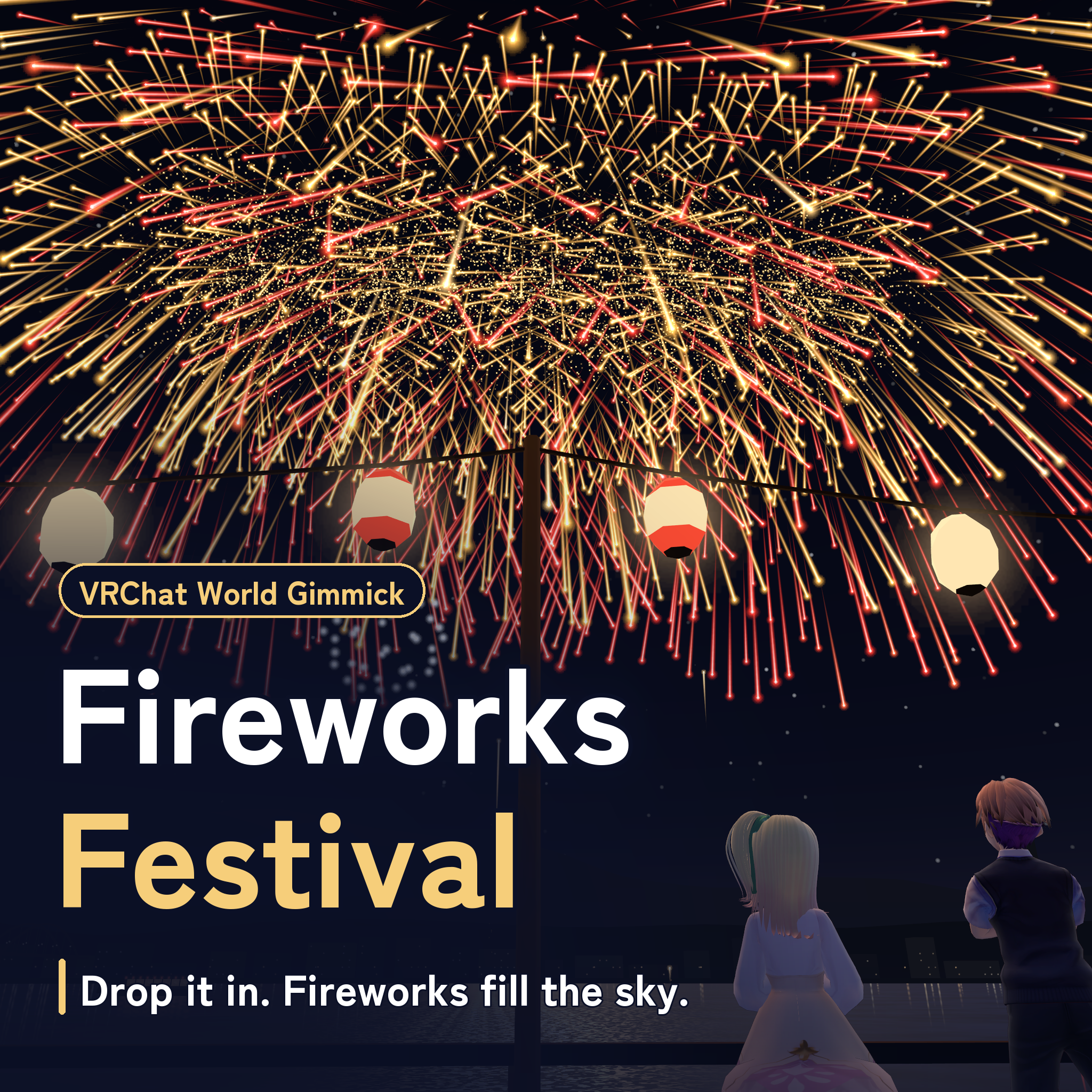
A full-size fireworks festival for your VRChat world, in one prefab, and your visitors get to launch shells too.
A festival board for the staff and the crowd, a launch site in the sky behind it, and a table of hand-held fireworks with a candle.
- Press Start and the same show lights up everyone's sky (five programs, a music show among them)
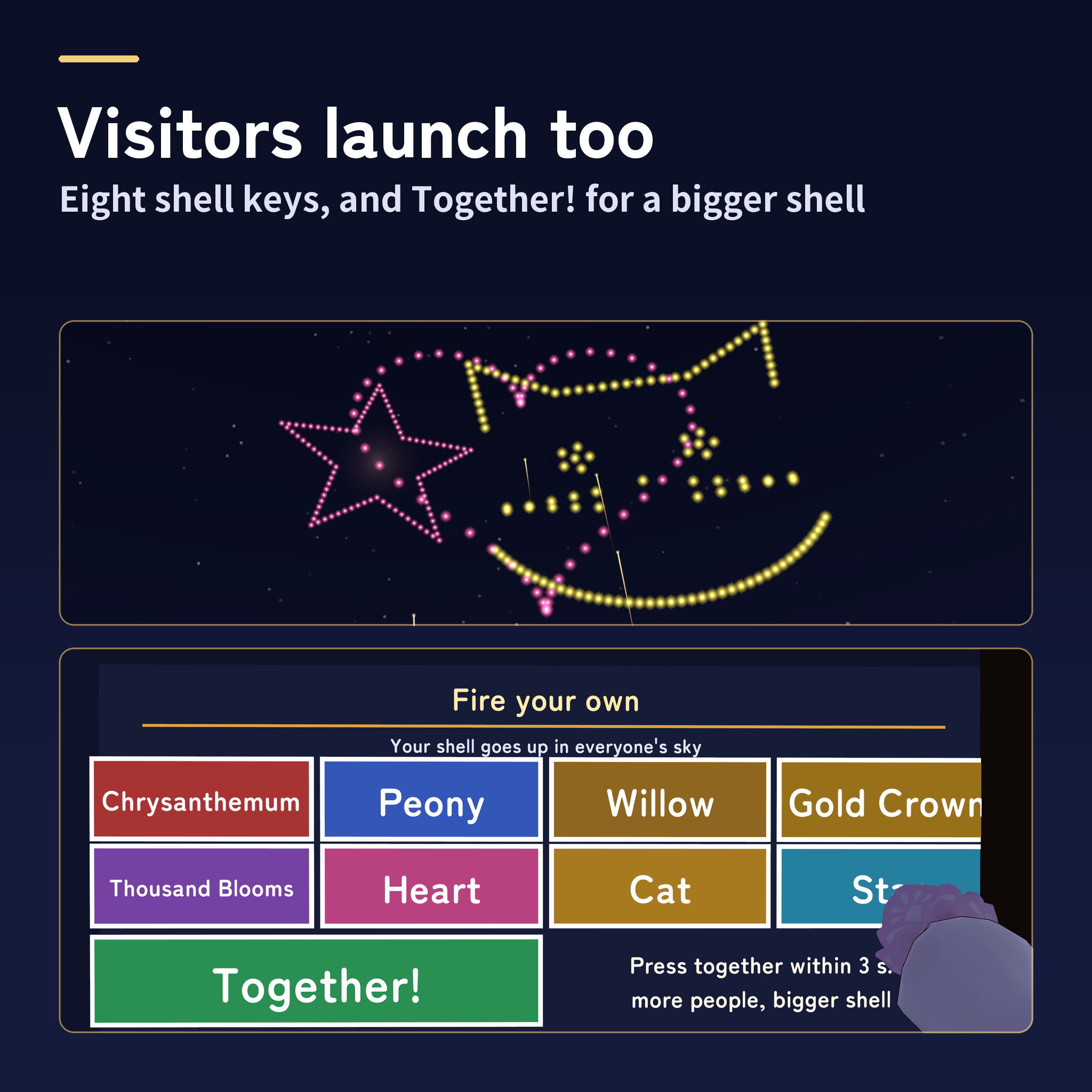
- Visitors fire their own: eight kinds of shells, and a "Together!" button whose shell grows with the players who press, up to a giant three-foot shell
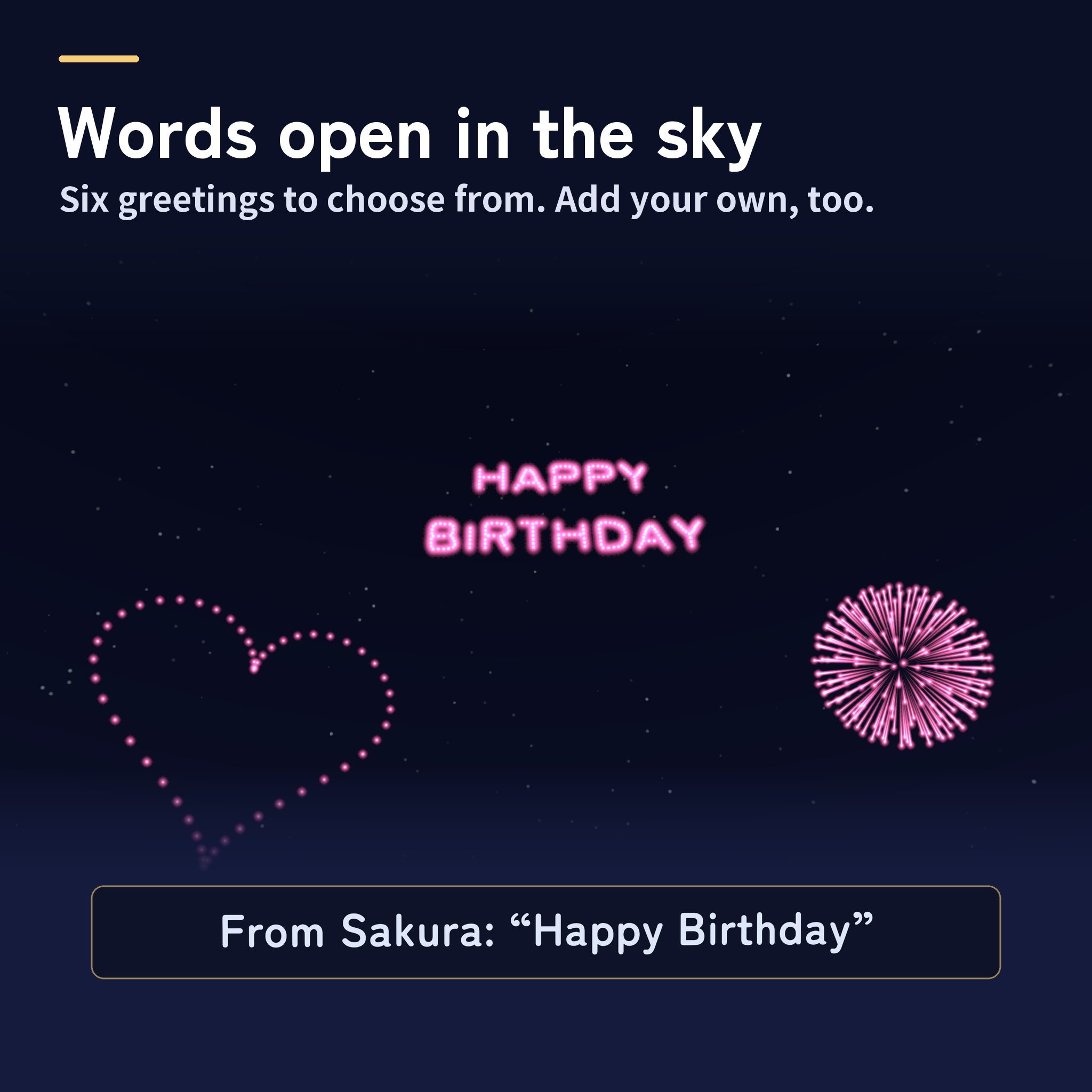
- Message shells write "Happy Birthday" and more across the sky
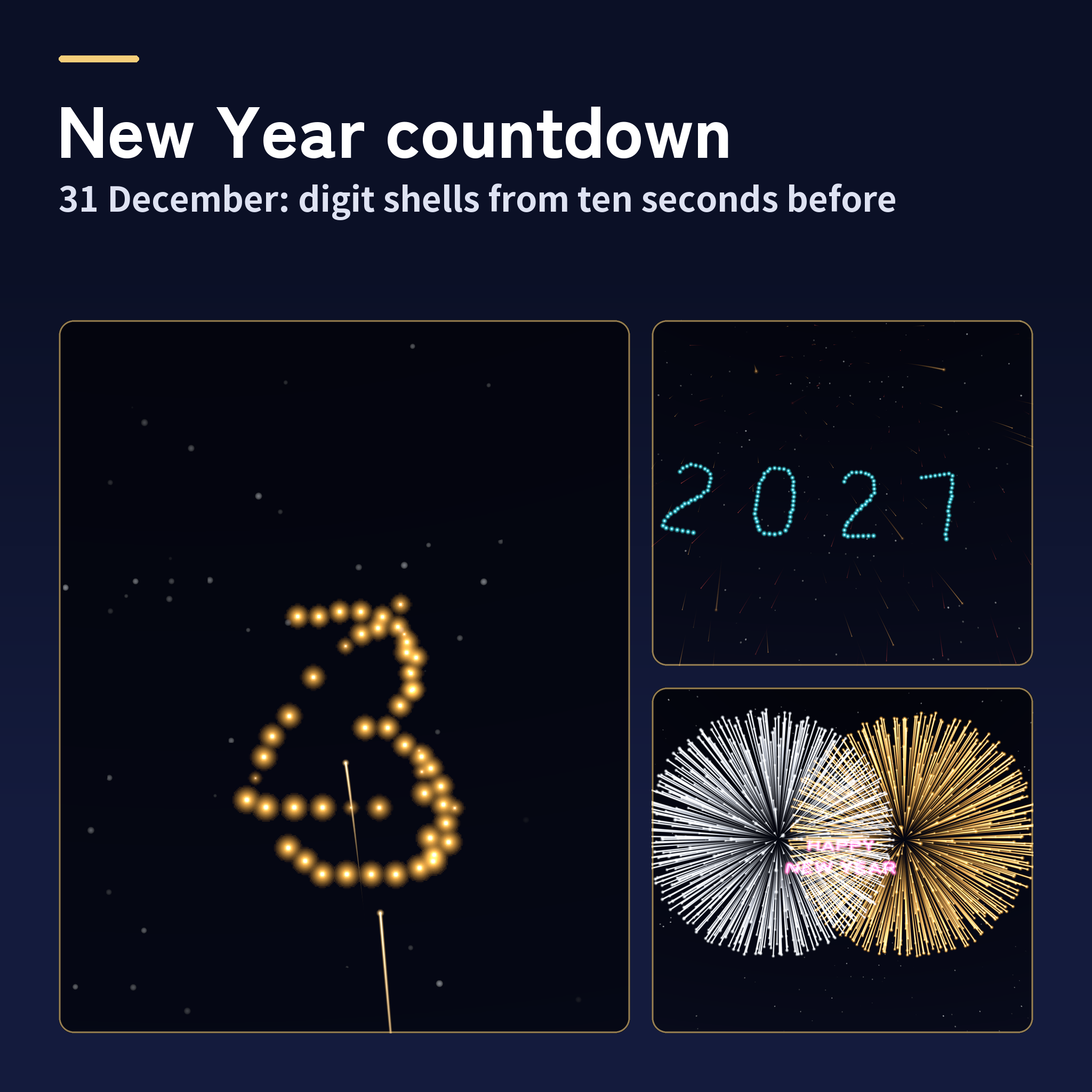
- An automatic New Year's countdown on 31 December, with digit shells and HAPPY NEW YEAR
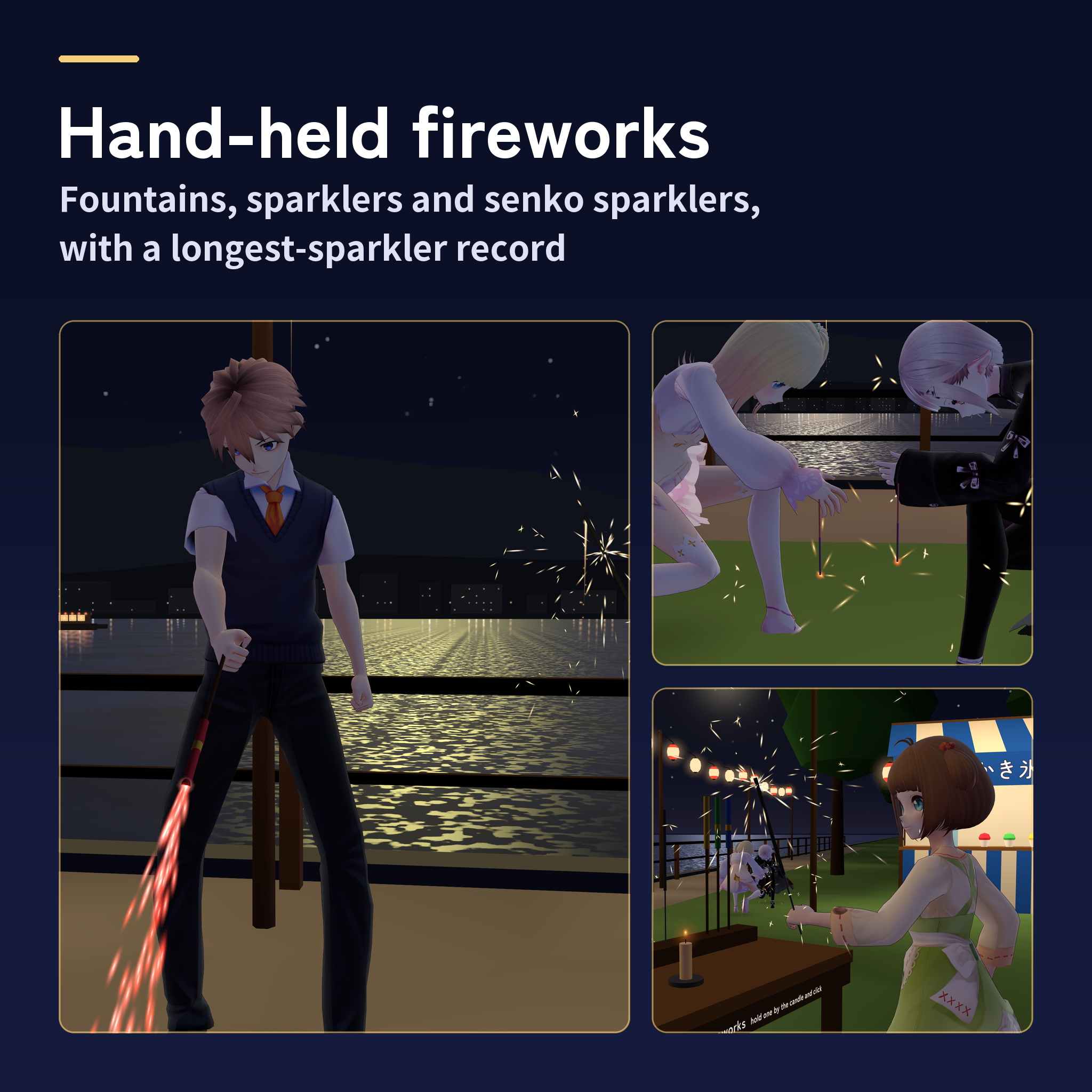
- Hand fountains, sparklers and senko sparklers, with a longest-sparkler record
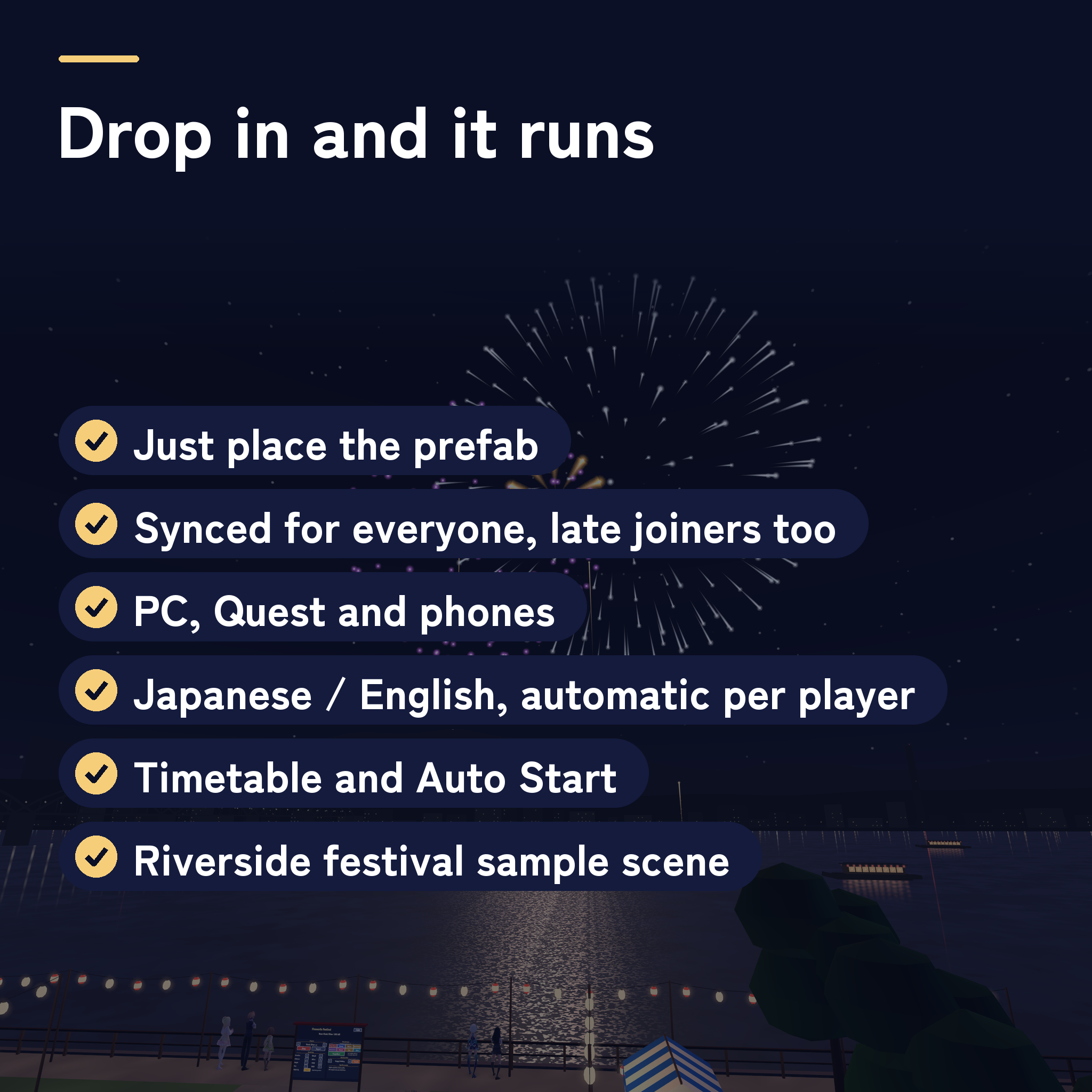
Made for summer festivals, New Year's Eve gatherings, birthdays and celebrations, and home worlds. Late joiners see the same shells from the moment they arrive. PC (desktop and VR), Quest/Android and iOS; English and Japanese for each player.
Watch it in action
Watch the English v1.0.0 preview
The show
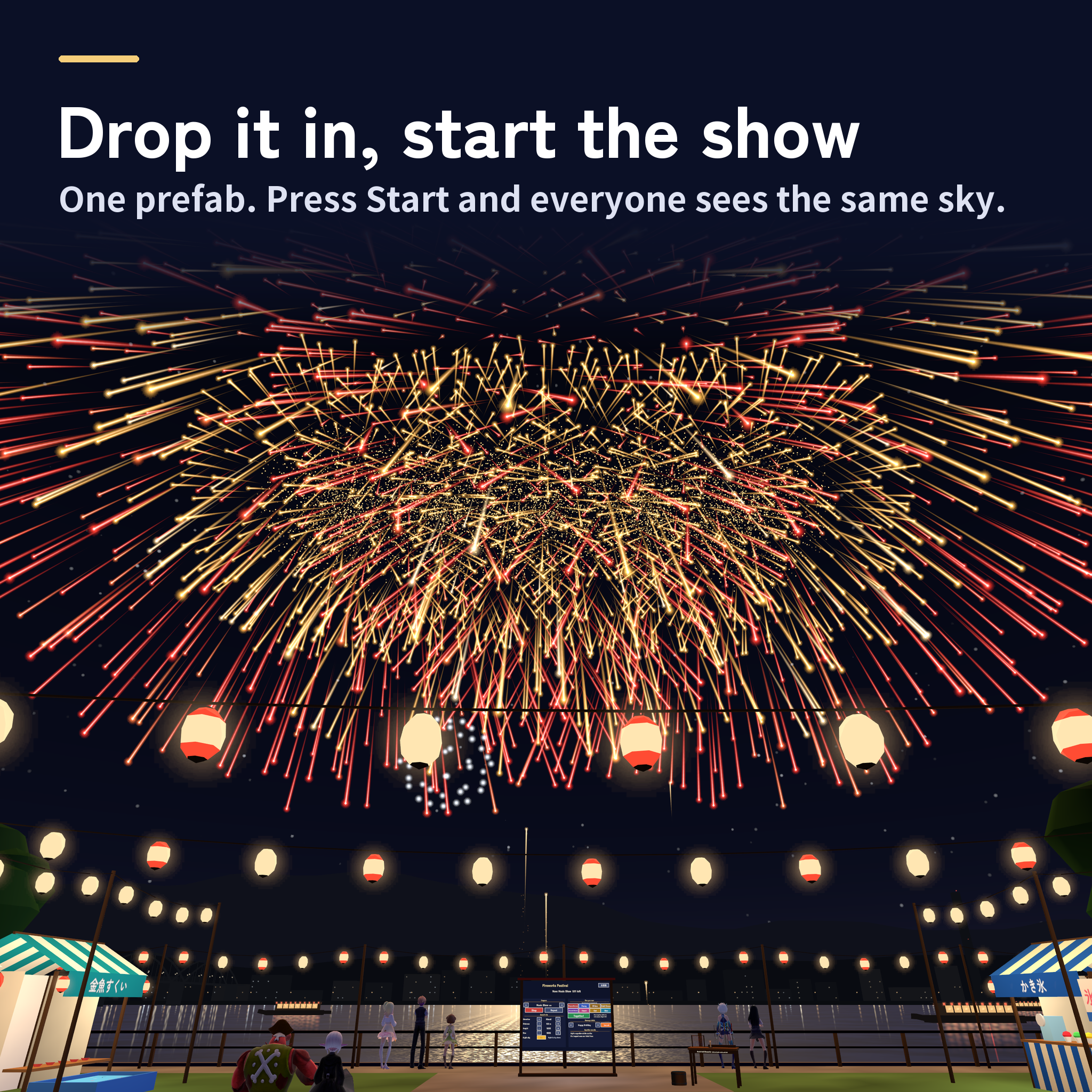
- Drop it in and the festival begins. The shells open 150 to 300 m beyond the board and 100 to 200 m high, at their real size. The flash comes first and the boom follows, late by each player's distance; the big shells give VR hands a short buzz.
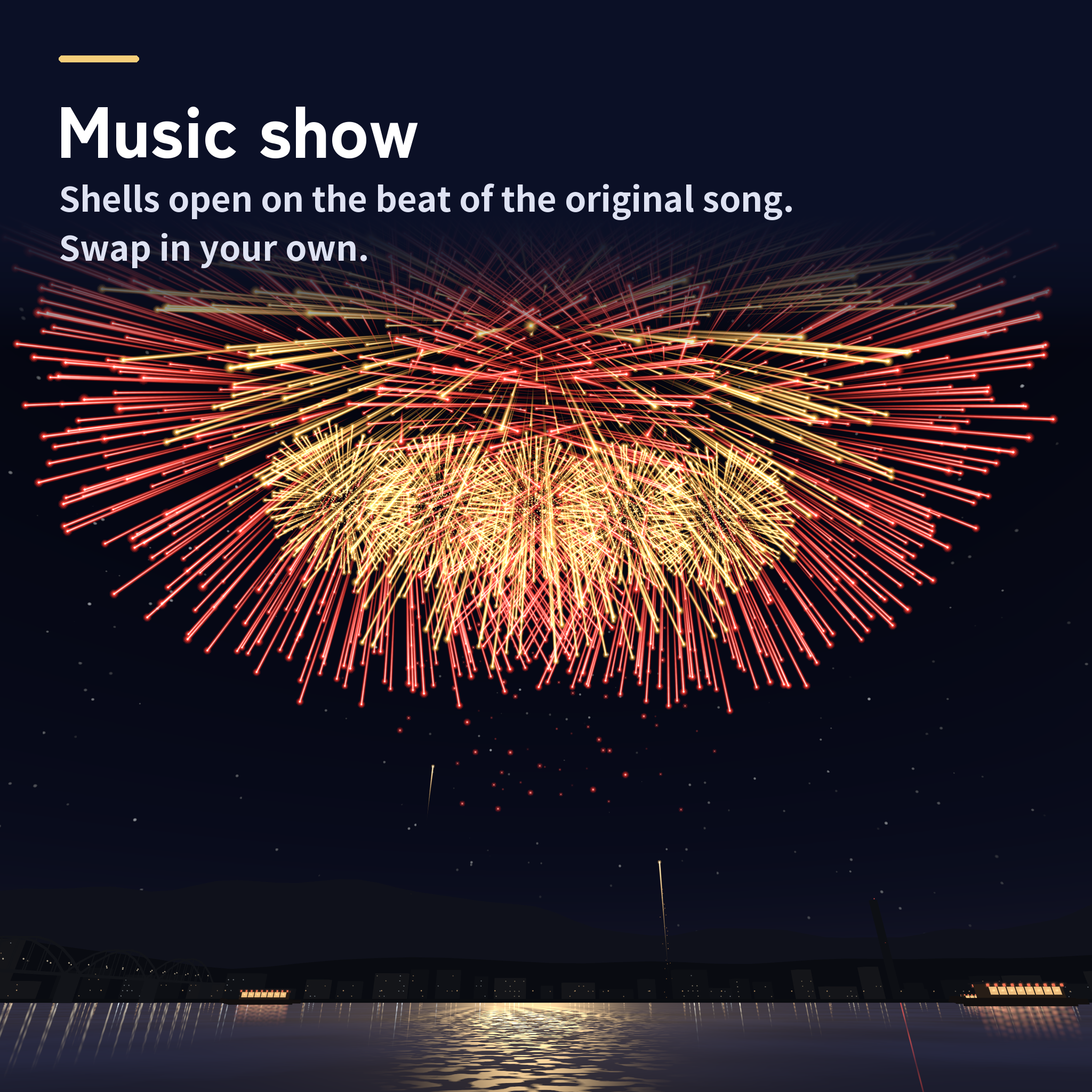
- Five programs. Summer Night (3:06), Star Mine (1:40), Grand Finale (1:00), Surprise Me (2:30, a new mix every time) and the Music Show (2:02). Turn on Repeat and a new round follows each one.
- Japanese festival shells. Chrysanthemum, peony, double-ring, willow, gold crown, palm, thousand blooms, shapes (heart, cat, star and more), words, star mines and one-foot shells, in ten colours.
- The sky lights the venue. Each shell's colour washes over the ground, the people and what they hold (PC), and the sample's river carries the shells' light on every platform. Turn on Night sky and the world's sky becomes a starry night for the show, then comes back.
Your visitors join in
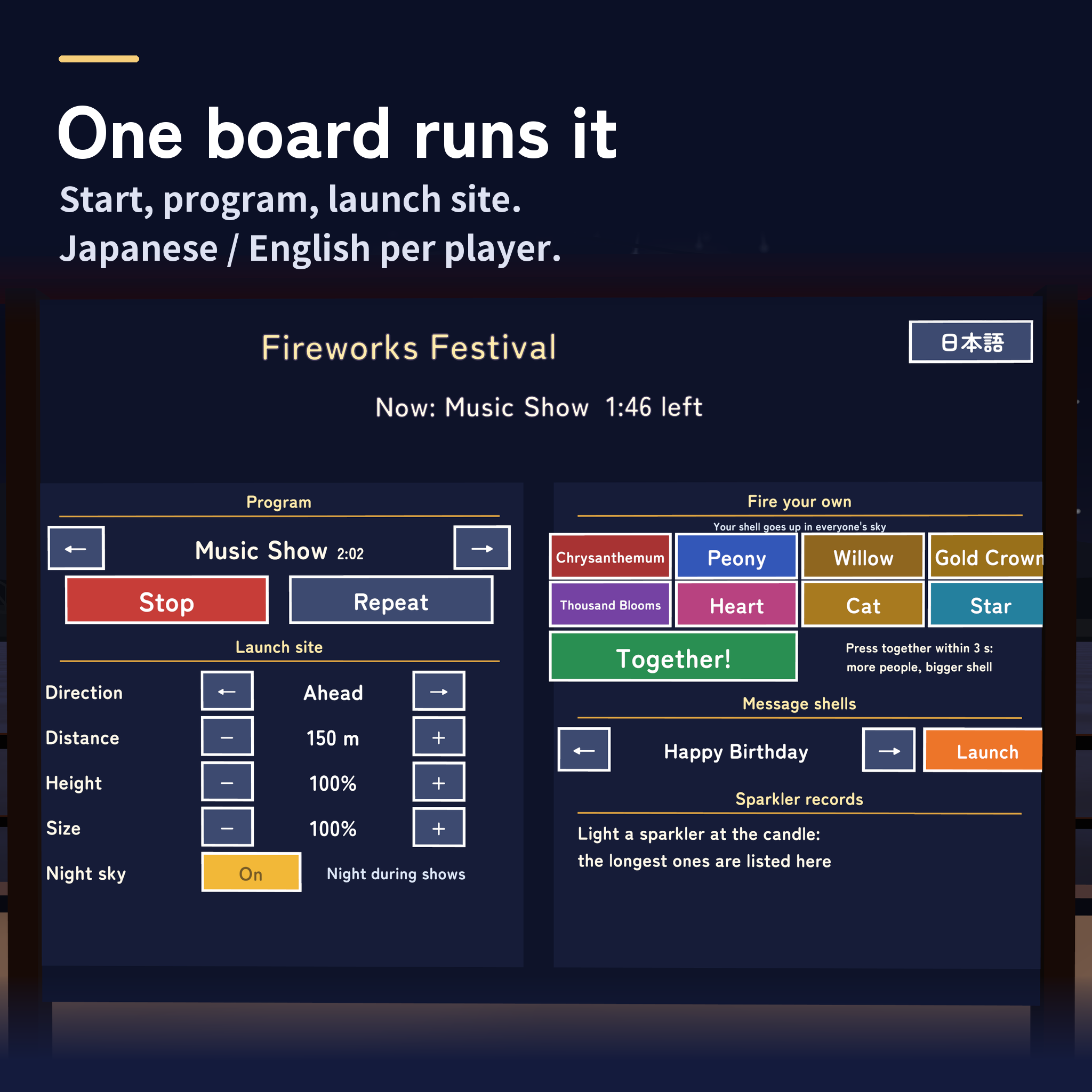
- Fire your own. Chrysanthemum, Peony, Willow, Gold Crown, Thousand Blooms, Heart, Cat and Star. The shell goes up in everyone's sky and the board shows who fired it.
- Together! The more players press within 3 seconds, the bigger the shell: one player gets a one-foot shell, two or three a two-foot shell, four or more a three-foot shell with a ring of gold crowns.
- Message shells. Happy Birthday, Just Married, Thank You, Love You, Well Done and Happy New Year open as words in the sky, and the board names the sender. Each viewer reads them in their own language.
- Sparkler records. The day's five longest senko sparklers and your own best, kept for your next visit.
The Music Show
Yoi-Matsuri, an original festival piece for flute, koto and taiko drums (about 2 minutes), plays across the venue; the shells open on its beats and their booms land on the beat too. Everyone hears and sees the same moment; anyone who joins late comes in mid-song.
Want your own song? Put your AudioClip on the Music object and load a launch sheet (a text file with the time each shell opens, its kind, its colours and its position) with the "Load a launch sheet" button in the Inspector. The bundled sheet shows how one is written.
Made for events
- New Year's countdown. From 23:00 on 31 December the board counts down. Shells go up from one minute before midnight, digit shells from ten seconds before, then HAPPY NEW YEAR, the new year's four digits and a finale. It runs on VRChat's server clock with your UTC offset, so everyone sees midnight together.
- Timetable. Enter times such as 20:00 and 21:30 and the show starts by itself; the board shows the next show time. With Auto Start, Surprise Me plays on repeat from the moment the world opens.
- Your own words. Type your event's or world's name and press a button in the Inspector: it joins the message shells.
- Staff controls. List display names in Operators to keep the staff column for your team. Start, stop and single shells can be called from your own buttons and timelines with SendCustomEvent.
- Synced for everyone. A show is synced as a number and a seed, so every player builds the same order and launches it by the server's clock. The show goes on when its starter or the instance owner leaves.
Hand-held fireworks
- Light them at the candle. 4 hand fountains, 4 sparklers and 6 senko sparklers. Touch the tip to the flame, or hold one by the candle and click (VR: trigger, phones: Use). Light yours from a friend's.
- They sit in the hand the same way every time. Fountains and sparklers by the handle, pointing ahead; senko sparklers hanging straight down from the fingertips.
- A senko sparkler has a life. Bud, peony, pine needles, willow and falling petals over about 36 to 50 seconds. Keep your hand still: move it hard and the ball drops. The time until it falls is your record.
How to play
- Start a show: on the board's left column, choose a program with the arrows and press Start; Stop ends it.
- Move the launch site: Direction (15 degrees a step, up to 90 left or right), Distance (20 to 300 m), Height (50 to 150%) and Size (25 to 200%). A column of light marks the new spot for 4 seconds.
- Join in: on the right column, press a shell, Together! or a message.
- Press the keys with the desktop crosshair or the Tab cursor, a VR laser or a tap on phones. The key at the top right switches your own view between English and Japanese.
Included files
- The unitypackage: the festival prefab (board, launch site and hand-held fireworks table), a sample scene of a riverside summer festival (rows of paper lanterns, six stalls, benches, a town's lights across the water, a bridge and pleasure boats, with the lanterns and fireworks shining on the water), the original song Yoi-Matsuri, sound effects and the Zen Maru Gothic font
- Manuals in English (README_EN.txt) and Japanese (README.txt)
Requirements and setup
Unity 2022.3.22f1, VRChat Worlds SDK 3.8.1 or later (checked with 3.10.5; UdonSharp comes with the SDK) and TextMesh Pro, in a Creator Companion world project. The same setup runs on PC (desktop and VR), Quest/Android and iOS; Quest and phones draw lighter shells by themselves. Android build: 6.1 MB with the sample scene. Shows, sync, late joining, the Music Show and the hand-held fireworks are covered by 39 automated tests.
- Import TMP Essential Resources if the project has never used TextMesh Pro.
- Import FireworksFestival_v1.0.0.unitypackage.
- Place Assets/FireworksFestival/FireworksFestival.prefab in your world. The board's front faces the audience and the shells rise 150 m behind it (change this with the board's Direction and Distance keys). Move the board and the fireworks table wherever you like; to launch over a fixed spot such as a lake, move LaunchSite and turn on Site Fixed on FwFestival.
- Set the Far Clip of your VRCWorld's Reference Camera to 1000 m or more (the sample scene uses 2500 m).
The sample scene is Assets/FireworksFestival/Sample/FireworksFestival_Sample.unity. Setup takes about 10 minutes.
Terms of use
- You may include it in VRChat worlds and publish them, including paid, corporate, event and monetized worlds.
- Modification is allowed. Credit is optional and appreciated.
- Redistributing or reselling the data itself (modified or not), or bundling it with other assets for sale, is not allowed.
- Please contact the creator before using it outside VRChat worlds, such as in other games or videos.
- The author is not responsible for any problems arising from using this data.
Credits and support
Font: Zen Maru Gothic, SIL Open Font License 1.1. All models, textures, sound effects, music and scripts were made for this product.
For purchase questions, use the contact option on the store where you purchased this product. Include the product, Unity and SDK versions, steps and any error message.
Jinxxy support
For purchases on Jinxxy, use this product's Q&A on Jinxxy. Include the product name, Unity and SDK versions, the steps you took and any error text.