
PRESS & SHARE | Make, Share and Eat Sandwiches in VRChat
商品描述
本商品包含 AI 生成的内容。
Build a sandwich, toast it to order, and pass a warm serving to a friend.
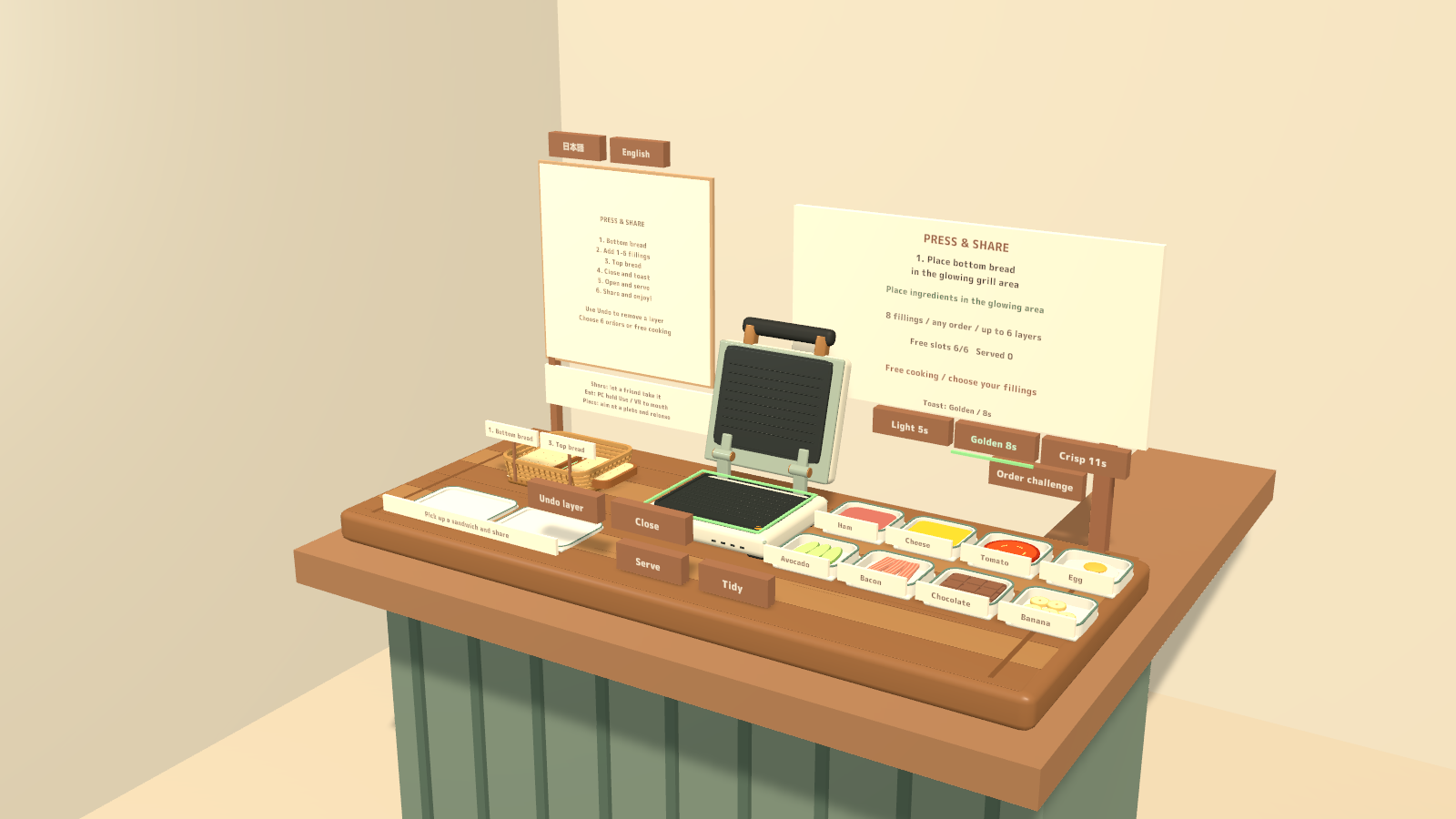
PRESS & SHARE is an interactive sandwich station for VRChat worlds. Layer ingredients in the press, choose how deeply to toast them, and share the finished sandwich in bite-sized portions. A counter and a compact tabletop version are included.
8 fillings · 1–6 layers · Free cooking and a six-order challenge · PC VR / Desktop / Android
Watch it in action
Watch the English introduction on YouTube
Made for shared play
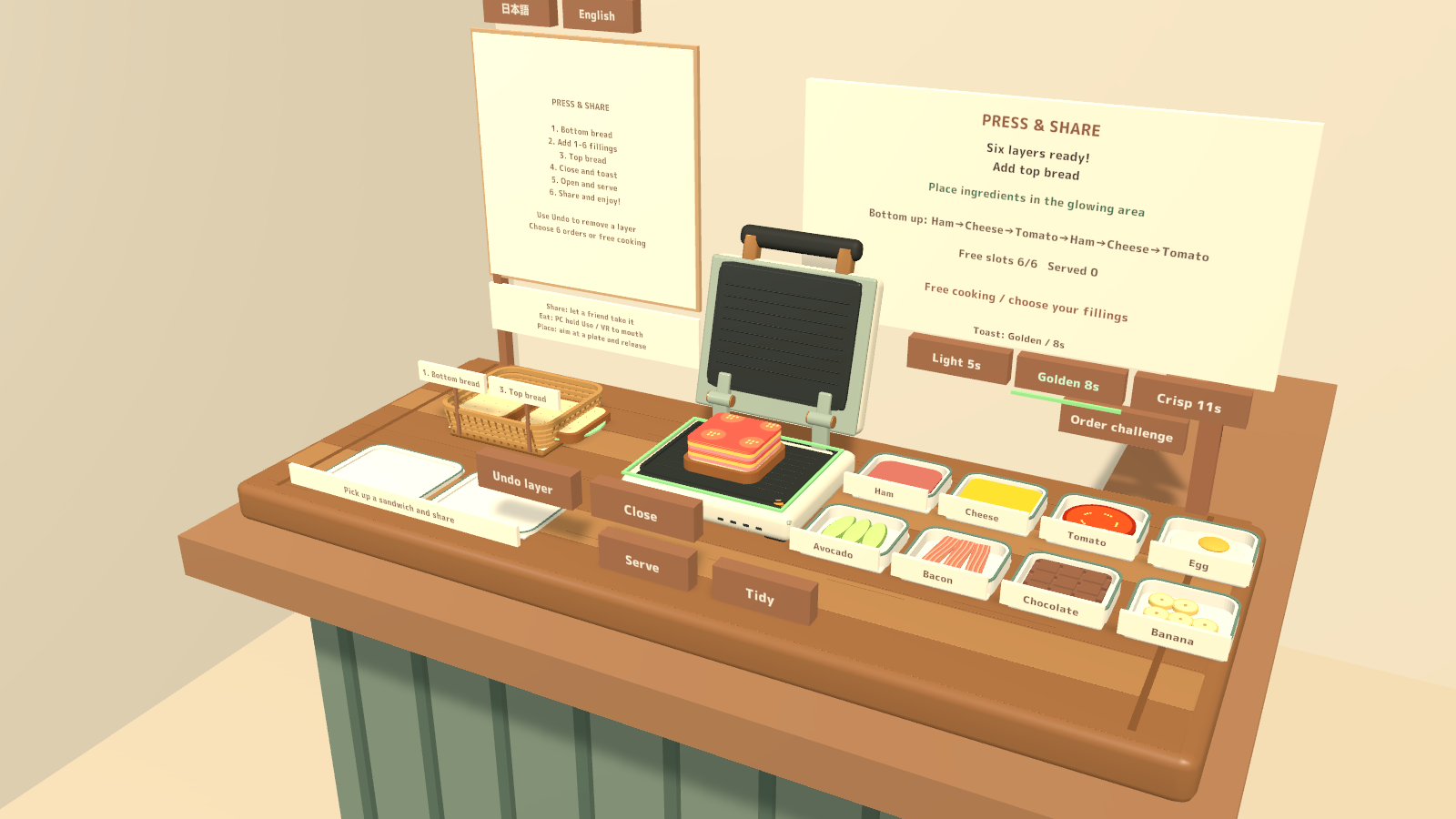
- Make the filling your own. Stack ham, cheese, tomato, egg, avocado, bacon, chocolate or banana in any order, with repeated ingredients allowed. The layers remain visible as the sandwich is toasted, held and eaten.
- Three toast levels. Light, Golden and Crisp take 5, 8 and 11 seconds. Opening the press during cooking stops the cook while keeping the ingredients.
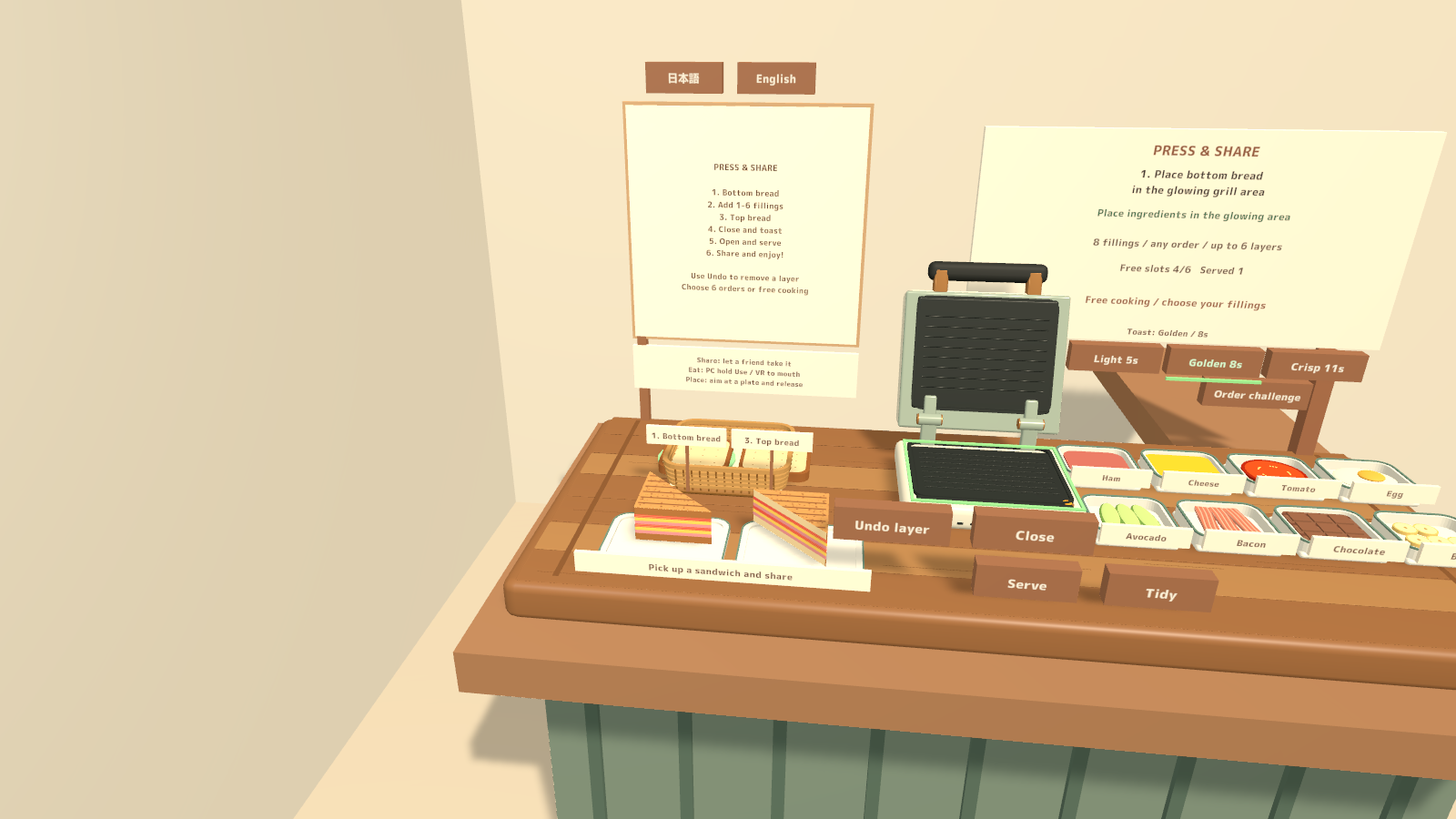
- Cook and serve together. Each sandwich makes two portions. Up to six prepared portions can remain available while the next sandwich cooks.
- A relaxed order challenge. Complete six orders without a time limit, or use free cooking for casual conversation.
- Shared food and cooking. Cooking and bite progress are shared; pickups use the SDK pickup and object-sync components. Sound effects are always enabled.
How to play
- Add one to six filling layers and select a toast level.
- Close the press and wait for cooking to finish. Open it early to stop cooking without clearing the filling.
- Serve the sandwich, pick up a portion, and pass it directly to another player or place it on a plate.
- Eat each portion in three bites. On desktop, hold Use for about 0.75 seconds per bite and release between bites. In VR, bring the portion to your mouth and move it away before the next bite.
Your own display language
Labels, instructions, order text and pickup hints can be switched between Japanese and English for each player. Regular variants follow the player’s VRChat language at startup; the EN variants start in English. A manual selection lasts for the visit and does not change the shared cooking state.
What you get
- Eight station prefabs: counter and tabletop layouts, each with PC/Android and regular/English-startup variants.
- Four sample scenes, including both platform and startup-language variants.
- Models, materials, UdonSharp scripts and sound effects used by the station.
- Blender source, FBX models and regeneration scripts.
- Japanese/English setup and usage guides, license terms and third-party notices.
Requirements & setup
Use a VCC Worlds project with Unity 2022.3.22f1, the Built-in Render Pipeline and VRChat SDK – Worlds 3.10.5 with UdonSharp.
- Import TMP Essential Resources from Window → TextMeshPro, then import PressShare_v2.0.0.unitypackage.
- For English at startup, place PressShare_Station_EN.prefab in a PC world or PressShare_Station_Android_EN.prefab in an Android world. Regular startup-language variants are included too.
- Adjust the placement using a uniform scale, then use the SDK’s Build & Test.
- For a compact installation, use PressShare_Tabletop_EN.prefab or PressShare_Tabletop_Android_EN.prefab instead.
Commercial use & customization
Individuals and organizations may incorporate this product into VRChat worlds they create or manage for commercial or non-commercial use. Modification, events, videos and streams are permitted. Credit is optional.
The license also permits use in paid VRChat worlds and worlds using the Creator Economy.
The original assets are licensed for incorporation into your own work. Redistribution or resale as standalone assets or reusable source data is not included. Each collaborating creator who uses the source data must purchase the product. See LICENSE_EN.txt and the included third-party license texts for the full terms.
Version 2.0.0
One bilingual download contains Japanese/English display options and guides, with platform and startup-language variants.
Support
For purchases on Jinxxy, use this product's Q&A on Jinxxy. Include the product name, Unity and SDK versions, the steps you took and any error text. The included original guides may name earlier sales channels; Jinxxy purchases receive the same product support and use rights.