
商品描述
本商品包含 AI 生成的内容。
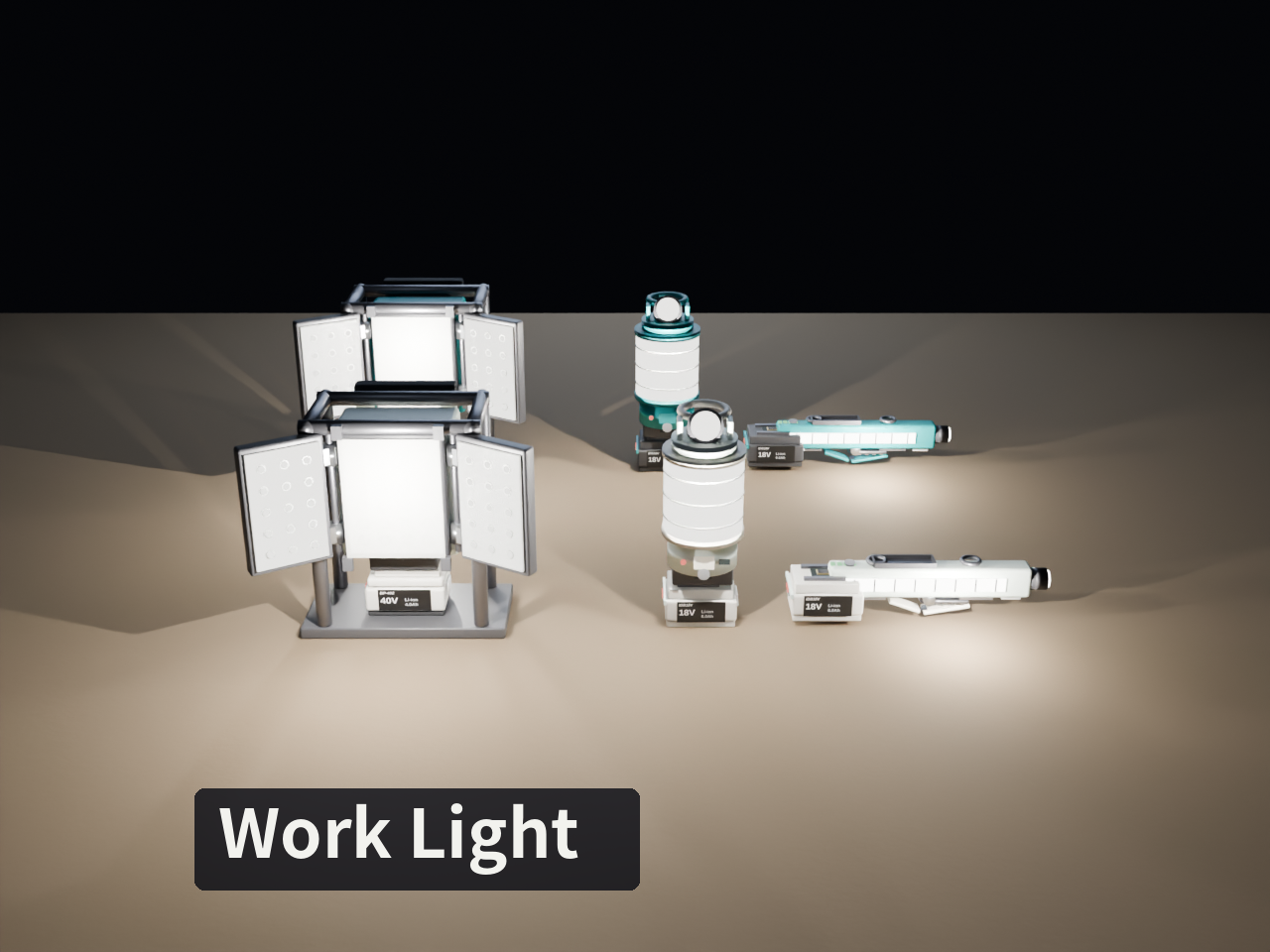
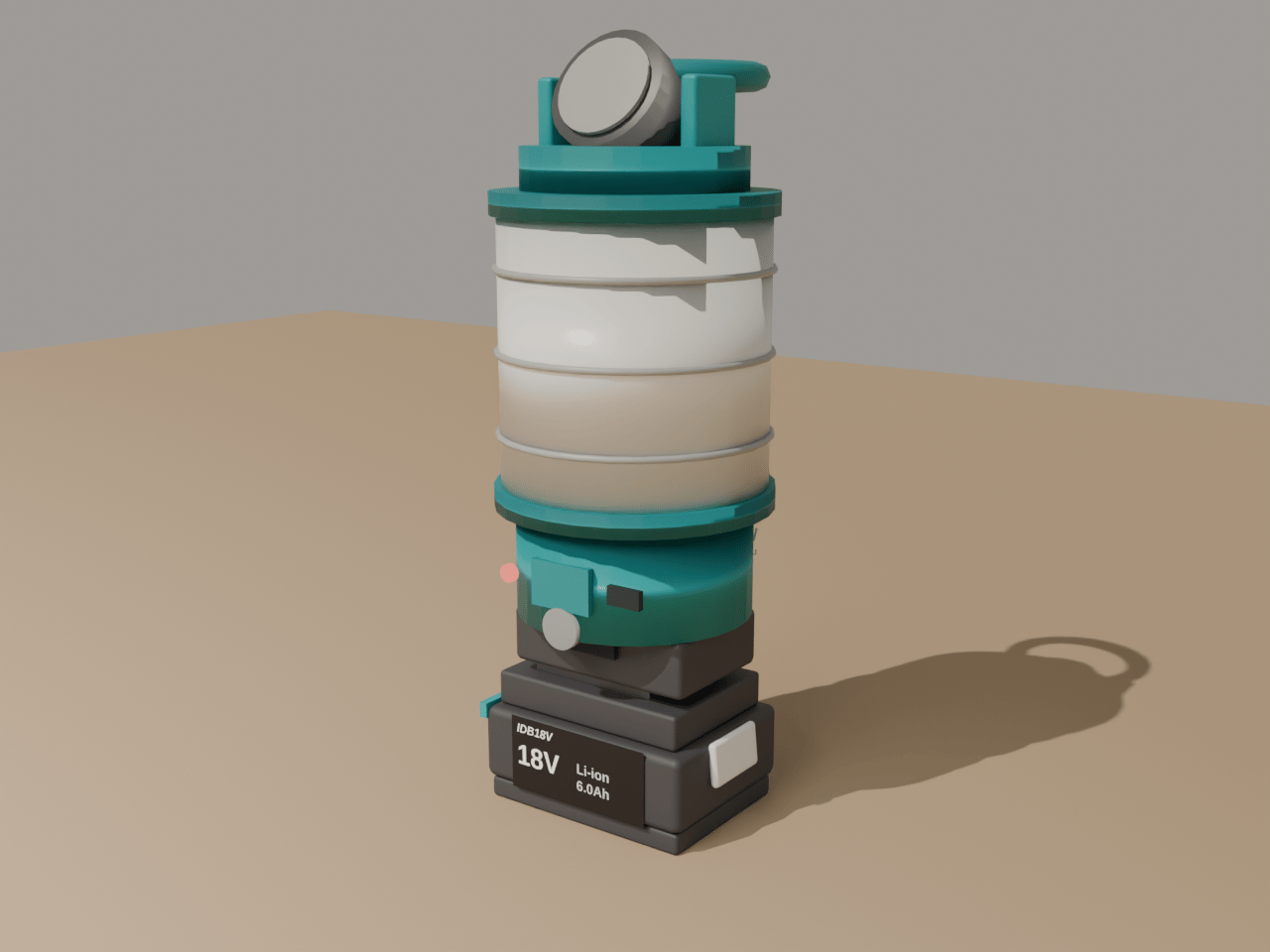
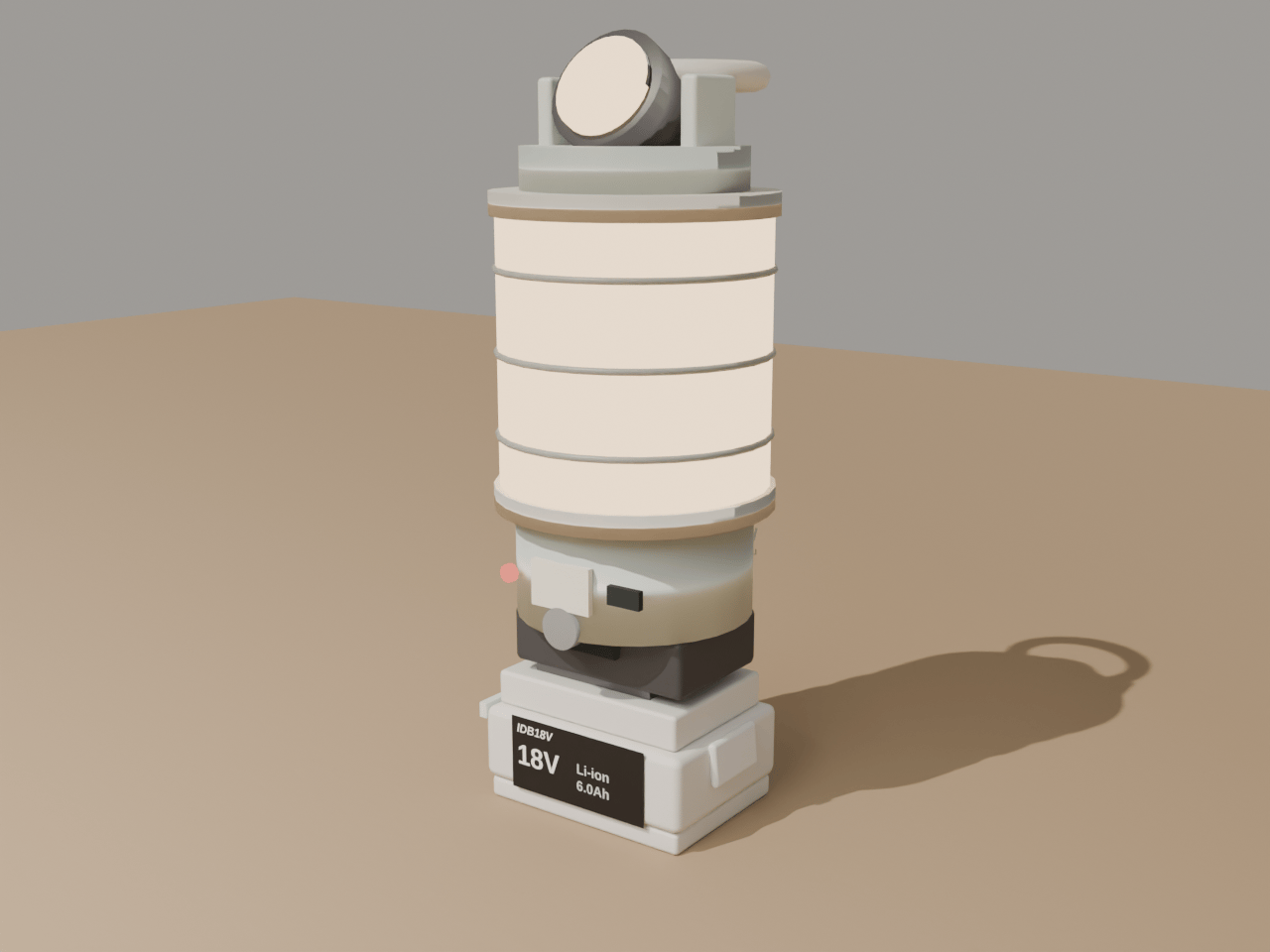
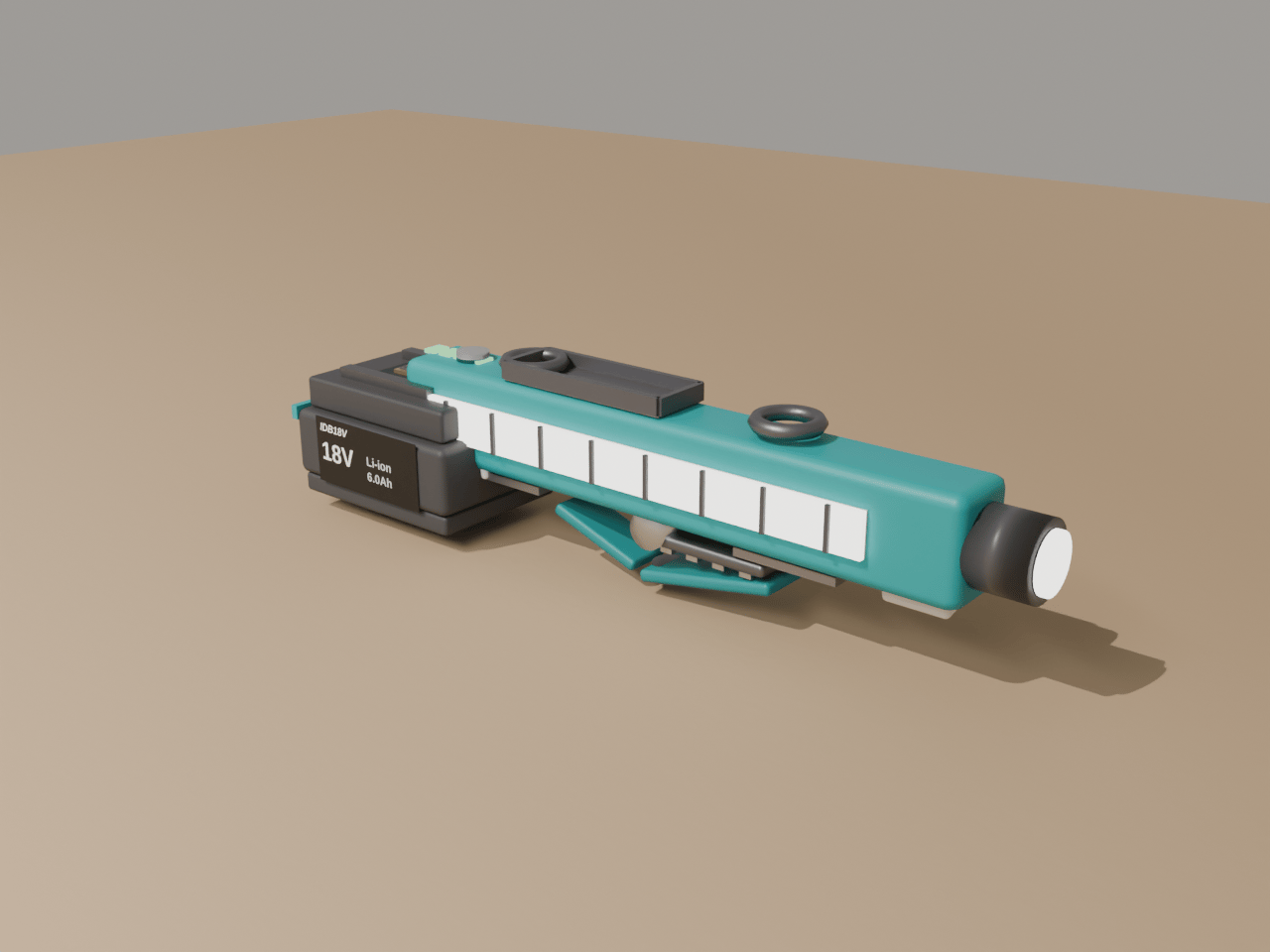
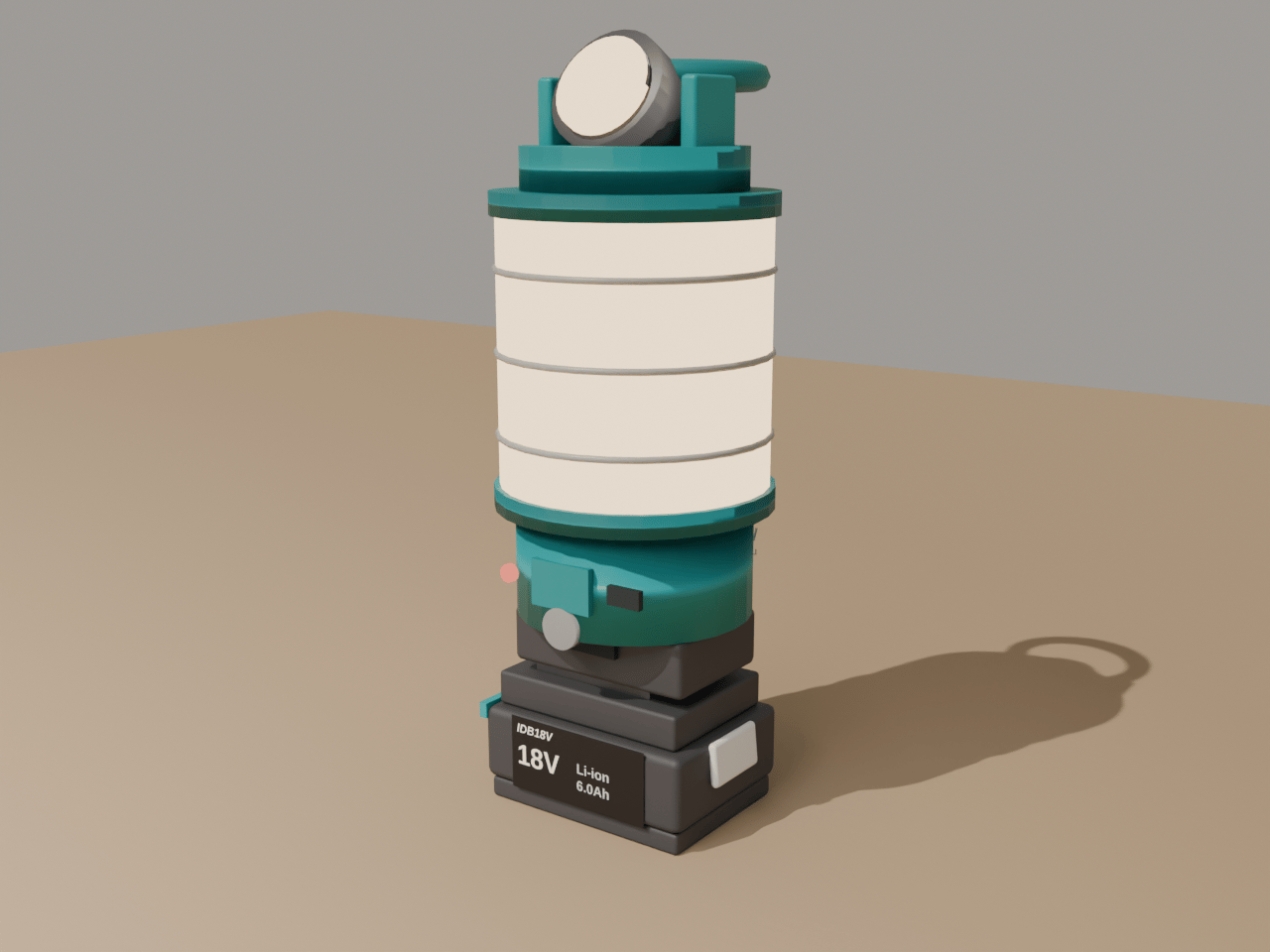
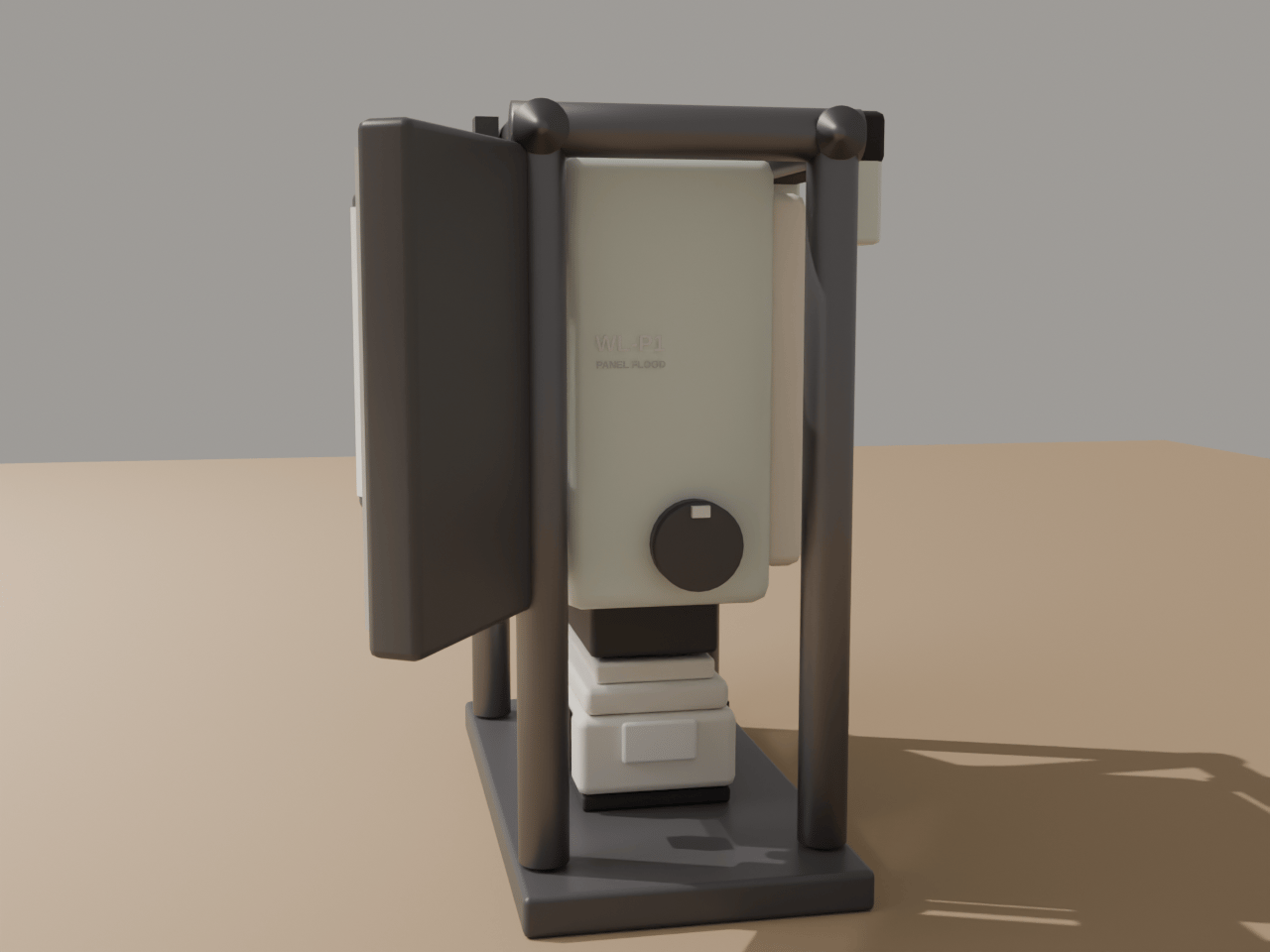
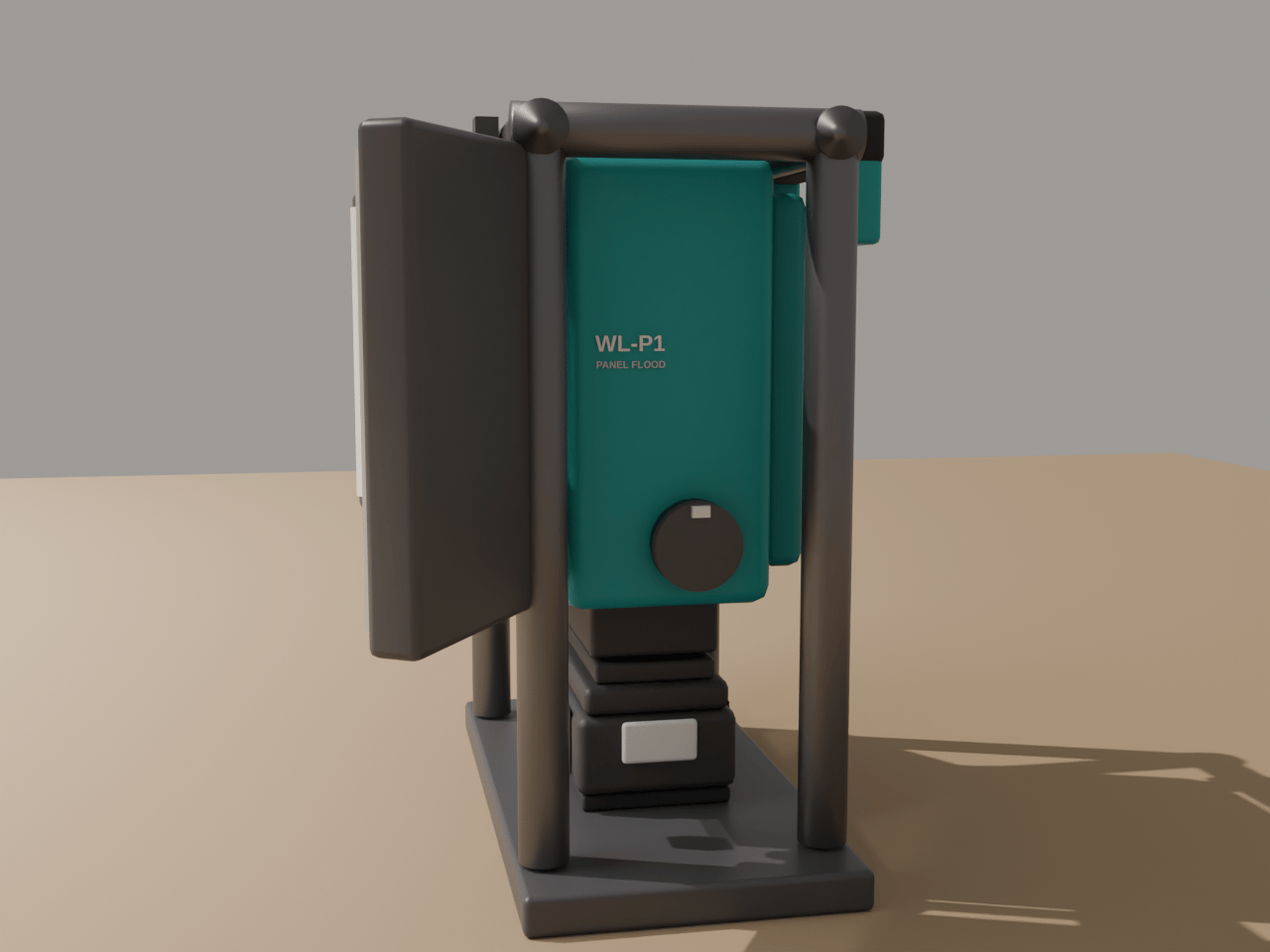
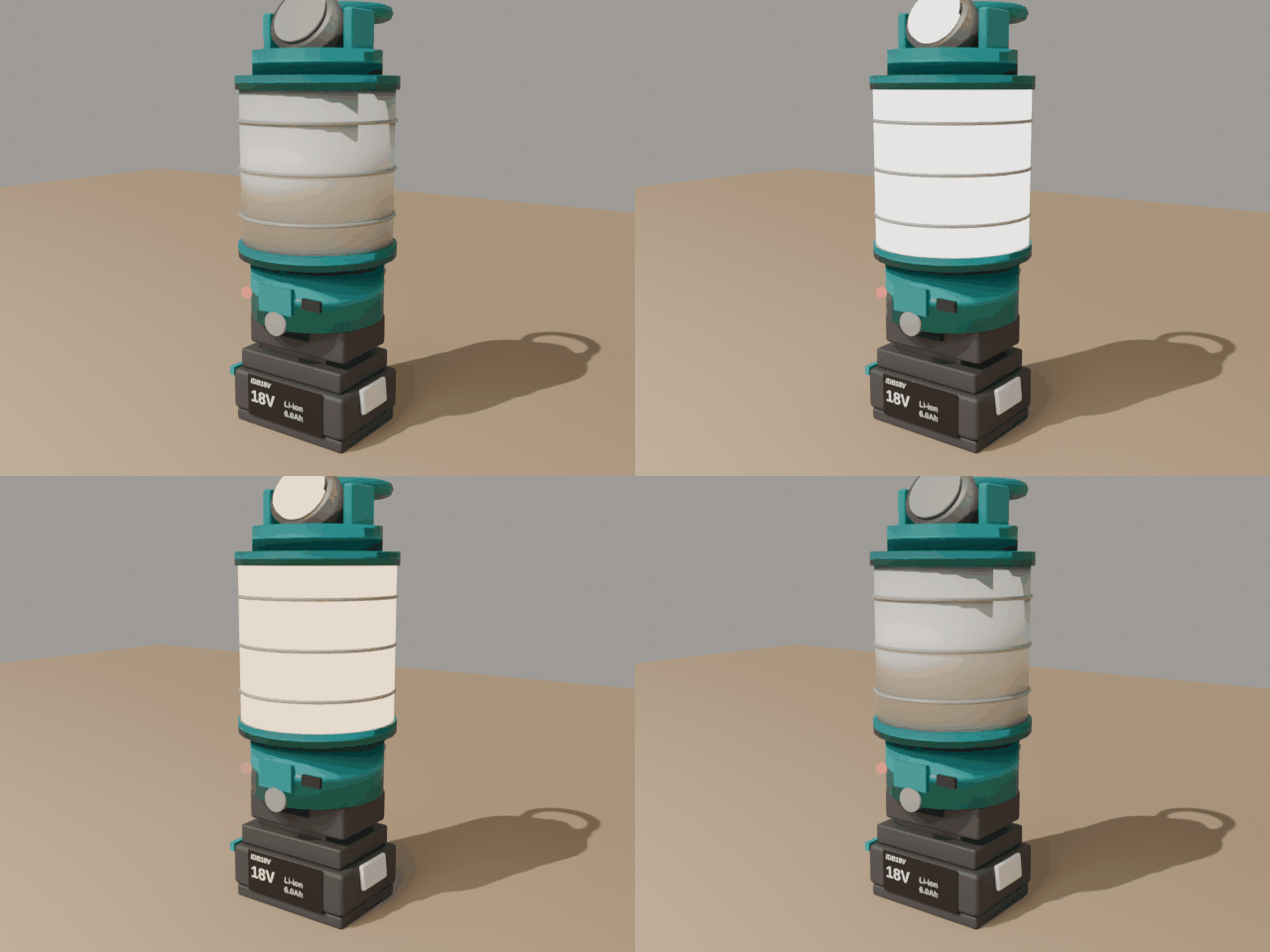
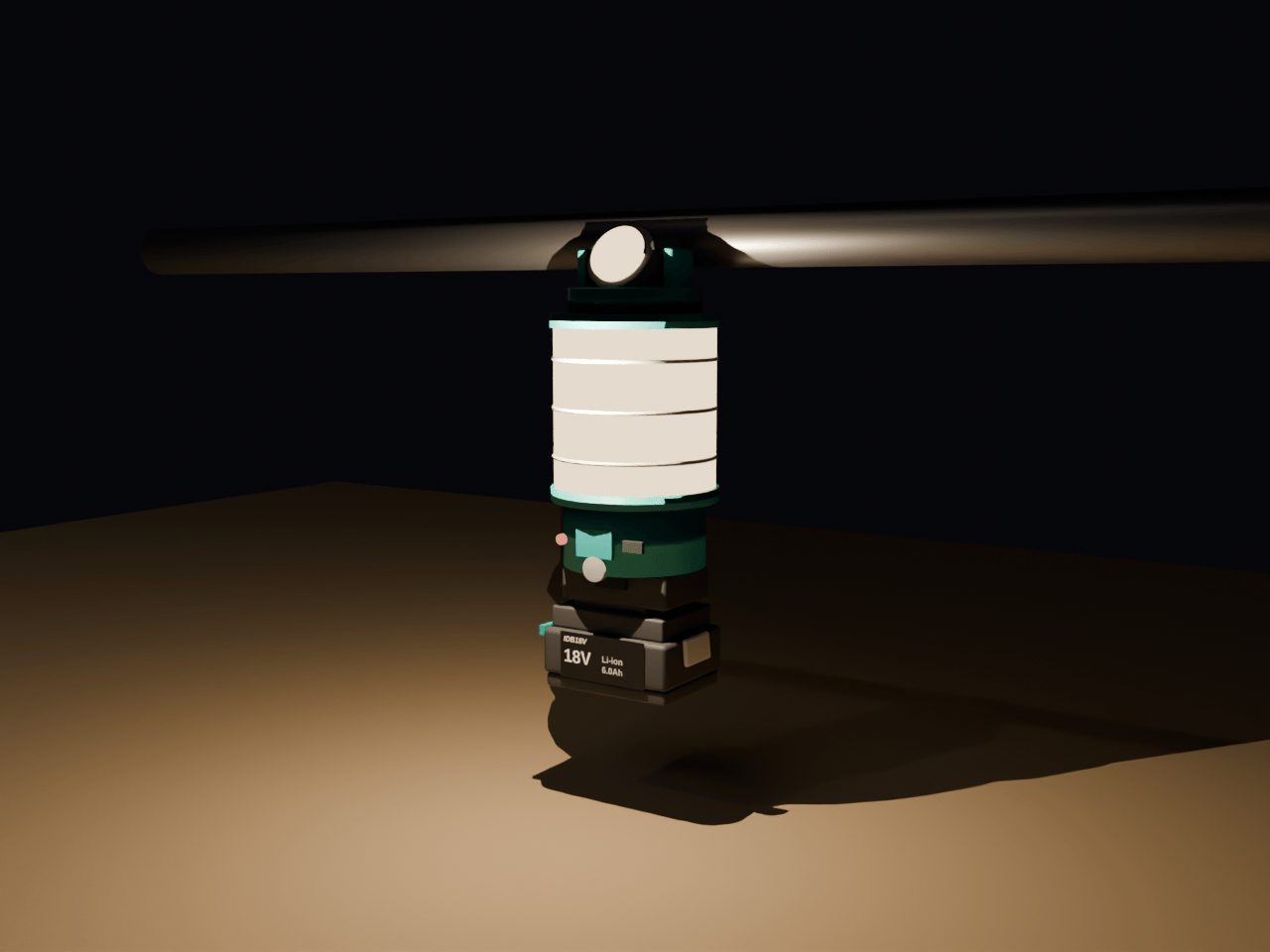
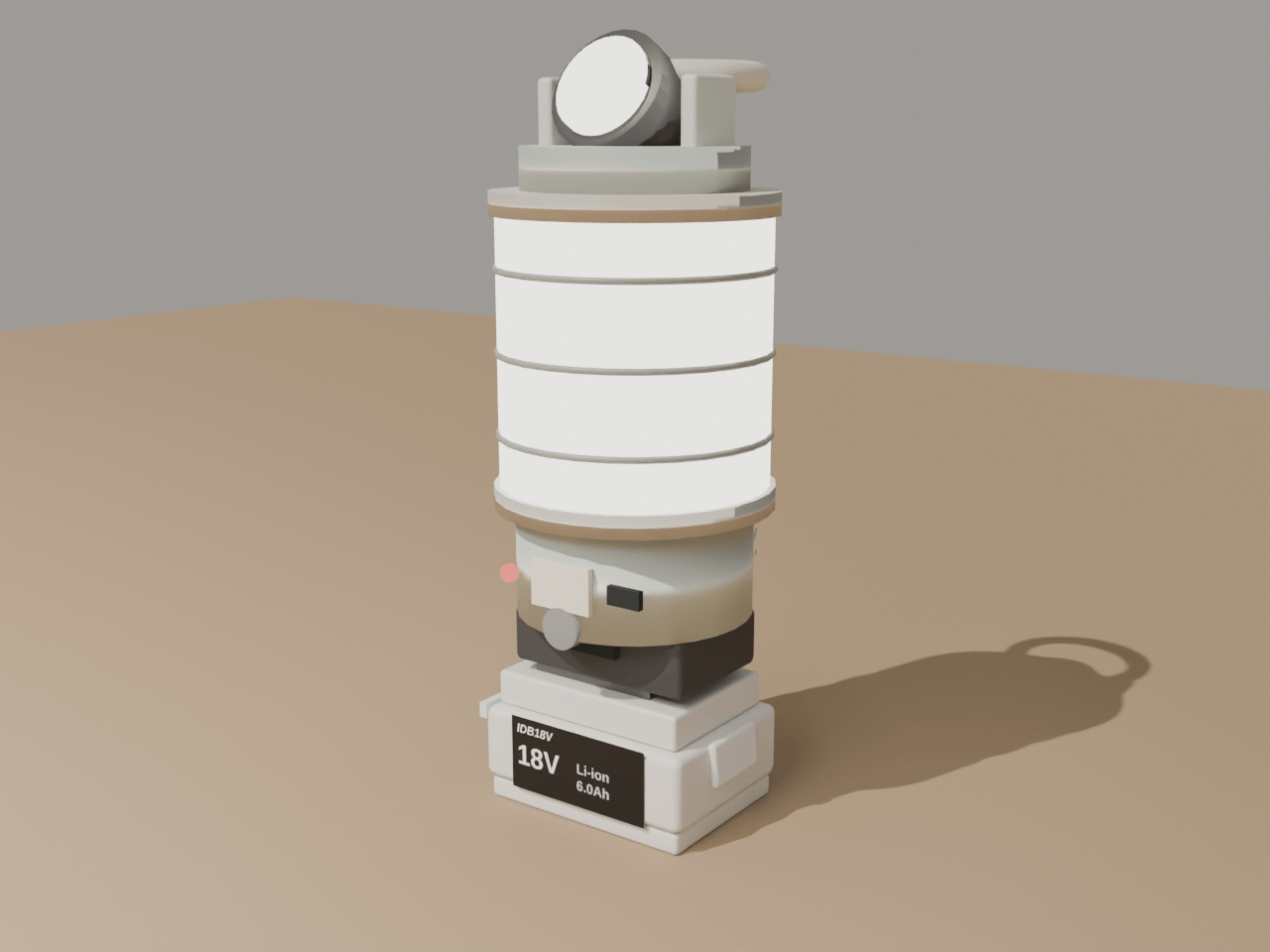
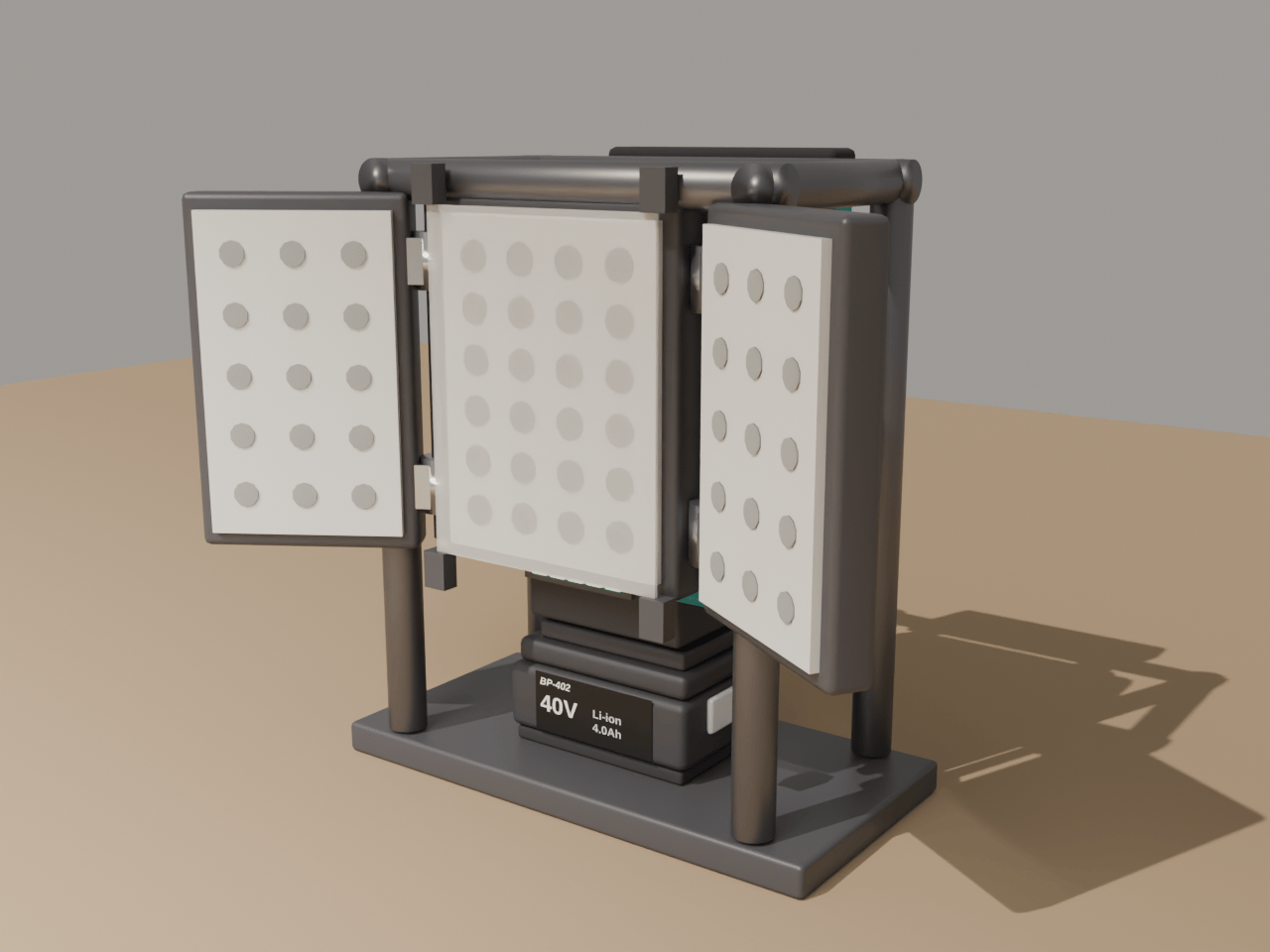
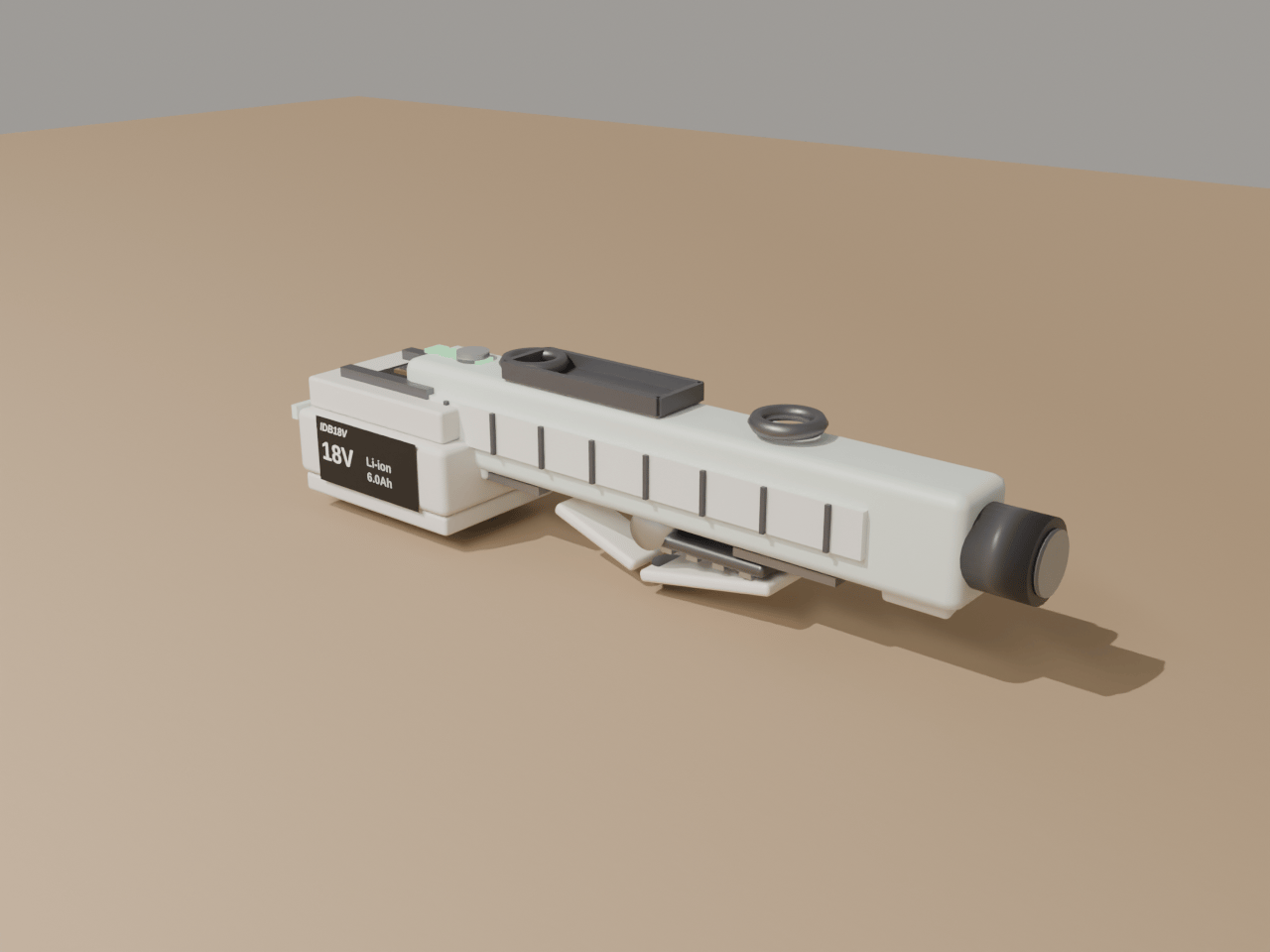
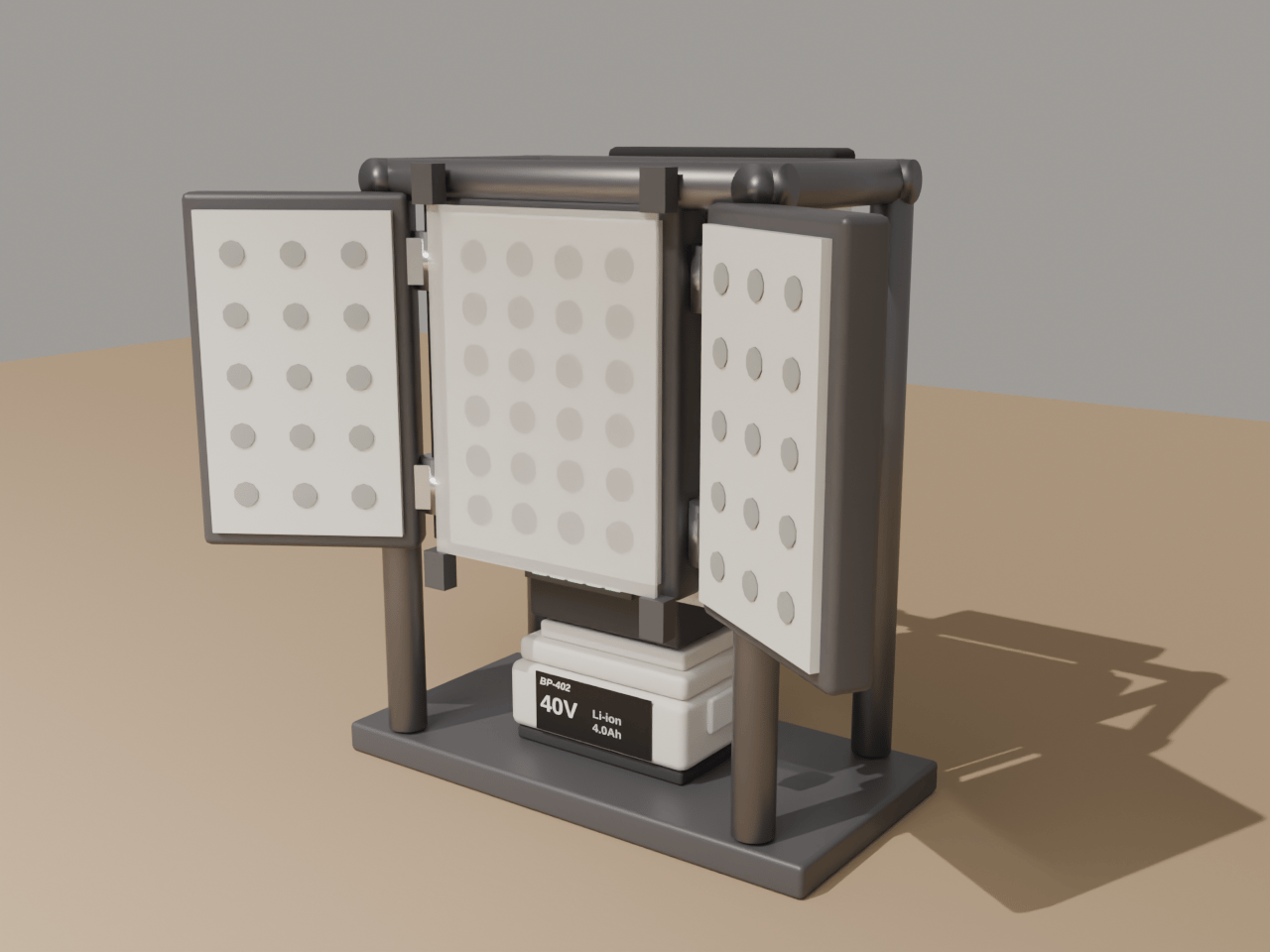
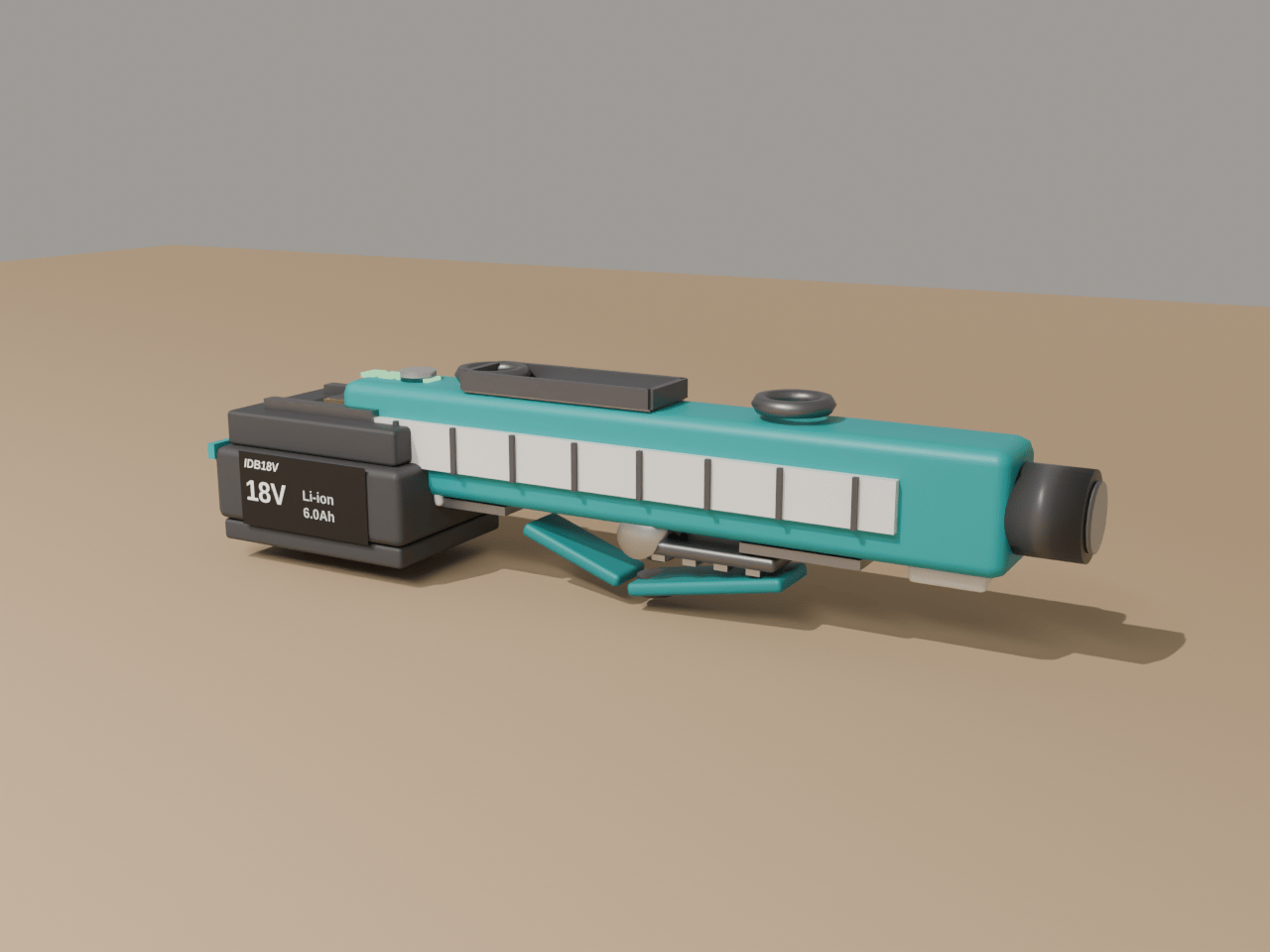
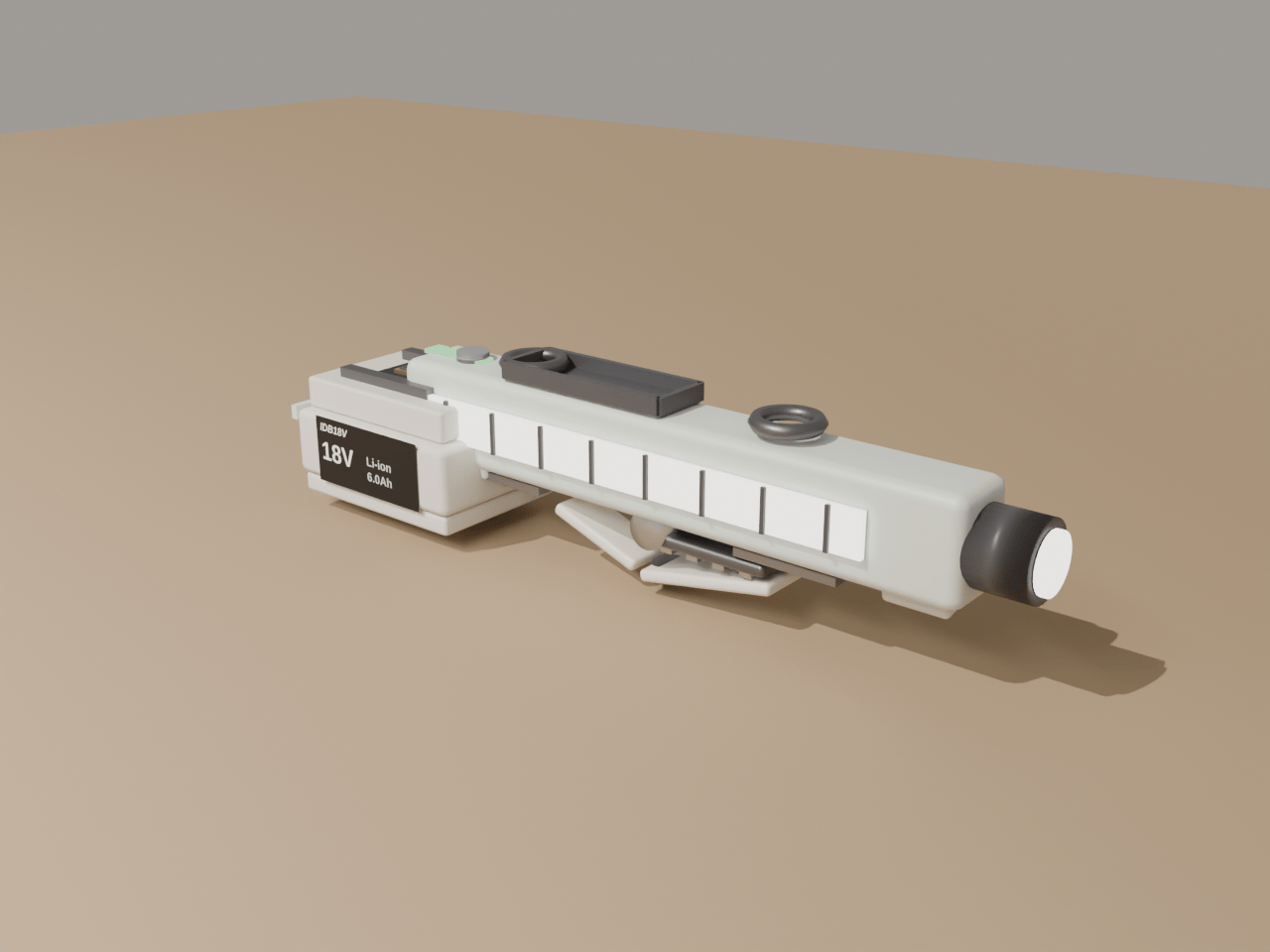
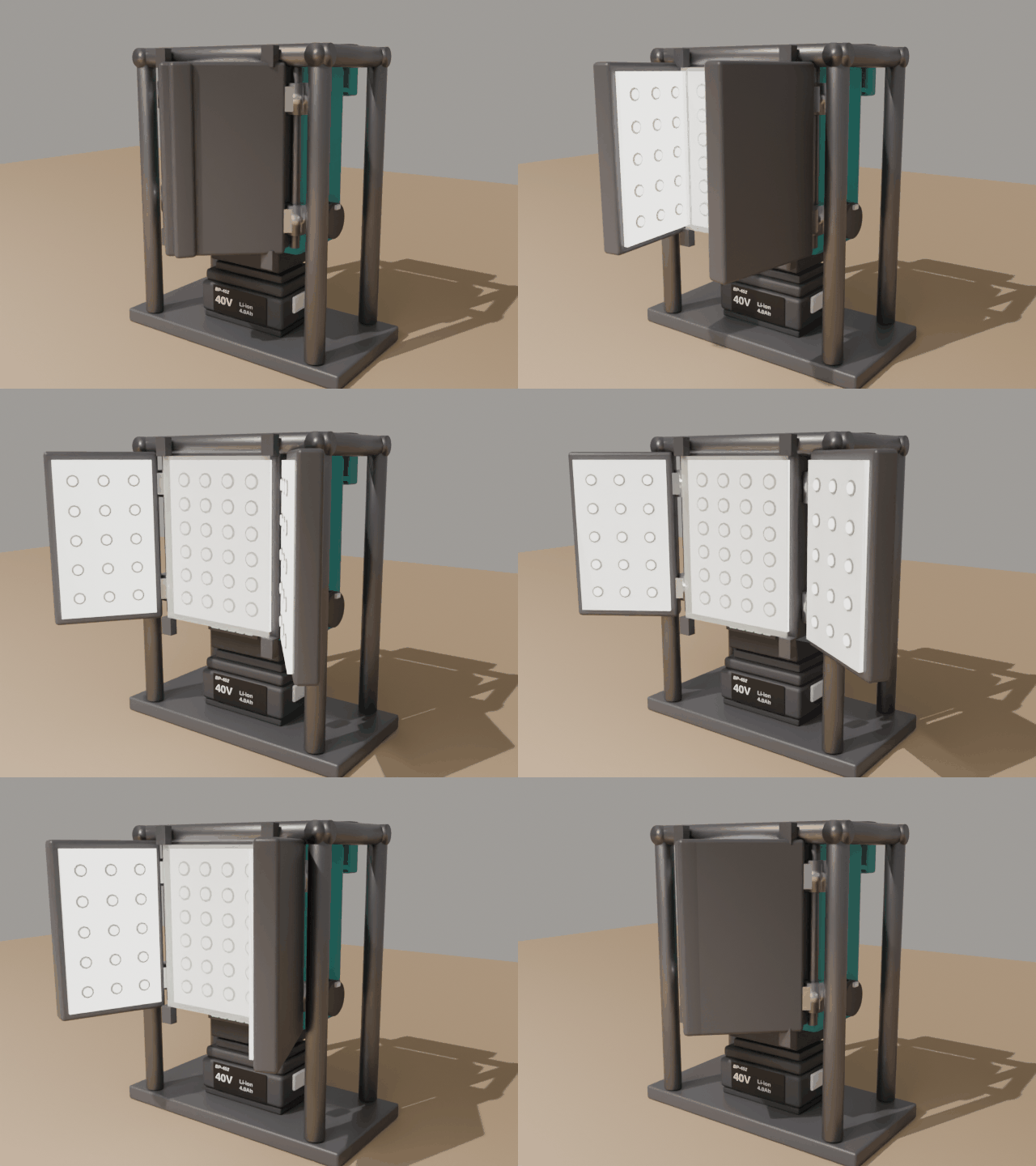
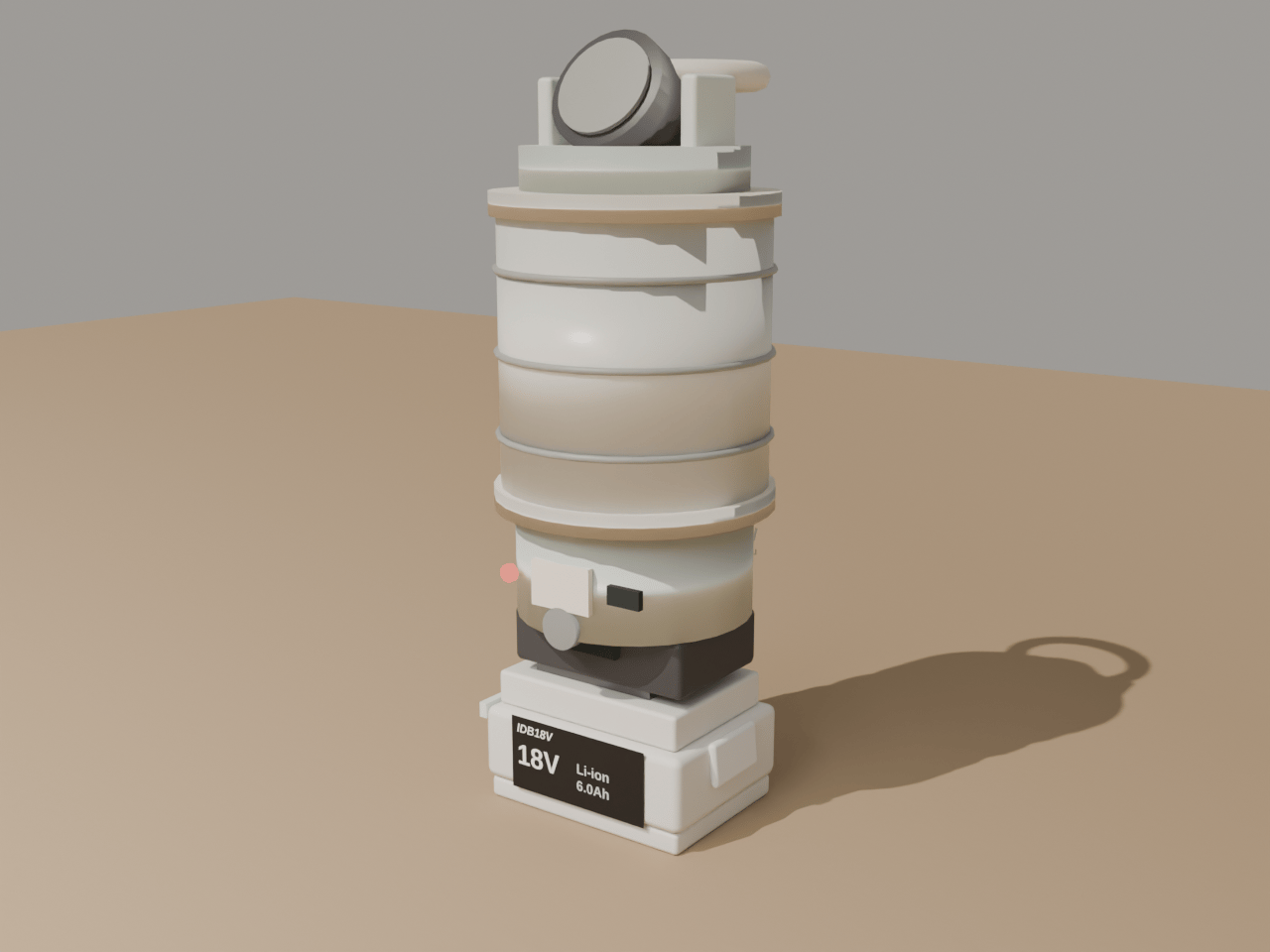
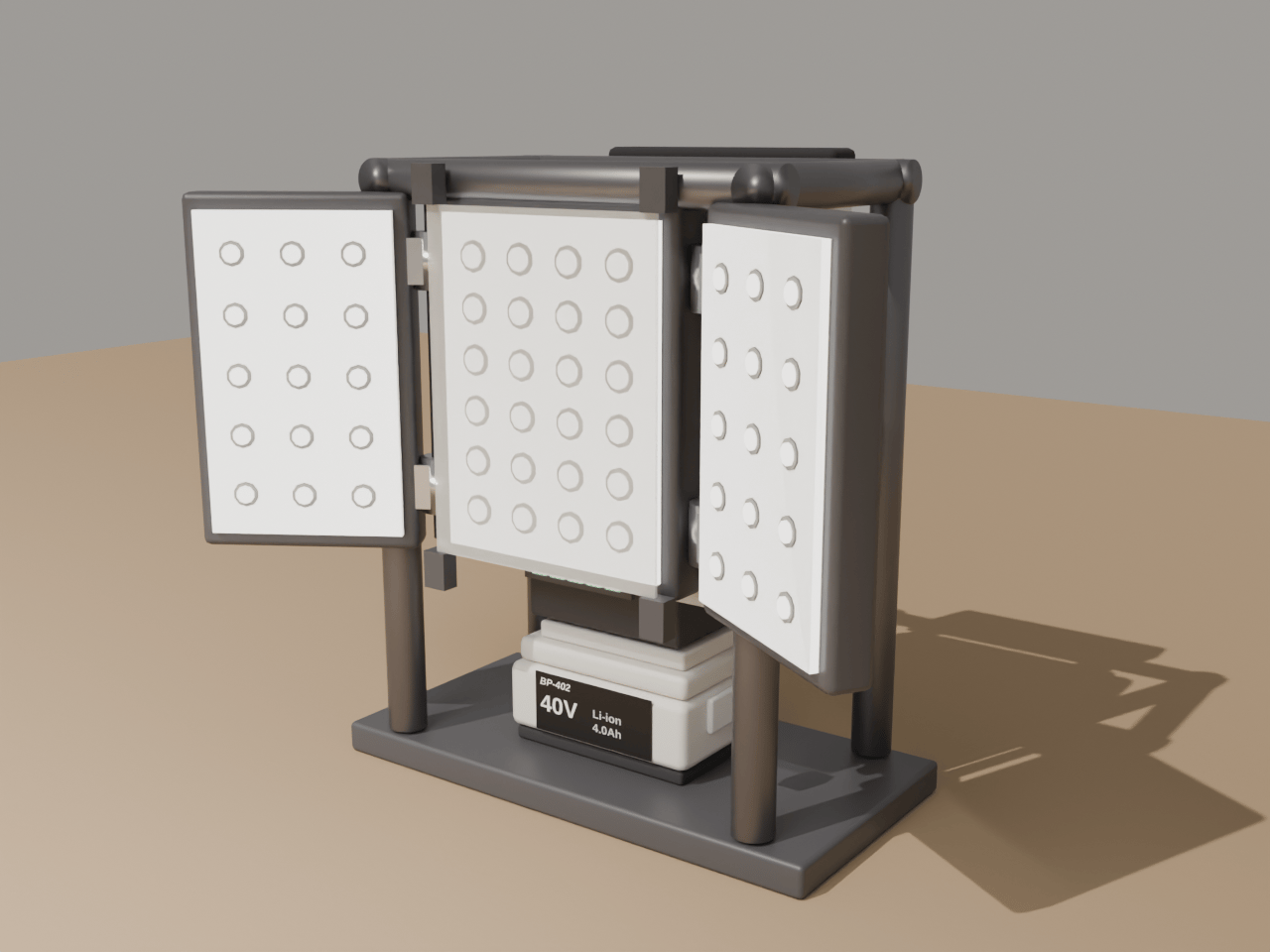
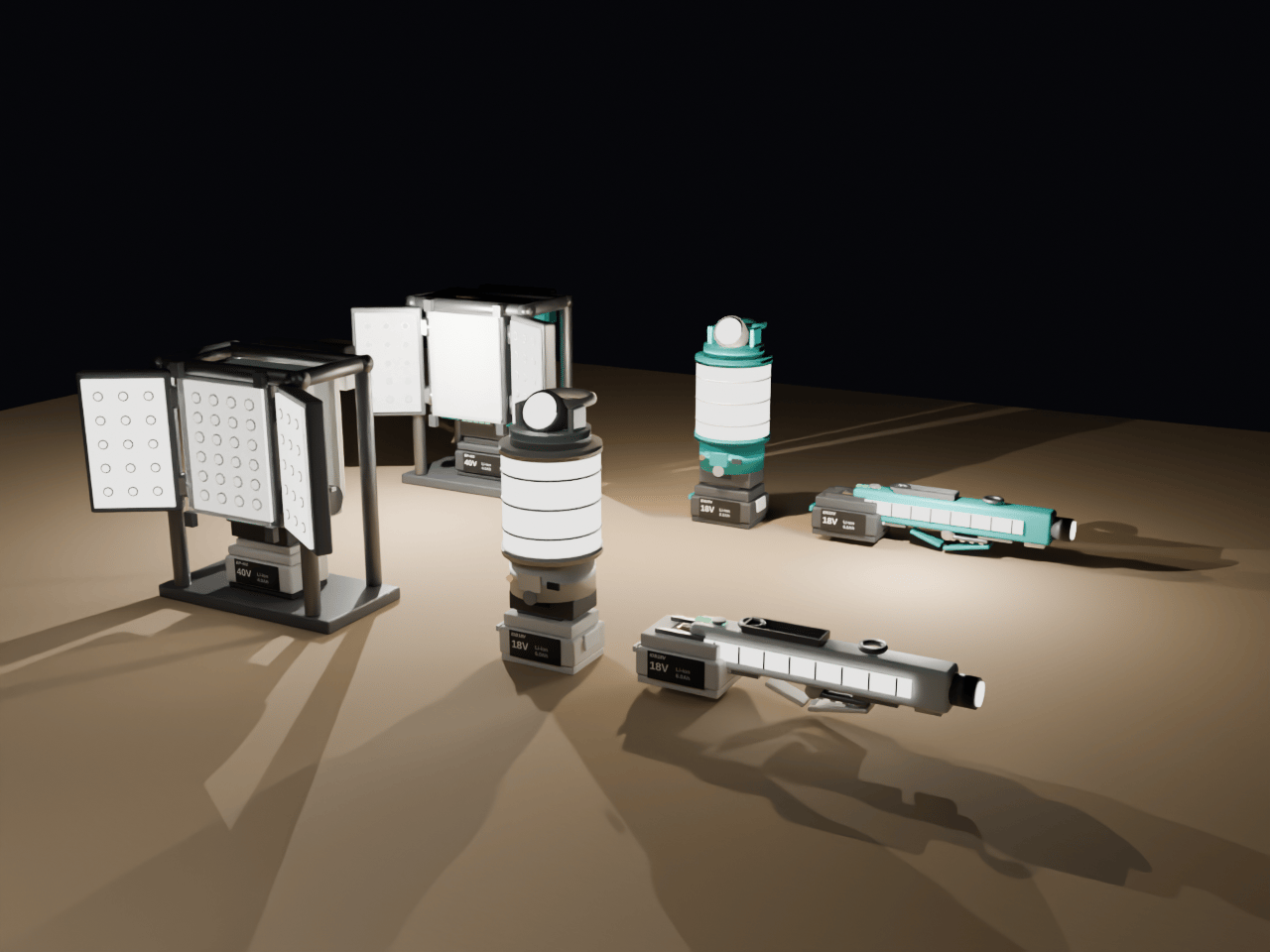
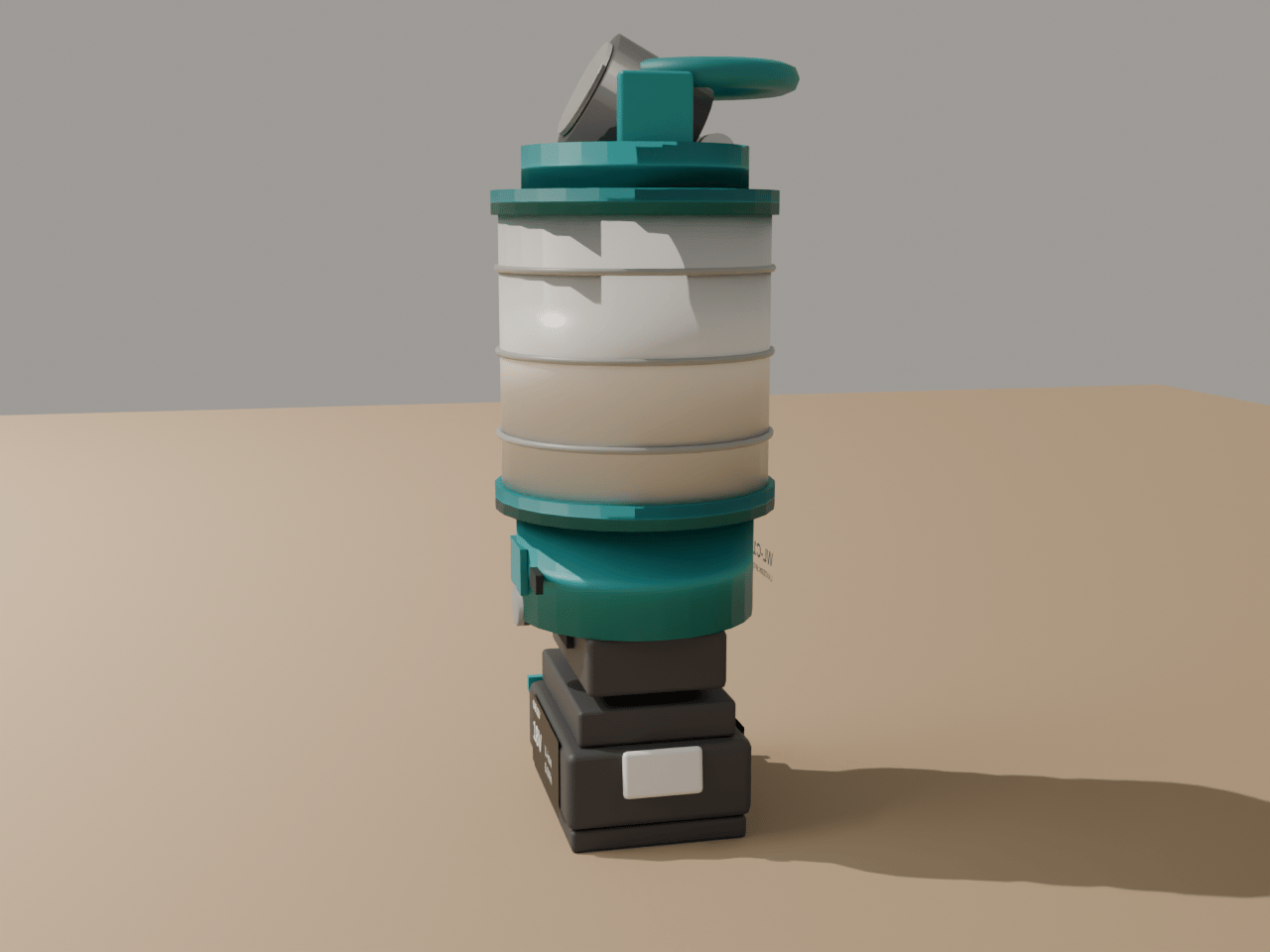
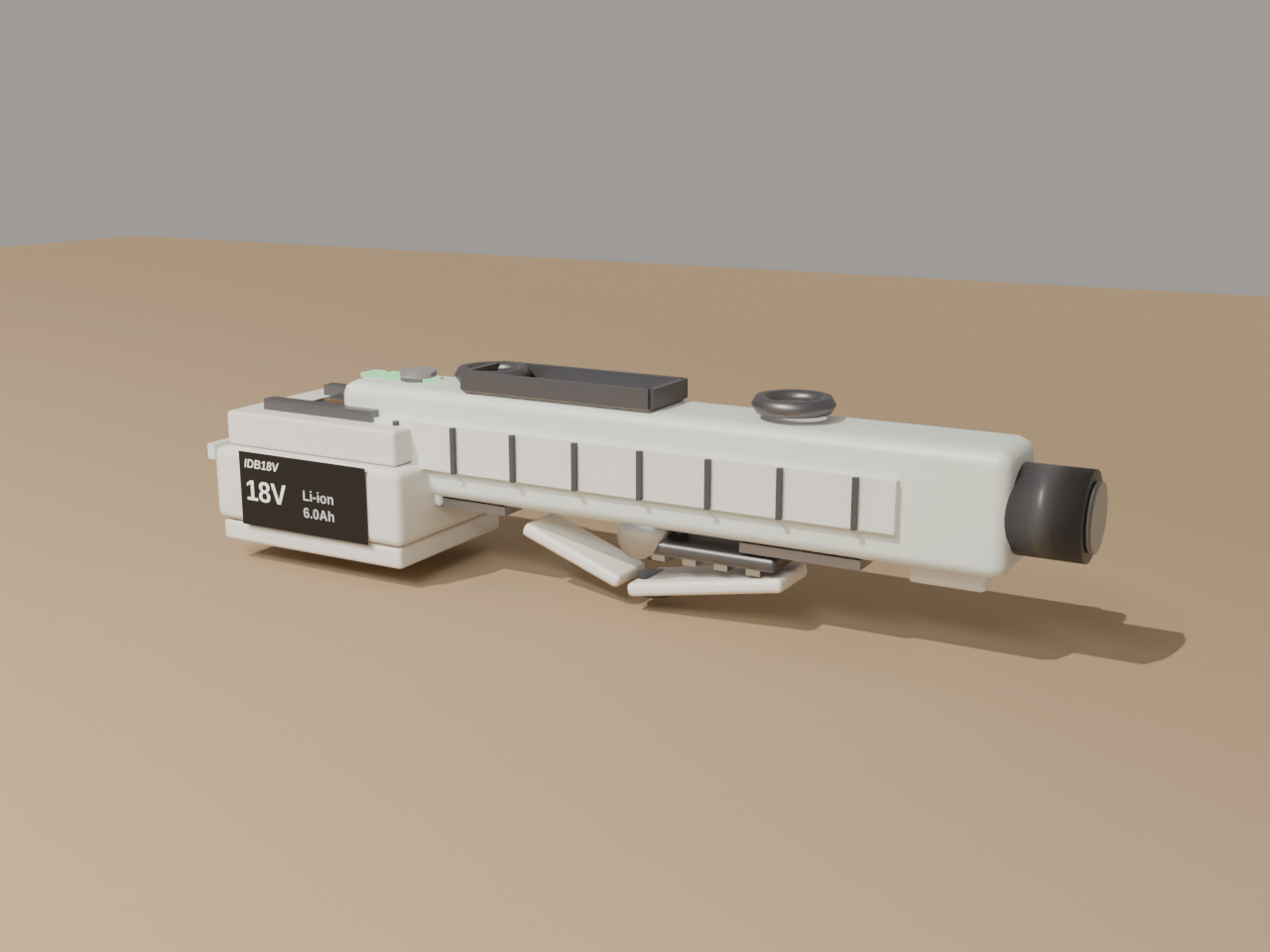
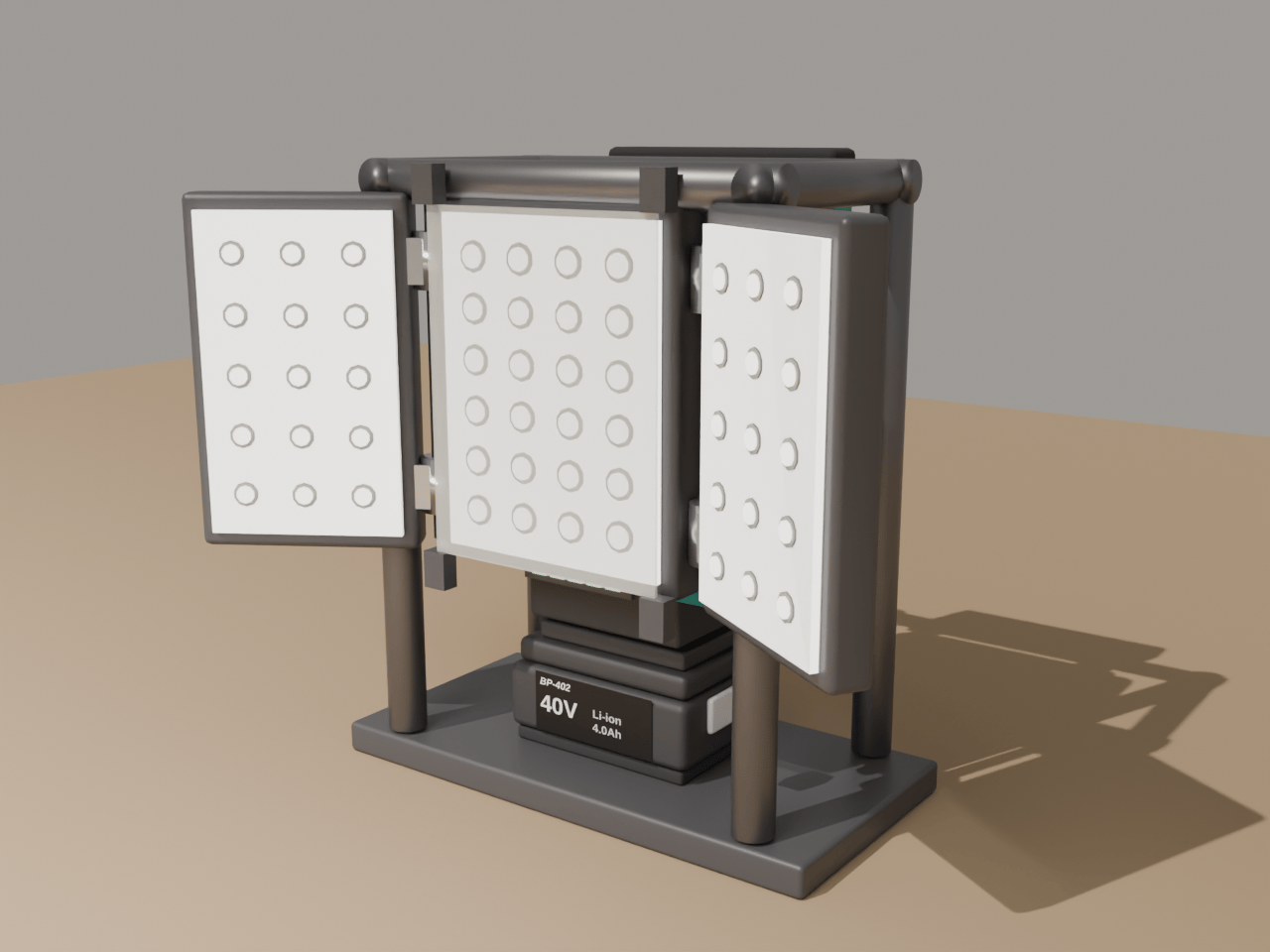
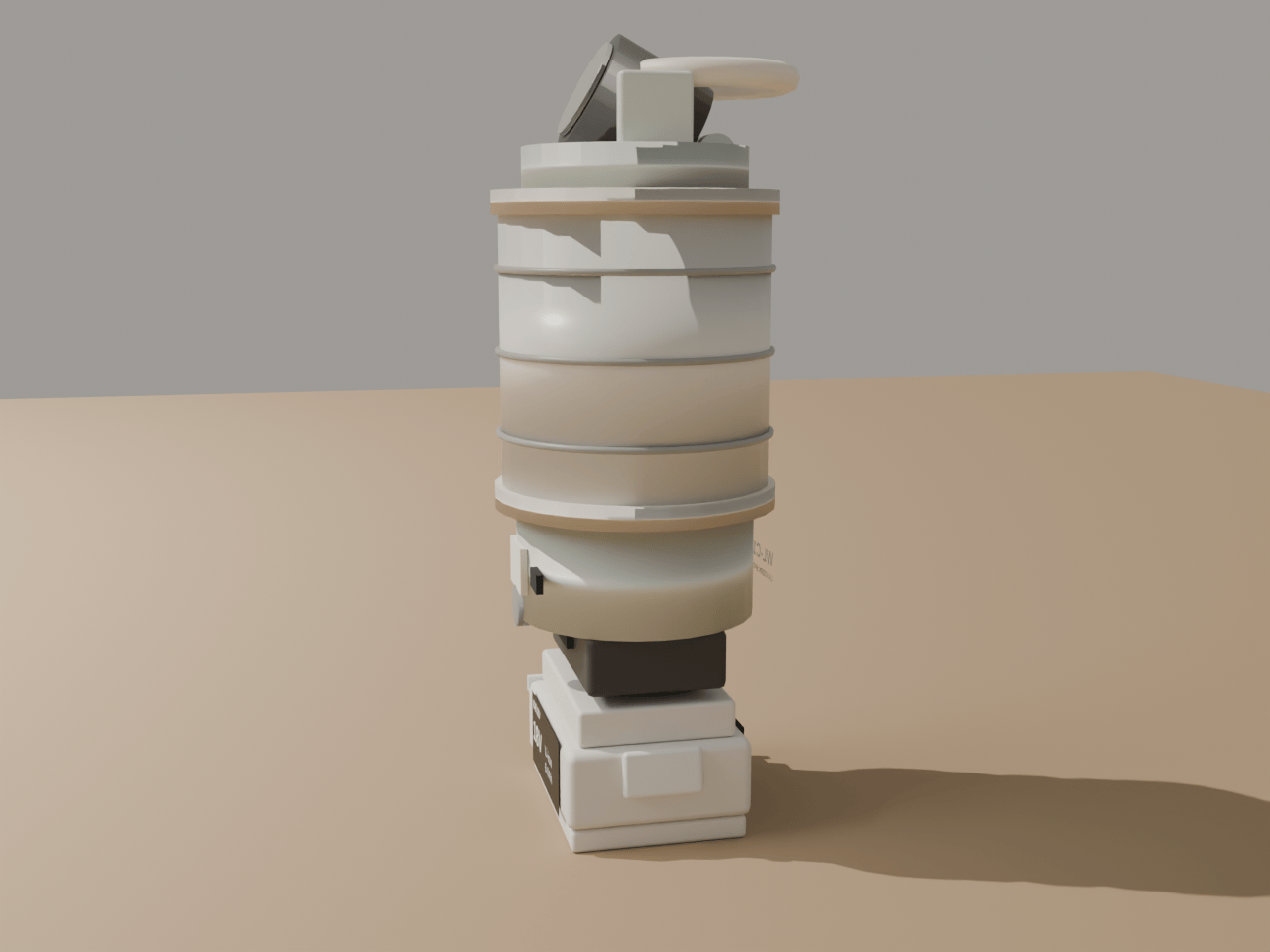
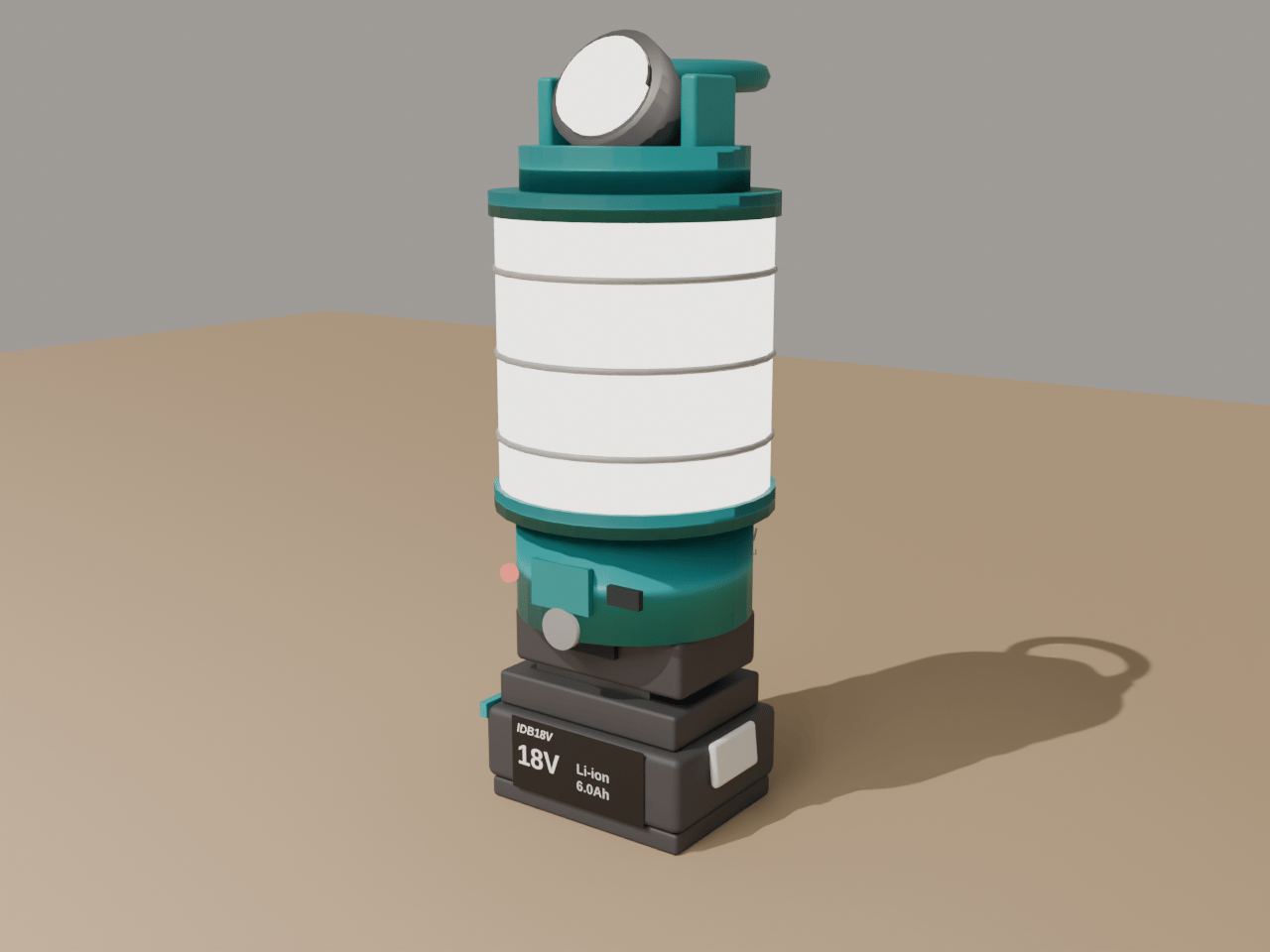
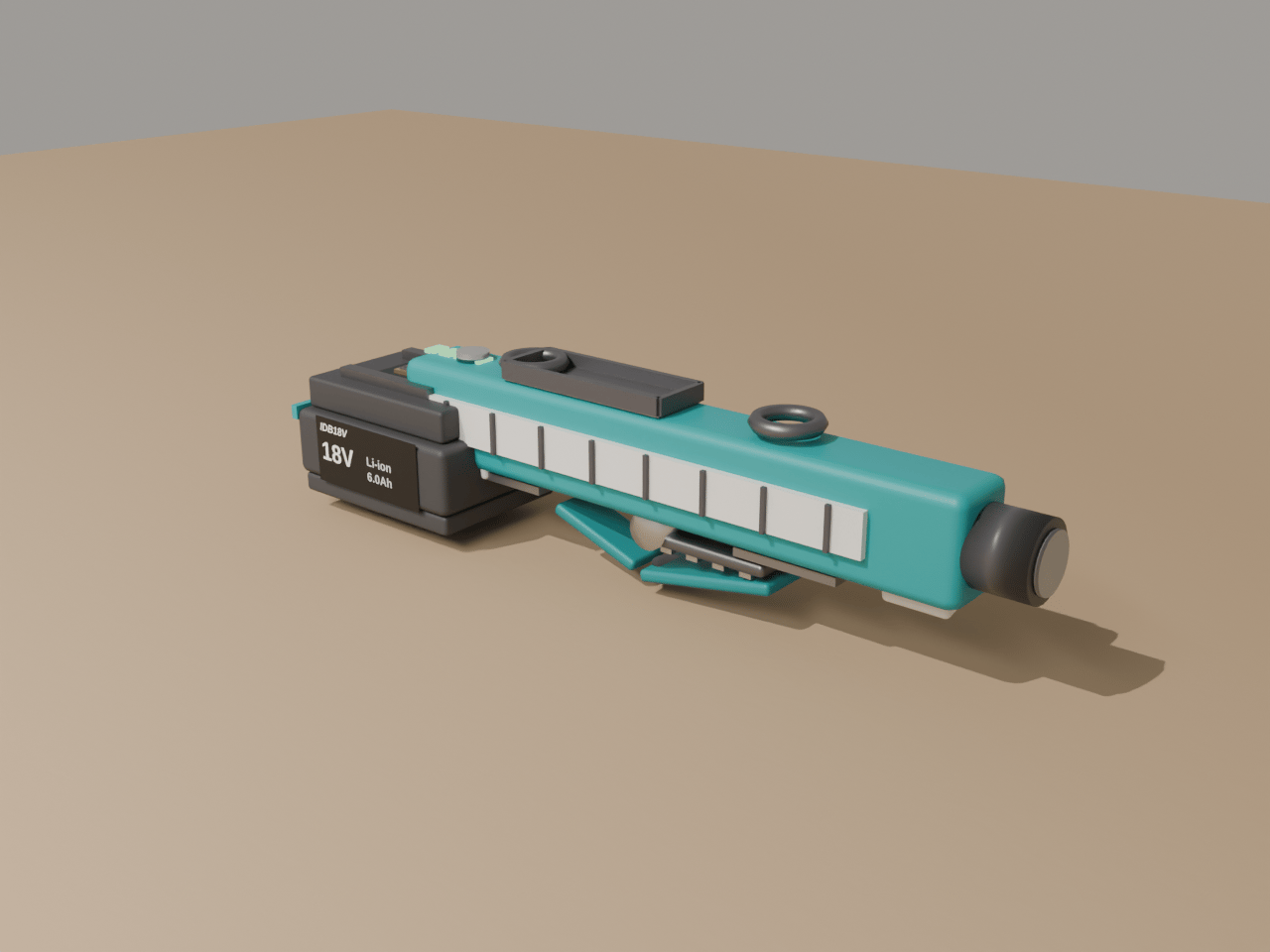
The WORKLIGHT TRIO SET (WL-TRIO) is a set of three rechargeable work light props at real-world scale, made for VRChat worlds, video production and game scenes. The set contains three lights with three different jobs: the WL-P1 Panel Flood is an area flood light whose two side panels open and close in the included animated model; the WL-C1 Lantern Spot combines a 360-degree diffused lantern with a spot head and switches between white and warm light; and the WL-B1 Bar Light is a slim bar that lights the space right in front of your hands. Every light in the set can be switched on and off, and the package includes standard and pastel colours, full and lightweight variants that run on Quest and mobile, a Unity package with a ready-made controller, and the source .blend files. The WL-B1 has magnet shapes on its base and back and a built-in clamp shape; the clamp is a fixed single-pose shape and does not open or close.
■ What's included
- Static models (FBX / OBJ): all 3 lights × full & lightweight × standard & pastel colours
- Animated model (FBX): WL-P1 with opening/closing side panels
- Unity package (WorklightTrio_Unity.unitypackage): controller with light toggles, prefabs for all 3 lights, and a world set (prefab + UdonSharp scripts + editor setup + guide)
- Source .blend files (Blender 4.2 LTS, textures packed) — advanced users; modified files are out of support
- Preview images and GIFs (25 files, same as the listing gallery)
■ How the light toggles work
Light on/off is driven by the "LampOnUnit" node inside each model — show or hide it to switch the light. The WL-C1 warm light uses the "LampWarmUnit" node. The bundled Unity controller exposes the same switches as ToggleLight() and ToggleWarm().
■ Specifications
Models: WL-P1 Panel Flood / WL-C1 Lantern Spot / WL-B1 Bar Light
Polygons (all 3 combined): Full 5,991 (WL-P1 2,861 / WL-C1 1,657 / WL-B1 1,473), 15,070 triangles
Polygons, lightweight (all 3 combined): 3,033 (WL-P1 1,263 / WL-C1 771 / WL-B1 999), 6,674 triangles
Dimensions (battery fitted): WL-P1 409 × 237 × 346 mm (panels open) / WL-C1 122 × 131 × 336 mm (to top of hook) / WL-B1 391 × 81 × 89 mm
Scale: Real-world scale (metres)
Colours: Standard / Pastel (fixed, both included)
Battery labels: WL-P1: BP-402 (40V / Li-ion / 4.0Ah) / WL-C1 & WL-B1: IDB18V (18V / Li-ion / 6.0Ah)
Animation: WL-P1 panel open/close (animated FBX)
Source files: .blend included (overseas edition only, Blender 4.2 LTS)
■ About the making
This prop set was made by AI agents and a human who loves tools, working together and discussing every step.
■ FAQ
- Q: Can I use it in a paid commission / monetized video? A: Monetized videos and streams are covered by the Personal license; paid commissions, client work and use in finished products you sell need the Commercial license. Redistribution of the data itself is never allowed.
- Q: How do I turn the lights on and off? A: Toggle the "LampOnUnit" node in the model, or call ToggleLight() / ToggleWarm() on the bundled Unity controller. The WL-C1 switches between white and warm light the same way.
- Q: Does the WL-P1 really open? A: Yes — the included animated FBX opens and closes the two side panels, and a GIF on this page shows the motion.
- Q: Does the WL-B1 clamp open and close? A: No — the clamp is a fixed single-pose shape. The bar also has magnet shapes on its base and back for placing it against metal surfaces in your scene.
- Q: Can I recolour the lights? A: Colours are fixed (standard and pastel are both included); the included .blend files let advanced users adjust materials at their own responsibility, but modified files are out of support.
- Q: Is it Quest compatible? A: Lightweight variants of all three lights are included (3,033 polygons combined), made for Quest and mobile use.
- Q: Does the Unity package work out of the box? A: Import the unitypackage and follow the bundled guide to place the prefabs. The Unity package has been verified in Unity 2022.3.22f1 with VRChat SDK 3.10.6 (FBX import, script compilation, Udon asset build, and prefab wiring confirmed). Operation in a published world has not been tested, so please check with VRChat's Build & Test before publishing your world.
- Q: Support? A: Replies within 2–3 days.
■ Notes
- This is an original design created with generative AI. It is not a product of any specific manufacturer, and contains no real trademarks, logos or model numbers.
- The source .blend files open in Blender 4.2 LTS only. Modifications are at your own risk; modified files are out of support.
■ Licence
- Personal license: use in your own VRChat worlds/avatars, videos, streams and other personal projects. Monetized videos and streams are fine too — show it off! A link back is appreciated, but not required.
- Commercial license: everything in the Personal license, plus use in paid commissions and client work, plus use in finished products you sell — provided the model data itself is not redistributed in a form where it can be extracted and used on its own.
- Not allowed (both licenses): Redistributing or reselling the model data itself is prohibited — modified or unmodified, free or paid. This includes the included source .blend files. Do not claim the model as your own creation.